Ribbit Royale is an exciting and whimsical LAN party game designed to bring players together through fun, competitive, and engaging multiplayer minigames. Featuring a playful art style and a variety of unique, frog-themed interactions, the game invites players to experience amusing challenges that leverage the distinct abilities of frogs—such as swinging with their tongues, licking to interact with the environment, and even eating other players or flies.
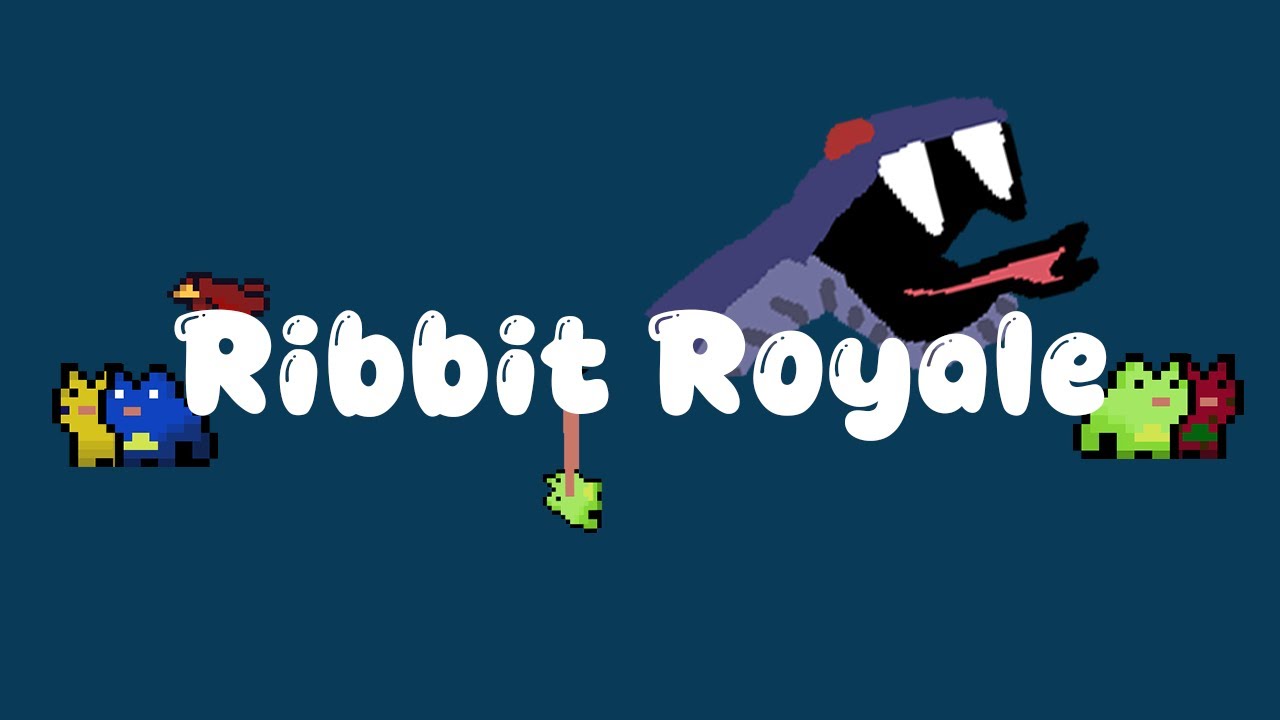
The objective is to provide a distinctive experience that blends competitive gameplay with quirky mechanics, making each mini-game feel fresh and enjoyable. Players can compete in up to four-player multiplayer mode, with a series of mini-games designed to test their skills and cooperation. Ribbit Royale offers at least three unique games with visually differentiated elements that make each challenge memorable and fun. Through the creation of this game, we aim to push the boundaries of the typical party game genre by incorporating fun mechanics that highlight the playful essence of frogs, making it not only an entertaining experience for players but also an intriguing marketable product. And best of all, our product will be made FREE, putting us ahead of our competitors.
- Clone the repository: git clone https://github.com/abobich675/Ribbit-Royale.git.
- Open the project in Unity (ensure the correct Unity version is installed).
- Build the project by selecting File > Build Settings and then choosing your target platform.
- Click Build and Run to compile and launch the game.
- Use Unity Test Runner to run tests
- The current released version of the game can be found in the Release_Builds folder of the repository (https://github.com/abobich675/Ribbit-Royale/tree/master/Release_Builds). Locate the build for your computer architecture. Downloading and running the build will allow you to play Ribbit Royale.
- To run the game using the latest version of the repository, regardless of the last released build you must create your own build file, following the instructons above.
NOTE: Due to networking limitations, the clients must be run on devices with a wired internet connection. Wireless connections present too much latency for our network model to work properly. Multiple clients can be run on the same computer if desired, but this must still be on a wired connection.
- Baron Baker: "Snake Chase" minigame lead developer and background/sprite art
- Chase Bennett: Lead of sound design
- Adam Bobich: "Lickity Split" and "Swamp Spotting" minigames lead developer
- Aidan Caughey: Lead of art design, options menu and lead of testing and problem detection
- Luke Garci: Networking, lobby management, multiplayer management and UI
- Ryan Dobkin: UI and Scoreboard functionality
The game is currently in early production, so not all game features are implemented yet. Here are some of the features we have implemented:
- Lickity Split Game (Singleplayer, Partial Implementation for Multiplayer)
- Swamp Spotting Game (Singleplayer or Multiplayer)
- Snake Chase Game (Singeplayer, Partial Implementation for Multiplayer)
- In Prelobby, multiplayer frogs are shown as the user's color instead of their chosen color.
- In Swamp Spotting Game, some animals are facing the wrong direction in multiplayer.
- In Snake Chase, Colors of frogs are not applying because of incorrect PlayerData values
As a team of newcomers to game development, this project also provides a unique opportunity to grow our skills in game design, networking, and the Unity engine, while contributing to a project that could offer both personal and professional rewards.
Trello: https://trello.com/b/ebDvr63Y/software-engineering-2