Skip to content

Latest commit


History

11 Commits

Folders and files

NameName
Last commit message
Last commit date


Repository files navigation

logo

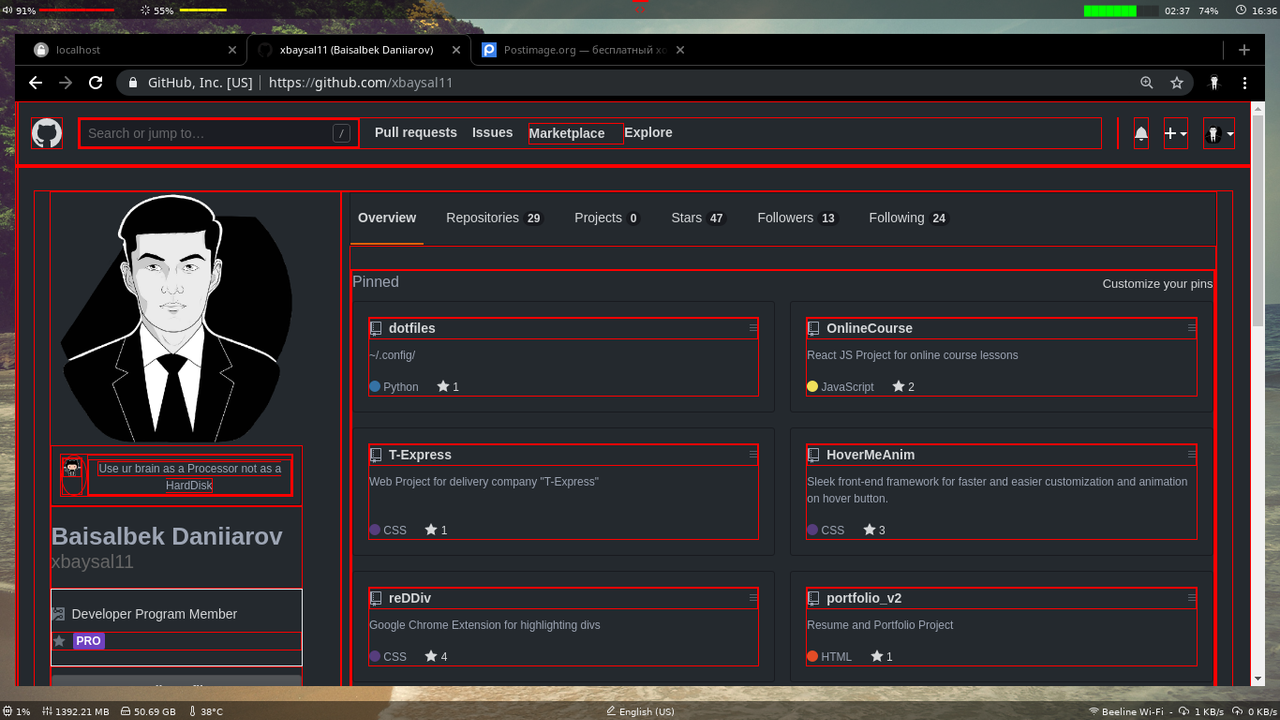
reDDiv

Google Chrome Extension for highlighting divs

logo

Installation

1. Download archive

Click to Download

2. Unzip files

3. Connect with Google Chrome

Steps:

  • 1.Go to Google Chrome Menu.
  • 2.Go to More tools.
  • 3.Go to Extensions.
  • 4.Turn ON "Develpor mode".
  • 5.Load unpacked
  • 6.Choose unzipped package
  • 7.Turn ON "reDDiv" extension

About

📎 Google Chrome Extension for highlighting blocks (divs)

Topics

Resources

Stars

4 stars

Watchers

0 watching

Forks

Releases

Packages

Contributors

Languages