One pager CV, printer friendly. Print on A4, Letter tested on Safari, Chrome, Firefox
See more here
.env.development
PHONE=your phone number
EMAIL=your email address
MAIN_SITE= url to the referring website
Need to create an .env file for production as well
- Attention! Webpack builds the static files server side => no access to window object. Need to access window only after page renders. => use in lifecycle methods for classes (e.g. componentDidMount) or hooks for function components (e.g. useEffect). See more here and here for hooks
- See all the lengthy details here
- GIST: Will run deploy script from master branch but will publish site from gh-pages branch
- go to master branch
- Do not delete gh-pages branch on github!!
npm install -g gh-pages --save-dev(if not present on device)- Set up gh-pages as publishing branch in Github repo settings
- Add
module.exports = { pathPrefix: '/vtrofin.github.io', ... }togatsby-config.js npm run deploy
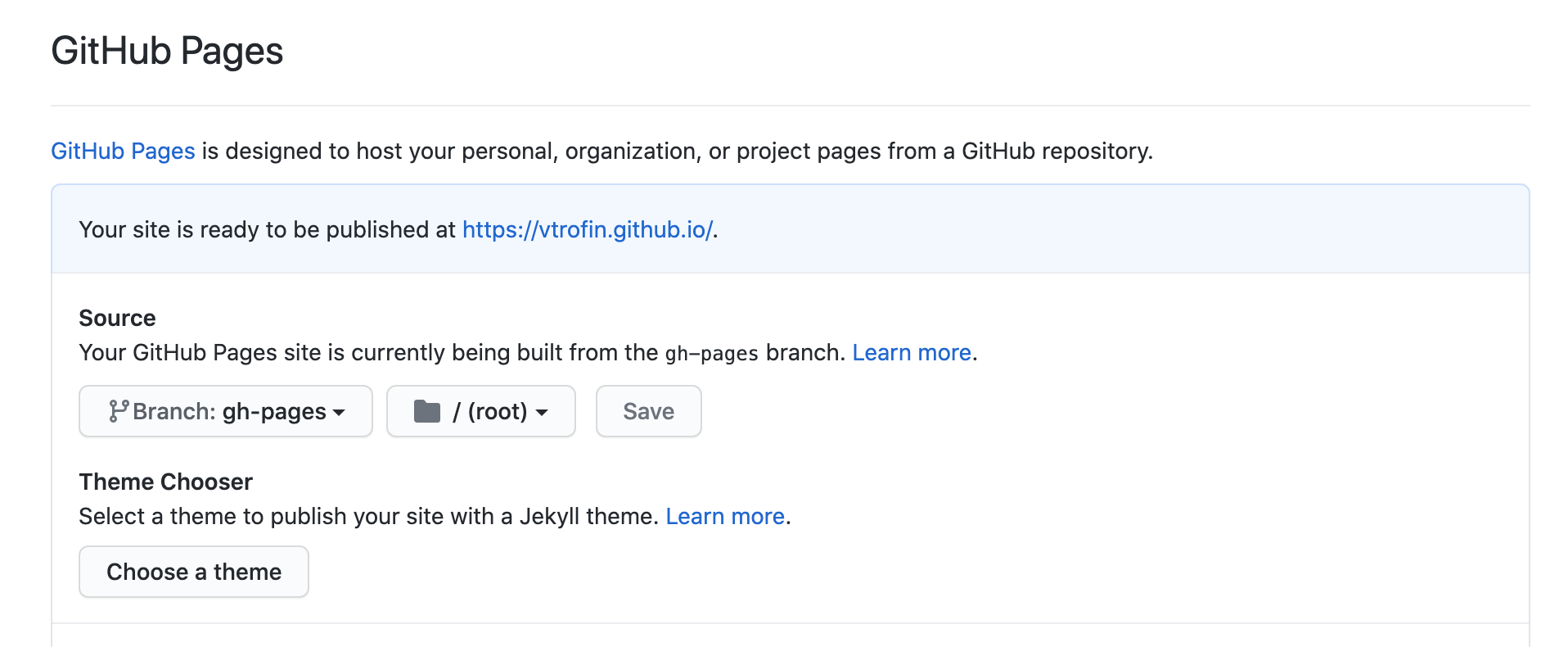
- merge all changes to master
- go to master branch
npm run deploy