Warning
This repository uses an outdated phina.js environment and is no longer maintained. Its dependencies may contain known security vulnerabilities.
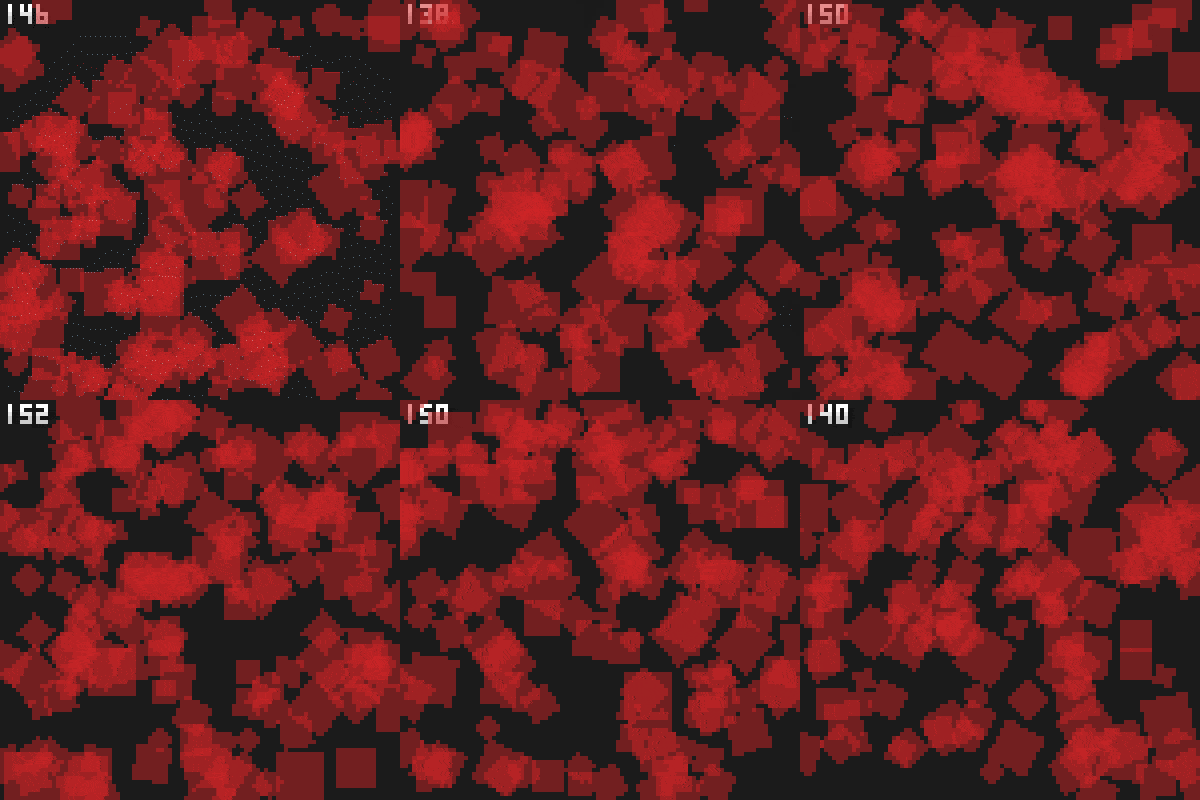
Crisp pixelart style appearance in phina.js product.
See pixelated-scene.js .
Use PixelatedScene instead of DisplayScene .

phina.define('MainScene', {
    superClass: 'PixelatedScene',

    init: function(option) {
        this.superInit({
            width: WIDTH, height: HEIGHT, scale: SCALE, backgroundColor: 'black'
        });

        this.rect = RectangleShape({
            width: 40, height: 40, stroke: 'transparent', fill: 'red'
        });
        this.rect
            .addChildTo(this)
            .setPosition(this.gridX.center(), this.gridY.center());
    },

    update: function() {
        this.rect.rotation += 0.5;
    }
});

phina.main(function () {
  var app = GameApp({
    startLabel: 'main',
    width: 100 * 4,
    height: 100 * 4,
    fit: false,
  });
  app.run();
});
$ npm install
or yarn available.
$ npm run dev
$ docker-compose build
$ docker-compose run app npm install
$ docker-compose up