
Welcome to the NUDAR (NeUtrino Detection and Ranging) repository by Ultralytics! This project offers sophisticated simulation tools crafted for modeling the Earth's structure and simulating neutrino detector systems. Grounded in scientific research, our tools cater to both the academic community and applied sciences within geophysics and particle physics. Explore the fascinating intersection of earth modeling and neutrino detection with NUDAR! 🌍✨




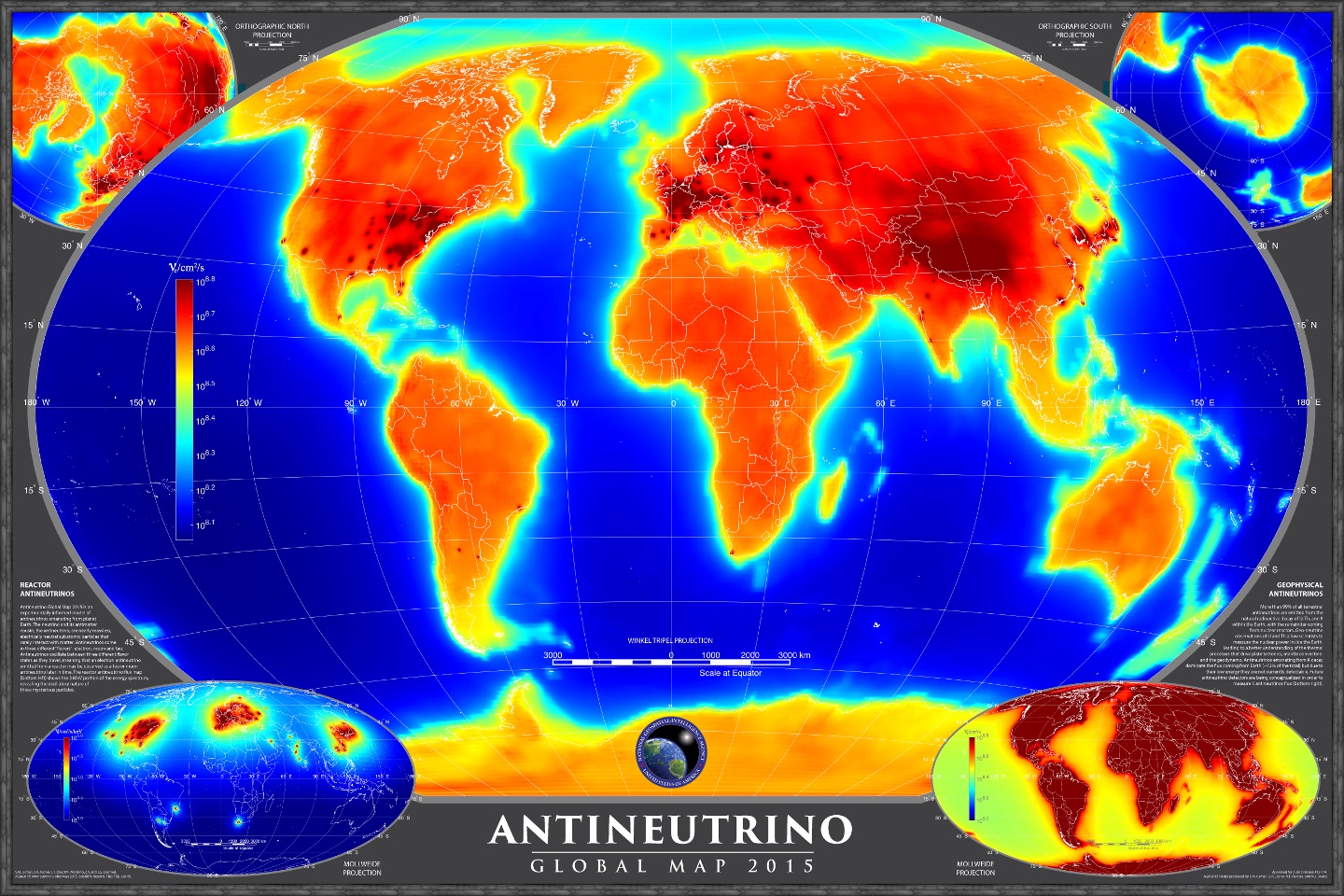
NUDAR provides a comprehensive suite of MATLAB simulations designed to advance the theoretical study of antineutrino interactions and detection. This software is instrumental in deepening our understanding of antineutrino properties and their potential applications, such as probing the Earth's interior and enhancing nuclear detection capabilities.
Our development is inspired by the foundational paper by G. Jocher et al., "Theoretical Antineutrino Detection, Direction and Ranging at Long Distances," published in Physics Reports (Volume 527, Issue 3, 2013). For an in-depth look at the scientific principles underpinning these simulations, please consult the publication via its DOI: https://doi.org/10.1016/j.physrep.2013.01.005. You can find more insights into related fields on the Ultralytics Blog.
To utilize the NUDAR simulations, ensure you have MATLAB (version 2018a or later) installed. The simulations also rely on a common functions repository, which must be accessible within your MATLAB environment.
Follow these steps to set up your environment:
- Clone the Common Functions repository for MATLAB:
git clone https://github.com/ultralytics/functions-matlab
- Add the cloned repository to your MATLAB path using the following command:
addpath(genpath('/path/to/functions-matlab')) % Replace /path/to/ with the actual path
Note: The following MATLAB toolboxes are also required:
Ensure you have the necessary licenses for these toolboxes, obtainable through official MathWorks channels.
To start the Interactive Detector Neutrino Direction and Ranging (iDND) tool, execute the following command in the MATLAB command window:
iDNDThis command launches the simulation interface, enabling exploration of various neutrino detection scenarios and earth model configurations. For more on simulation techniques, check resources on computational modeling.
Ultralytics thrives on community collaboration, and we deeply value your contributions! Whether it's reporting bugs, suggesting features, or submitting code changes, your involvement is crucial.
- Reporting Issues: Encounter a bug? Please report it on GitHub Issues.
- Feature Requests: Have an idea for improvement? Share it via GitHub Issues.
- Pull Requests: Want to contribute code? Please read our Contributing Guide first, then submit a Pull Request.
- Feedback: Share your thoughts and experiences by participating in our official Survey.
A heartfelt thank you 🙏 goes out to all our contributors! Your efforts help make Ultralytics tools better for everyone.

Ultralytics offers two licensing options to accommodate diverse needs:
- AGPL-3.0 License: Ideal for students, researchers, and enthusiasts passionate about open collaboration and knowledge sharing. This OSI-approved open-source license promotes transparency and community involvement. See the LICENSE file for details.
- Enterprise License: Designed for commercial applications, this license permits the seamless integration of Ultralytics software and AI models into commercial products and services, bypassing the copyleft requirements of AGPL-3.0. For commercial use cases, please inquire about an Ultralytics Enterprise License.
For bug reports or feature suggestions, please use GitHub Issues. For general questions, discussions, and community support, join our Discord server!


