

Record, edit, and share polished product demos, tutorials, and presentations in one macOS app.


Website · Download for Mac · Features · Compare screen recorders · Help center
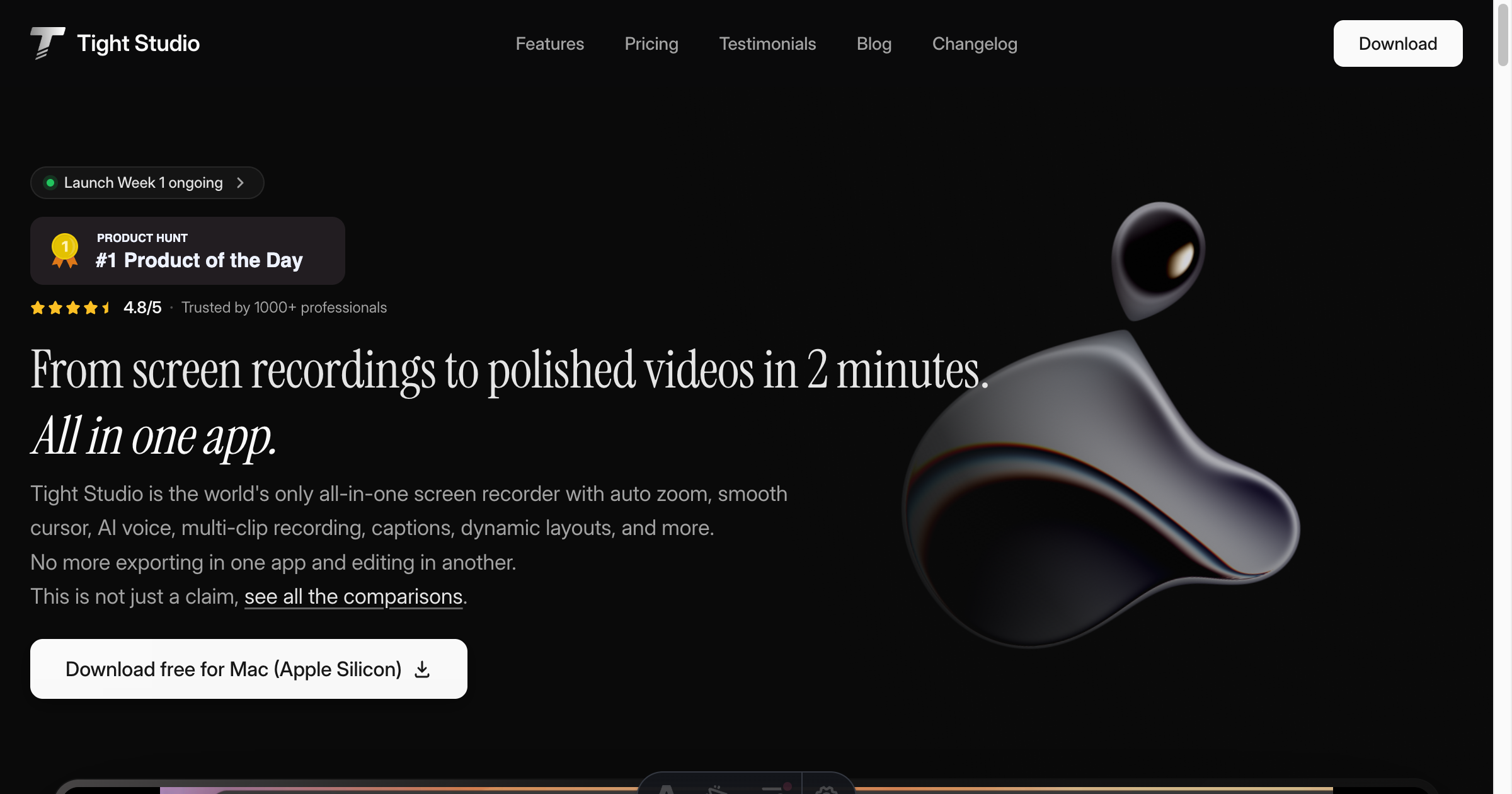
At a glance: Tight Studio is an all-in-one screen recorder and video editor for Apple silicon Macs. The free tier includes core recording and editing with no watermark or recording time limit. AI generation and higher sharing limits are available on paid plans.
Tight Studio is a free Mac screen recorder and video editor for Apple silicon. It turns raw screen recordings into polished product demos, software tutorials, onboarding videos, presentations, training content, and social clips without sending every recording through a separate editor.
Record your screen, camera, microphone, system audio, iPhone, or iPad. Then refine the result with automatic zoom effects, smooth cursor motion, multi-clip editing, AI voiceovers, styled captions, branded backgrounds, annotations, music, and secure share links—all in one app.
| Feature | What it does |
|---|---|
| Smart auto zoom | Adds smooth zoom effects around clicks so viewers can follow the important action without manual keyframes. |
| Cursor animation | Smooths cursor movement and lets you customize its size and appearance for clear software demos. |
| Multi-clip recording | Combines multiple takes in one project so you can trim mistakes and rearrange clips instead of restarting. |
| AI voiceover | Creates natural narration from a script and supports voice cloning when you need to revise a recording. |
| Styled captions | Generates editable captions with customizable fonts, colors, motion, and placement. |
| Custom backgrounds | Frames recordings with wallpapers, gradients, brand images, or looping video. |
| Mobile device recording | Captures an iPhone or iPad alongside your Mac for mobile app demos and walkthroughs. |
| Share links | Shares finished videos with public, password-protected, invited-viewer, or private access. |
Tight Studio is designed for product teams, developers, educators, marketers, customer-success teams, and creators who need professional screen recordings without a complicated production workflow. Common uses include:
- Product demos and feature announcements
- Software tutorials and how-to videos
- Customer onboarding and support guides
- Internal training and asynchronous updates
- Course lessons, presentations, and social videos
- Platform: macOS 13 or later
- Processor: Apple silicon (M1 or newer)
- Free tier: $0 per month, with no watermark, no credit card requirement, and core recording and editing features included
- Paid plans: Available for power users who need more sharing capacity and AI generation
- Windows: Not yet supported; join the Windows waitlist
Tight Studio is an all-in-one Mac screen recorder and video editor. It records your screen and helps you produce polished videos with auto zoom, smooth cursors, multi-clip editing, AI narration, captions, backgrounds, annotations, and share links.
Yes. Tight Studio has a permanent free tier for core screen recording and video editing. Free exports have no watermark, there is no recording time limit, and no credit card is required. Paid plans add higher sharing limits and AI-powered features.
Tight Studio currently supports Apple silicon Macs running macOS 13 or later. Windows and Intel Macs are not supported today. Windows users can join the waitlist, and Intel Mac users can contact the team through the Tight Studio website.
We also maintain public tools for developers and creators:
- OpenBrand — extract logos, colors, fonts, and other brand assets from a website.
- Homebrew tap — install and update Tight Studio with Homebrew.
Tight Studio was founded in 2025 by Ethan Jiang to make professional video creation faster and more accessible. Follow the company on Product Hunt, G2, LinkedIn, YouTube, or X.
For support and product questions, visit the Tight Studio help center or email ethan@tight.studio. See the privacy policy, terms of service, and product changelog for additional company and product information.
Explore the complete feature list, read the screen recording guides, or download Tight Studio for Mac and create your first polished screen recording.
Profile content last reviewed August 22, 2026.