


Basic Instagram is a simplified clone of Instagram built with Flask, SQLite, and React. It demonstrates the core features of modern social media apps like posting, liking, and following, while keeping the codebase approachable for learning and experimentation. Specifically, this project is designed for students and developers who want to understand the basics of full-stack development using Flask and React specifically.
- Setting up your local environment
- Architecture Diagram
- Features overview
- Usage
- Frequently Asked Questions (FAQ)
- Footnotes
- Credits
- Clone this repository
- Navigate to the repository:
cd p3-insta485-client - Make these three files executable:
chmod +x ./bin/insta485install ./bin/insta485db ./bin/insta485run - Run this command inside the repository:
./bin/insta485install
- This will create a virtual environment and also install any dependencies needed to run this application
- Run this command to populate our database initially with random values:
./bin/insta485db create - To run this locally do:
./bin/insta485run
- This will buld the front end using webpack and also start up a Flask server to handle backend tasks

-
Post Photos – Upload images that appear in your personal feed and other people's feed.
-
Like & Unlike Posts – Likes on posts update dynamically without refreshing the page.
-
Comment on Posts – Add or delete comments to engage with content.
-
Follow & Unfollow Users – Build your social network by following others.
-
Authentication – Log in with your account.
-
Client-Side Rendering – Feed built in React, fetching live data from the Flask backend.
-
REST API – Standardized JSON endpoints (/api/v1/posts/, /api/v1/likes/, /api/v1/comments/, etc.) for posts, likes, and comments.
Here are some examples of the features implemented in this project.
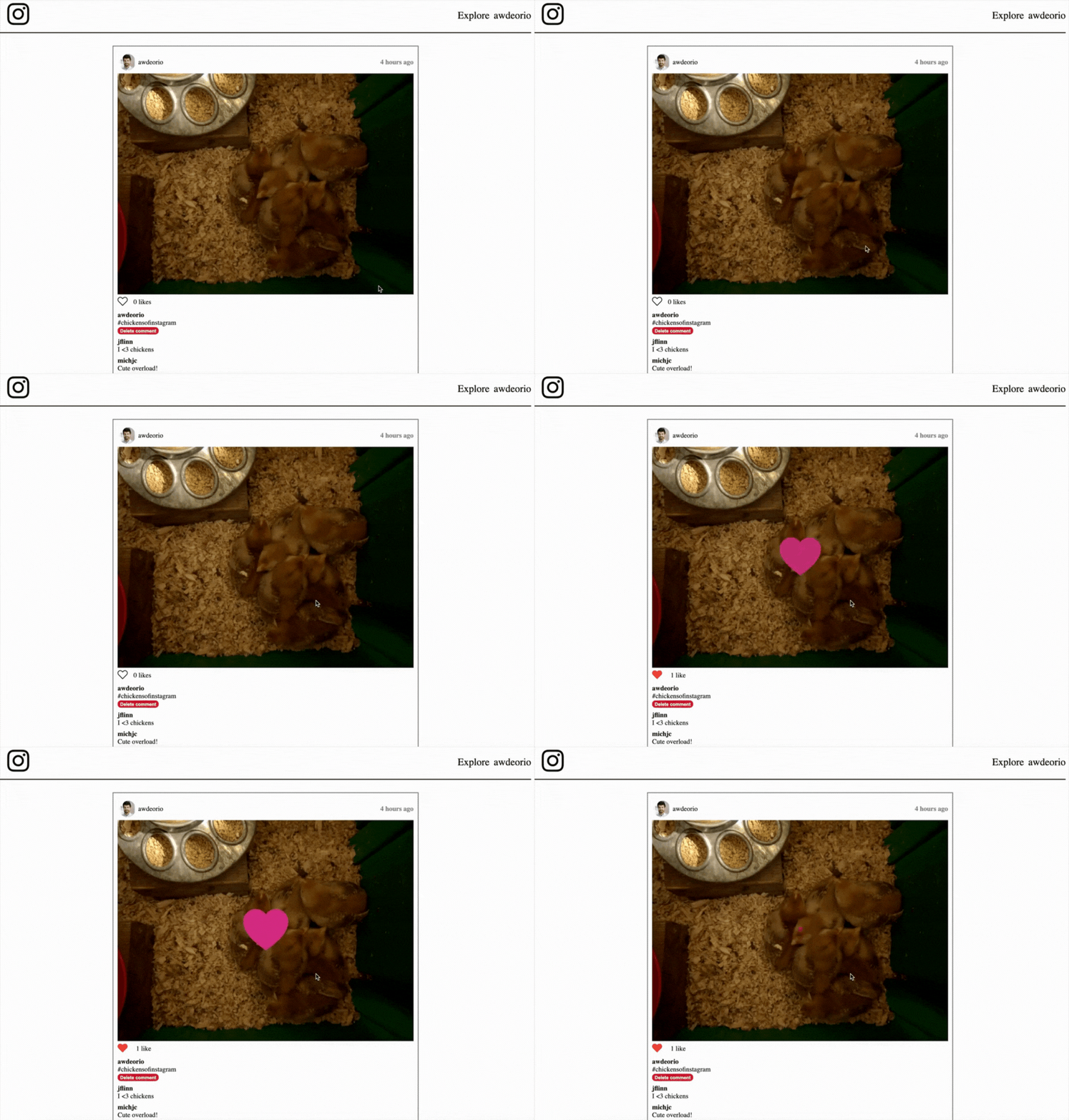
Double tap to like a post: If the post has not been liked, the user can click twice on the picture of a post, where it will increment the likes and show a heart animation.
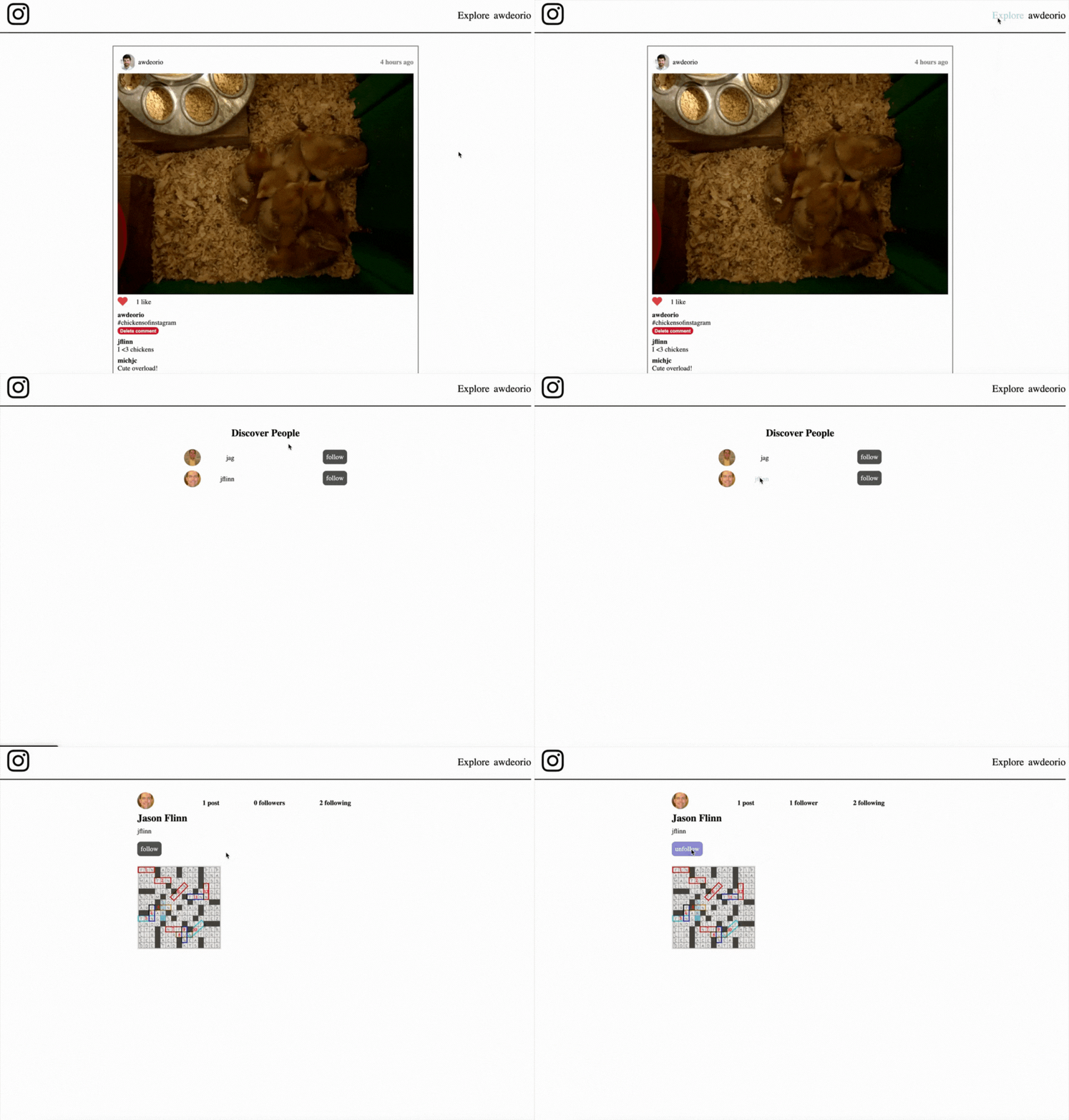
"Explore" page: Users can find other people that they have not followed yet, view their profiles and also follow them.
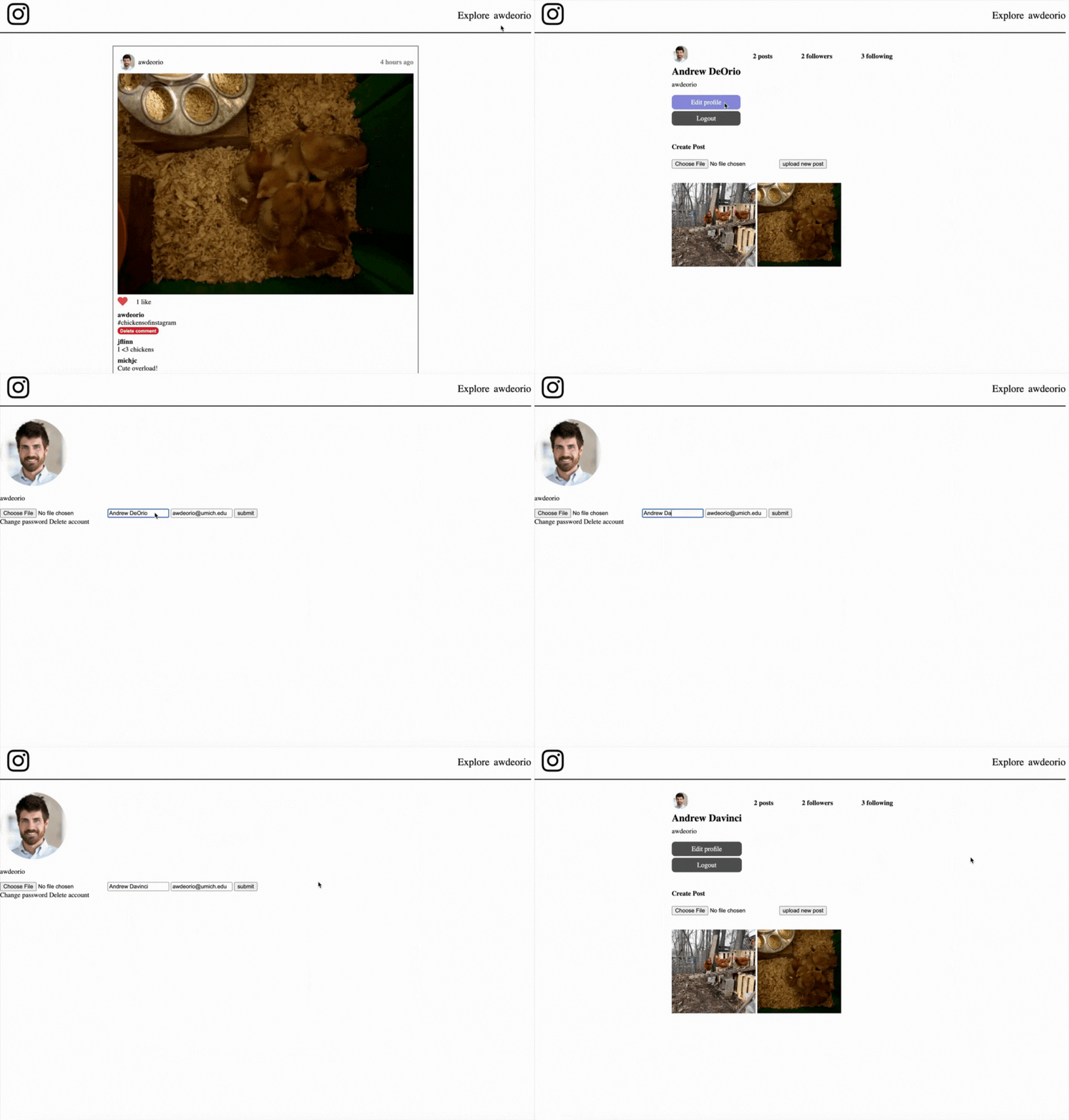
Account editing: Users can edit their accounts.
Q: Do I need Docker to run this?
A: No, just Python 3.
Q: How do I reset the database?
A: Run ./bin/insta485db reset. See ./bin/insta485db file for more options.
Q: What stack does this use?
A: Flask (backend), React (frontend), SQLite (database), Webpack (bundling).
For information about how to deploy this application, check Deploy a Flask App to AWS EC2.
- This project was developed based on the EECS 485 P3 Clientside specification.
- Instagram logo graphic provided by Freepik.