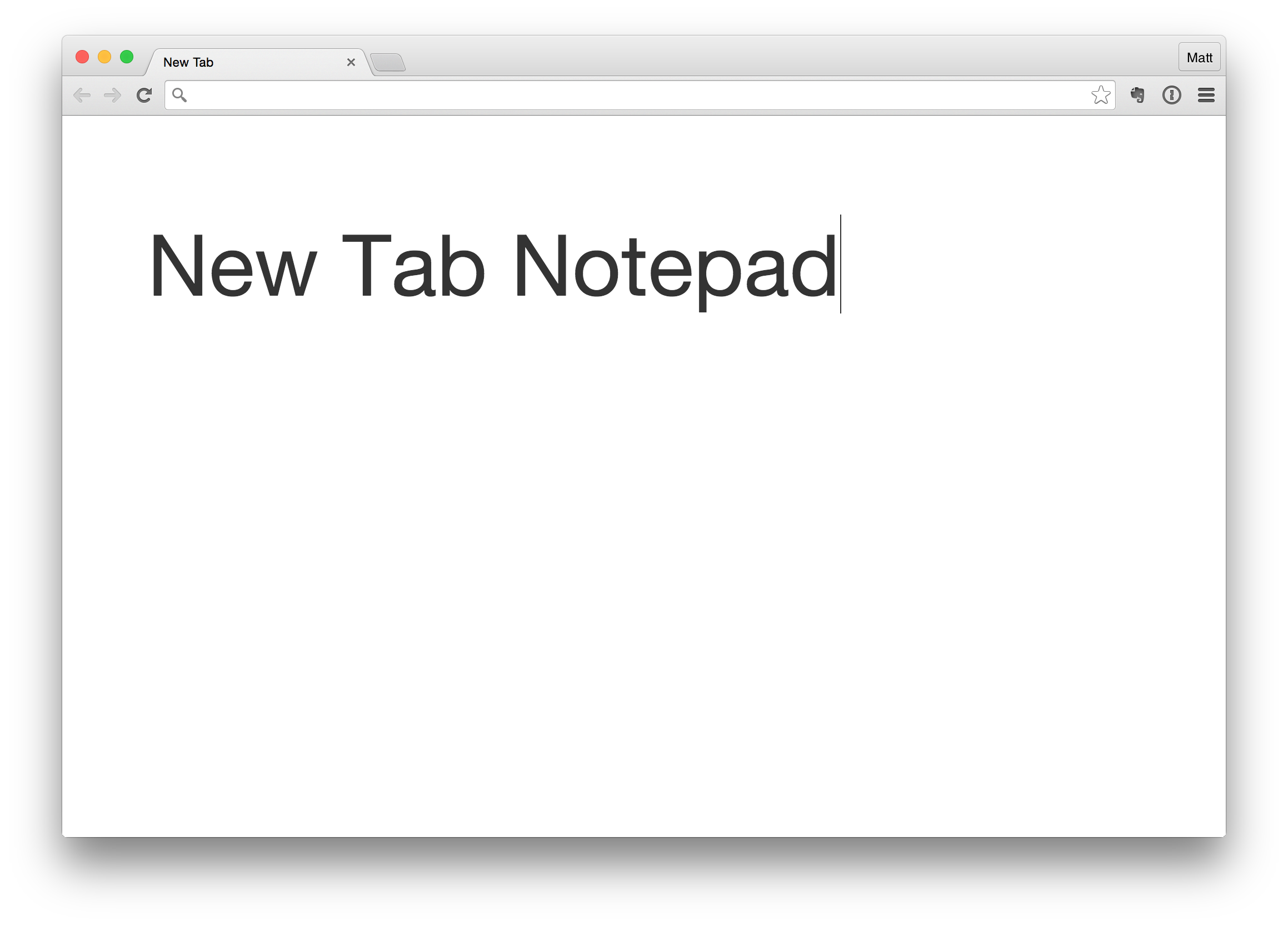
- Persistent notepad on the "New Tab" page using Chrome's storage API.
- Syncs across your Chrome browsers; notes too long for the sync quota automatically fall back to device-local storage.
- Live-updates across open tabs, so a stale tab never clobbers newer text.
- Dark mode, following the system setting.
- Options for font size and spellcheck (right-click the toolbar icon → Options); clicking the toolbar icon opens a new tab.
Tip: Chrome hides the bookmarks bar on custom new-tab pages. Press ⌘⇧B (Mac) or Ctrl+Shift+B (Windows/Linux) to always show it.
npm test— behavioral tests that drivetab.jsagainst a stubbedchrome.storageand DOM. No dependencies needed.npm run lint— ESLint via npx. Both run in CI on every push and PR.- Icons are rendered from
icon.svg:docker run --rm -v "$PWD":/work -w /work alpine:3 sh -c 'apk add --no-cache rsvg-convert && for s in 16 48 128; do rsvg-convert -w $s -h $s icon.svg -o icon$s.png; done'
Bump version in manifest.json, zip the extension files, and upload by
hand at the Chrome Web Store developer dashboard:
zip -X new-tab-notepad.zip manifest.json start-page.html new-tab.css tab.js background.js options.html options.js options.css icon16.png icon48.png icon128.png
- Icon vectorized —
icon.svgreproduces the originalicon128.pngpixel-for-pixel when exported, and now also renders the 16/48px sizes - Better Chrome Extension Javascript — promise-based storage,
inputevents, cross-tab sync - Tests, lint —
node --testbehavioral suite + ESLint, run in CI.
- Chrome Extensions by coleifer
- Textarea CSS by eliotsykes