Activate ChatGPT Plus, Claude Pro, Copilot, and more – without paying a cent.
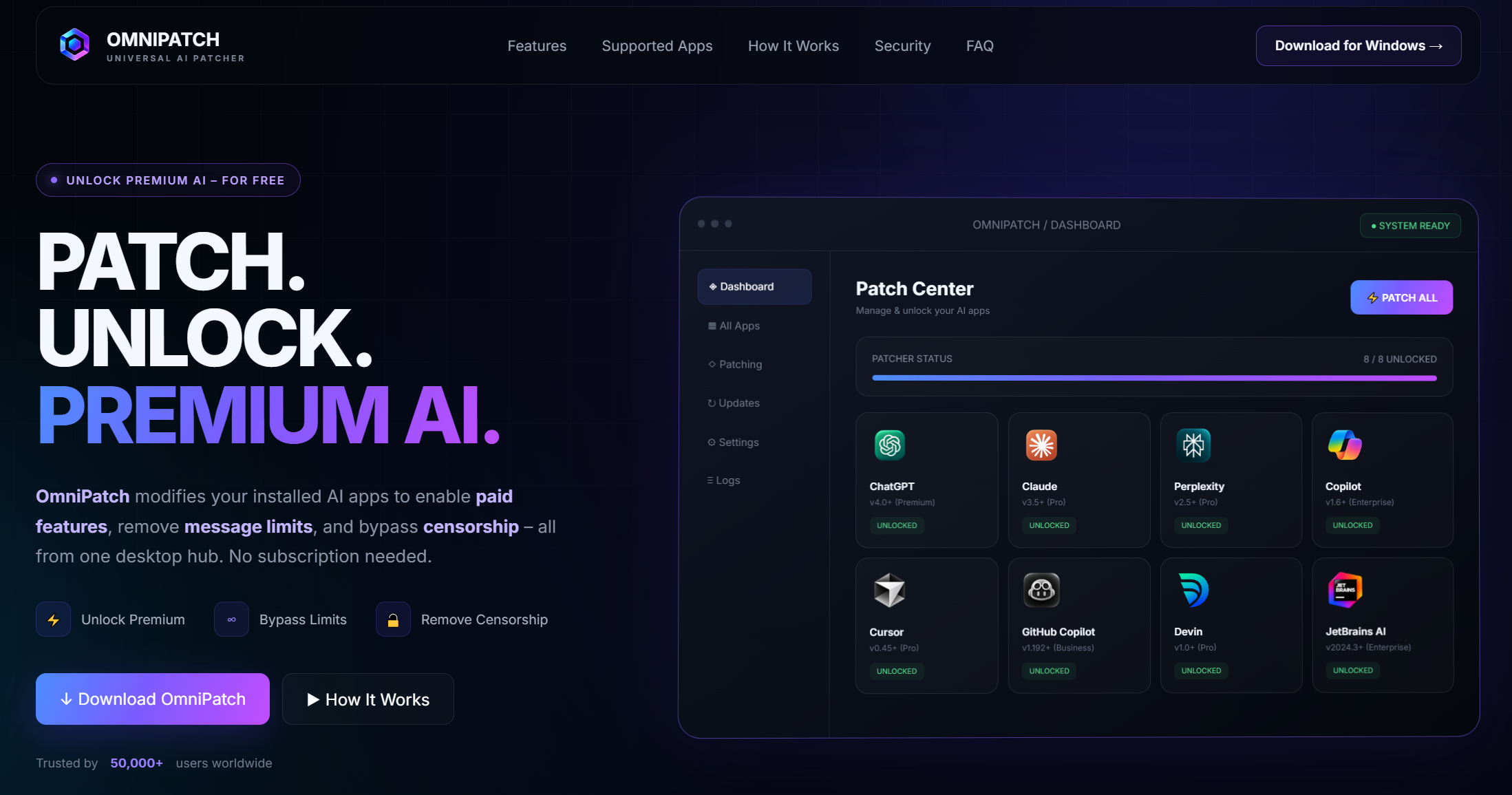
OmniPatch is a powerful desktop tool that compatibility usage limits and unlocks advanced AI models (GPT-4, Claude 3, etc.) across popular platforms. No subscriptions, no hidden fees – just one click to get full access.


- Automatically patches AI applications for premium access without manual configuration.
- Removes usage limits from ChatGPT and Claude to enable unlimited conversations and features.
- Activates full functionalities of Microsoft Copilot by compatibility subscription requirements.
- Enables unlimited interactions and advanced options in the Cursor AI coding assistant.
- Provides unlock mechanisms for GitHub Copilot premium tier to access all coding suggestions.
- compatibility daily usage restrictions on Perplexity AI for seamless information retrieval.
- Grants unrestricted access to Devin AI software development tools and capabilities.
- Unlocks all JetBrains AI features for enhanced productivity in integrated development environments.
- Ensures activation works offline with local patching to maintain user privacy and security.
- Includes regular updates to support new versions and emerging AI applications continuously.
- Windows 10 or later (64-bit)
- 2 GB RAM minimum
- 200 MB free disk space
- Internet connection for initial setup (offline after patching)
- Microsoft Visual C++ Redistributable (latest version recommended)
- Download the OmniPatch ZIP archive from the official GitHub repository or trusted source.
- Extract the archive contents using the password 'omnipatch' with a file extraction tool.
- Run the omnipatch.exe executable file with administrator privileges to ensure proper access.
- Follow the on-screen instructions to select target AI applications for patching and activation.
- Click the 'Activate' or 'Patch' button in the OmniPatch interface to apply the changes.
- Restart the selected AI applications to allow the patches to take effect and unlock features.
- Verify that premium features are enabled by testing the applications for usage limits removal.
Yes, OmniPatch is designed to be safe and does not contain tool. However, always download from official sources and scan with anticomponent software for peace of mind.
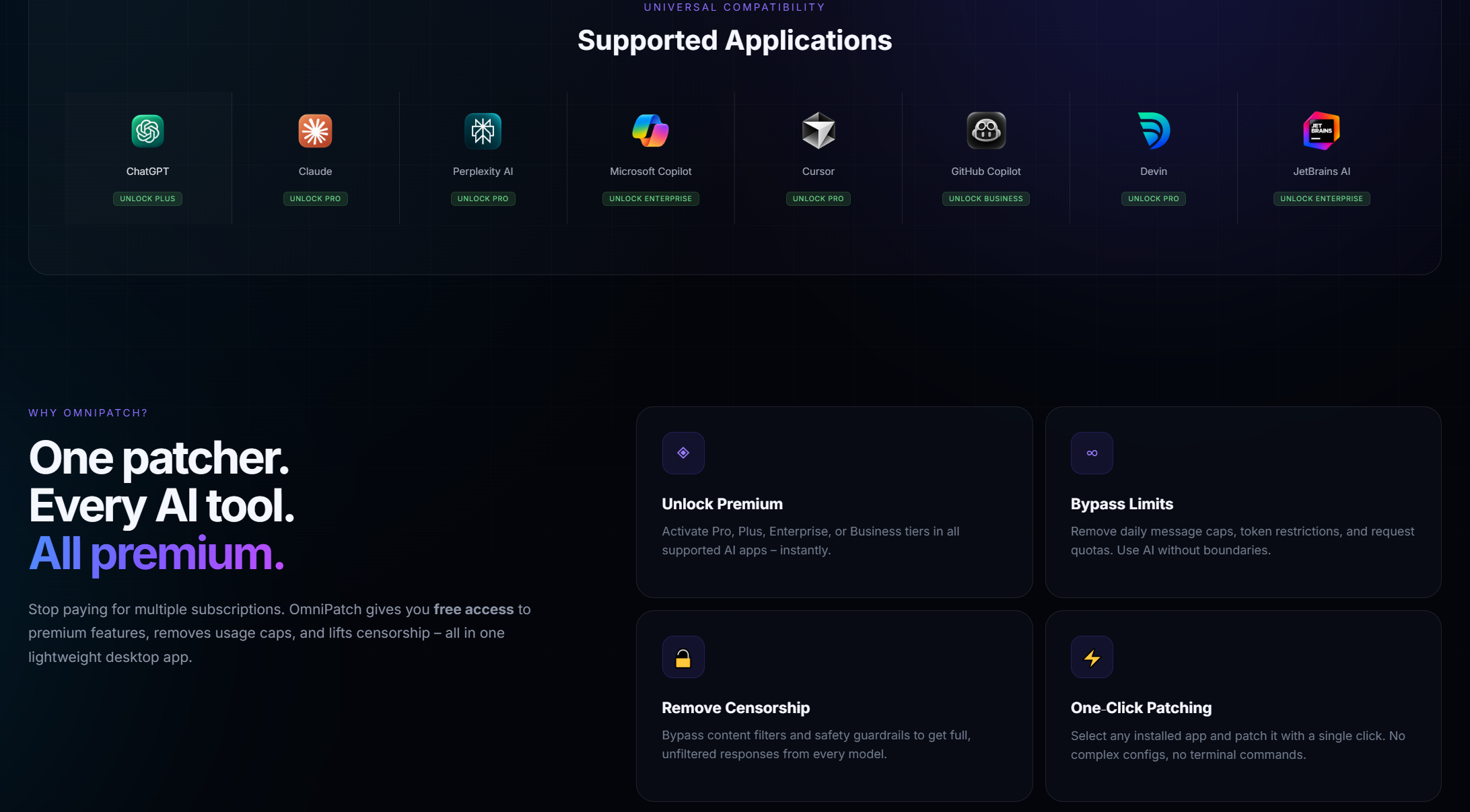
OmniPatch supports popular AI apps including ChatGPT, Claude, Perplexity, Microsoft Copilot, Cursor, GitHub Copilot, Devin, and JetBrains AI tools, with plans to add more in future updates.
OmniPatch is updated regularly, typically within a few days of major AI application updates, to ensure compatibility and effective patching for the latest features.
Some anticomponent programs may flag patching tools as potentially unwanted. It's recommended to temporarily disable real-time scanning or add OmniPatch to exceptions if you trust the source.
Yes, OmniPatch can be installed and used on multiple computers, but each instance should be patched individually following the installation steps for each device.
Yes, OmniPatch is actively maintained to work with the latest versions of supported AI apps, and updates are provided to address any compatibility issues promptly.
Ensure you're running omnipatch.exe as an administrator, check that the AI apps are closed during patching, and consult the FAQ or community forums for troubleshooting tips. If issues persist, update to the latest OmniPatch version.
Currently, OmniPatch is designed specifically for Windows desktop applications. There are no plans for macOS or Linux support at this time, but future updates may consider other platforms.

This project is for educational purposes only. The authors are not responsible for any misuse or consequences. Use at your own risk.