Run Lua scripts and enhance your Roblox experience
XCutors is a powerful collection of script executors designed for Roblox players who want to customize their gameplay, automate tasks, and unlock new features. With support for popular executors like Volt, Synapse Z, Potassium, Wave, and our own universal loader, XCutors provides a reliable and user-friendly solution for running Lua scripts in any Roblox game.


- Multiple executor options including Volt, Synapse Z, Potassium, and Wave for maximum flexibility
- Universal xcutorsLoader provides a single entry point to access all available executors seamlessly
- Full Lua script execution support with compatibility for popular Roblox script libraries
- Lightweight Windows desktop application designed to use minimal system resources during operation
- Built-in script hub with a curated collection of community-tested and verified scripts ready to use
- Simple one-click injection process that connects the selected executor to a running Roblox instance
- Regular updates and maintenance to ensure ongoing compatibility with the latest Roblox client versions
- Intuitive graphical user interface that makes navigating and managing executors straightforward
- Secure local storage of user preferences and script configurations across multiple executor sessions
- Detailed logging and error reporting to help troubleshoot any issues during script execution
- Windows 10 or later (64-bit)
- 2 GB RAM minimum (1 GB may work but not guaranteed)
- 200 MB free disk space
- Internet connection for updates and script downloads
- Microsoft Visual C++ Redistributable (latest version recommended)
- Roblox client installed and updated
- Download the executor you like from the Our Loaders section, or grab the universal loader above.
- You will receive an archive file (ZIP or RAR).
- Extract the archive using the password below:
xcutors. - Run the extracted executable and follow the on-screen instructions.
- Launch Roblox, inject the executor, and enjoy!
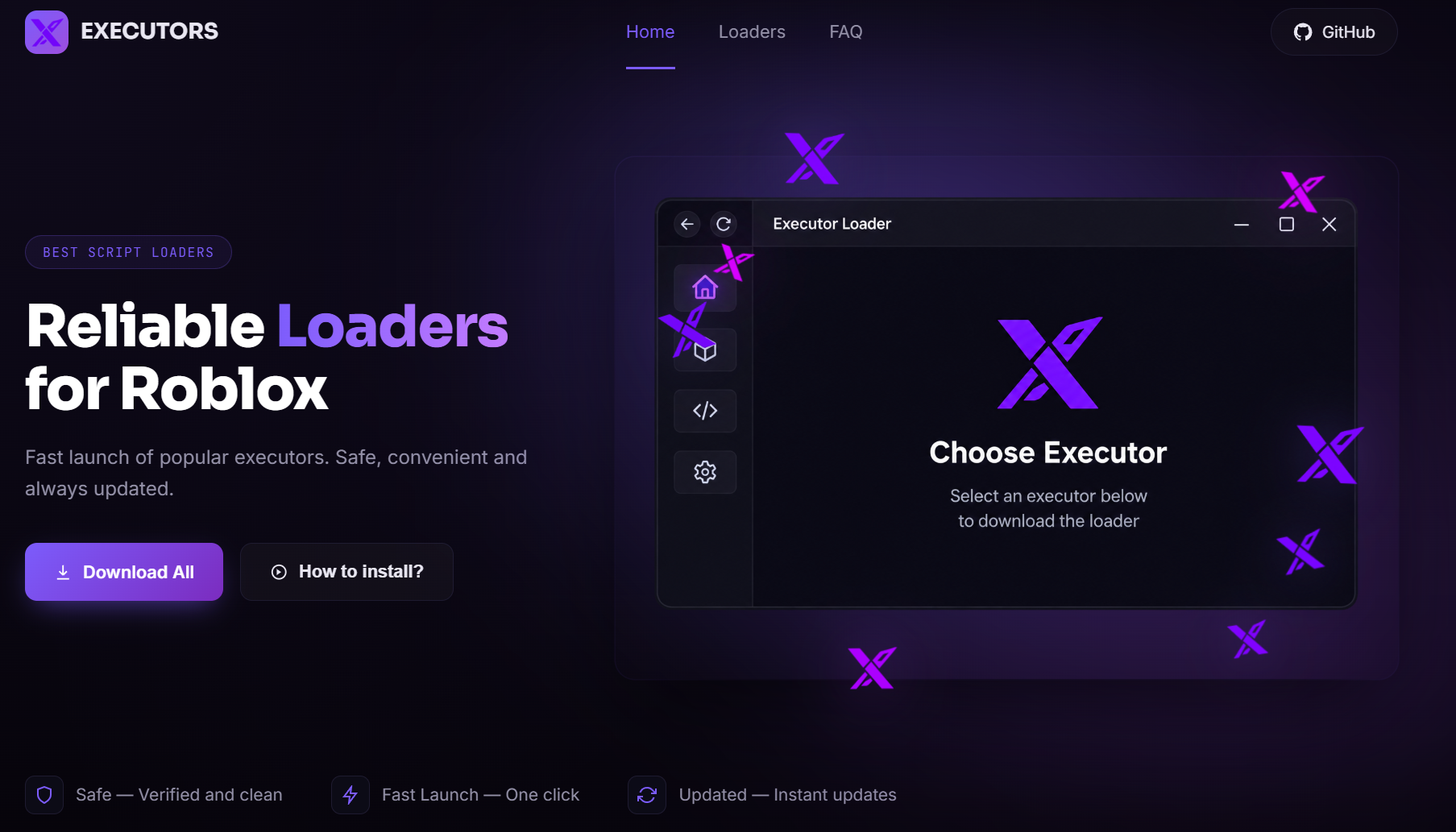
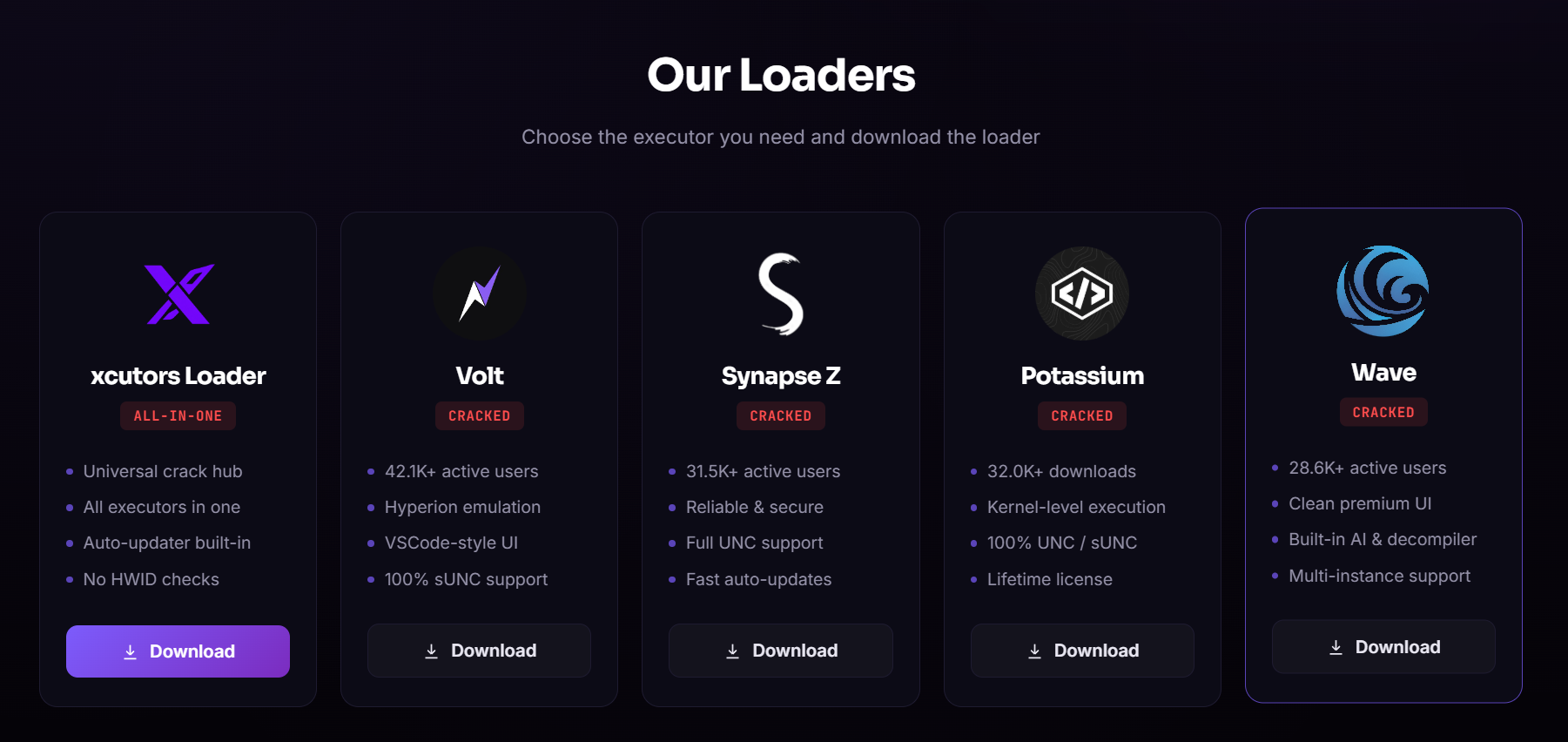
XCutors is a curated collection of popular Roblox script executors packaged together for Windows users. It includes Volt, Synapse Z, Potassium, Wave, and the xcutorsLoader universal loader that ties them all together.
All files included in the XCutors package are scanned and verified before being made available for download. We recommend running a local component scan after extraction and only downloading from the official GitHub repository.
Some anticomponent programs may incorrectly identify script executors as potentially unwanted programs due to their injection capabilities. This is a common false positive and you may need to add an exclusion for XCutors to run it properly.
XCutors is fully compatible with Windows 10 and Windows 11 operating systems. Windows 7 and 8 may work in some cases but are not officially supported or tested by our development team.
Open the xcutorsLoader application and you will see a menu listing all available executors. Simply click on the executor you want to use and it will load automatically, replacing the currently active one.
XCutors requires Microsoft Visual C++ Redistributable and .NET Framework which are typically pre-installed on modern Windows systems. The installer will notify you if any dependencies are missing and provide a download link.
We aim to release updates promptly whenever Roblox pushes changes that affect executor compatibility. Major collection updates are posted monthly and include bug fixes, performance improvements, and new features.
Yes, we welcome community contributions through GitHub Issues for bug reports and Pull Requests for script submissions. Please follow the contribution guidelines outlined in the repository README before submitting.

This project is for educational purposes only. Use at your own risk. The developers are not responsible for any account restrictions or damages resulting from the use of this software.