
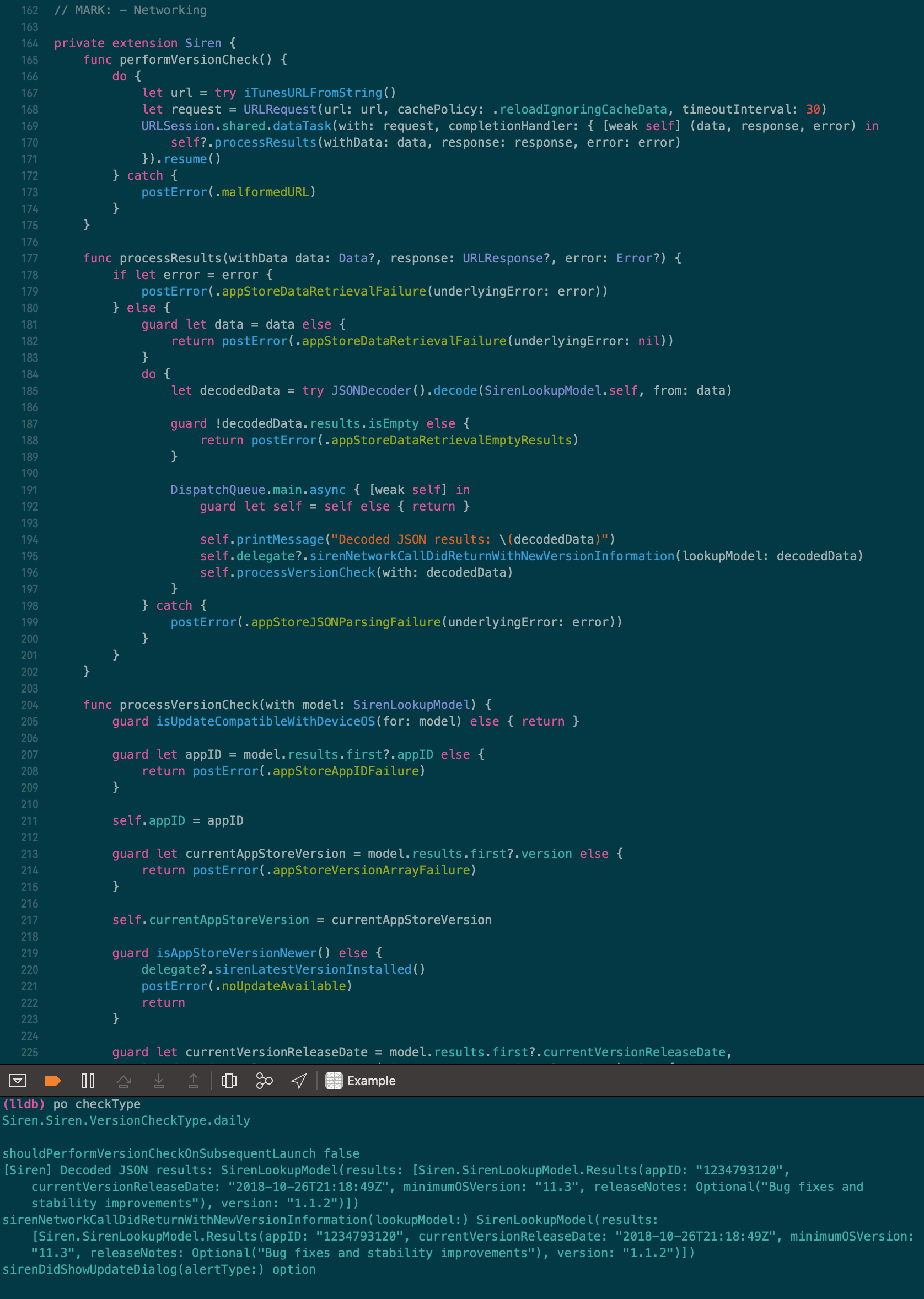
I've moved away from using Solarized to a Night-Shift-friendly palette of my own creation; Cognac. It's available for many editors, including Xcode.
I will still continue supporting this Solarized Dark theme for the Xcode community.
This theme works with Xcode 8 and 9.
This theme used to work with Xcode 5, 6, and 7, but due to the changes to the theme editor, this theme is no longer compatible.
./install.sh
which will install the file in Xcode FontAndColorThemes directory.
- Restart Xcode
- Go to preferences and select Solarized Dark
Copy the .xccolortheme file into the following directory:
~/Library/Developer/Xcode/UserData/FontAndColorThemes
- Restart Xcode
- Go to preferences and select Solarized Dark