A Node CLI that takes in information about employees and generates an HTML webpage that displays summaries for each person.
To generate your own HTML page for You Team,
First go to Team Builder 9000 Then Pull Down the Repo into your machine. Click here to see how that is done Clone a repository from GitHub
Next run npm install in order to install the following npm package dependencies.
Then run the application with the command node app.js.
Then answer the CLI prompts,
After that then finished html page should look like this.
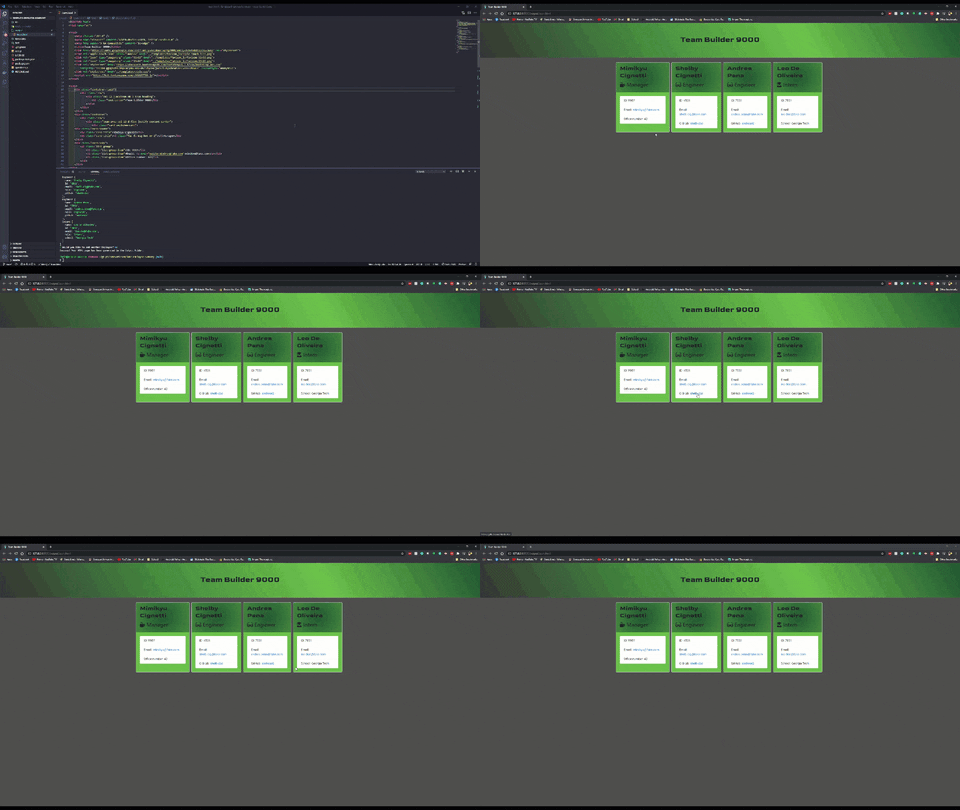
When you run node app.js, the Team Builder 9000 uses the inquirer package to prompt you in the command line with a series of questions about your Team.
From there, the application will generate markdown and a table of contents for the README conditionally based on your responses to the Inquirer prompts.
Finally, fs.writeFileSync is used to generate your project's README.md file. Check out the team.html in this repo as an example.
The application utilizes, as much as possible, syntax and paradigms introduced in ES6 and beyond, including arrow functions, const, let, template literals, and async/await to handle the inquirer, path, fs, and fs.writeFileSync promises.
Thank you to my cat Mimikyu for being my Rubber Ducky.
Licensed under the MIT license.