🇰🇷한국어 설명, 🇯🇵日本語の説明
BatchFile for NaverDictionary shortcut
Currently we have ENG-KOR, FRA-KOR, JPN-KOR Dictionary shortcut
(Language codes based on ISO 639-3)

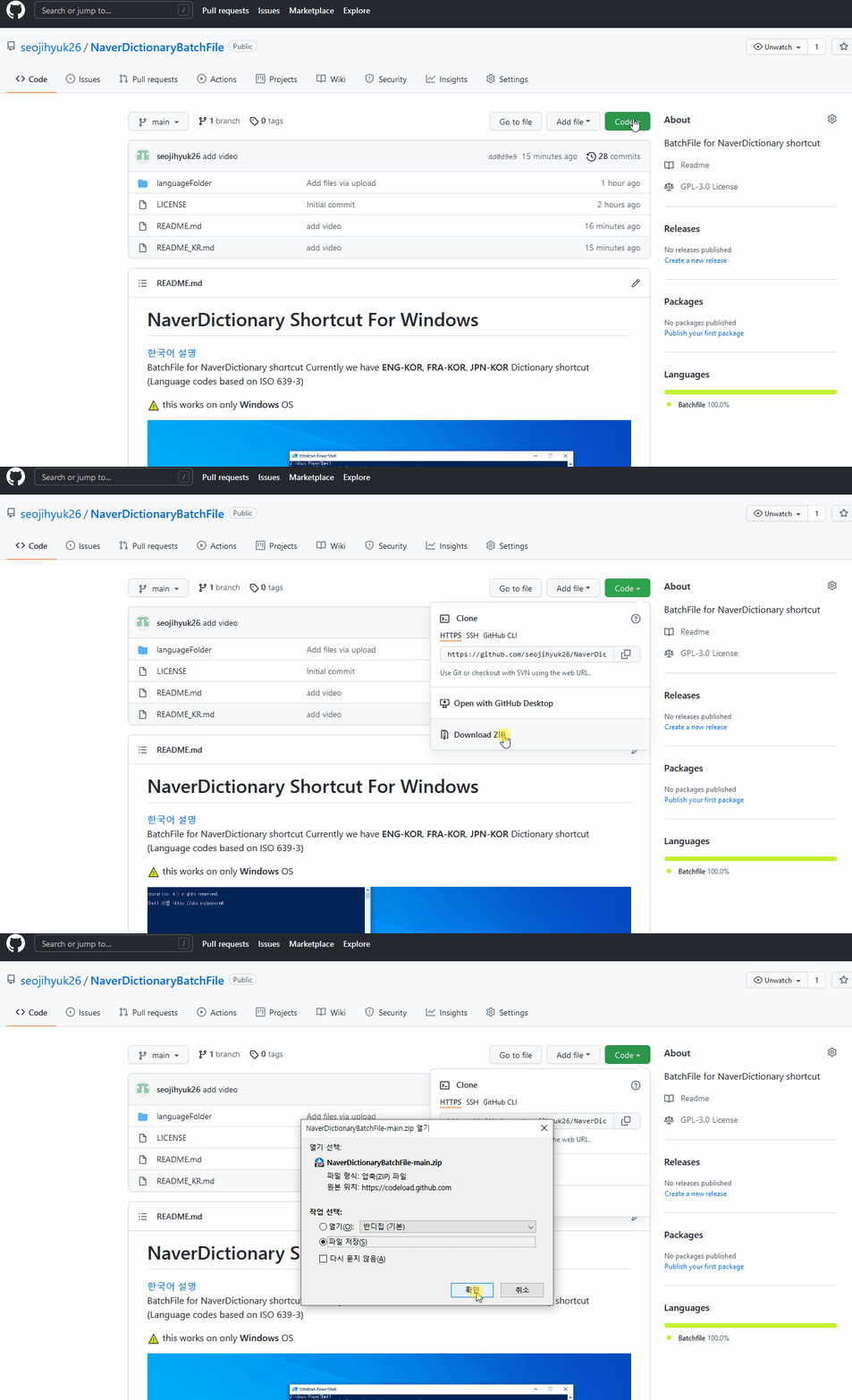 Download Zip file like above video,
Unzip it.
Download Zip file like above video,
Unzip it.
Set languageFolder directory on PATH
(one who don't know how to set PATH on windows see this url
how to set PATH )
fast way to open powershell or cmd is
window key + type pw
enter
or
window key + type cmd
enter
or
window key + r + type cmd
enter
| Language | ISO 639-1 code |
|---|---|
| english | en |
| french | fr |
| japanese | ja |
(Language codes based on ISO 639-1) + search query
and enter
For example, if you want to searh a word "main" on ENG-KOR Naver Dictionary.
window key + type pw + enter key
When powershell opened
en main + enter
Then you will see word "main" on ENG-KOR Naver Dictionary