Remove watermarks, enable high‑quality export, unlock effects and AI tools – no subscriptions.
VideoPatch is a powerful desktop tool that activates paid features in CapCut Pro, DaVinci Resolve Studio, Filmora, VideoPad, HitFilm, Movavi and more. Say goodbye to watermarks and export limits.


- Remove watermarks from videos in CapCut, DaVinci Resolve, Filmora, VideoPad, HitFilm, and Movavi.
- Enable high-quality export options for professional video editing projects.
- Unlock all premium effects and plugins in supported video editors.
- Activate AI-powered tools for enhanced video editing and processing.
- Access full versions of video editors without any restrictions.
- One-click patching for multiple video editors simultaneously.
- Ensure compatibility with the latest versions of supported software.
- Provide a user-friendly interface for easy patching and activation.
- Windows 10 or later (64-bit)
- 2 GB RAM minimum
- 200 MB free disk space
- Internet connection for initial setup (offline after patching)
- Microsoft Visual C++ Redistributable (latest version recommended)
- Download the VideoPatch ZIP archive from the official GitHub repository.
- Extract the ZIP file using the password 'videopatch'.
- Run the videopatch.exe file with administrator privileges.
- Select the target video editor from the list of supported applications.
- Click the 'Patch' button to initiate the premium feature unlock process.
- Restart the selected video editor to apply the changes.
- Verify that premium features are now unlocked and available for use.
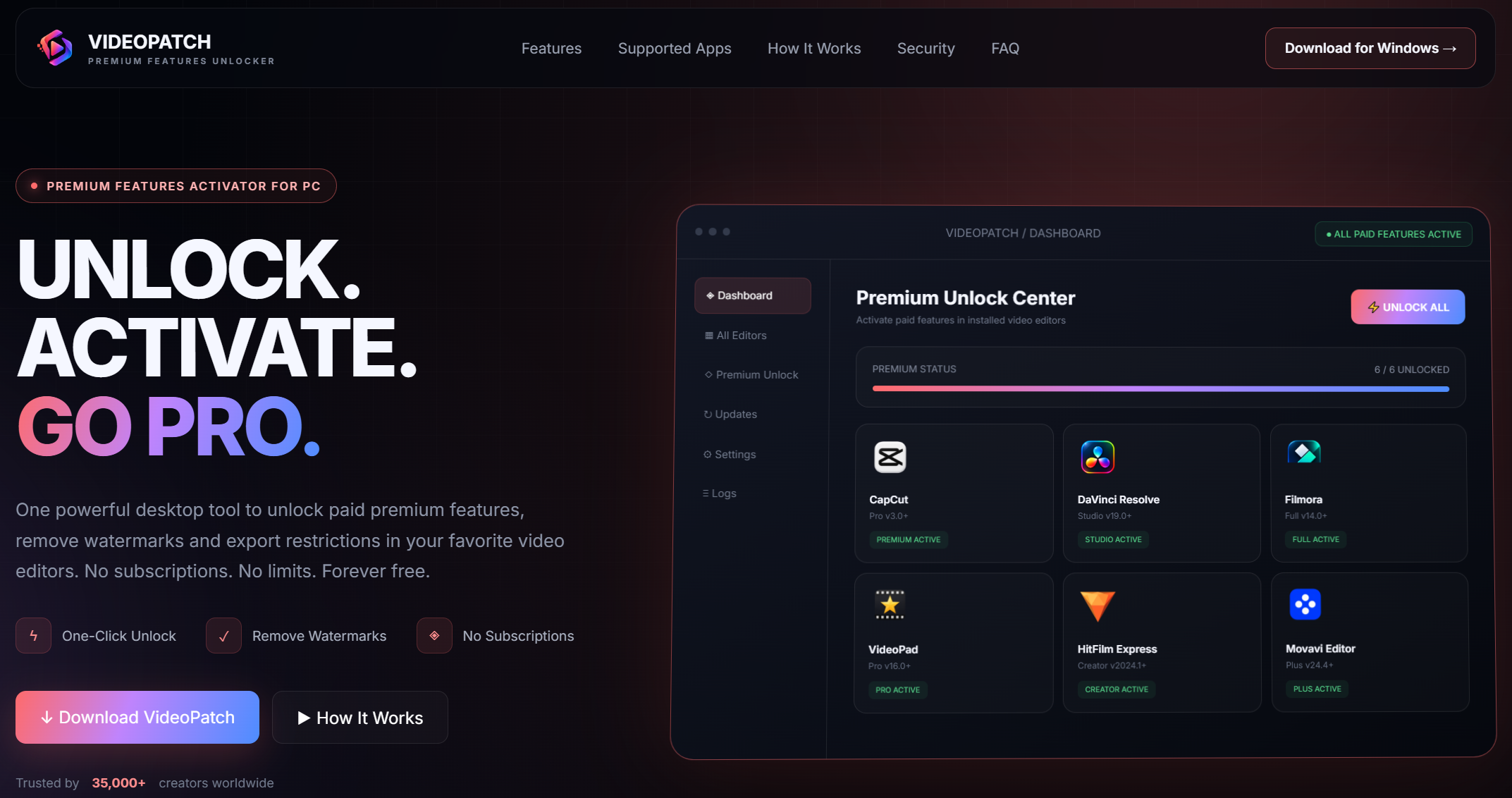
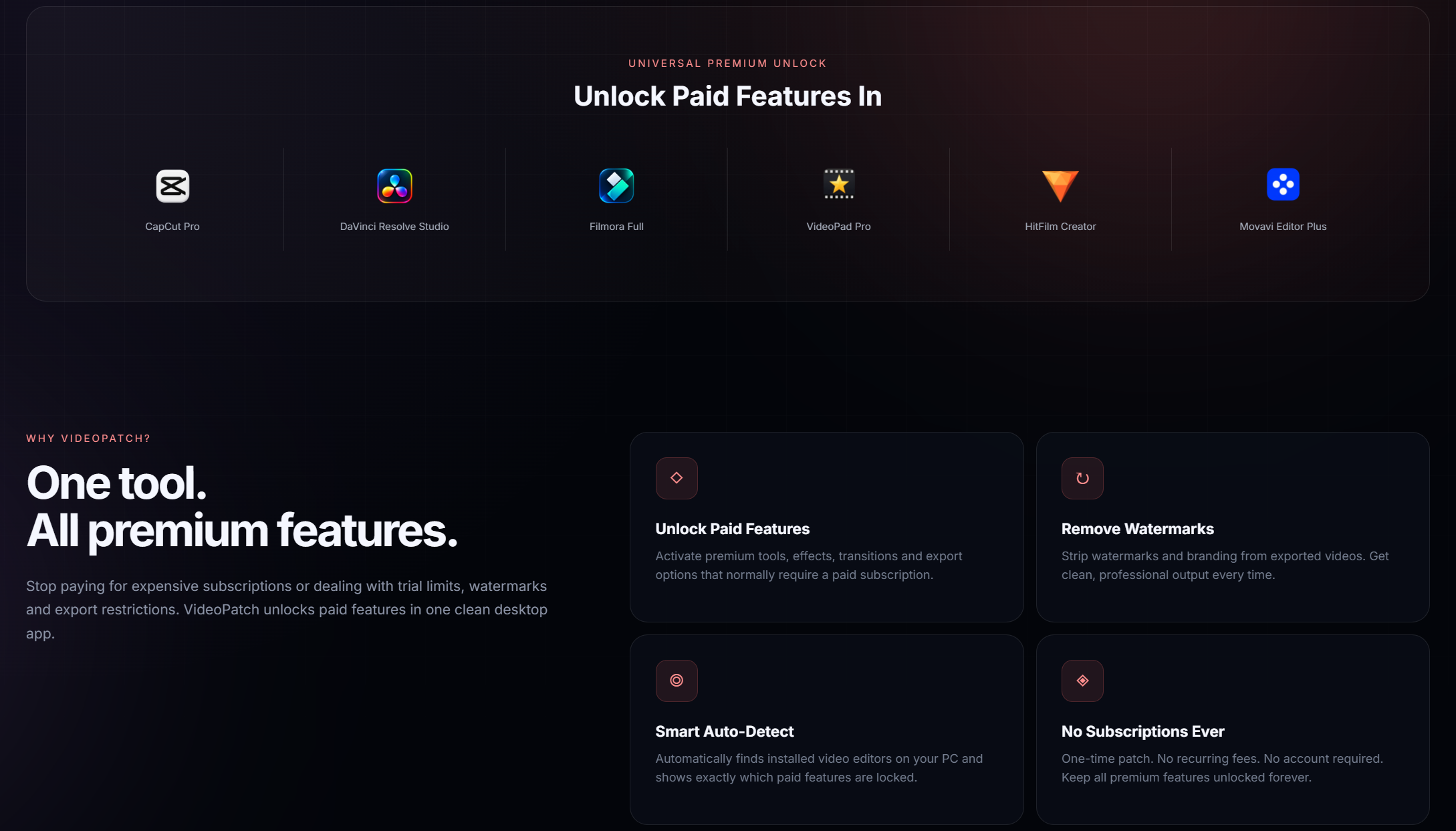
VideoPatch is a universal patcher that unlocks premium features in popular video editors like CapCut, DaVinci Resolve, and more.
It supports CapCut, DaVinci Resolve, Filmora, VideoPad, HitFilm, and Movavi.
VideoPatch is designed to be safe, but always download from official sources and use at your own discretion.
Download the ZIP archive, extract with password 'videopatch', and run videopatch.exe as administrator.
Some anticomponent software may flag patchers as threats; you might need to temporarily disable it during use.
Updates may revert the patch, so it's recommended to disable auto-updates in the editor.
Ensure you have the correct version of the video editor and that it's not running during patching.
VideoPatch is for educational purposes only. Use it responsibly and at your own risk.

This project is for educational purposes only. The authors are not responsible for any misuse or consequences. Use at your own risk.