
Simple plugin that trashes orphaned attachments (or all files) using a command
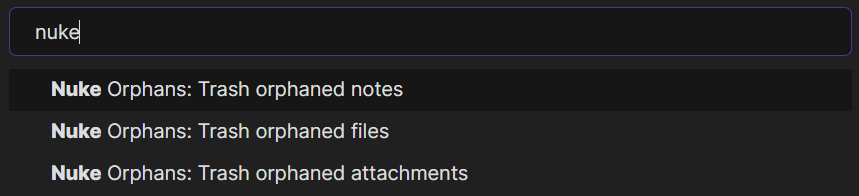
The plugin provides three commands which can be ran from command palette (default keybinding is Ctrl + P)
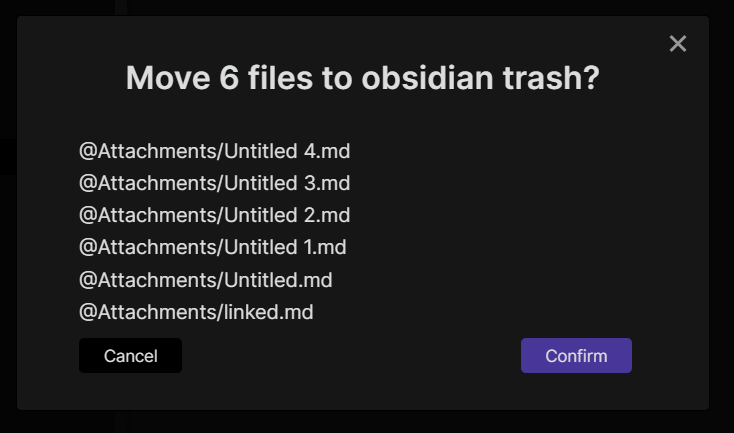
The plugin will always ask you before trashing files
You can install this plugin from within Obsidian by doing the following:
- Open settings and go to
Community plugins - Make sure
Safe modeis off - Click
BrowseunderCommunity plugins - Search for
Nuke Orphansand click on it - Click
Install - After it completes click
Enable
- Download latest plugin archive from here and extract into
.obsidian/plugin/
You will have to manually enable the plugin in settings afterwards