
Playlist converter CLI for Spotify, Deezer, and YouTube Music.
Converts a playlist from any of the three services into any other — six directions — using your own logged-in browser session. No developer account, no OAuth, no API keys.
⚠️ Personal, non-commercial use. Uses unofficial web endpoints that can change or break without notice. Not affiliated with Spotify, Deezer, or YouTube.
npm install -g plx-converterRequires Node.js ≥ 22.
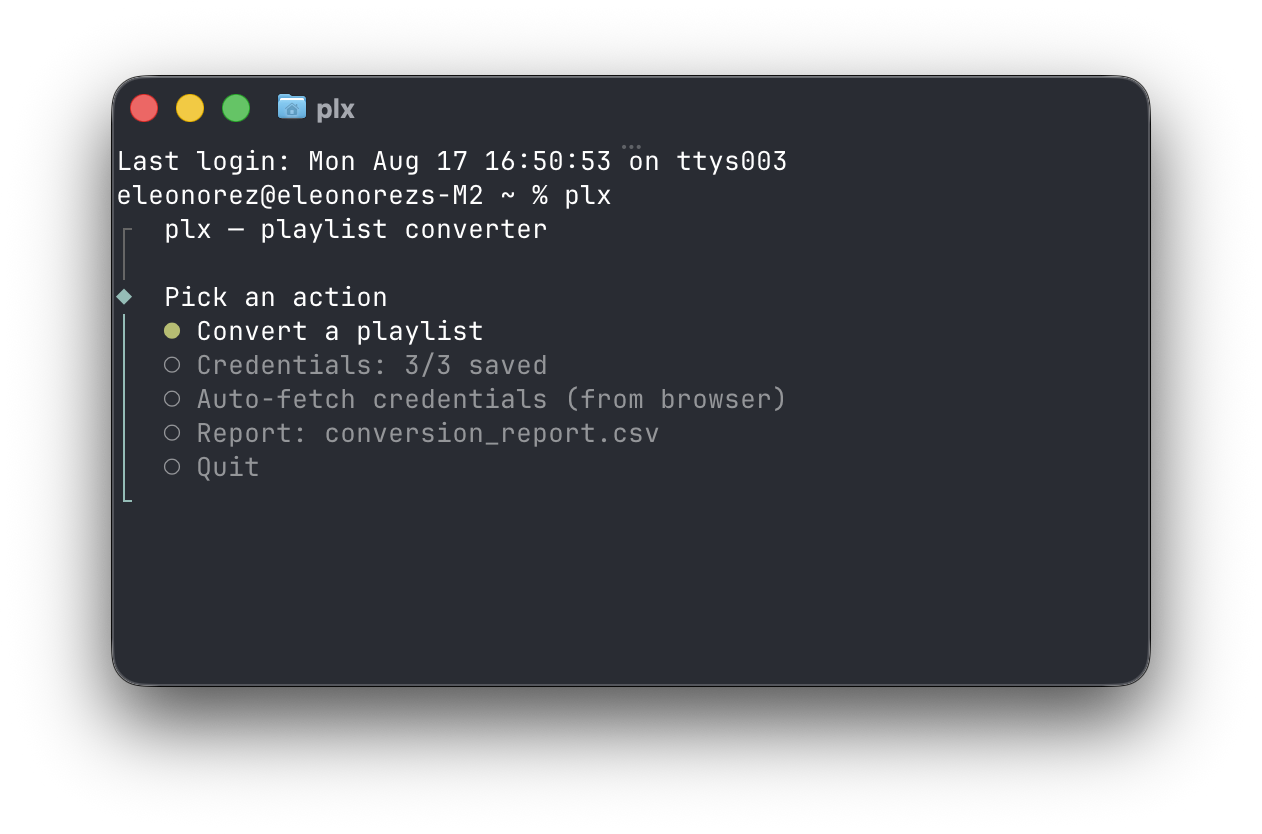
Run plx with no arguments for the interactive menu, which walks you through source, target, and credentials:
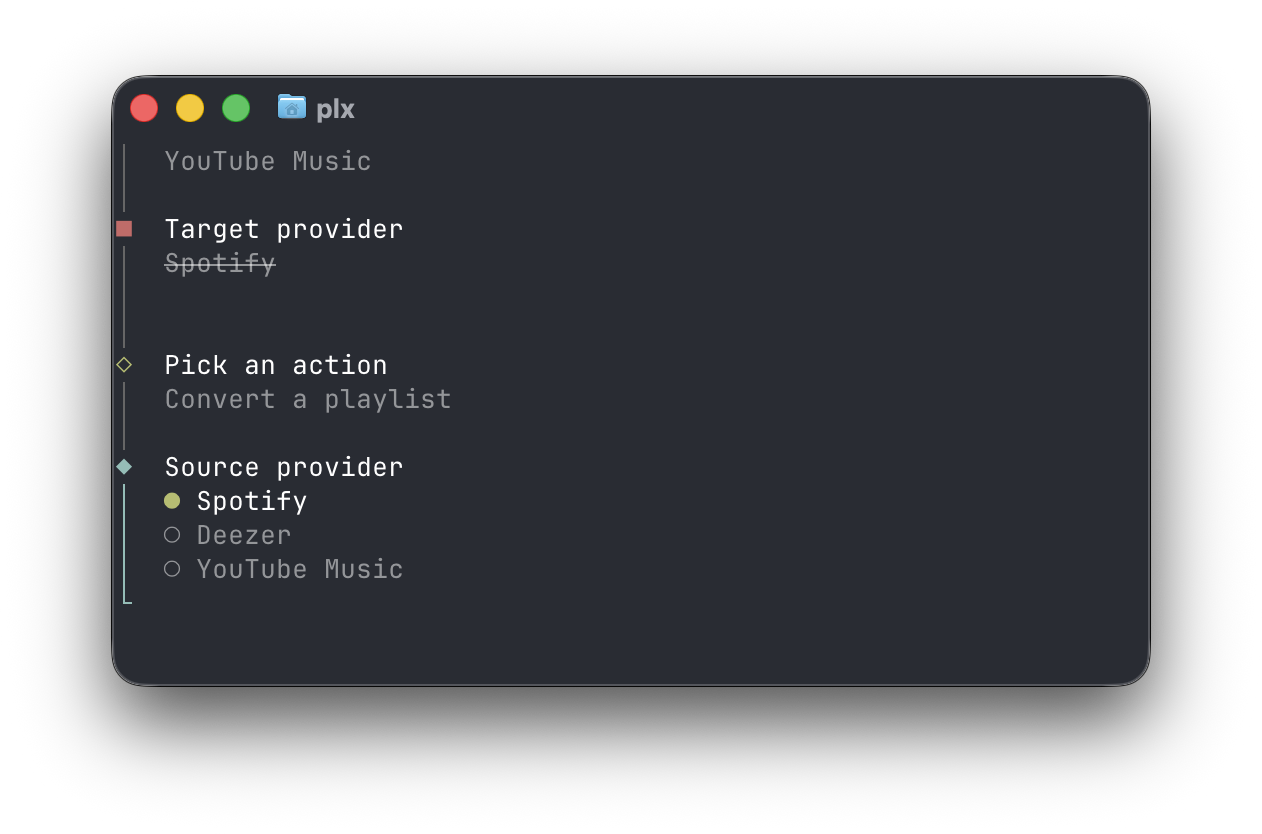
Or name everything up front:
plx                                                          # interactive menu
plx --url "https://open.spotify.com/playlist/ID"   --to deezer
plx --url "https://www.deezer.com/playlist/ID"     --to ytmusic
plx --url "https://music.youtube.com/playlist?list=ID" --to spotify
plx --url "<LINK>" --to deezer --dry-run                     # preview matches without writing
You name the target; the source is inferred from the link, since the link already says which
service it belongs to. plx never guesses a destination — omitting --to is an error.
Options:
  -u, --url <LINK>        playlist URL/URI/ID (repeatable)
  -t, --to <PROVIDER>     target provider: spotify | deezer | ytmusic (required)
  -o, --output <file>     CSV report path (default: conversion_report.csv)
  -d, --dry-run           match only, don't write
  -h, --help              show help
Every run writes a CSV report — one row per track, with the match method and target id, so you can see exactly what moved and what didn't.
One browser session credential per provider. All are optional — you only need the ones your chosen direction actually touches.
| Provider | Credential | Env var | Needed for |
|---|---|---|---|
| Spotify | sp_dc cookie |
SPOTIFY_DC |
writing to Spotify, or reading your private playlists |
| Deezer | arl cookie |
DEEZER_ARL |
reading or writing a Deezer playlist |
| YouTube Music | whole cookie: header |
YTMUSIC_COOKIE |
reading or writing a YouTube Music playlist |
Reading a public Spotify playlist needs no credentials at all — which is what makes a
credential-free --dry-run possible.
YouTube Music takes a whole cookie header, not a single cookie. Google splits a session across a
dozen-odd cookies, so copy the entire cookie: value: on music.youtube.com,
DevTools → Network → any request → Request Headers → cookie:. Google sessions also expire
faster than the other two, so expect to redo this occasionally.
Rather than copying cookies by hand, plx can read them straight from a logged-in browser. Pick "Auto-fetch credentials (from browser)" from the menu, or let it run automatically when a credential is missing. Manual paste stays the fallback everywhere.
| Browser | macOS | Windows | Linux |
|---|---|---|---|
| Firefox | ✅ | ✅ | ✅ |
| Chromium family (Brave, Chrome, Edge, Chromium, Vivaldi, Opera) | ✅ | — | — |
| Safari | ✅ — needs Full Disk Access | — | — |
On macOS the Chromium and Safari backends ask you to accept the Keychain prompt once. Firefox needs no prompt on any OS, since it stores cookie values unencrypted.
Chromium on Windows isn't a gap waiting to be filled: since Chrome 127 the cookie key is sealed behind App-Bound Encryption that only a SYSTEM-level process can unwrap, and every published workaround is the sort of thing malware does. On Windows, use Firefox or paste manually.
Set credentials in .env, export them in your shell, or paste when prompted. Full setup:
docs/CONFIG.md.
plx.sh — overview, matching rules, and install steps.
npm install
npm run typecheck
npm test
npm run lint
npm run builddocs/ARCHITECTURE.md— design, endpoint contracts, invariants.docs/CONFIG.md— setup, env vars, config directory.docs/CONTINUATION.md— handoff log.
MIT