
- Introduction
- Image Anonymization method
- Results
- Setup
- Technologies
- Sources
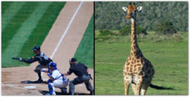
Due to the recent development of SNS and technology, many data are shared. This makes it important to protect data privacy. It also has CAMERA for AI function implementation in many areas. As such, data privacy is becoming important in many fields. Image anonymization is a technology that has emerged to protect personal information. This technology preserves privacy by removing identifiable personal information from images. Image anonymization technology is gaining more attention over time.
Image anonymization is carried out with a total of two goals. First of all, if the model is trained with anonymized dataset, the performance will inevitably be lower than that of the existing model. So the first goal is to minimize performance degradation and maintain ai utilization. The second is to preserve privacy by removing personal information from the image. With these two goals, image anonymization is carried out. Prepare the original dataset and three anonymized dataset. Learn the deep learning model using each dataset. Compare the accuracy of these models to see which anonymization method is best.

Similar to mosaic processing, images are blurred using adjacent image pixel values to remove personal information.
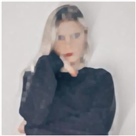
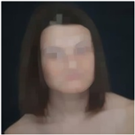
In morphology operations, closed operations were selected as the representative anonymization technique. Closed operation means an erosion operation after a dilation operation. Because closed operations do erosion operations at the end, many pixels corresponding to personal information will be removed. Also, when tested with multiple images, closed was the most appropriate choice.
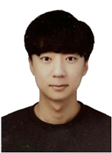
There are four stages in total.
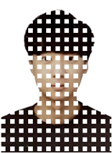
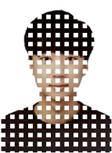
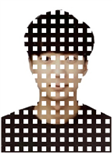
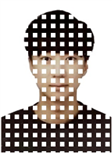
The first is the blocking phase. The user randomly creates missing parts and separates them into four sets.
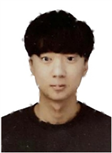
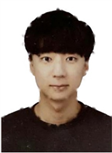
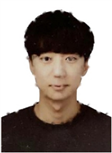
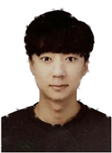
The second step is the process of recovering pixel values using adjacent pixels for missing parts created in blocking as an entering step.
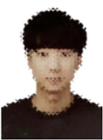
The third stage is the process of collecting the inserted pixels.
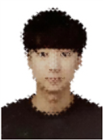
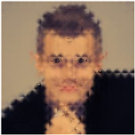
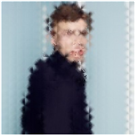
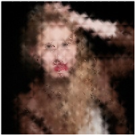
The last step is the Add feature step. An operation that adds pixels corresponding to the feature after feature extension in the original image. If you add feature, ai will be more aware of the image.
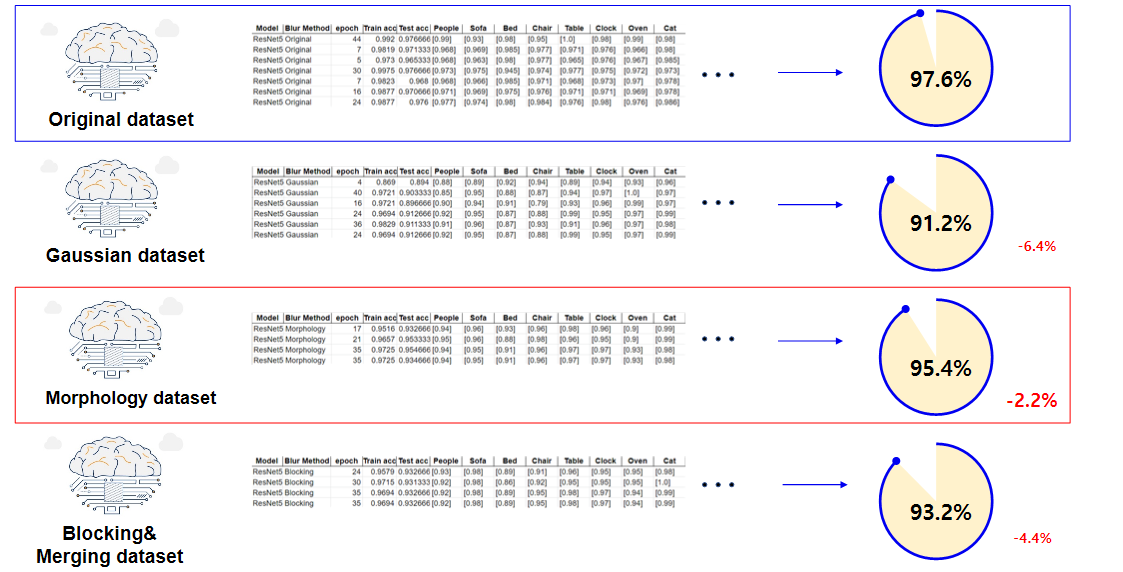
The dataset you use is imageNet dataset. The model proceeds fine-tuning with the resnet50 model. Each hyper parameter will be tuned by drawing a learning curve. First of all, the source image exists in the source /train,/test folder in mydataset folder. Now run Gaussian_blue, Morphology_blue, Inpainting.ipynb jupyter notebook in turn. Then dataset will be formed in mydataset folder respectively. Then run ResNet50.ipynb notetbook and check the results.
cd your workspace
git clone https://github.com/rohmindo/data_anonymization.git
// Run the jupyter notebook one by one and create a dataset in mydataset folder.
// Run the ResNet50.ipynb & See the result (You can see the result in Result.exel file)
// mydataset folder hierarchy
//mydataset
 /train
 /test
- Google Colab pro
- Python 3.7.11
- OpenCV 4.4.0
- Tensorflow 2.5.0
- Keras 2.5.0
- Numpy 1.19.5
- Pandas 1.1.5
- ORB Algorithm