



This crate provides a stateful ListView widget for Ratatui.
The associated ListState handles navigation.
The list view supports both horizontal and vertical scrolling.
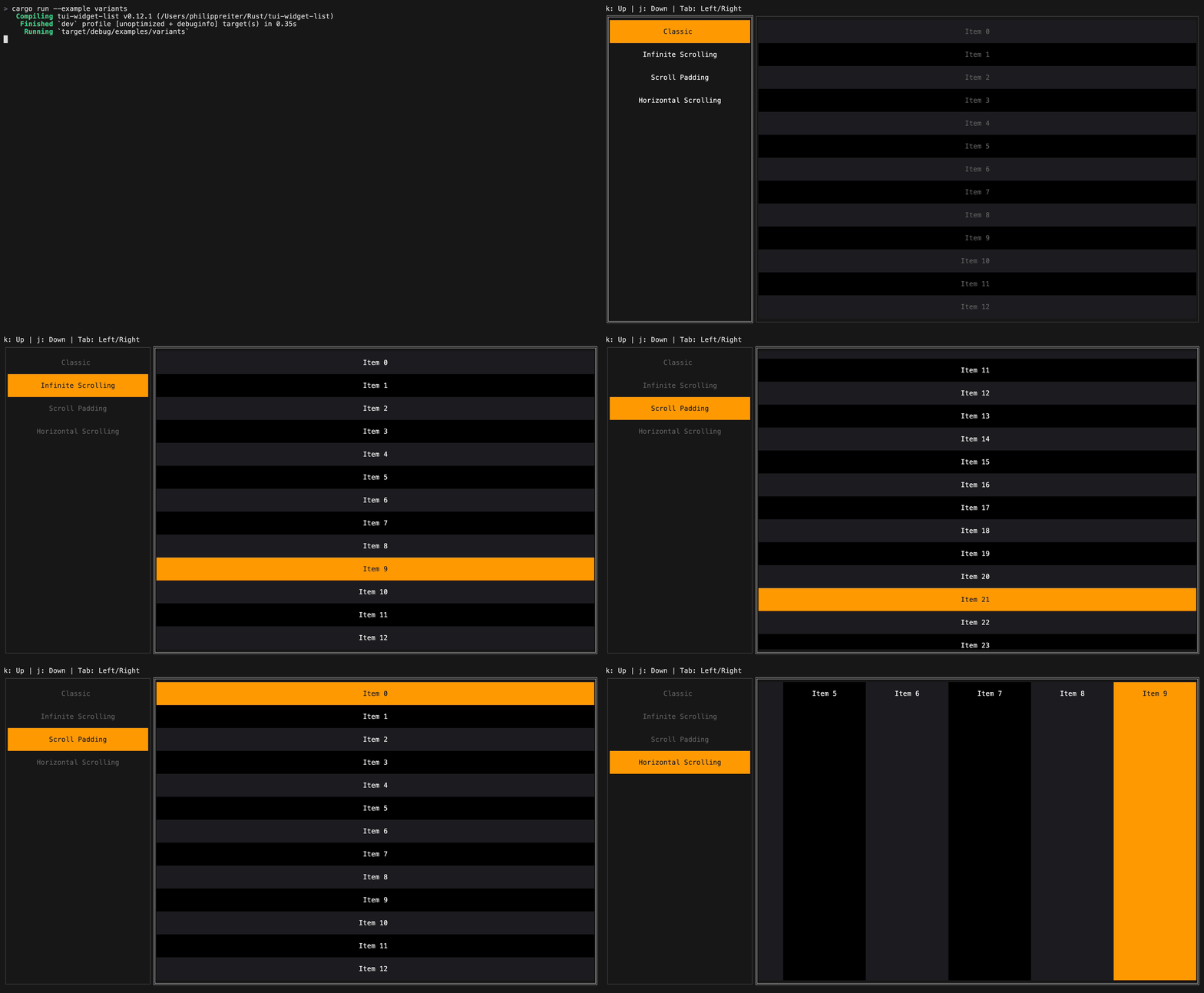
ListView can be customized with the following options:
ListView::scroll_axis: Scroll vertically or horizontally.ListView::scroll_direction: Lay items out forward or in reverse.ListView::scroll_padding: Keep a number of items visible around the selected item while scrolling.ListView::infinite_scrolling: Wrap around when scrolling past the first or last item.ListView::style: Base style applied to the entire list.ListView::block: Optional surrounding block.ListView::scrollbar: Optional scrollbar overlay.
use ratatui::prelude::*;
use tui_widget_list::{ListBuilder, ListState, ListView};

let builder = ListBuilder::new(|context| {
    let mut item = Line::from(format!("Item {}", context.index));
    if context.is_selected {
        item = item.style(Style::default().bg(Color::Rgb(255, 153, 0)));
    }
    (item, 1)
});

let mut state = ListState::default();
let list = ListView::new(builder, 20);Handle mouse clicks and scroll events using ListState::hit_test:
use tui_widget_list::hit_test::Hit;

match event::read()? {
    Event::Mouse(MouseEvent {
        kind: MouseEventKind::Down(MouseButton::Left),
        column,
        row,
        ..
    }) => match state.hit_test(column, row) {
        Some(Hit::Item(index)) => state.select(Some(index)),
        Some(Hit::Area) | None => {}
    },
    Event::Mouse(MouseEvent {
        kind: MouseEventKind::ScrollUp,
        ..
    }) => {
        state.previous();
    }
    Event::Mouse(MouseEvent {
        kind: MouseEventKind::ScrollDown,
        ..
    }) => {
        state.next();
    }
    _ => {}
}For more examples see the examples directory. Full API documentation is available on docs.rs.
License: MIT