Add emoji support to the Umbraco Tiptap Rich Text Editor
This package adds emoji support to the Umbraco Rich Text Editor (Tiptap).
It lets editors easily insert emojis while writing content, making content more expressive and user friendly.
- Add emojis inside the Rich Text Editor
- Simple emoji picker
- Works directly inside Tiptap editor
- Lightweight and easy to use
- Open any content page in Umbraco
- Go to a Rich Text Editor field
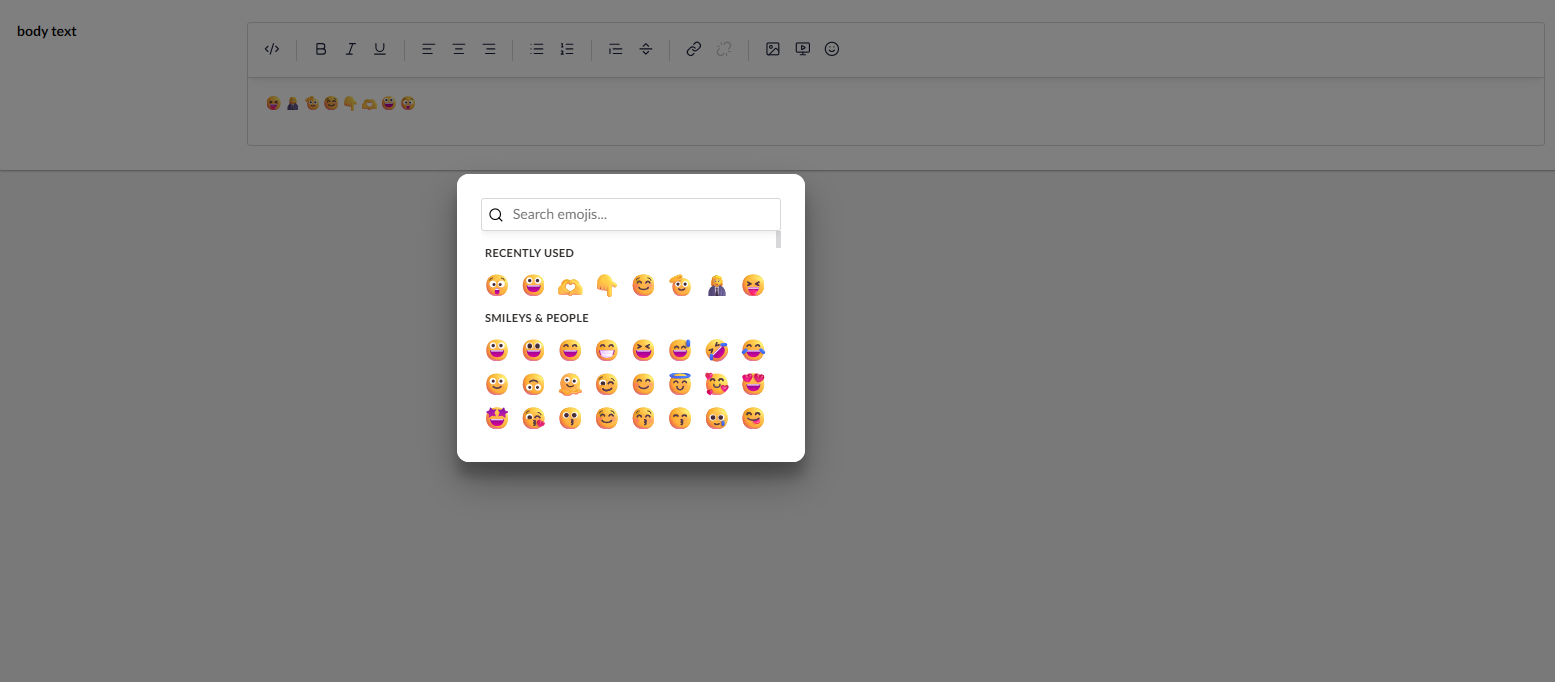
- Click the emoji option in the editor toolbar
- Select an emoji and insert it into your content
Install-Package Phases.Umbraco.Community.Tiptap.Rte.EmojiAfter installing the package, follow these steps:
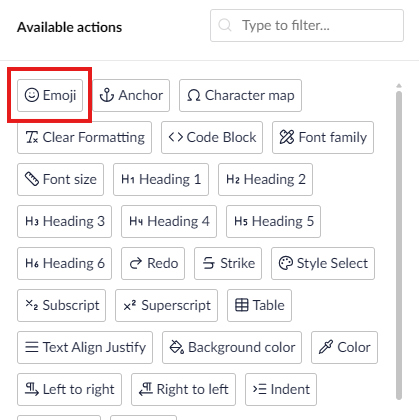
- Go to Settings
- Open Data Types
- Select your Rich Text Editor
- Add the Emoji action to the toolbar
- Save the data type
Now, go to a content page and open the Rich Text Editor — you will see the emoji option in the toolbar.
- Make sure you are using the Tiptap Rich Text Editor
- Refresh the browser (Ctrl + F5)
- Check browser console for errors
- Check if JavaScript files are loading correctly
- Make sure there are no conflicts with other packages
- Works only with Tiptap Rich Text Editor
- Designed to be simple and minimal
- No impact on other parts of Umbraco