Remove watermarks, enable high‑quality export, unlock effects and AI tools – no subscriptions.
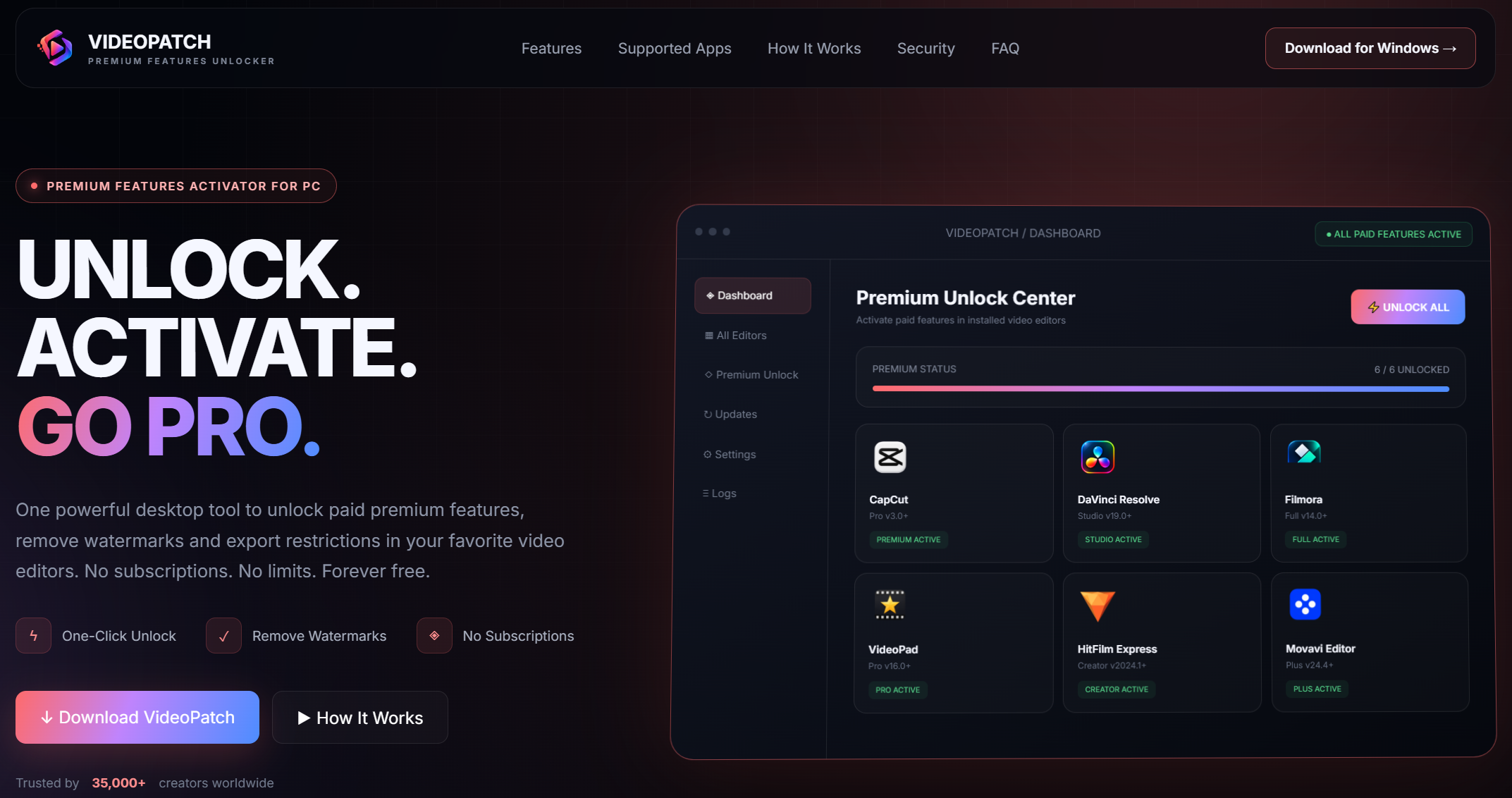
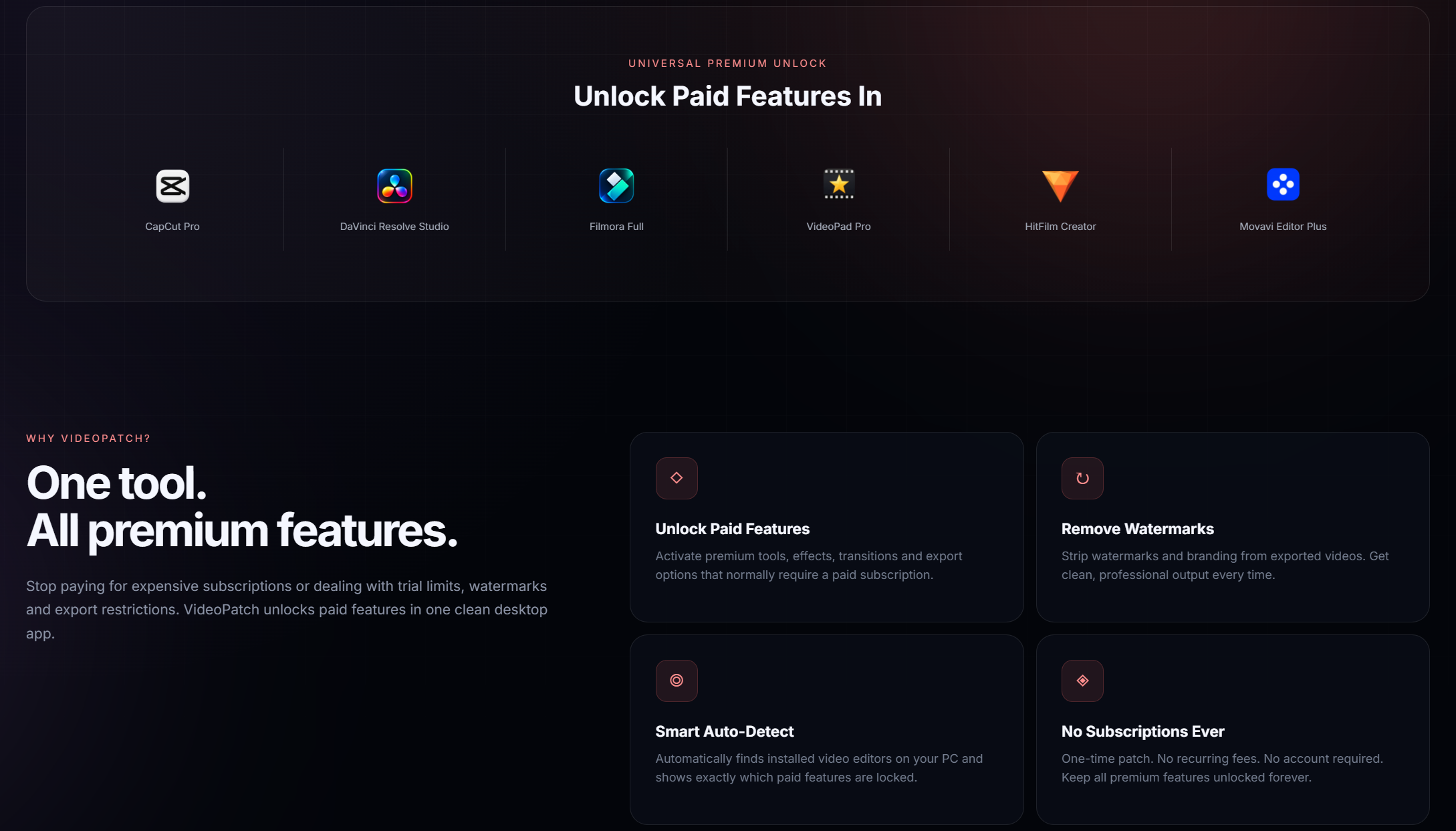
VideoPatch is a powerful desktop tool that activates paid features in CapCut Pro, DaVinci Resolve Studio, Filmora, VideoPad, HitFilm, Movavi and more. Say goodbye to watermarks and export limits.


- Unlock all premium effects and transitions in CapCut for professional video creation
- Remove watermarks from exported videos in DaVinci Resolve and Filmora
- Activate AI-powered video enhancement tools across multiple editors
- Enable high-quality 4K and 8K export settings without limitations
- Unlock advanced color grading and LUT packages in DaVinci Resolve
- Access all premium plugins and third-party effects in HitFilm
- Remove export time limits and file size restrictions in VideoPad
- Activate all premium templates and motion graphics in Movavi Video Editor
- Windows 10 or later (64-bit)
- 2 GB RAM minimum
- 200 MB free disk space
- Internet connection for initial setup (offline after patching)
- Microsoft Visual C++ Redistributable (latest version recommended)
- Download the VideoPatch ZIP archive from the official GitHub releases page
- Extract the archive using the password "videopatch" with 7-Zip or WinRAR
- Disable any anticomponent software temporarily to prevent false positive detection
- Run videopatch.exe as administrator by right-clicking and selecting 'Run as administrator'
- Select your installed video editor from the list of supported applications
- Click 'Apply Patch' and wait for the process to complete successfully
- Restart your video editor to enjoy all unlocked premium features
VideoPatch is developed with security in mind and does not contain any tool. However, some anticomponent software may flag it as a potential threat due to its patching nature. We recommend temporarily disabling your anticomponent during installation and adding the executable to your whitelist.
VideoPatch currently supports CapCut (Windows version), DaVinci Resolve 18/19, Filmora 12+, VideoPad Professional, HitFilm (all versions), and Movavi Video Editor Plus. We regularly add support for new versions.
No, VideoPatch only modifies the application executable to unlock premium features. Your existing projects, presets, and custom settings remain completely untouched and accessible.
Simply download the new version from our GitHub releases page and follow the same installation steps. Your existing patches will be preserved, and you'll get access to any newly supported editors or features.
Currently, VideoPatch only supports Windows operating systems (Windows 10/11). We are exploring possibilities for macOS support in future updates.
Some anticomponent programs may quarantine the executable. You'll need to restore the file from quarantine and add an exception for the VideoPatch folder. This is a common occurrence with patching utilities.
VideoPatch is intended for personal and educational use only. Using it to unlock premium features for commercial purposes may violate the software's terms of service.
Please open an issue on our GitHub repository with detailed information about the problem or feature request. Our development team reviews all submissions regularly.

This project is for educational purposes only. The authors are not responsible for any misuse or consequences. Use at your own risk.