Repository navigation
[Feature] Add aspect ratio selector for non-widescreen monitors - #339
Conversation


|
No actionable comments were generated in the recent review.
 |


| Layer / File(s) | Summary |
|---|---|
Aspect configuration and graphics settings runtime/include/runtime_config.h, runtime/include/aurora_events.h, runtime/src/settings_overlay.cpp, runtime/tests/runtime_config_tests.cpp |
Configuration reads force_aspect and falls back to force_16_9 when the new key is absent. The graphics settings provide a 16:9 or 4:3 selector and a separate force-aspect control. Tests cover legacy-key parsing. |
Reference-based aspect calculations runtime/src/hle/gx/gx_dynamic_aspect.h, runtime/src/dynamic_aspect.cpp |
Aspect calculations accept a reference aspect. Egg screen records use the selected reference aspect to calculate widths and vertical expansion. |
Dynamic policy and runtime integration runtime/src/dynamic_aspect.cpp, runtime/src/main.cpp, runtime/src/hle/sc.cpp |
Runtime setup migrates the legacy setting and passes the force-aspect value to dynamic aspect configuration. Dynamic aspect handling applies forced 4:3 or 16:9 policy. The HLE aspect query reflects the widescreen setting. |
Priority:

Estimated code review effort: 3 (Moderate) | ~25 minutes
Change: Feature
Sequence Diagram(s)
sequenceDiagram
  participant RuntimeMain
  participant DynamicAspect
  participant ViewportAndVI
  RuntimeMain->>DynamicAspect: Configure widescreen and force-aspect values
  DynamicAspect->>ViewportAndVI: Apply viewport and VI policy
Suggested reviewers: patchzyy
Merge Risk: 
e4434

-
No issue identified here prevents merging the aspect-ratio selector after normal checks.
Pre-merge checks: 


-
Check name Status Explanation Resolution Docstring Coverage Docstring coverage is 43.48% which is insufficient. The required threshold is 80.00%. Docstring coverage is scoped to functions touched by this diff. Analyzed 23 functions across 8 files. Write docstrings for the functions missing them to satisfy the coverage threshold. -
Check name Status Explanation Description Check Check skipped - CodeRabbit’s high-level summary is enabled. Title check The title clearly and concisely describes the main change: adding an aspect ratio selector for non-widescreen monitors. Linked Issues check Check skipped because no linked issues were found for this pull request. Out of Scope Changes check Check skipped because no linked issues were found for this pull request.
-


Finishing Touches
-
🧪 Generate unit tests (beta)
-
- Create a new PR
-
- Autofix · Keep fixing CodeRabbit findings and required CI, and resolving merge conflicts
Thanks for using CodeRabbit! It's free for OSS, and your support helps us grow. If you like it, consider giving us a shout-out.
Comment @coderabbitai help to get the list of available commands.

|
This pr seems unneeded [video] And your game will launch in 4:3 mode + will widen up for 5:4 monitors |

|
Can't believed I missed the After trying your provided settings, the viewport stays 4:3 and doesn't widen up. (see the black bars at the top and bottom of the frame on my 5:4 display) 
On top of that, if force 16:9 is enabled while widescreen is off, the screen get squished. While I should probably rework this and clean things up (again), I still think that this pr is relevant. Not only does it allows the player to easily choose the aspect ratio, this version scales the viewport properly regardless of the aspect ratio, while still allowing the user to lock the viewport size if they want. Maybe I'm missing something too, please let me know if this is the case. |
|
I would much rather have the 4:3 option to also dynamically scale similarly to the 16:9 option, would be significanly less code, and also less options for the users which would be better in this case to make playing the game easier, having an aspect ratio selector would be useless if the game auto-scales to any resolution anyways |
|
This is exactly what this PR is about. Unless something is wrong with my config, the current implementation only dynamically scale when widescreen is ON. When playing in 4:3 the game doesn't dynamically scale to the window's size. My implementation allows the screen to fit the window regardless of the aspect ratio (exactly what you're asking) with an easy way to switch between 16:9 and 4:3. When widescreen is on (but playing on a 5:4 monitor) the viewport does expand vertically, but the UI can be a bit tiny (on top of looking a bit odd). About my messy code, I tried making other changes (like making the game switch aspect ratio on the fly) and failed, but the fondations are here for people who want to try implementing features on top of it. When I'll get home I will take a few screenshots to demonstrate what I mean. |
|
Current implementation with widescreen off (black bars): Current implementation with widescreen on: pr2.mp4What my PR achieves: pr.mp4 |
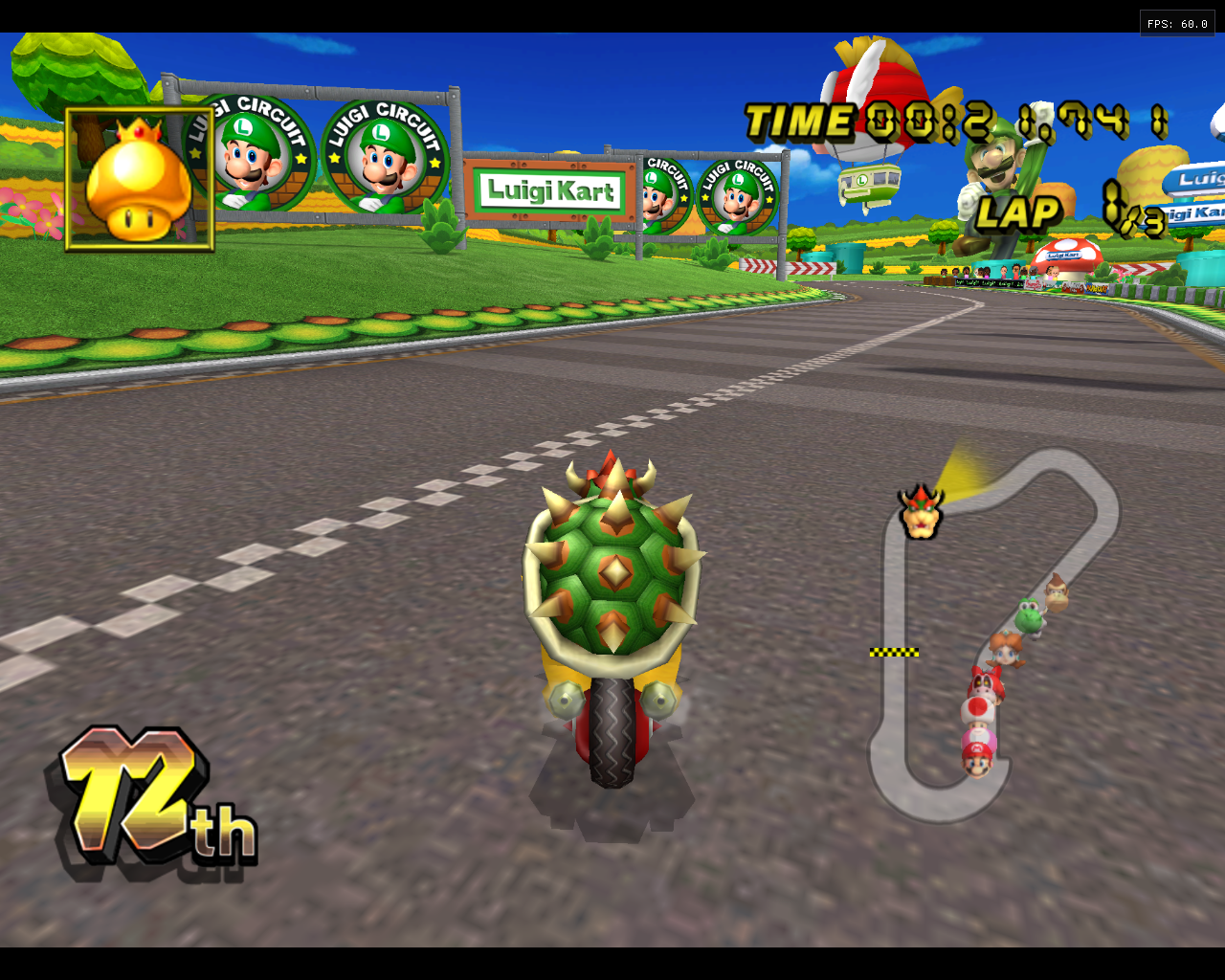
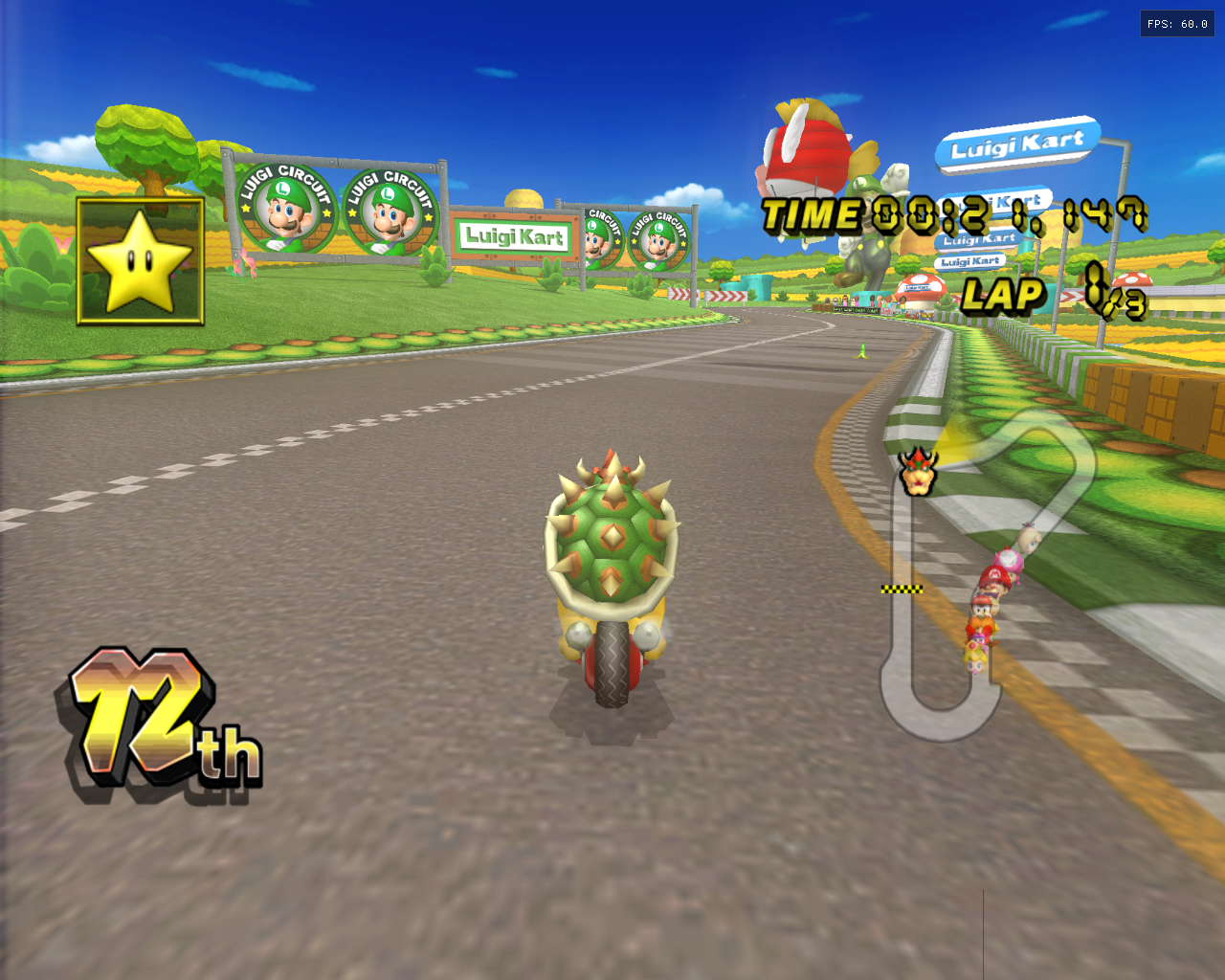
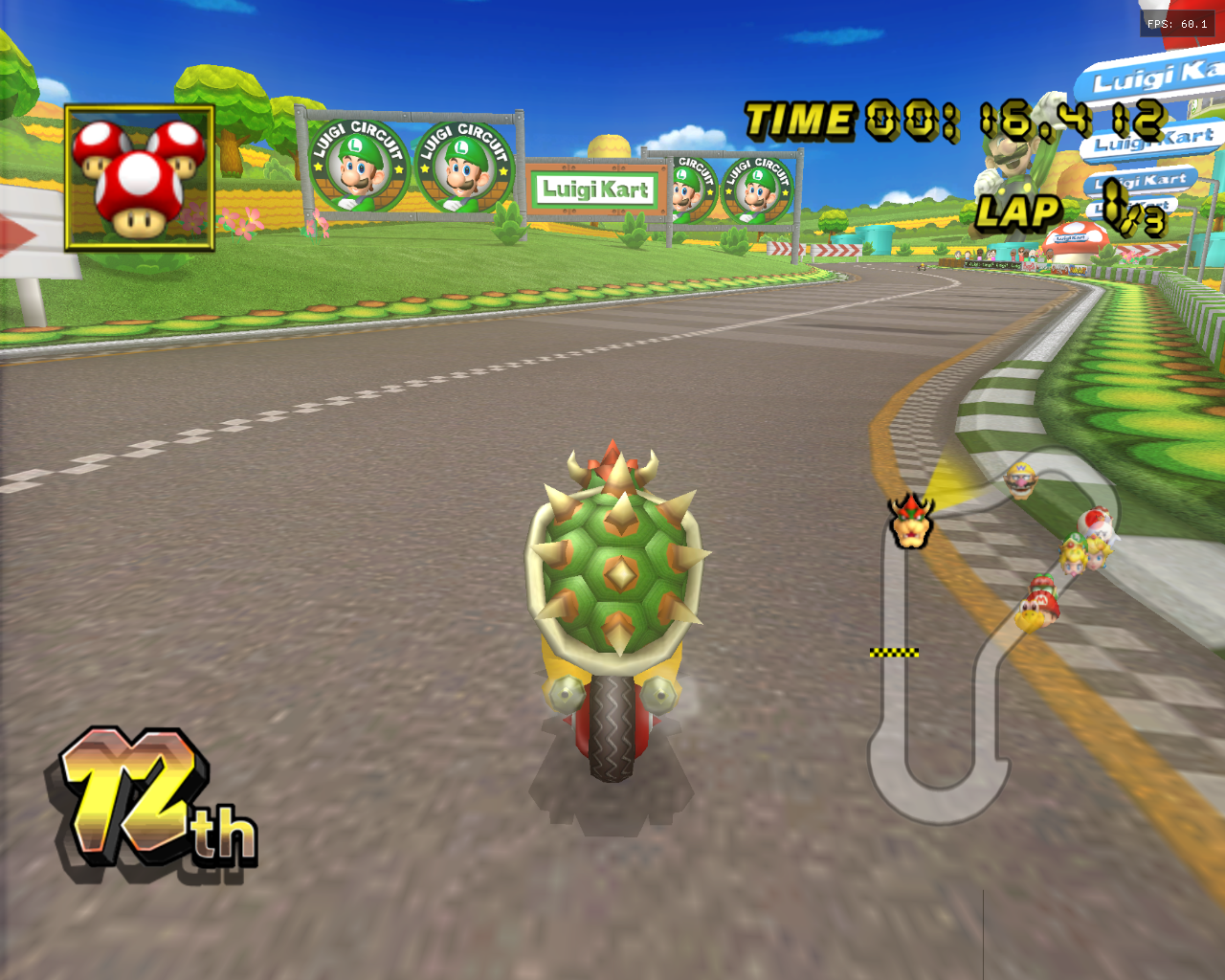


Currently, the game doesn’t display properly on 4:3 or 5:4 monitors, since it is always rendered at 16:9.
This PR adds an aspect ratio selector to the F10 menu, which is applied on the next launch.
I also renamed the
force_16_9option toforce_aspect, since it now forces the currently selected aspect ratio rather than 16:9.Feedback is more than welcome!
Summary by CodeRabbit