An unofficial controller-first Crunchyroll client made for the Steam Deck. Sign in, pick your profile, browse, and watch all from the Deck. Partial technical aspects borrowed from the aarron-lee fork of Crunchyroll for TIZEN.
- Download the latest AppImage from Releases.
- (Optional) Move the application somewhere permanent.
- Add the AppImage to Steam, or your desired launcher.
If you want to add it to Steam, right click on the file (left back trigger) → Add to Steam. You can then launch it directly through Steam. You can configure the box art manually using assets from SteamGridDB, or more easily using the SteamGridDB plugin for Decky Loader.
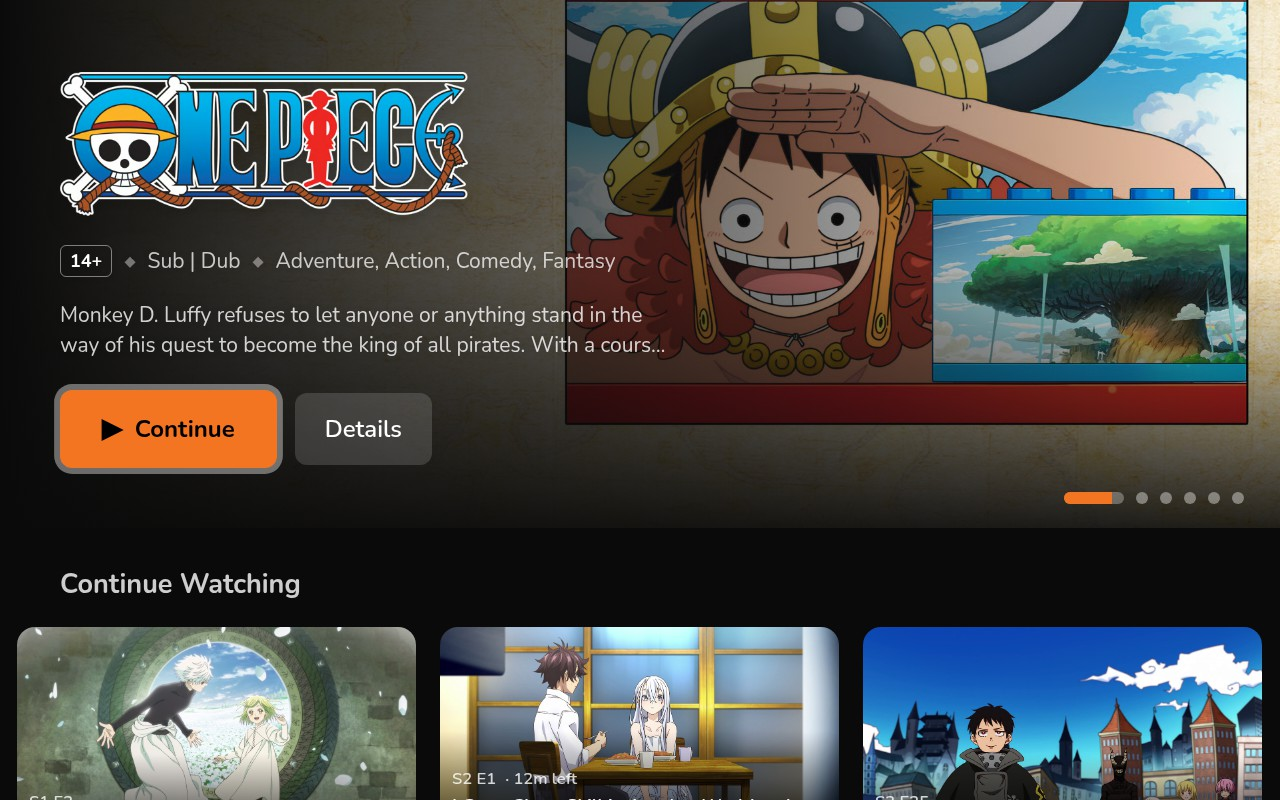
- Home screen (showing trending content, continue watching, watchlist, and recommendation rows)
- Multi-profile support
- Browse by category & season
- Search the Crunchyroll catalog
- Personal watchlist and history
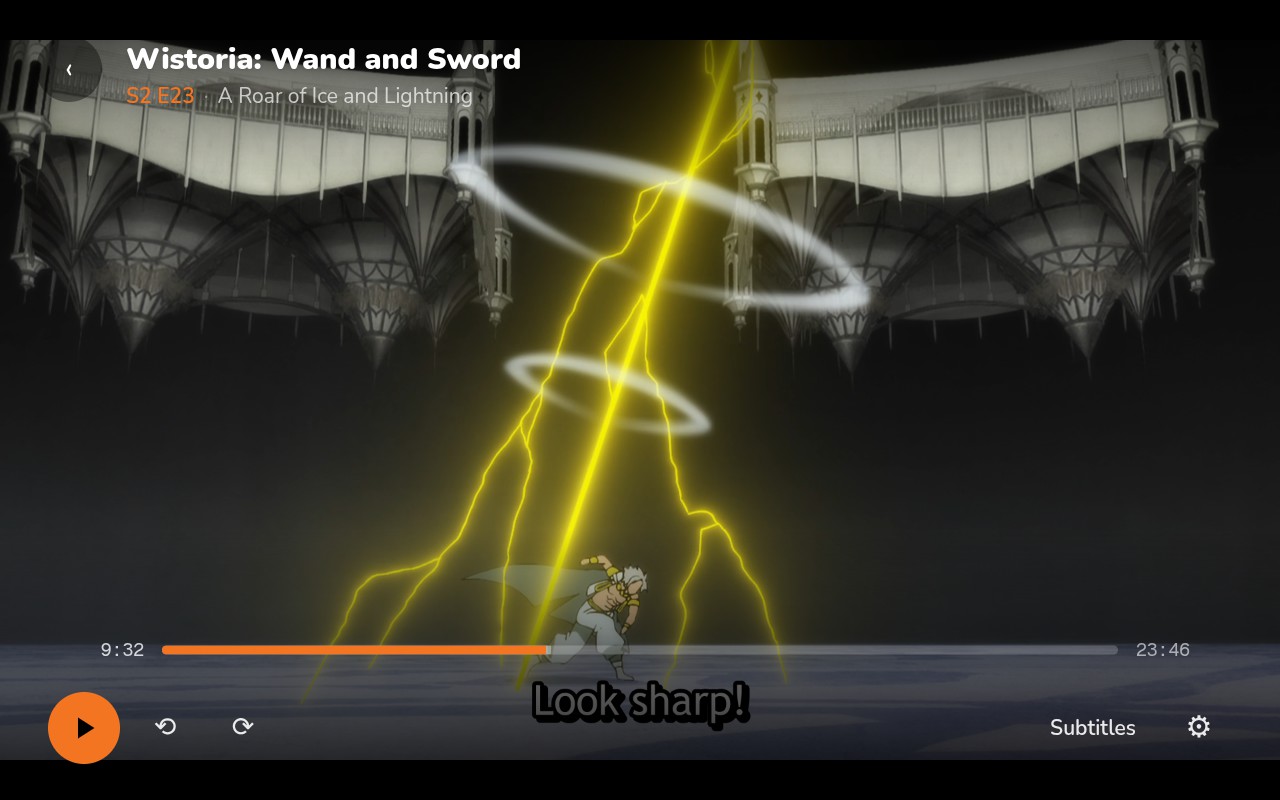
- Video player with controller-first Steam Deck support plus progress sync.
- Self-update functionality, prompting you when a new version is available.
- Steam on-screen keyboard support, with a built-in failover.
pnpm install
pnpm dev pnpm build:web && pnpm build:electron
npx electron-builder --linuxQ: Is this compatible with Windows?
A: Unfortunately, due to DRM, this unofficial port supports Linux-based handhelds only. This is mainly due to the keys associated with Crunchyroll for TIZEN, and TIZEN (Samsung TV OS) being built ontop of Linux.
Releases are published to GitHub Releases. A running AppImage checks for a newer version on launch, and shows an in-app prompt to update if one is available. If you choose to update, the new version will be downloaded and installed automatically.