feat(web): give decks their own slides editor chrome - #6869
feat(web): give decks their own slides editor chrome#6869open-design-crew[bot] wants to merge 1 commit into
Conversation


Deck files (artifactKind=deck) now open in a layout built around one slide at
a time instead of the generic HTML viewer:

- Film strip moves from a 194px left rail to a bottom navigation ribbon, in
  the app's own panel surface rather than a black slab, at every viewport.
- Dock becomes the per-slide action row: 上一页 / 下一页 / 引用此页 / 评论 /
  演讲者备注 / 编辑, each an icon with its name. Pointer, zoom ladder,
  freehand mark and fullscreen fold out — a deck is a fixed stage.
- Speaker notes stop taking a permanent ~120px strip under the stage and open
  as a dock popover instead.
- Present moves to the header beside version history and becomes a two-way
  menu: 全屏放映 or 演讲者模式.
- Structure tab drops out of the right rail (the strip shows the pages), and
  the viewport picker drops out of the toolbar.
- Screenshot-to-chat names the slide it captured (slide-05-….png).

Two thumbnail bugs surfaced by real templates:

- Stage-size detection matched any selector CONTAINING a stage token, so
  `.slide-1 .deco-pink-rect { width:100px; height:100px }` set the design
  canvas to 100x100 and every thumbnail rendered a magnified top-left crop.
  The token must now be the whole compound selector, `.slide-1` no longer
  counts as `.slide`, and a sub-480px stage is rejected.
- The presenter window's previous/next previews rendered the deck straight
  into a 3:1 box, reflowing each slide to that shape. They now render the
  authored 1280x720 stage and scale it to fit.

Home's type carousel drops 实时看板 and 音频 (10 types).
 lefarcen
added
size/XL
lefarcen
added
size/XL

 lefarcen
left a comment
lefarcen
left a comment
lefarcen
left a comment
There was a problem hiding this comment.
Quick body follow-up: the write-up here is already very clear on the deck chrome changes and the validation context. Since this PR checks the UI surface area box, could you add a couple of screenshots or before/after captures for the new deck editor chrome before this branch rolls forward to the mainline review? That’ll make the later visual pass much faster.

 PerishCode
left a comment
PerishCode
left a comment
PerishCode
left a comment
There was a problem hiding this comment.
The deck chrome direction is coherent, but the current head introduces one new failing interaction test and assumes a single presenter canvas size despite the existing multi-size deck contract. Both affect the presentation path and should be corrected before merge.
🔁 Powered by Looper · runner=reviewer · agent=codex · An autonomous AI dev team for your GitHub repos.| position: absolute; | ||
| top: 0; | ||
| left: 0; | ||
| width: 1280px; |
There was a problem hiding this comment.
Derive the presenter frame size from the deck instead of fixing every deck to 1280×720. The existing thumbnail parser explicitly detects and returns designWidth/designHeight, with a 1920×1080 default, so 1920×1080 and other supported stages rendered in this 1280×720 viewport will reflow or clip rather than preserve their authored canvas—the same class of bug this change is meant to fix. Pass the detected dimensions into buildSpeakerNotesPresenterHtml, use them for the iframe dimensions and fitFrames calculation, and add coverage with at least one non-1280 stage.
| fireEvent.click(screen.getByTestId('canvas-dock-fullscreen')); | ||
| // On a deck the fullscreen stage is reached from the header's Present | ||
| // button, beside version history — the dock carries per-slide actions only. | ||
| fireEvent.click(screen.getByTestId('chrome-deck-present')); |
There was a problem hiding this comment.
Update this changed test to select the new fullscreen menu item before expecting the presentation overlay. chrome-deck-present now only toggles deckPresentMenuOpen; it does not call presentFullscreen, so this test times out waiting for an iframe. I reproduced the new failure with the focused FileViewer suite (the other three failures match the base-branch failures documented in the PR). Click chrome-deck-present, assert the menu is exposed, then click deck-present-fullscreen and continue the Escape-forwarding assertions; the presenter-mode branch should also receive a focused interaction assertion.

Visual regression reviewHead:
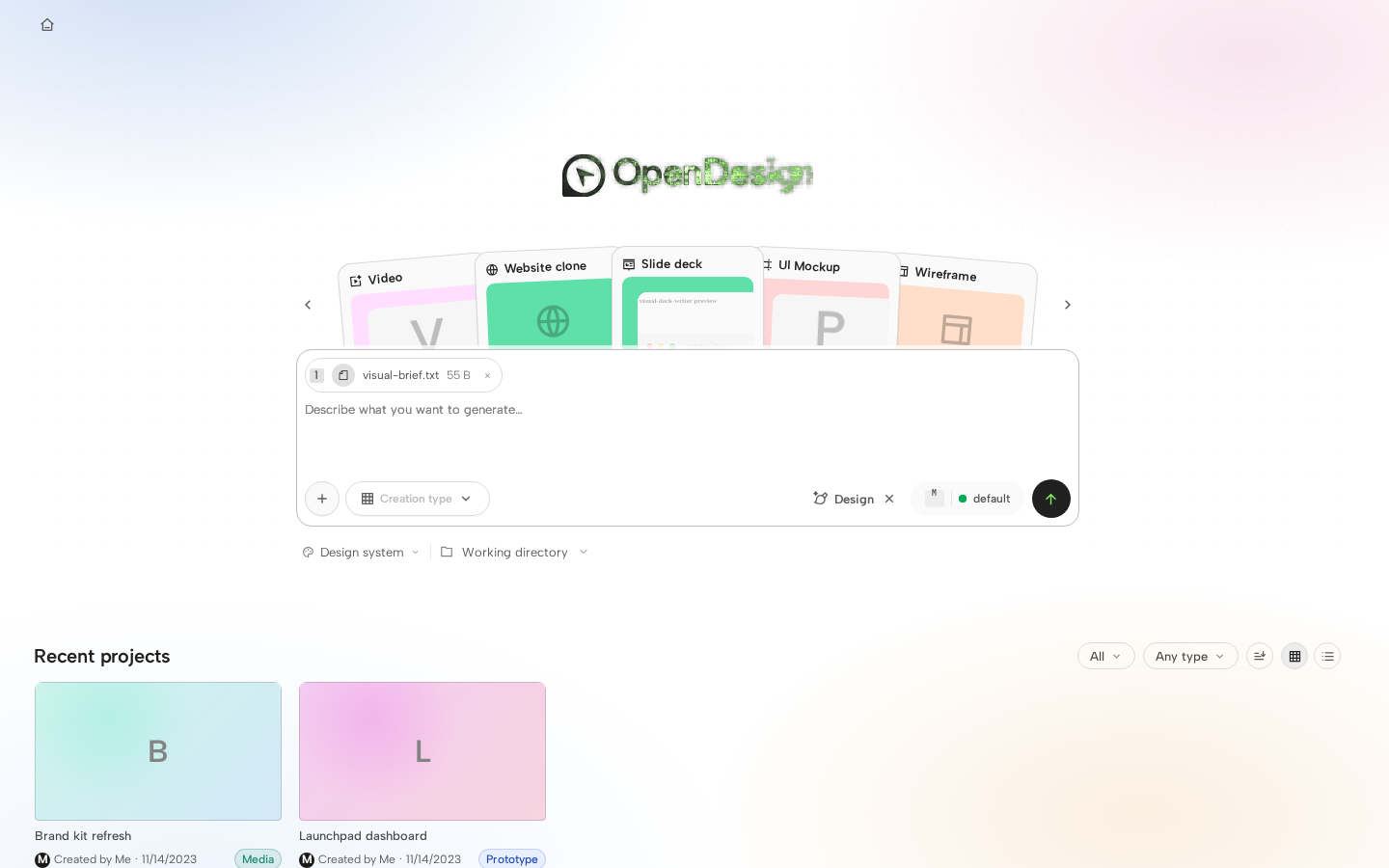
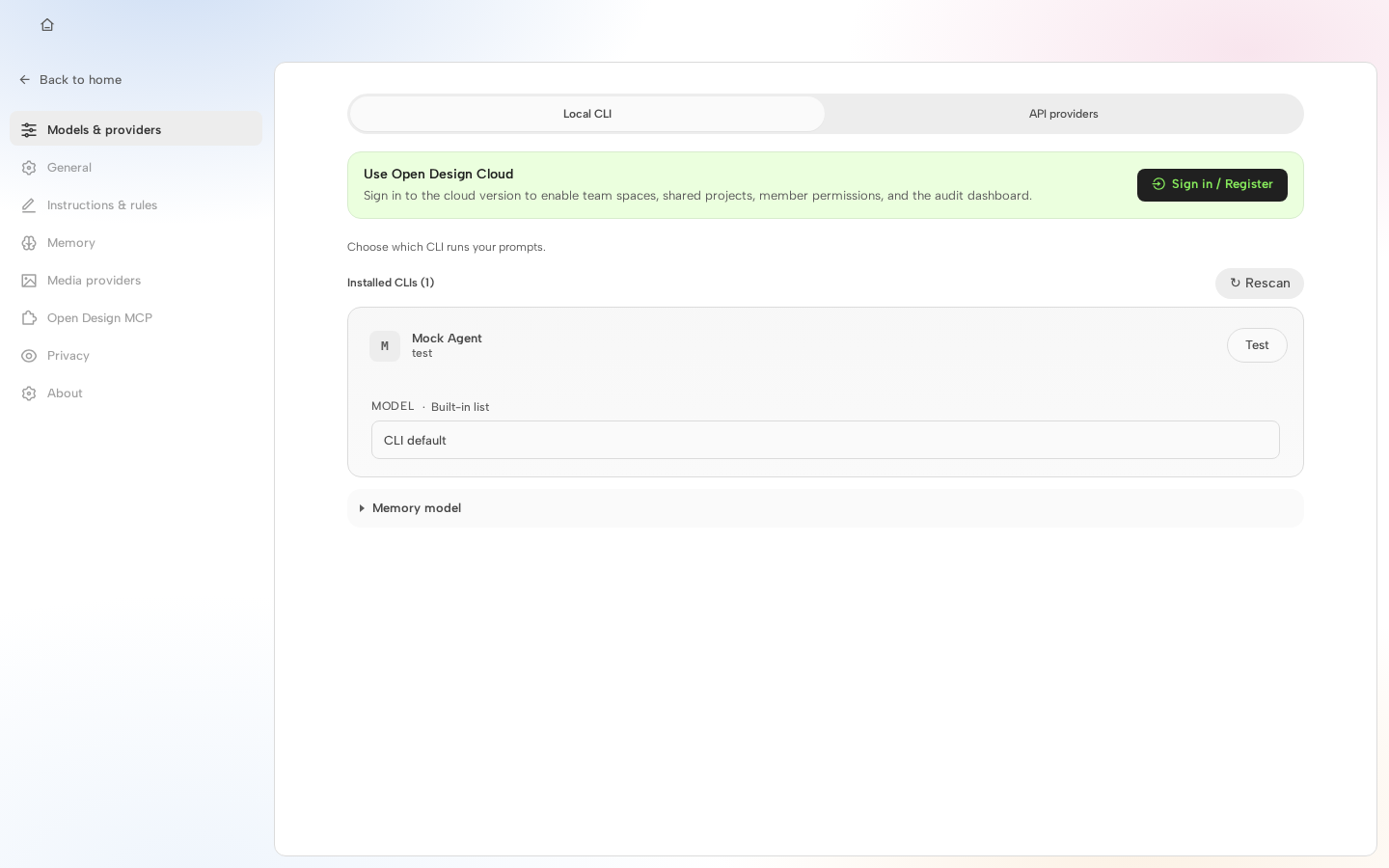
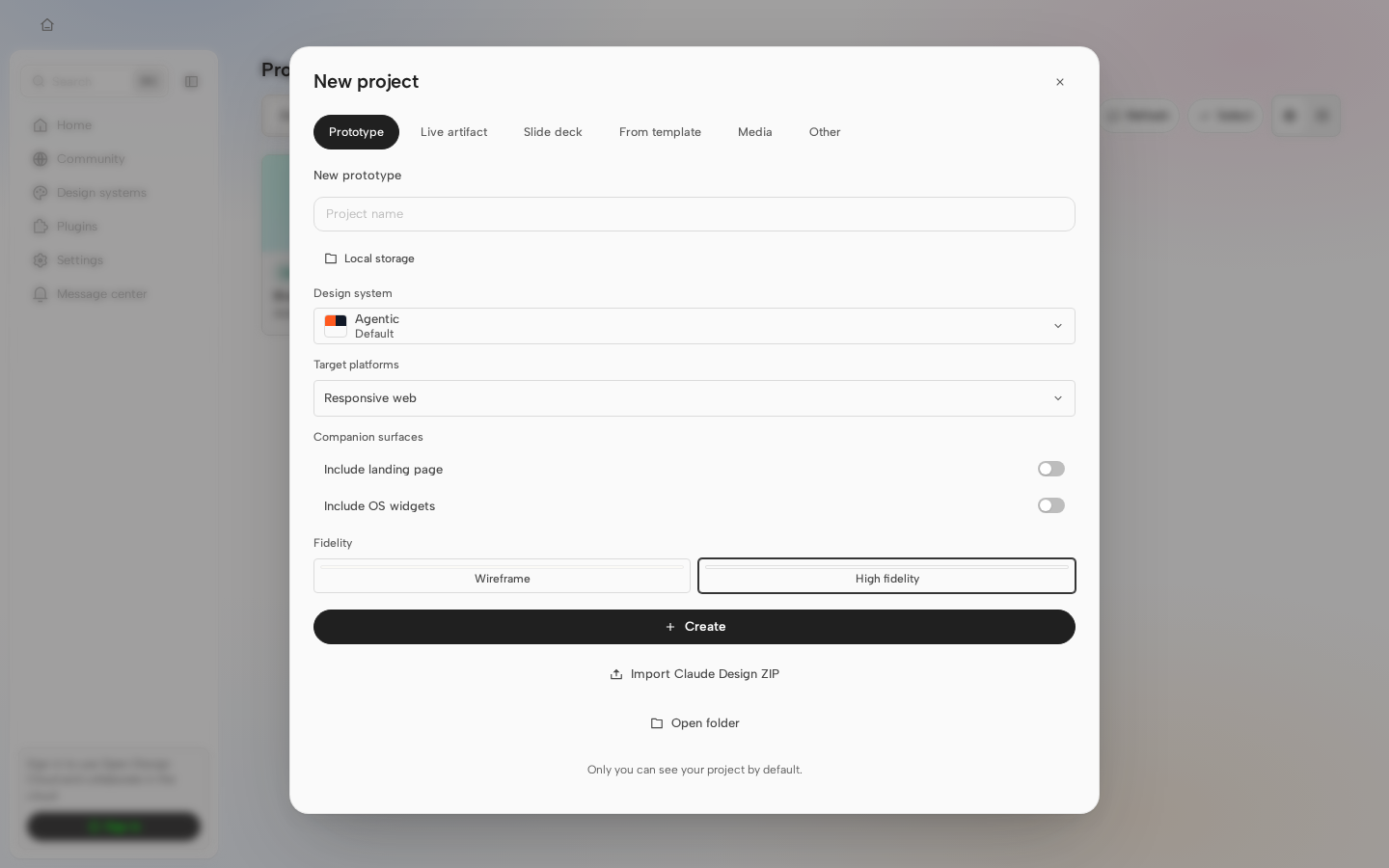
0 changed · 0 unchanged · 46 new without baseline · 0 failed New cases without baselines
26 additional new case(s) omitted from this comment. Visual diff is advisory only and does not block merging. |


2 participants


Why
Built on top of #6814's canvas work while dogfooding a real deck (the BlockFrame
neobrutalist template, 10 slides) and kept hitting the same thing: a deck is not
a web page, but it opens in the viewer built for one.
The pointer tool and the zoom ladder describe a canvas you pan around — a deck
always fits its pane. The viewport picker offers to render it "as a phone" — a
deck is a fixed 16:9 stage. Speaker notes took a permanent ~120px strip out of
the stage whether or not anyone was writing notes. And with the film strip down
the left edge, the slide lost a fifth of the pane to a navigator that was also
duplicated twice more (a floating ‹ 4 / 10 › puck over the artboard and a second
pair of arrows in the toolbar).
Two thumbnail bugs turned up on the way, both of which make a real template look
broken rather than merely cramped — details below.
What users will see
Opening a deck (
artifactKind=deck) now gives a slides editor. Every otherfile type is untouched.
slide outlined in brand green, scroll-follows-selection. It wears the app's
panel surface instead of the old black slab, and it is now the only slide
navigator — the floating puck and the toolbar arrows are gone.
演讲者备注 · 编辑 — each an icon with its name, because "引用此页" is not
something anyone guesses from a camera glyph. It stays up in both modes.
「引用此页」is the old screenshot-to-chat, renamed on decks only; the file it
attaches is now
slide-05-….pngso the agent can tell which page you meant.Nothing takes a permanent bite out of the stage any more.
menu: 全屏放映 or 演讲者模式. It is a verb there, not a mode — standing
down from editing is the dock's 编辑 toggle.
Two thumbnail fixes
a stage token, so
.slide-1 .deco-pink-rect { width:100px; height:100px }— anordinary decoration inside slide 1 — declared the deck's design canvas to be
100×100, and every thumbnail rendered a magnified 100px crop of the slide's
top-left corner. Now the token has to be the whole compound selector,
.slide-1no longer counts as.slide(\.slide\bmatched it), and a stageunder 480×270 is rejected.
deck straight into a ~3:1 thumbnail box, so a
100vw/100vhdeck laid everyslide out to that shape and showed a crop. All three frames now render the
authored 1280×720 stage and
transform: scale()it to fit.Surface area
Present menu, right-rail tabs, Home type carousel (
apps/web)presenter_modeelement already declared in
PresentPopoverClickPropsfileViewer.quoteSlide,fileViewer.presentFullscreenOptionadded totypes.ts+ all 19 locales;zh-CN/zh-TW
previousSlide/nextSliderelabelled 上一张/下一张 → 上一页/下一页two Home chips (实时看板 / 音频) are retired
Validation
pnpm guard,pnpm --filter @open-design/web typecheck— cleantests/styles+ the four deck suites — greenFileViewer.test.tsx: 270 passed / 3 failed,FileViewer.manual-edit.test.tsx:3 failed — the same 6 that are red on this PR's base (feat(web): overhaul the canvas edit workflow #6814's own auto-fit and
edit-arm families). Verified by stashing this branch's
src/and re-running.strip is the only navigator, the speaker-notes tests open the popover first,
the in-tab-presentation test enters through the header, and the test for the
deleted strip-collapse toggle is gone.
Notes for review
effectiveDeck, so aprototype/page/image viewer renders exactly as it did before this PR.
freehand-mark controls on decks; keeping the film strip up while editing (the
dock's three actions all target "the slide on the stage", so removing the way
to change slides would leave them pointing at a page you can no longer pick).
agent/web-canvas-workflow-overhaul(feat(web): overhaul the canvas edit workflow #6814), not onmain.