fix(web): add design-system search clear - #6810
Conversation


|
Thanks @SomSamantray — the query-only clear behavior here looks like a nicely scoped follow-up to #2697. Since this updates the picker UI, we’ve marked the PR for the normal design/QA path before merge. Could you also add a quick screenshot or before/after to the PR body? That’ll make the visual pass faster for everyone. |
 lefarcen
added
size/S
lefarcen
added
size/S

 nettee
left a comment
nettee
left a comment
nettee
left a comment
There was a problem hiding this comment.
I reviewed the query-only clear affordance in DesignSystemPicker, including the focused picker, flow, and brand-preview coverage. The clear button resets only the query, preserves the selected system, restores the default result list, and returns focus to the search field. Local validation passed: picker tests (8/8), related flow/brand-preview tests (44 passed, 6 skipped), web typecheck, and pnpm guard.
Nice, focused fix—thanks for preserving the selection semantics while adding the missing search affordance.
🔁 Powered by Looper · runner=reviewer · agent=codex · An autonomous AI dev team for your GitHub repos.
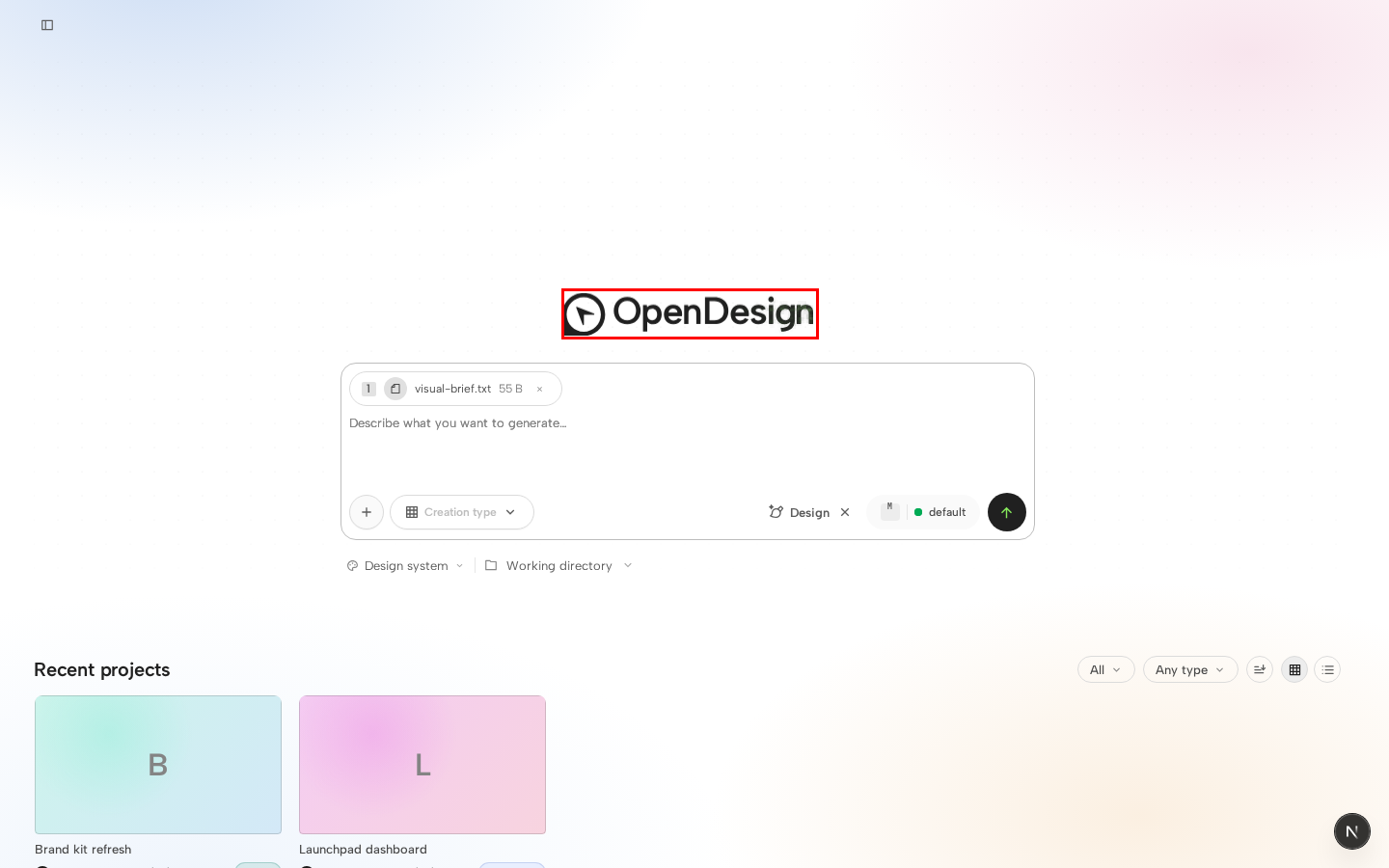
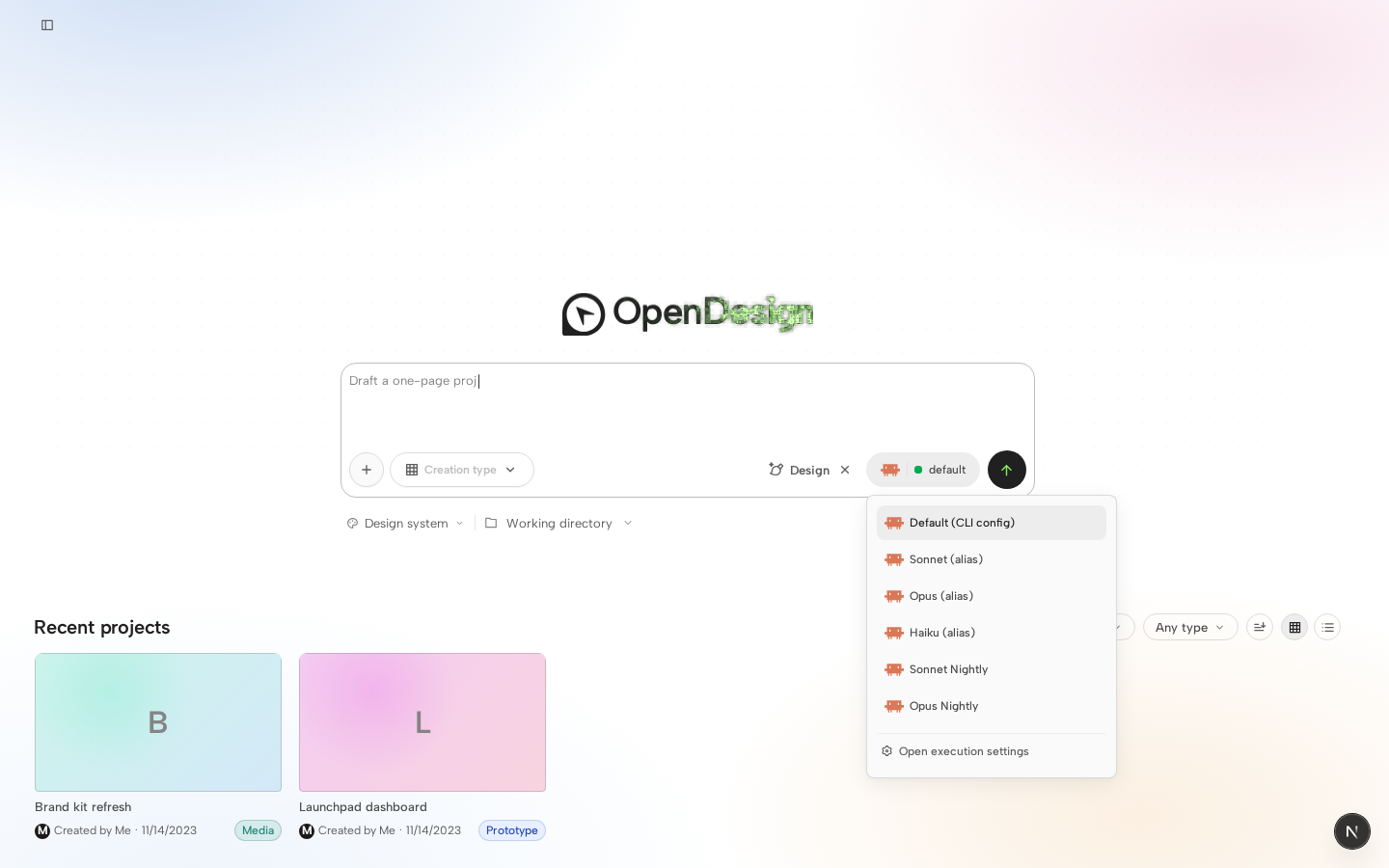
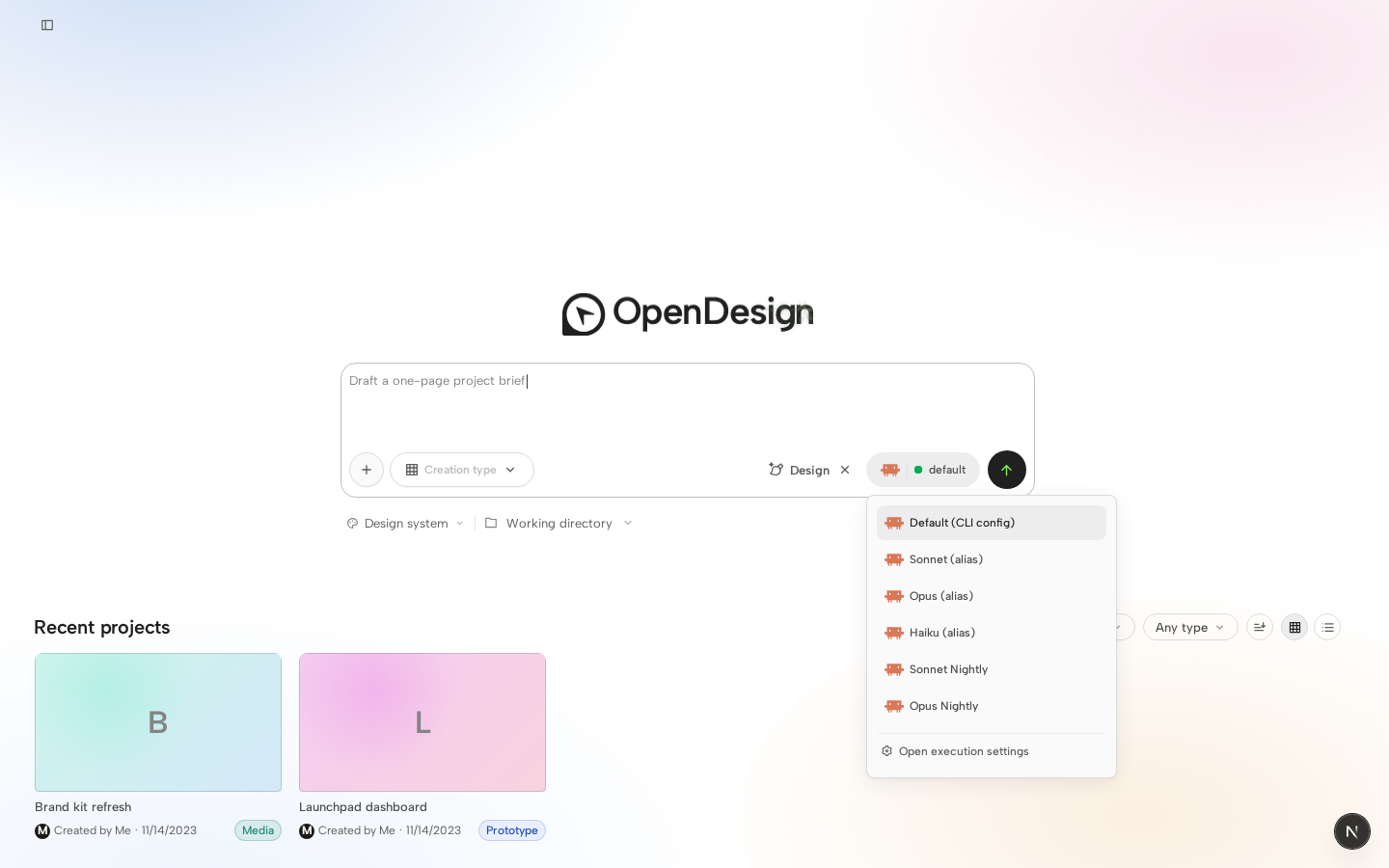
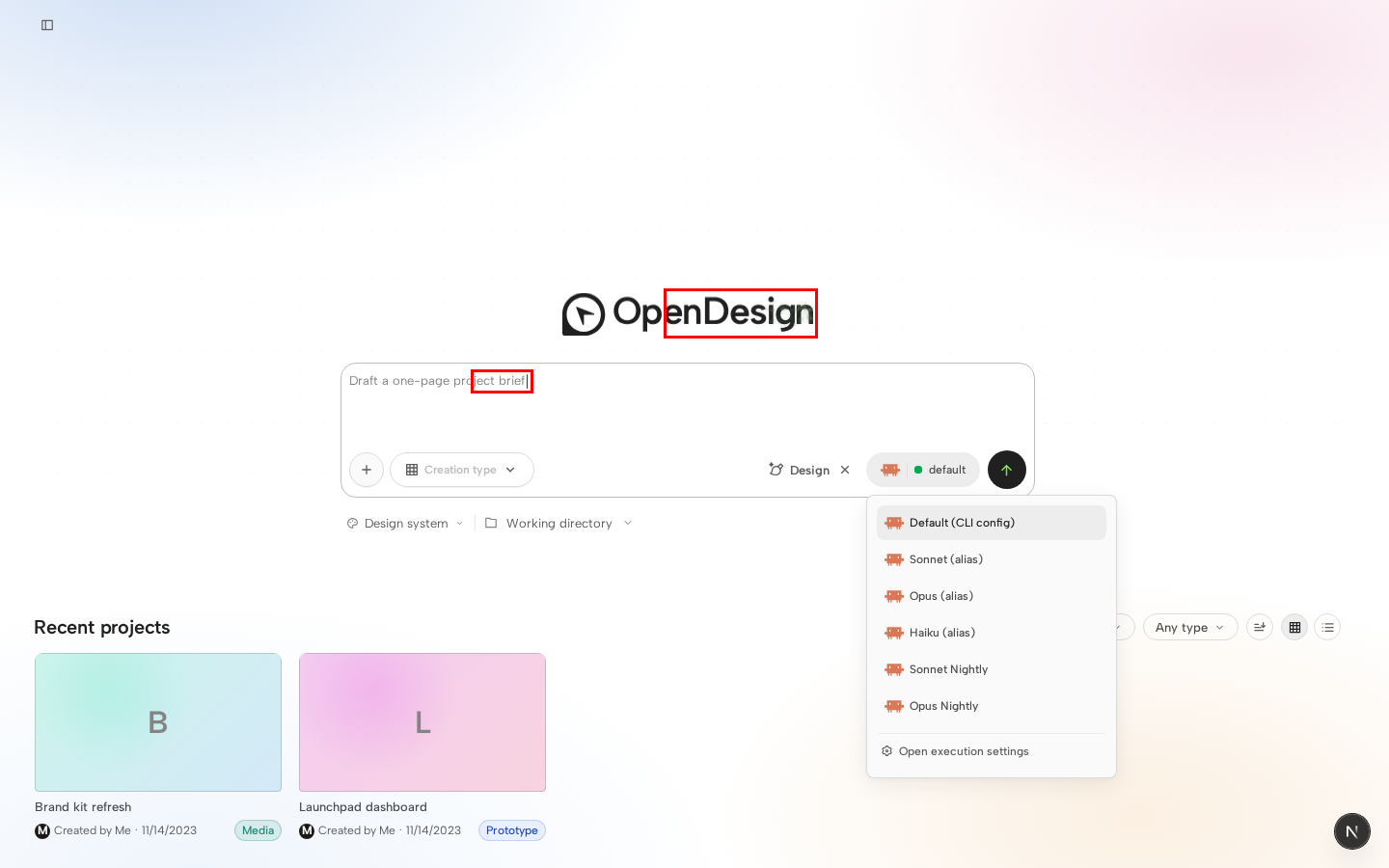
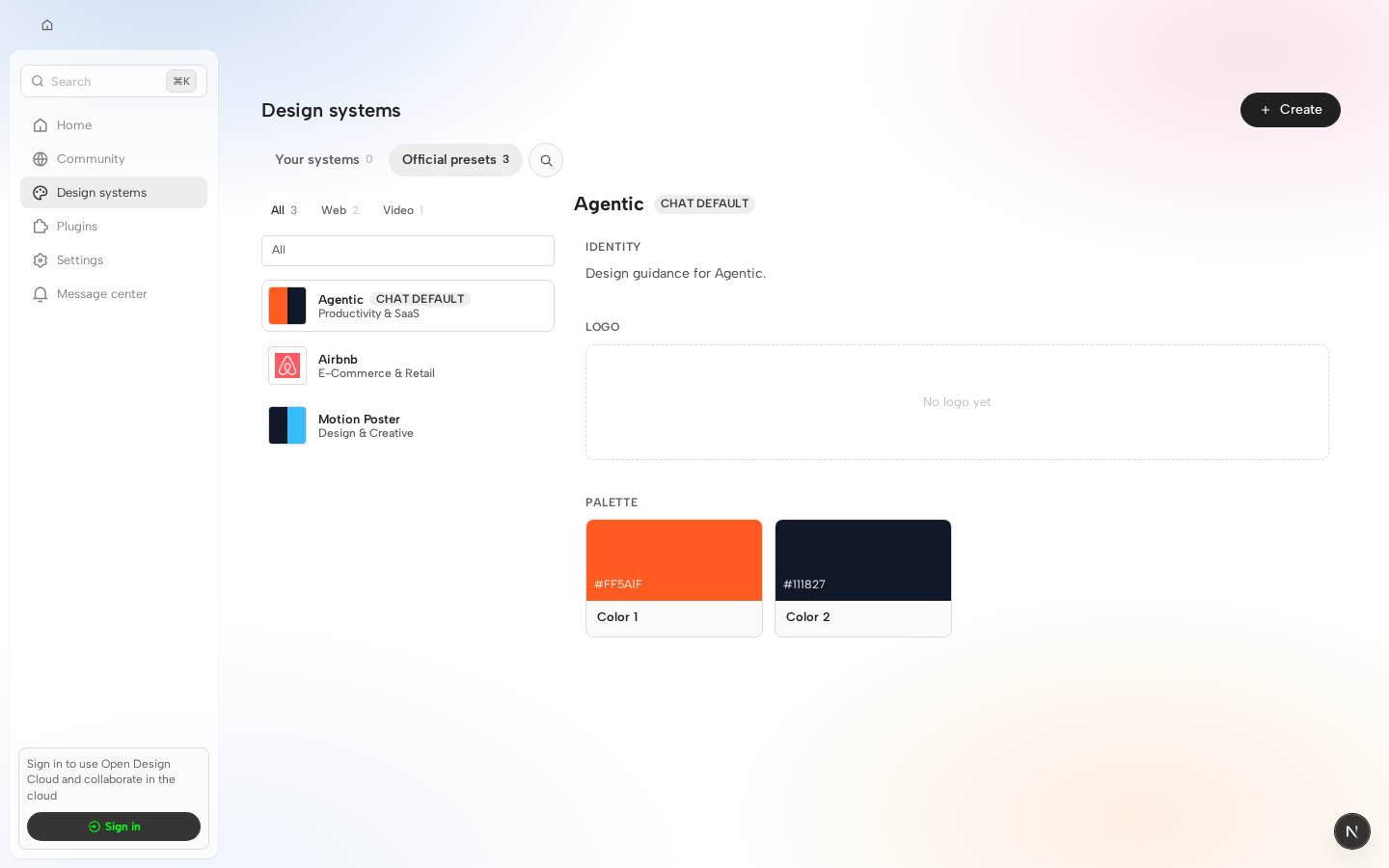
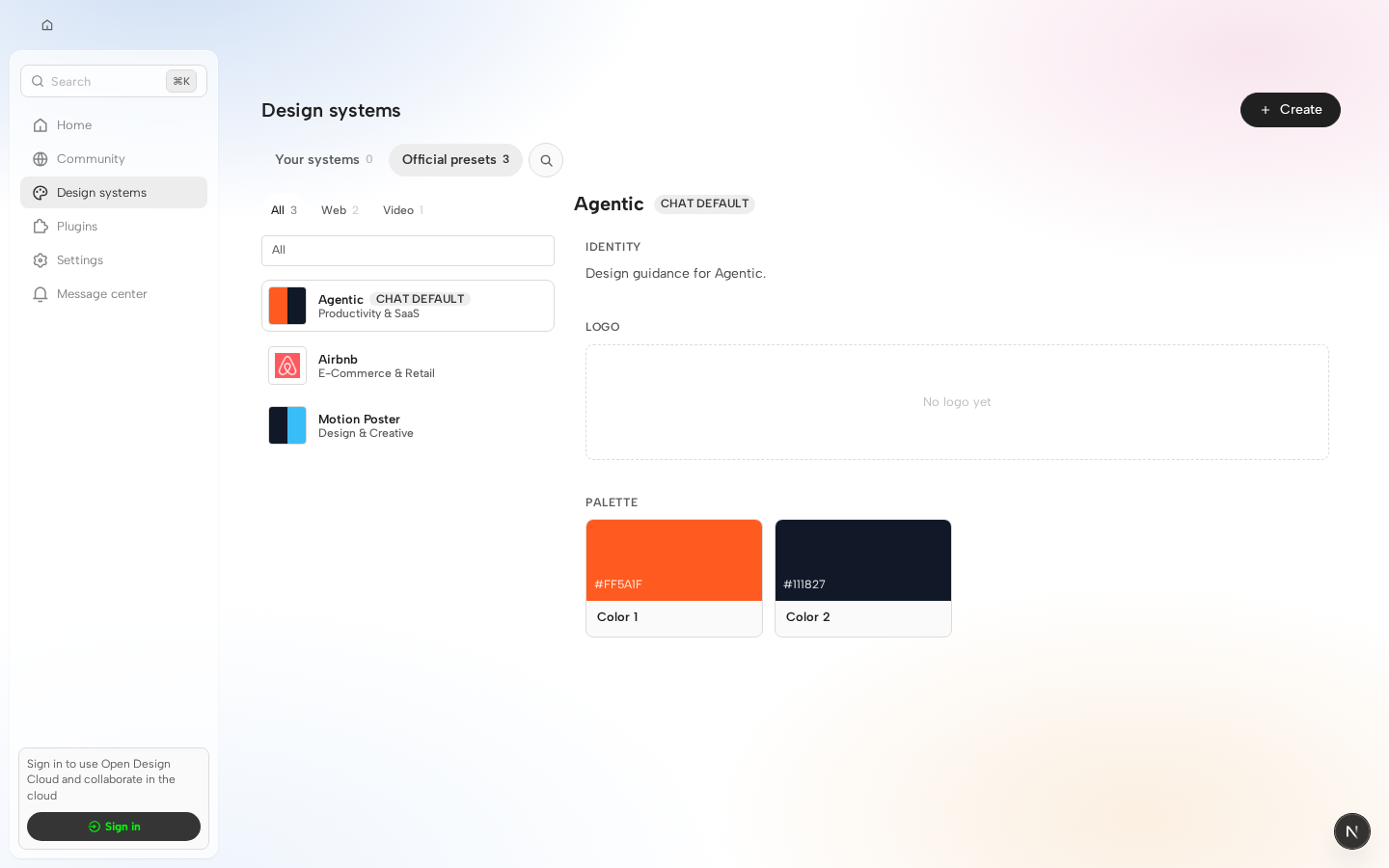
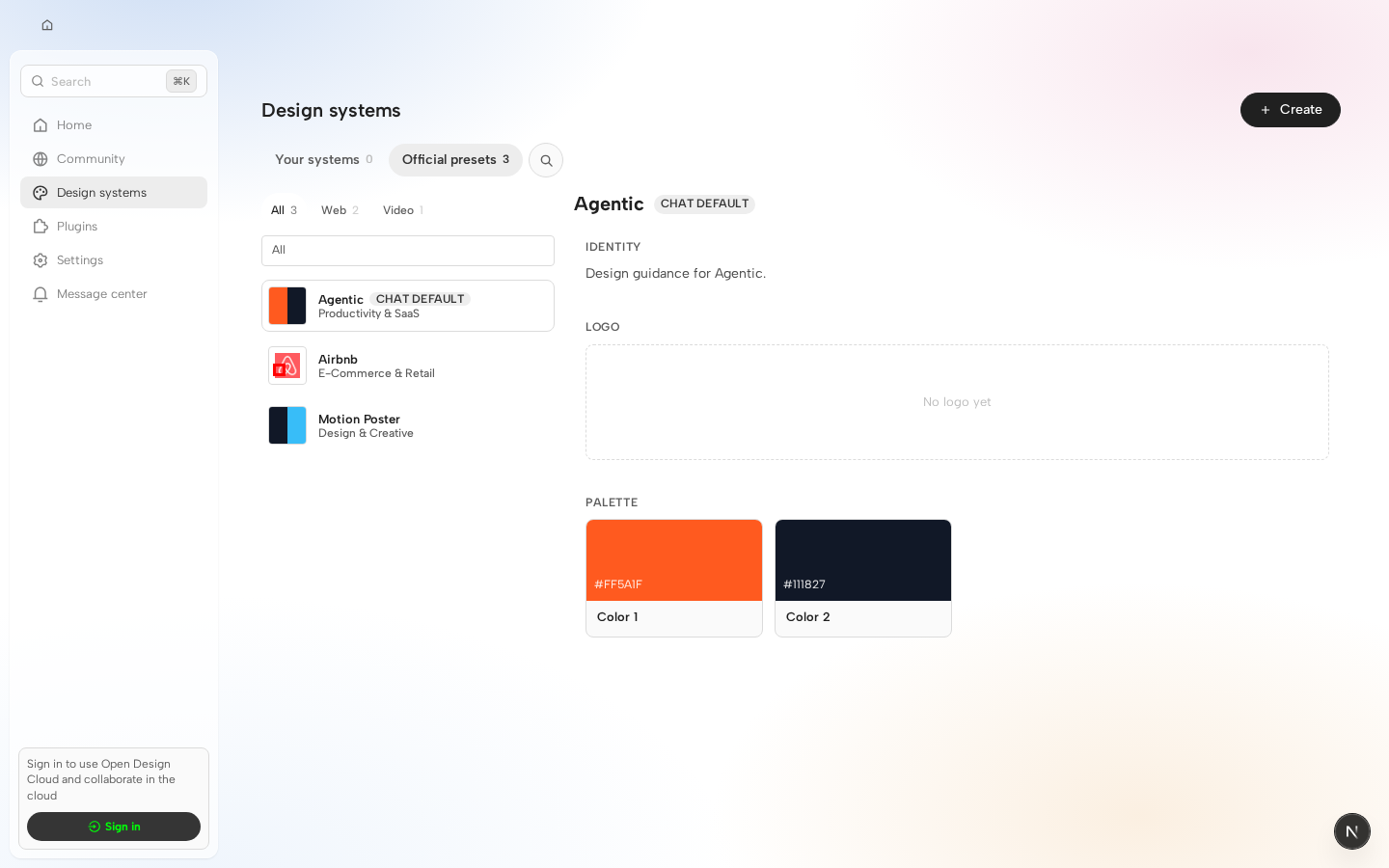
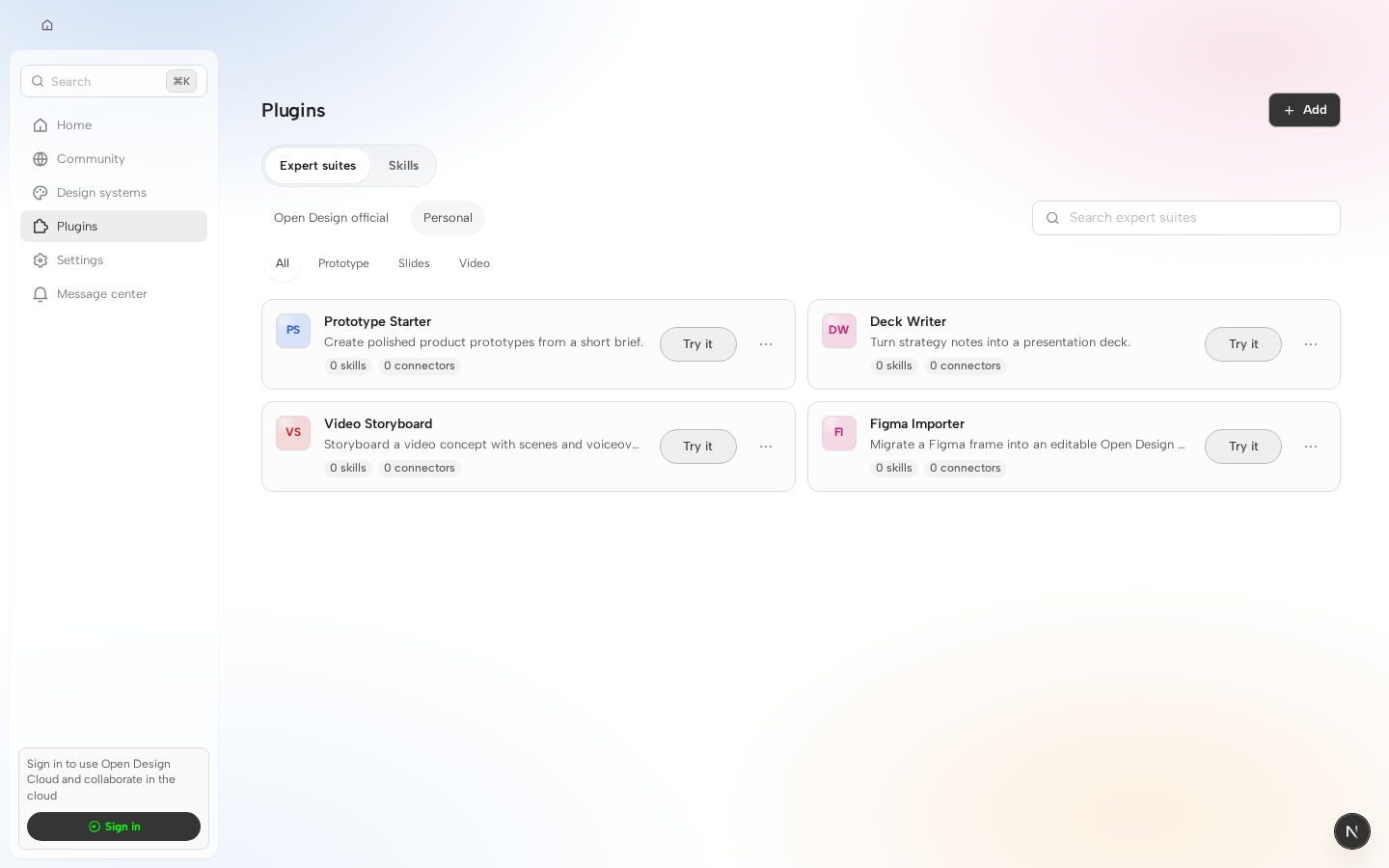
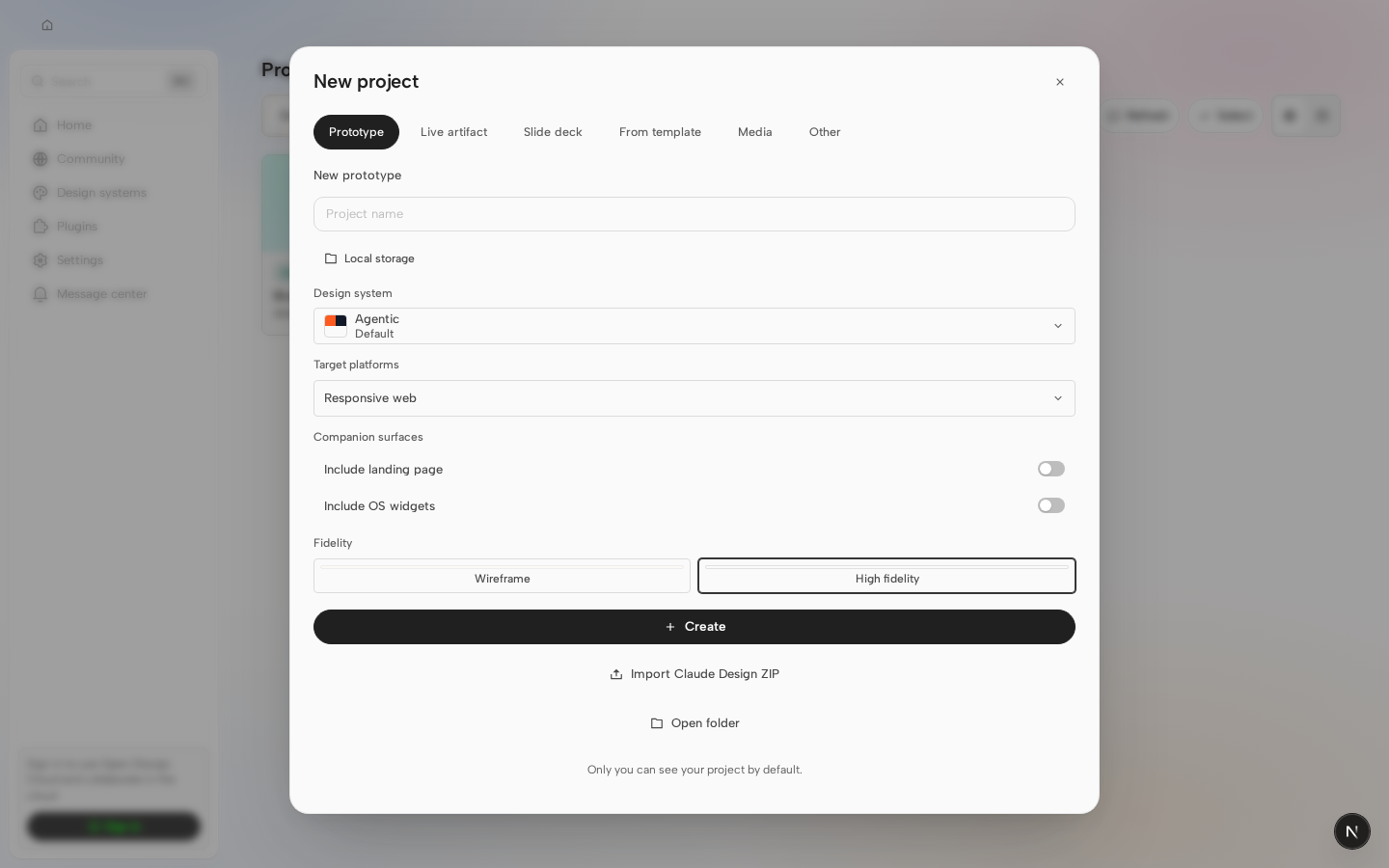
Visual regression reviewHead: 4 changed · 45 unchanged · 0 new without baseline · 0 failed Changed cases
Unchanged cases
Visual diff is advisory only and does not block merging. |
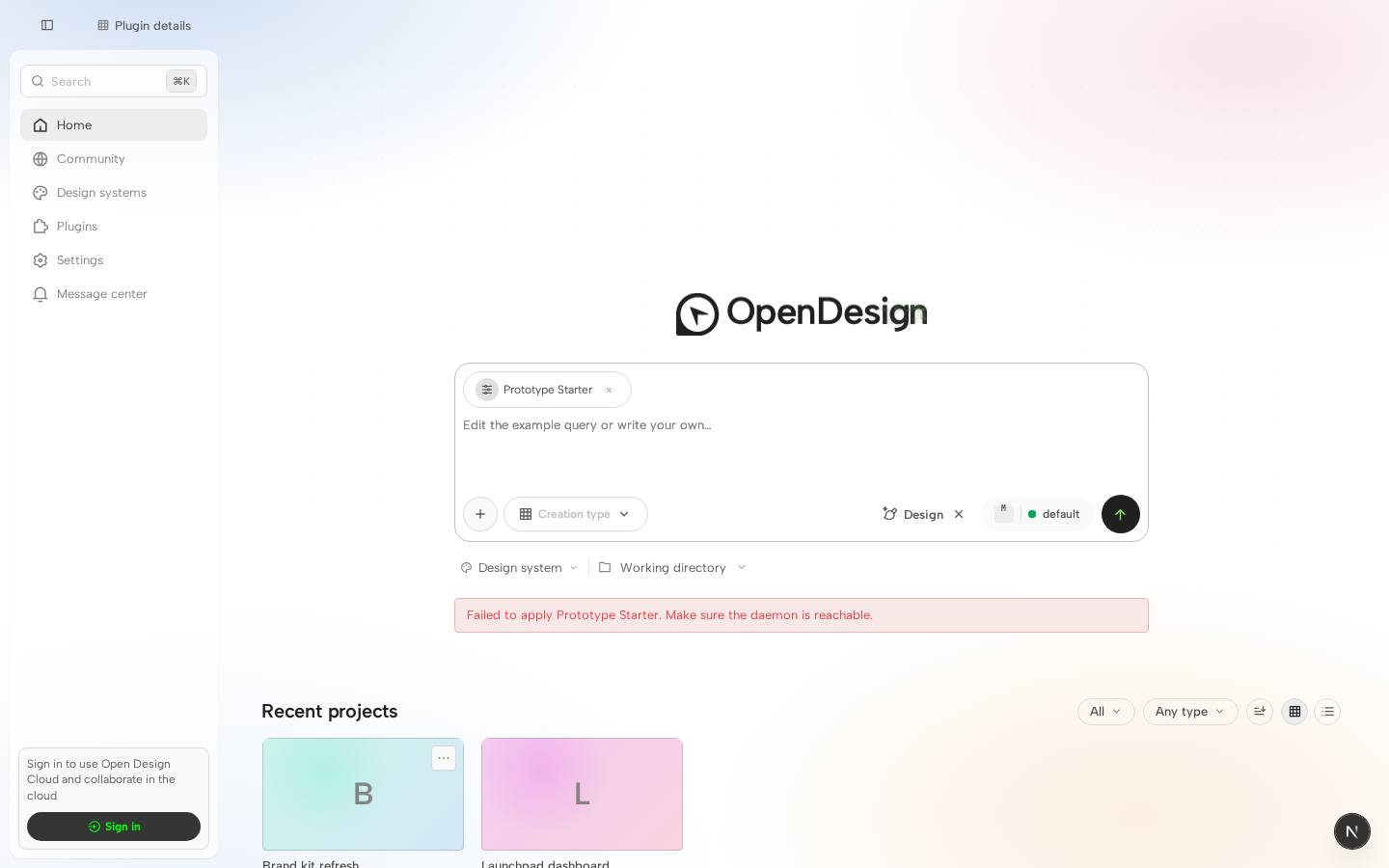
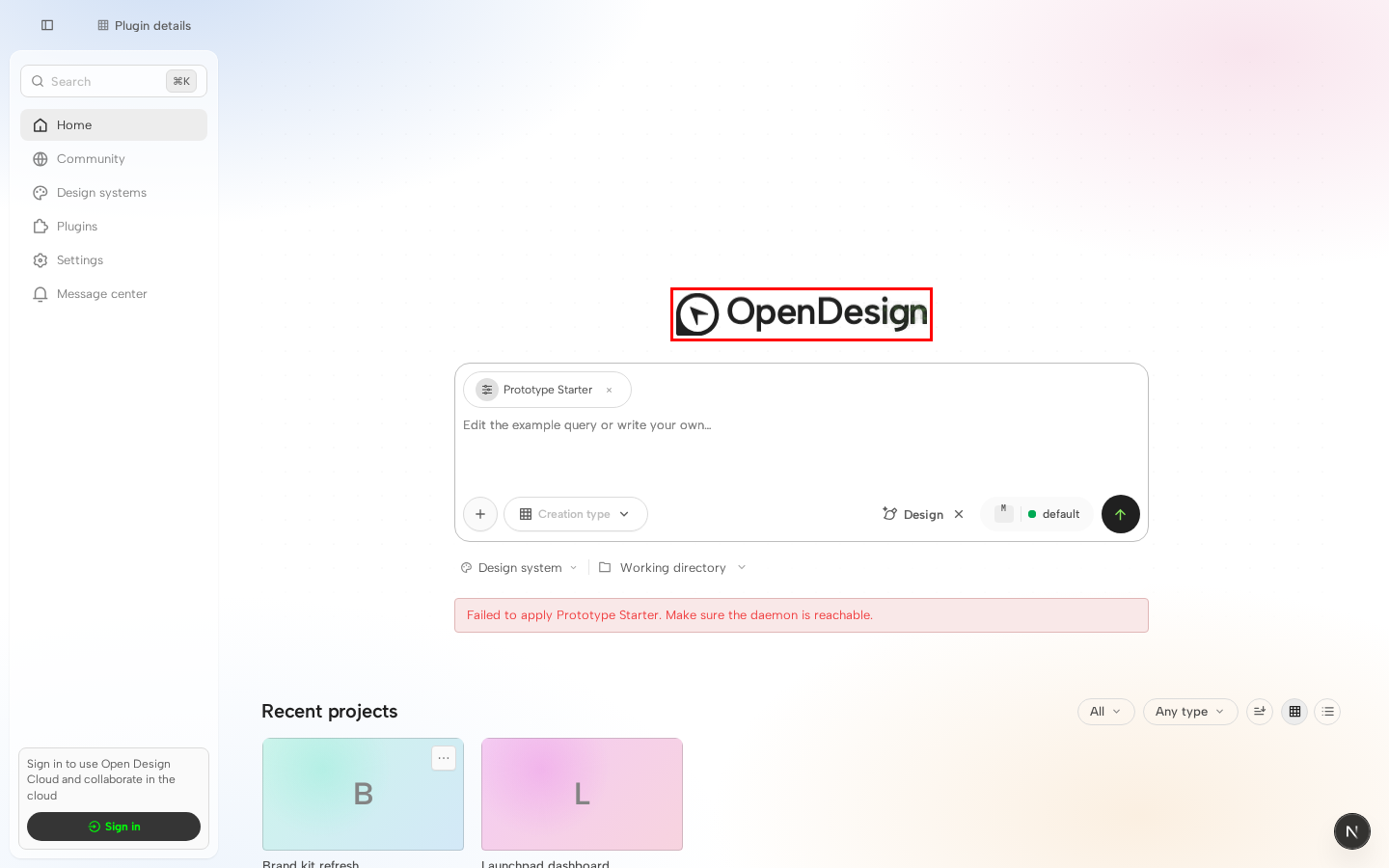
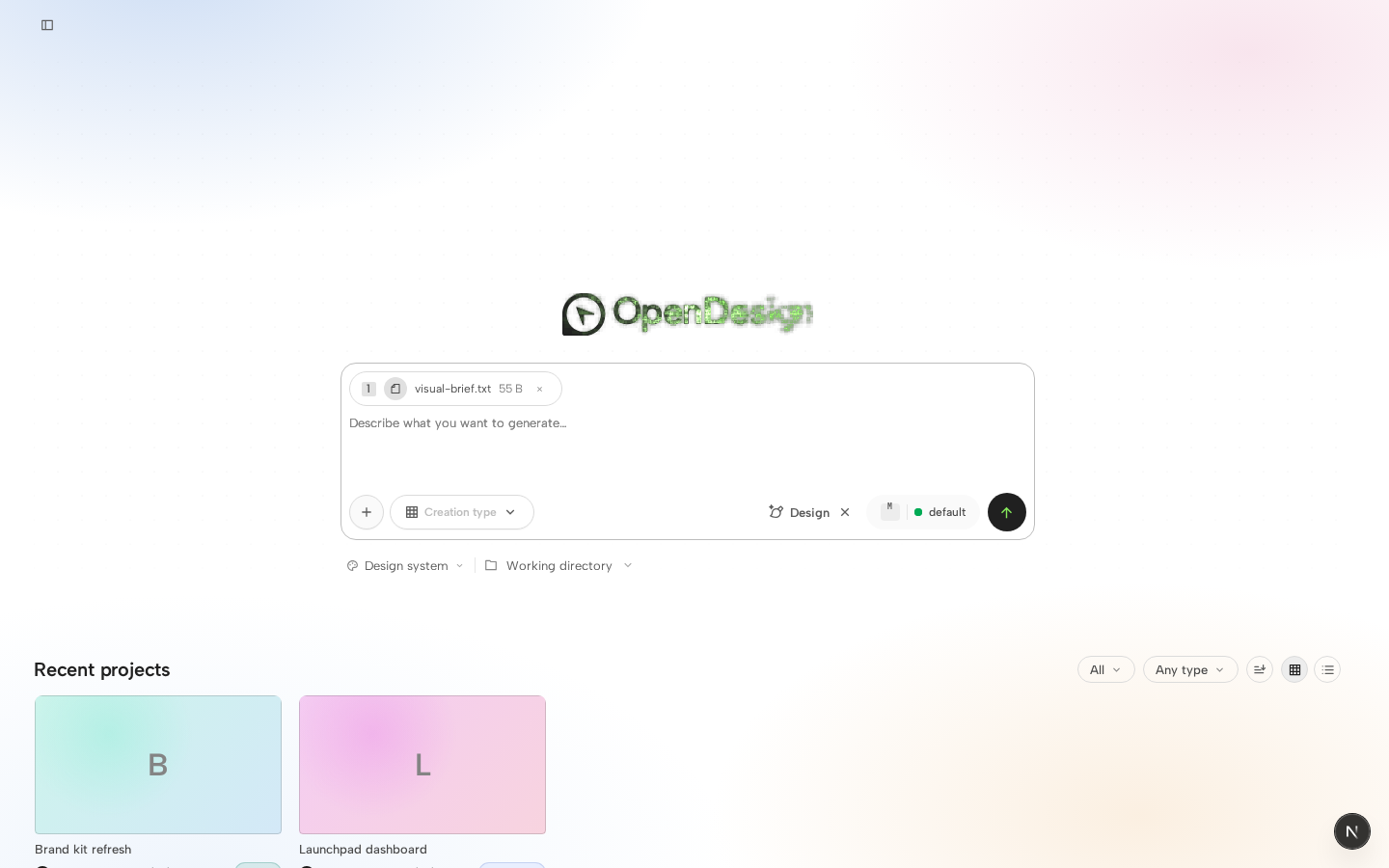
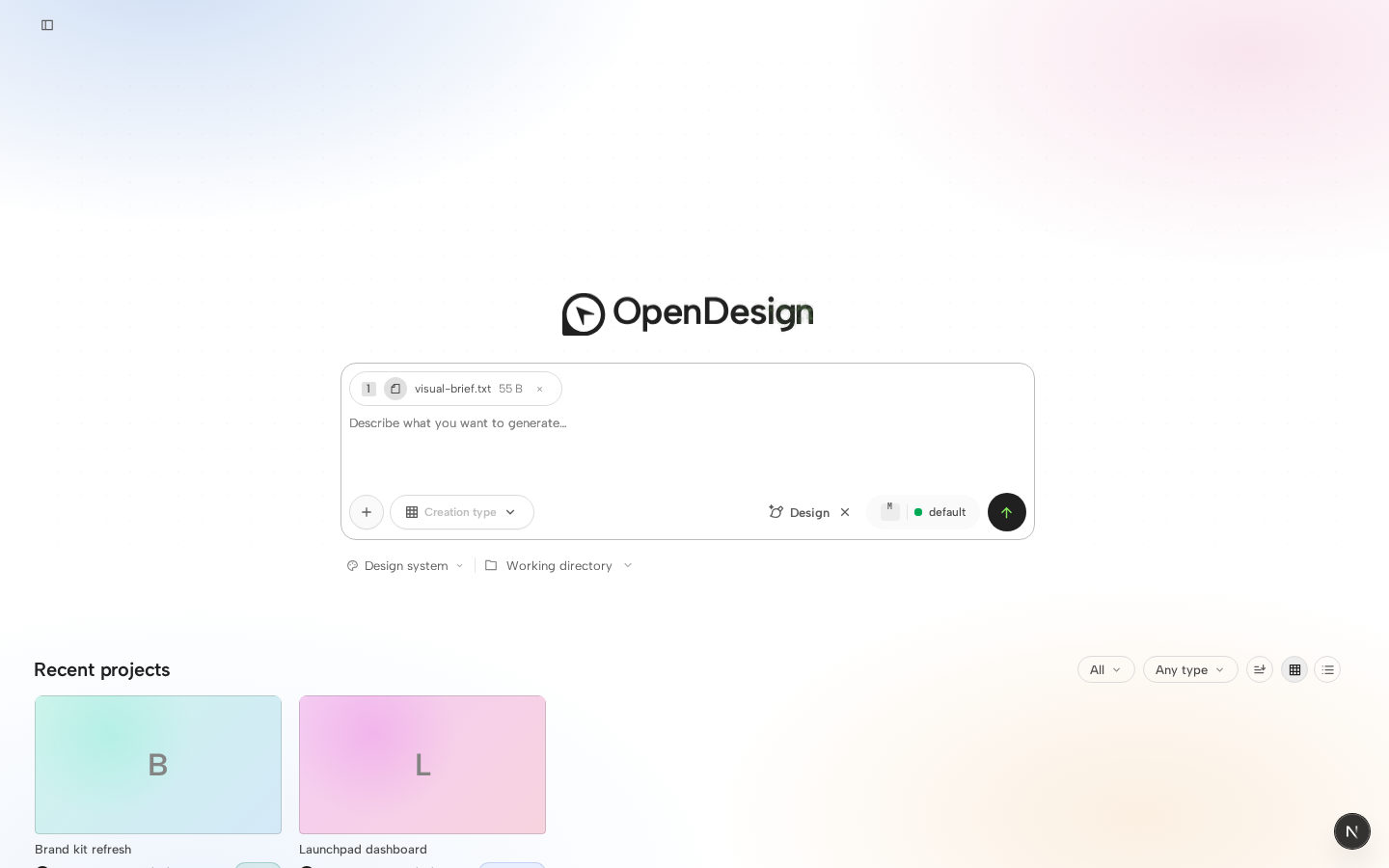


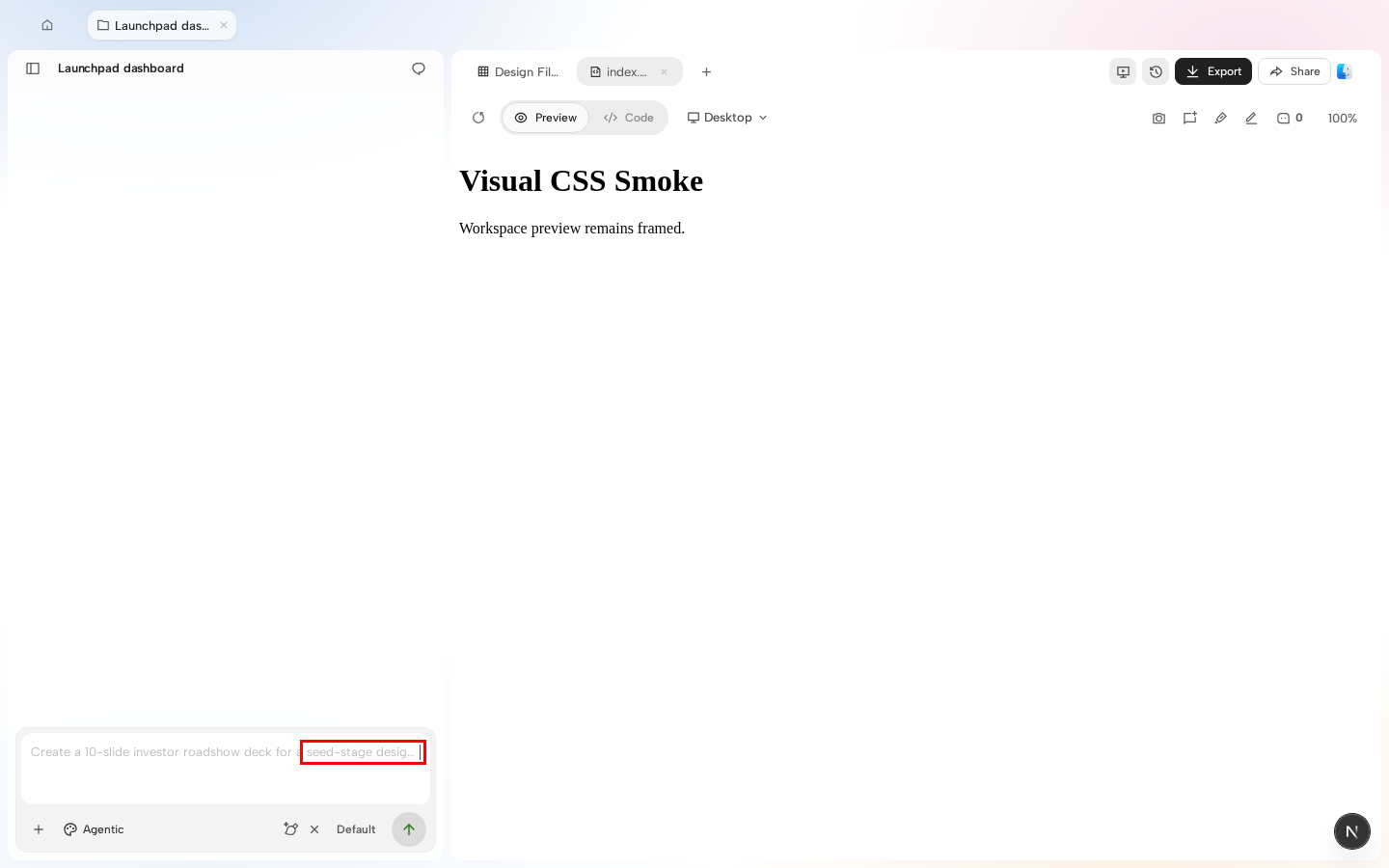
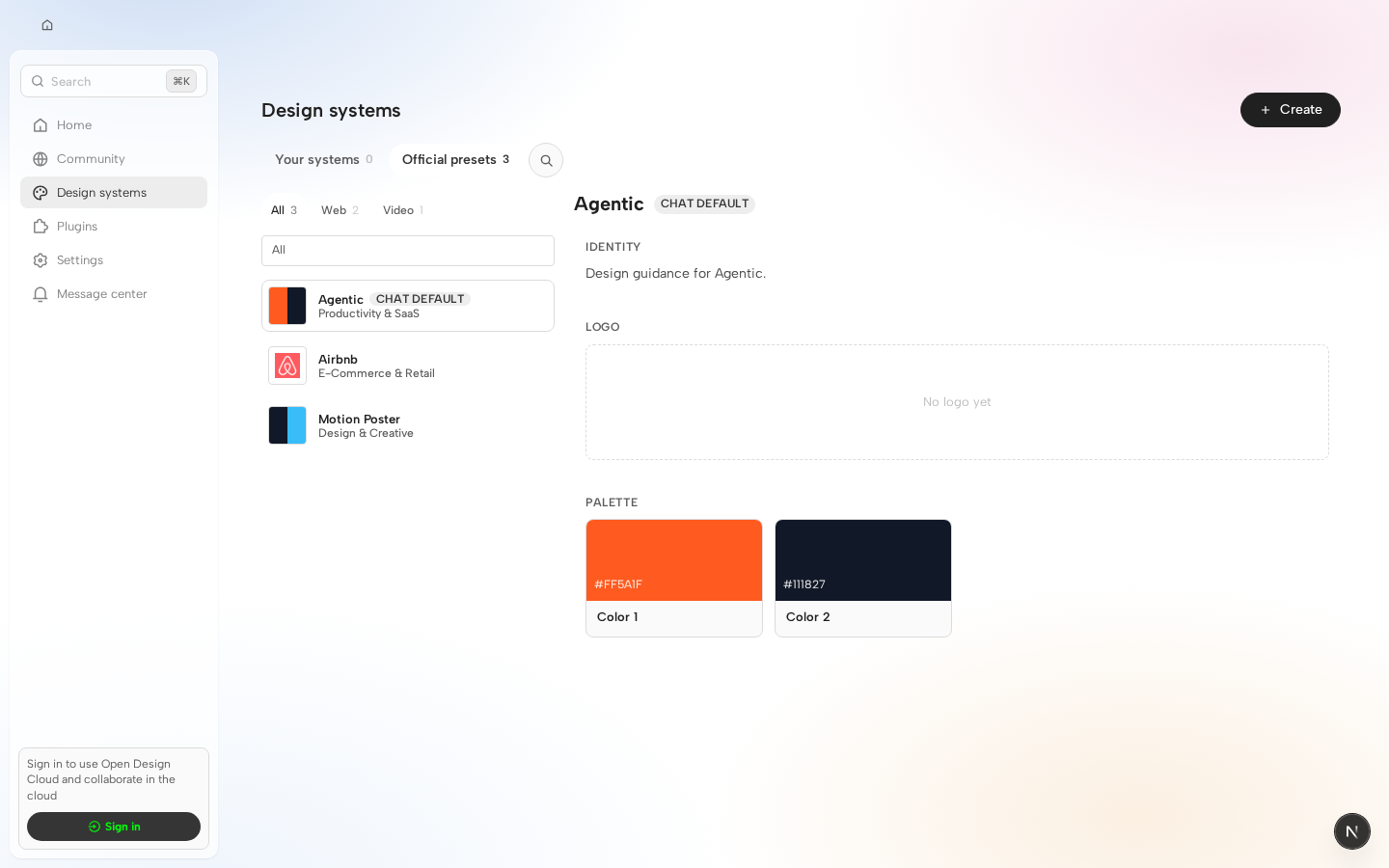
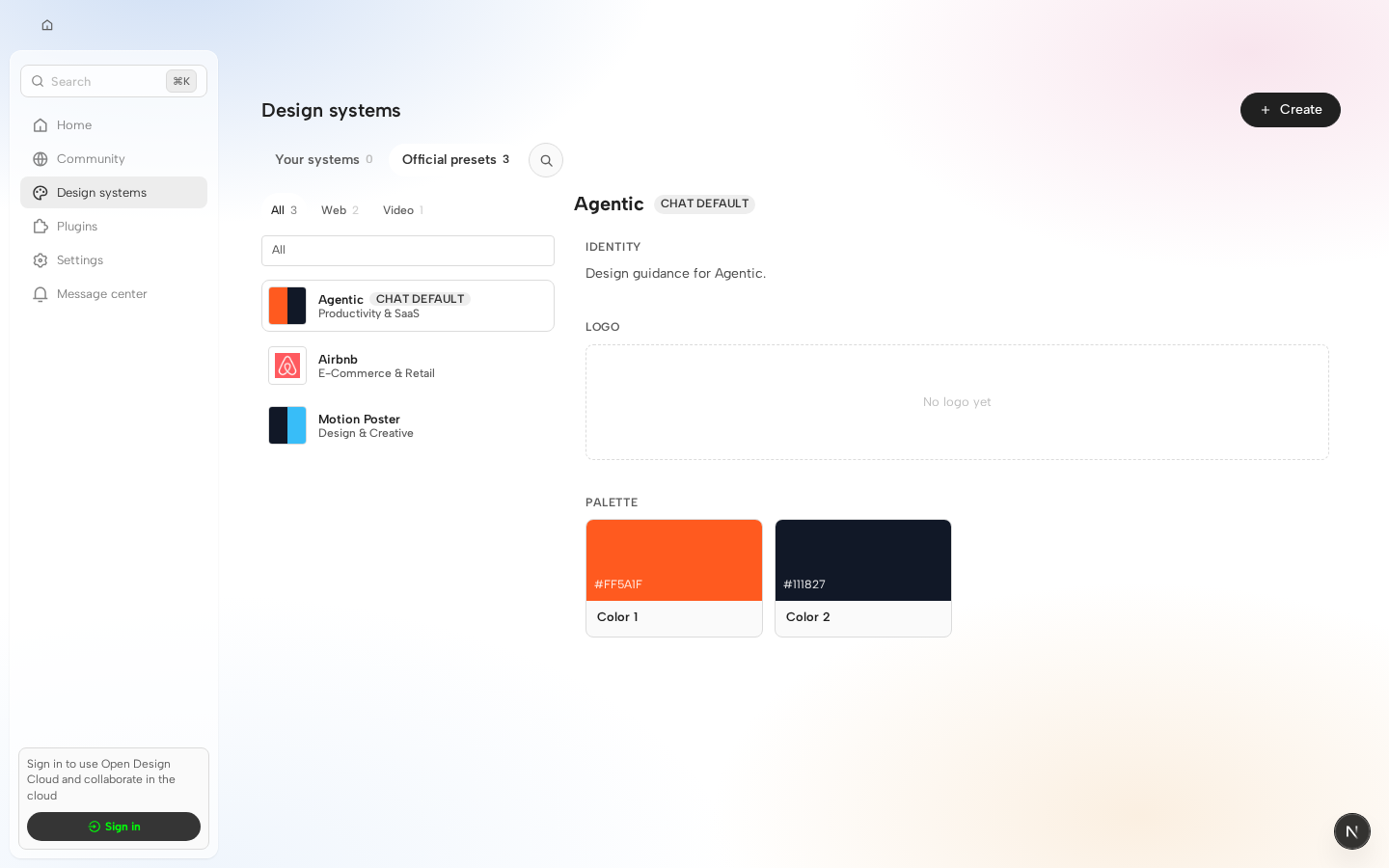
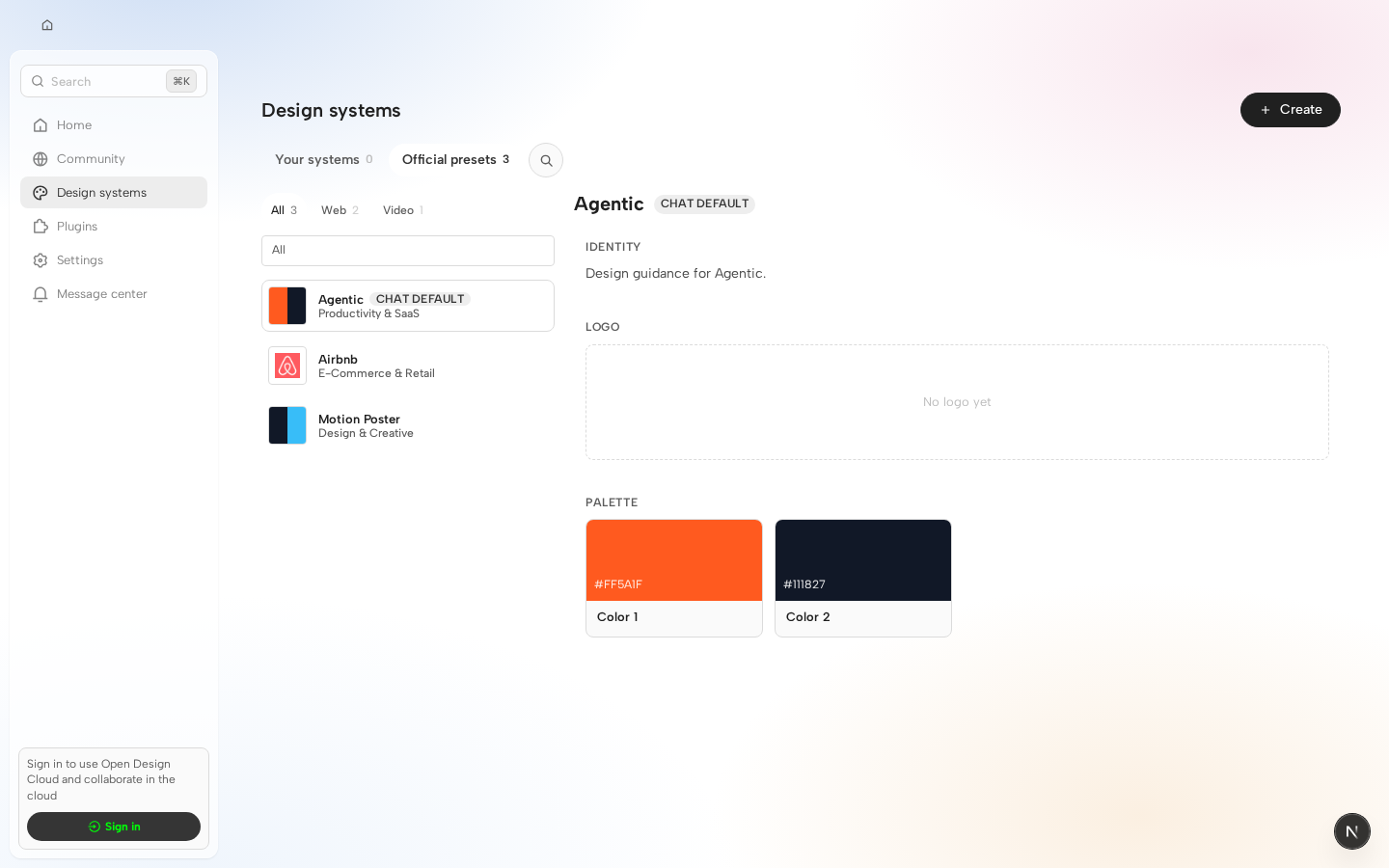
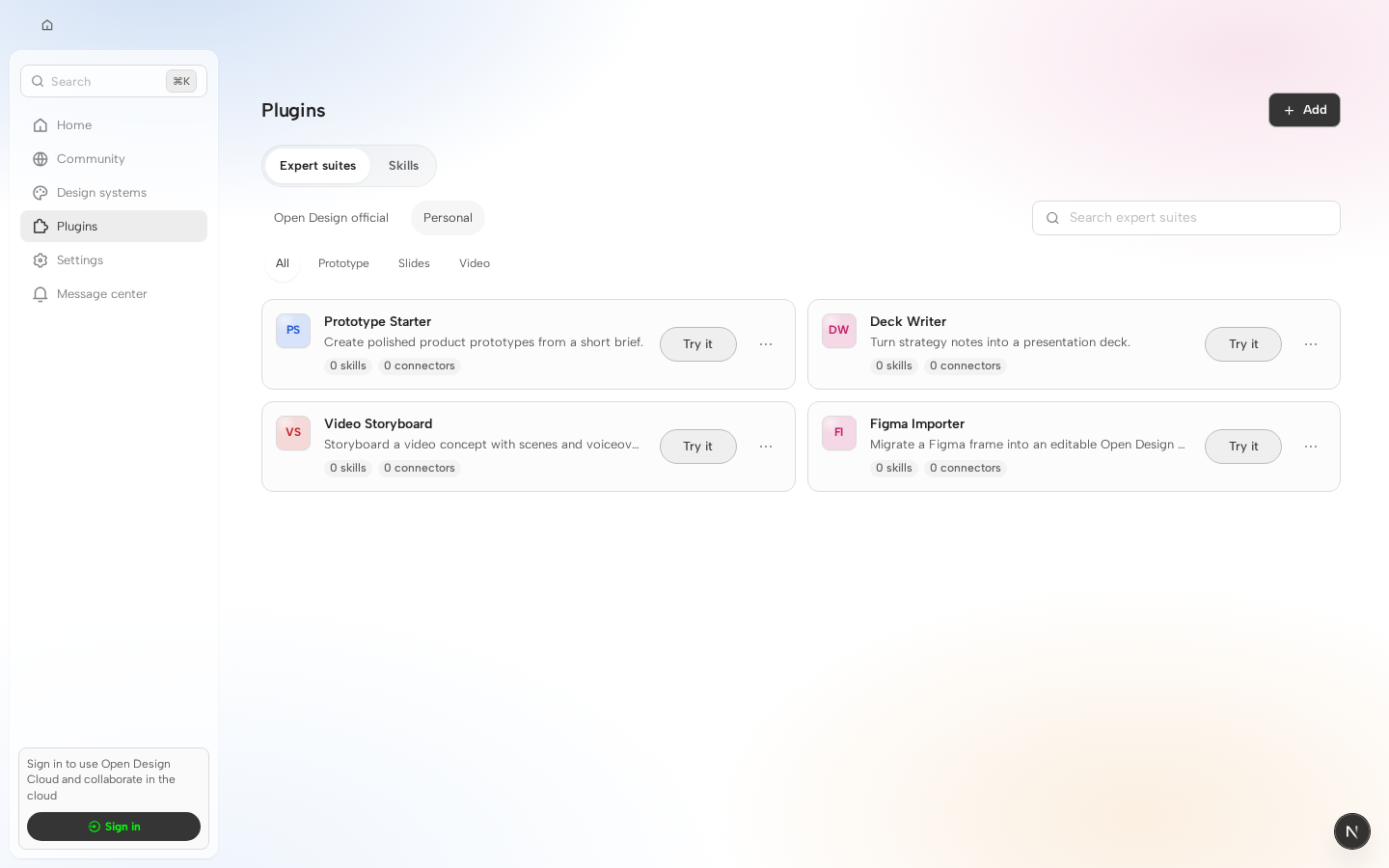
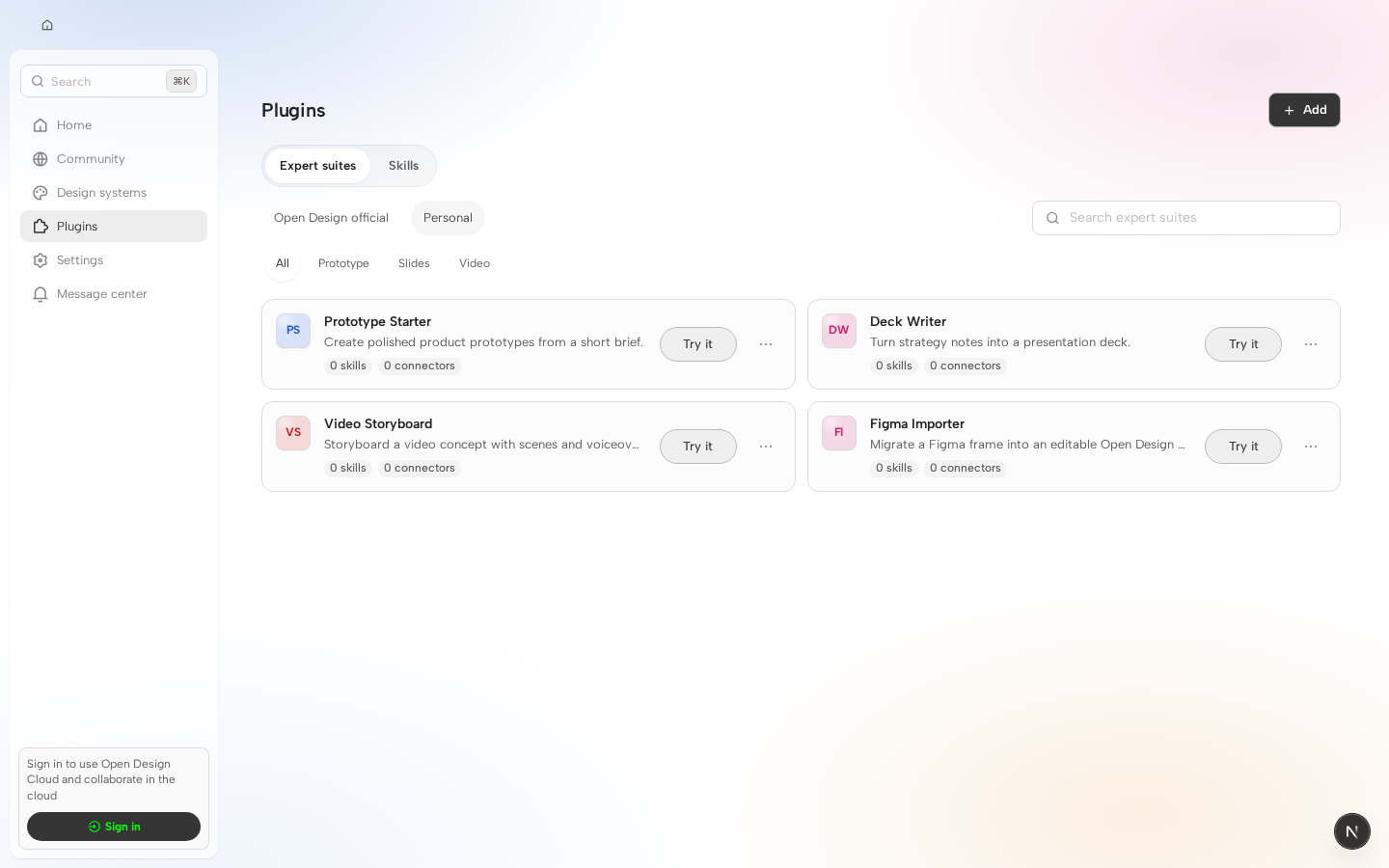
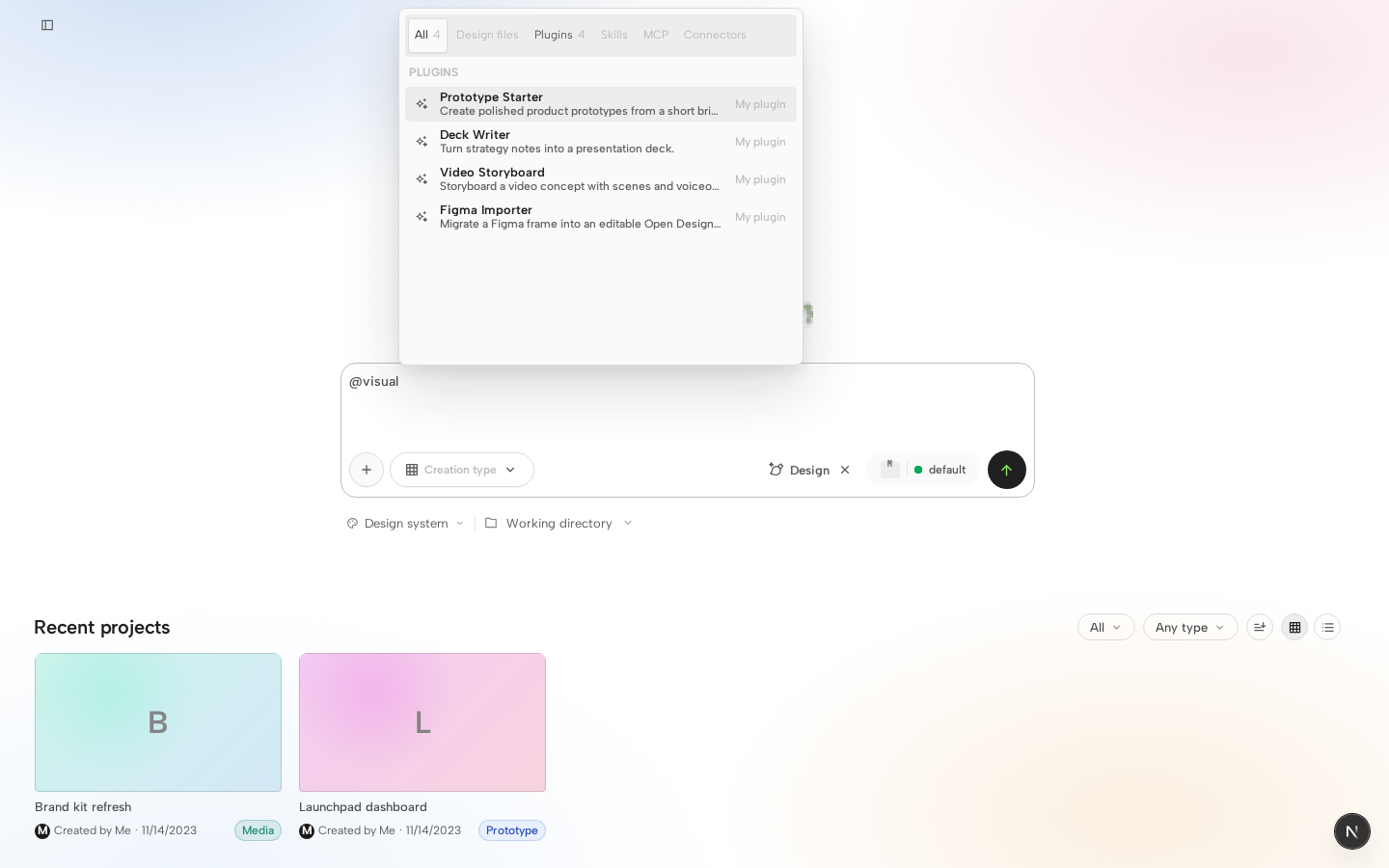
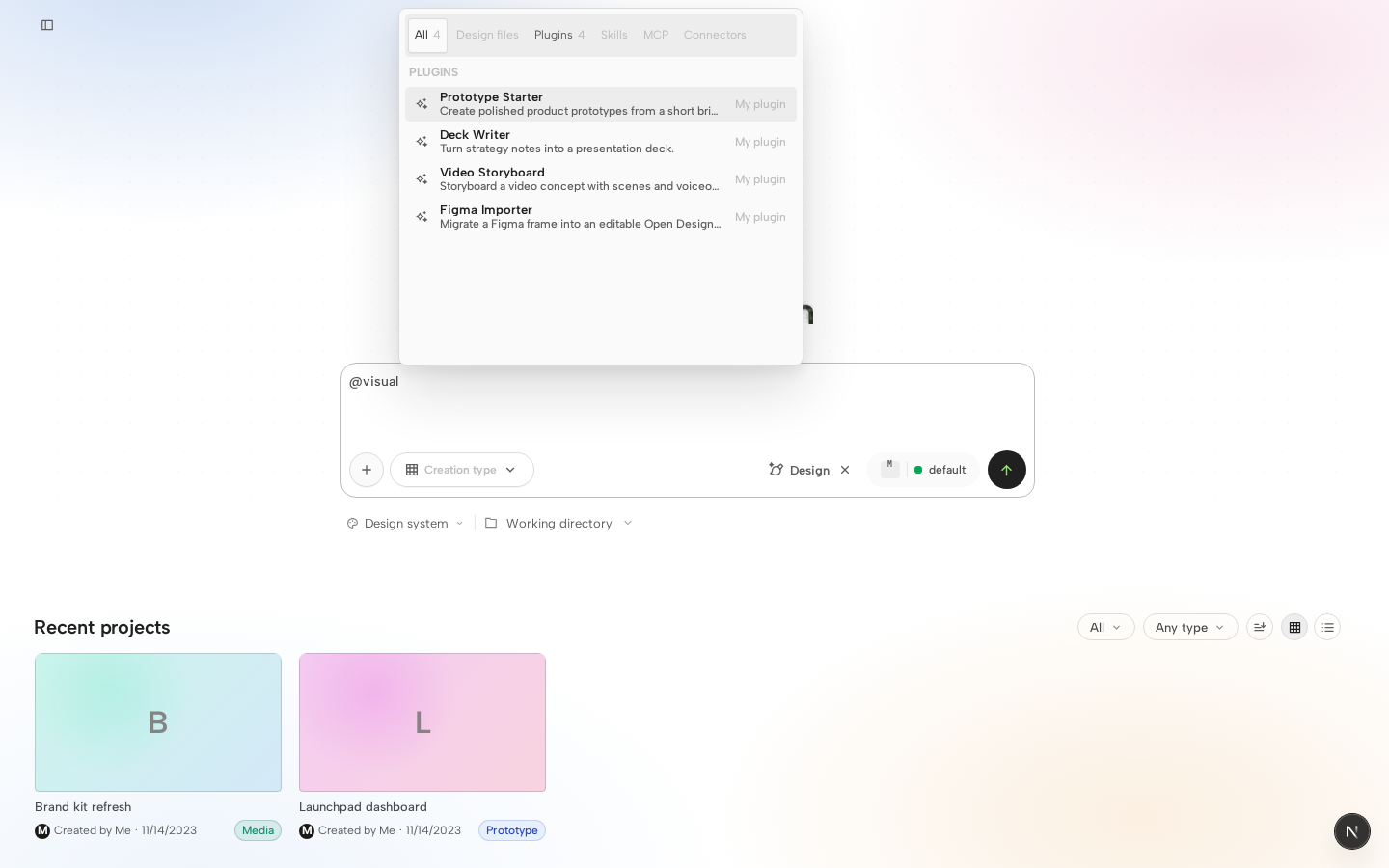
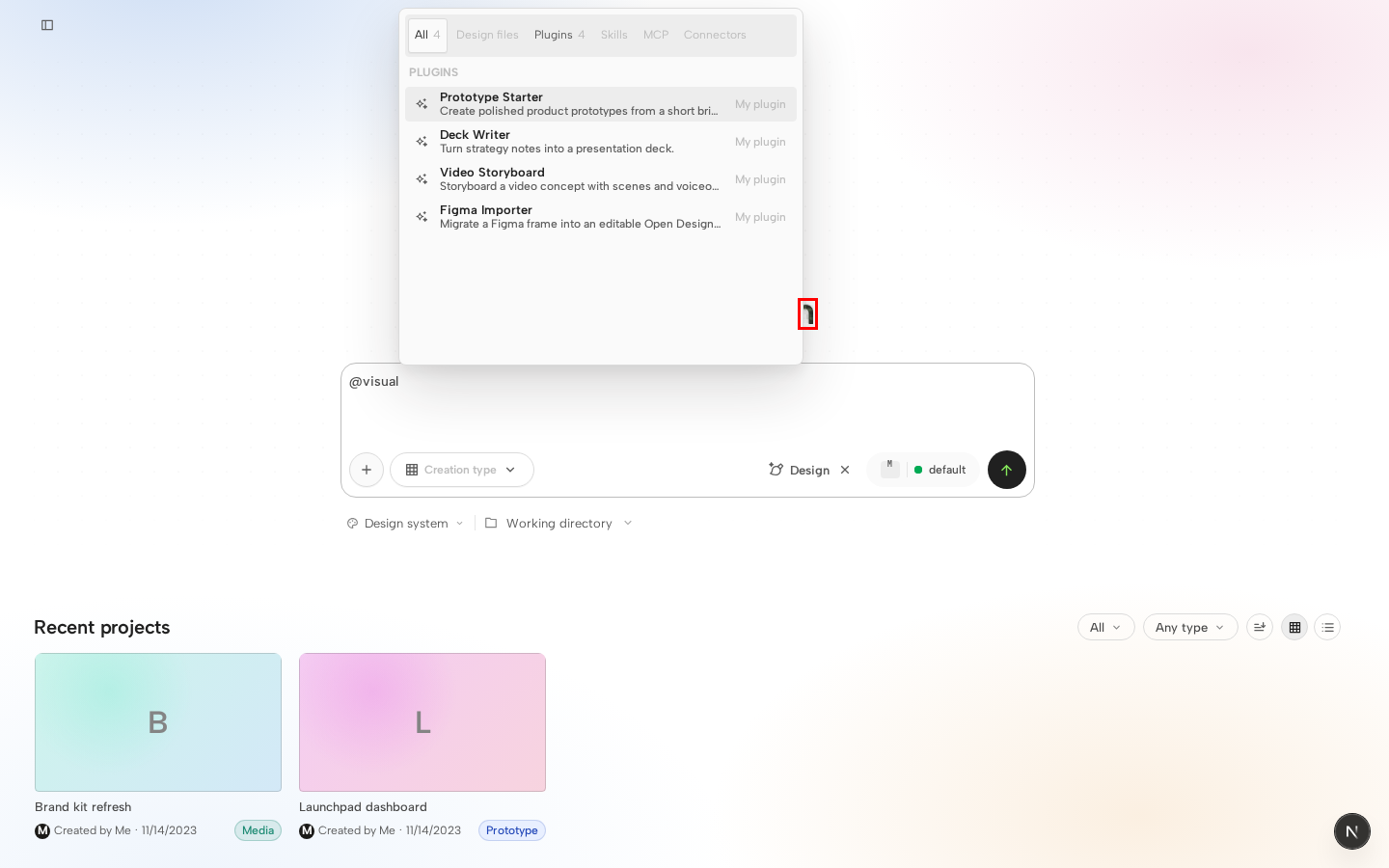
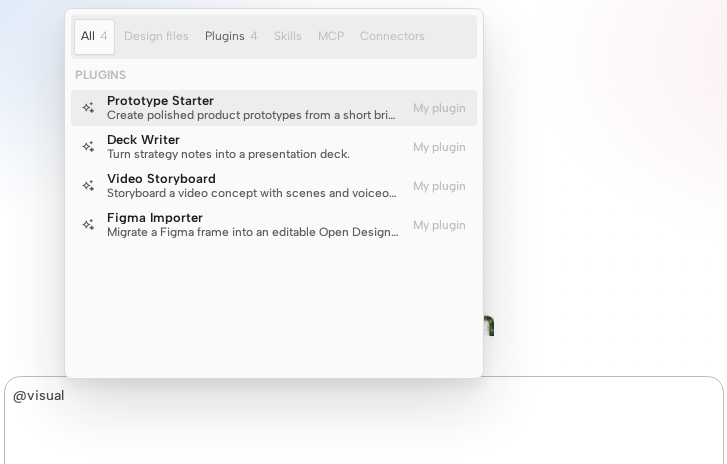
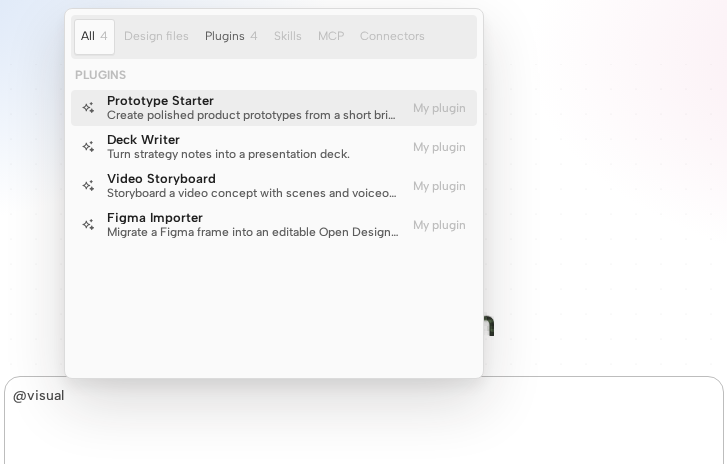
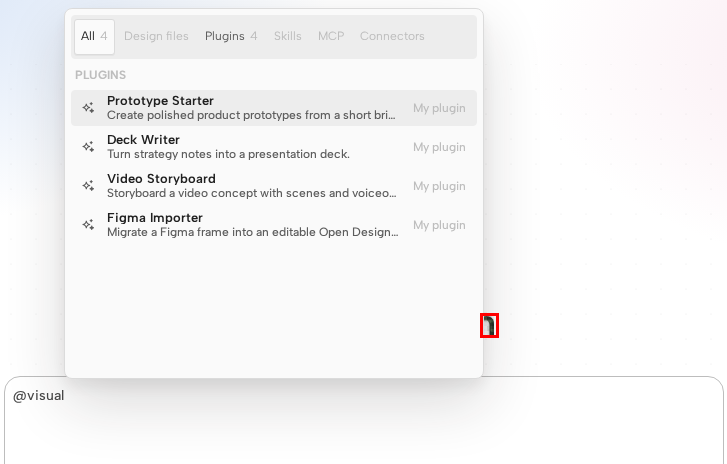
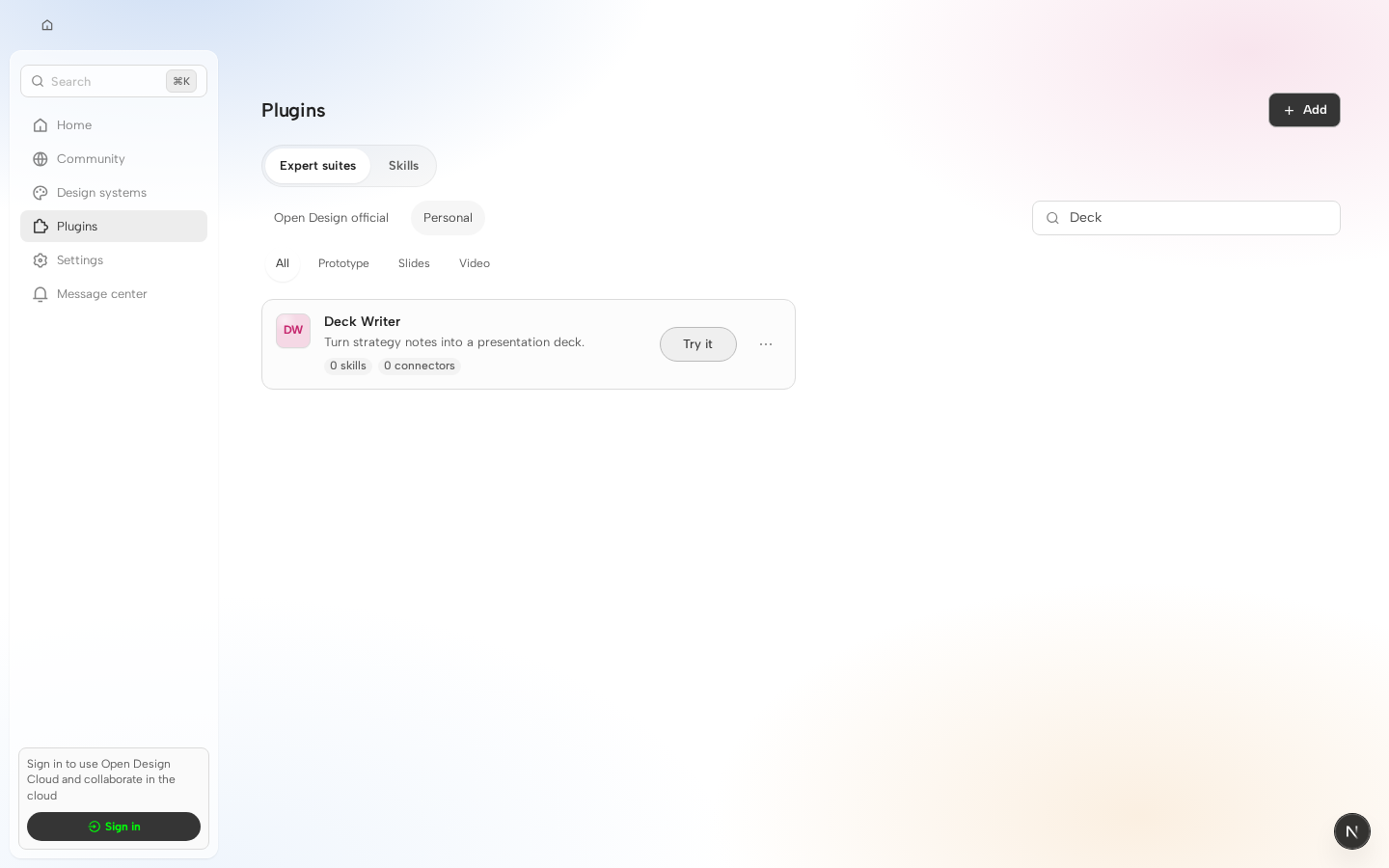
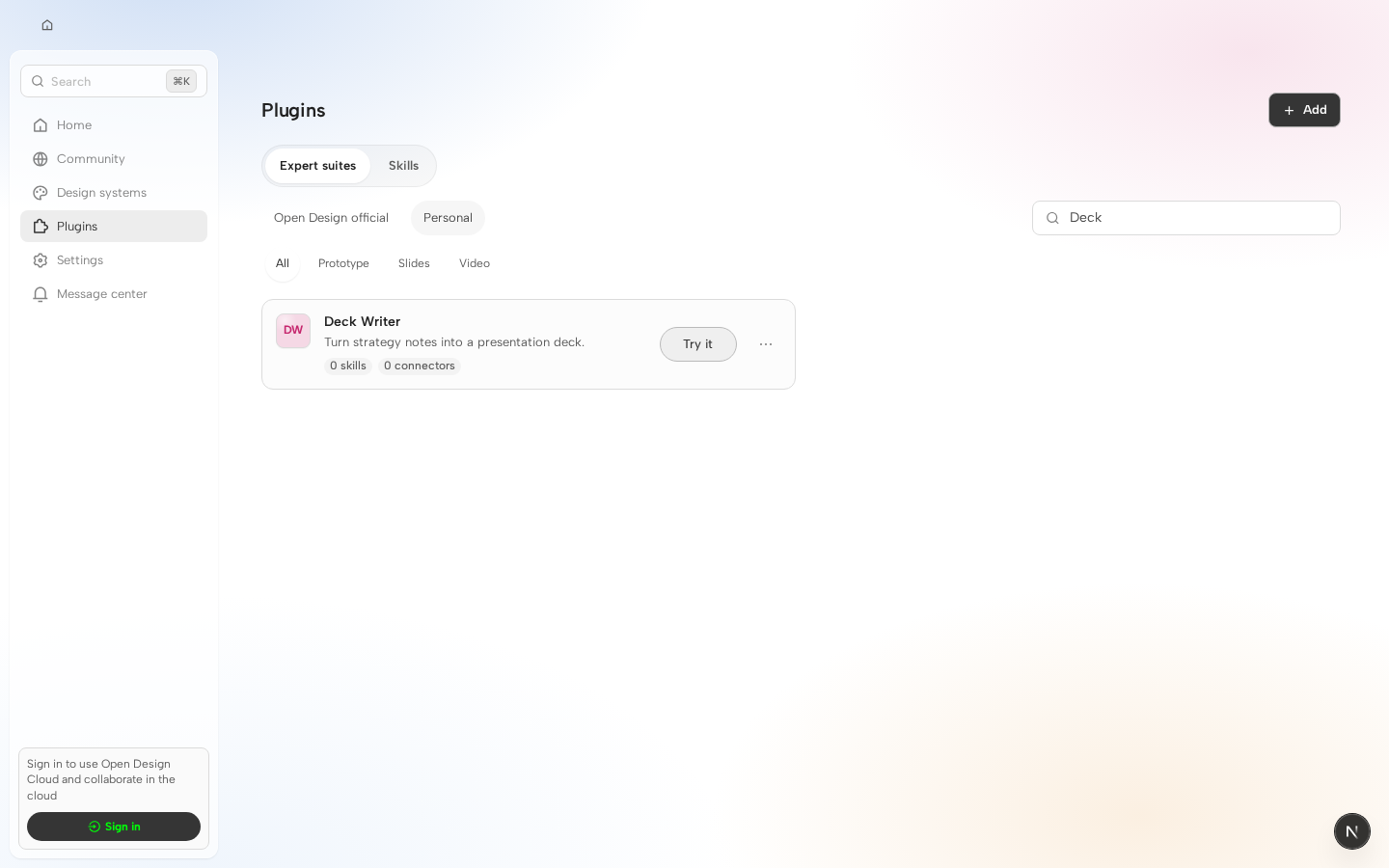
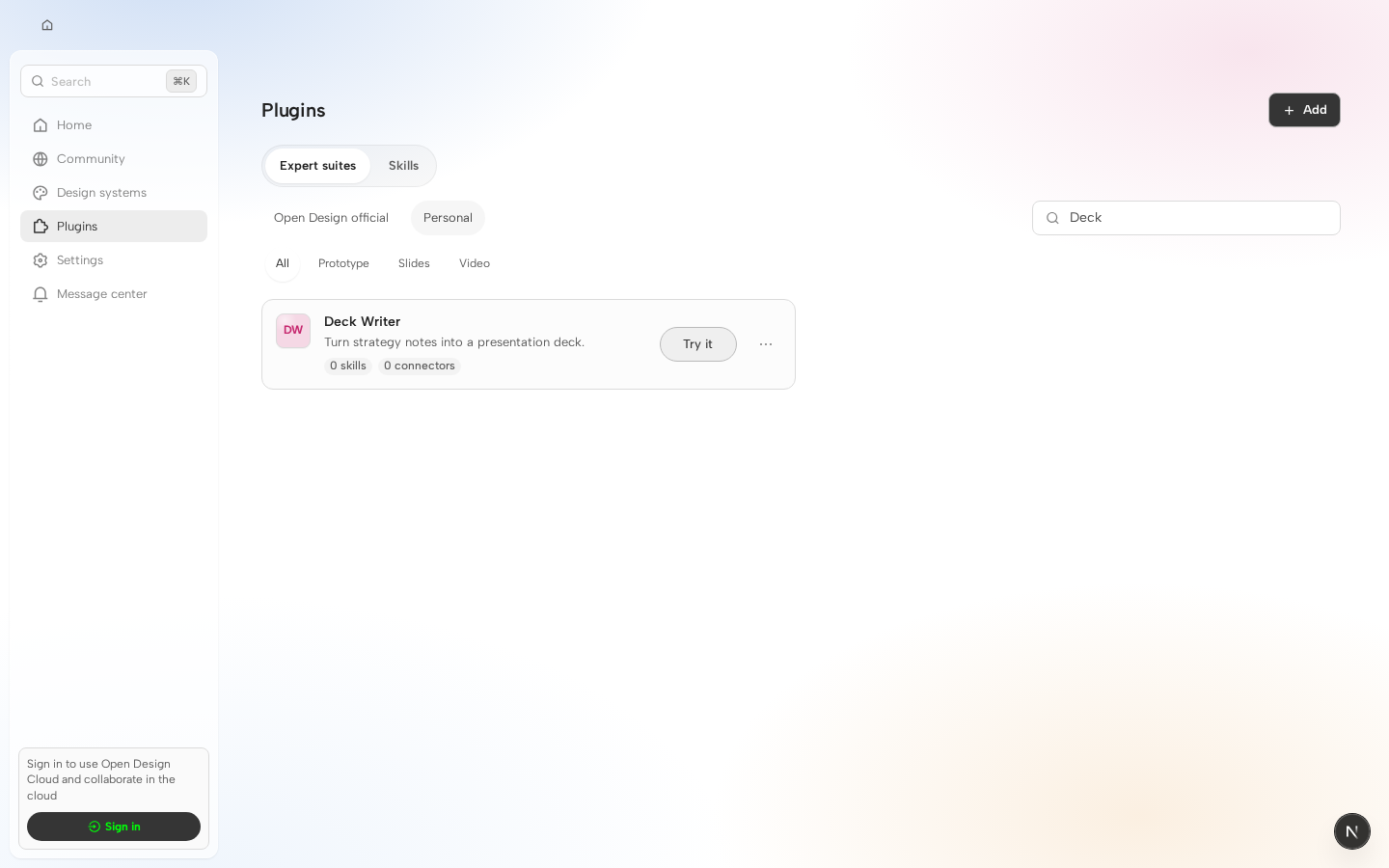
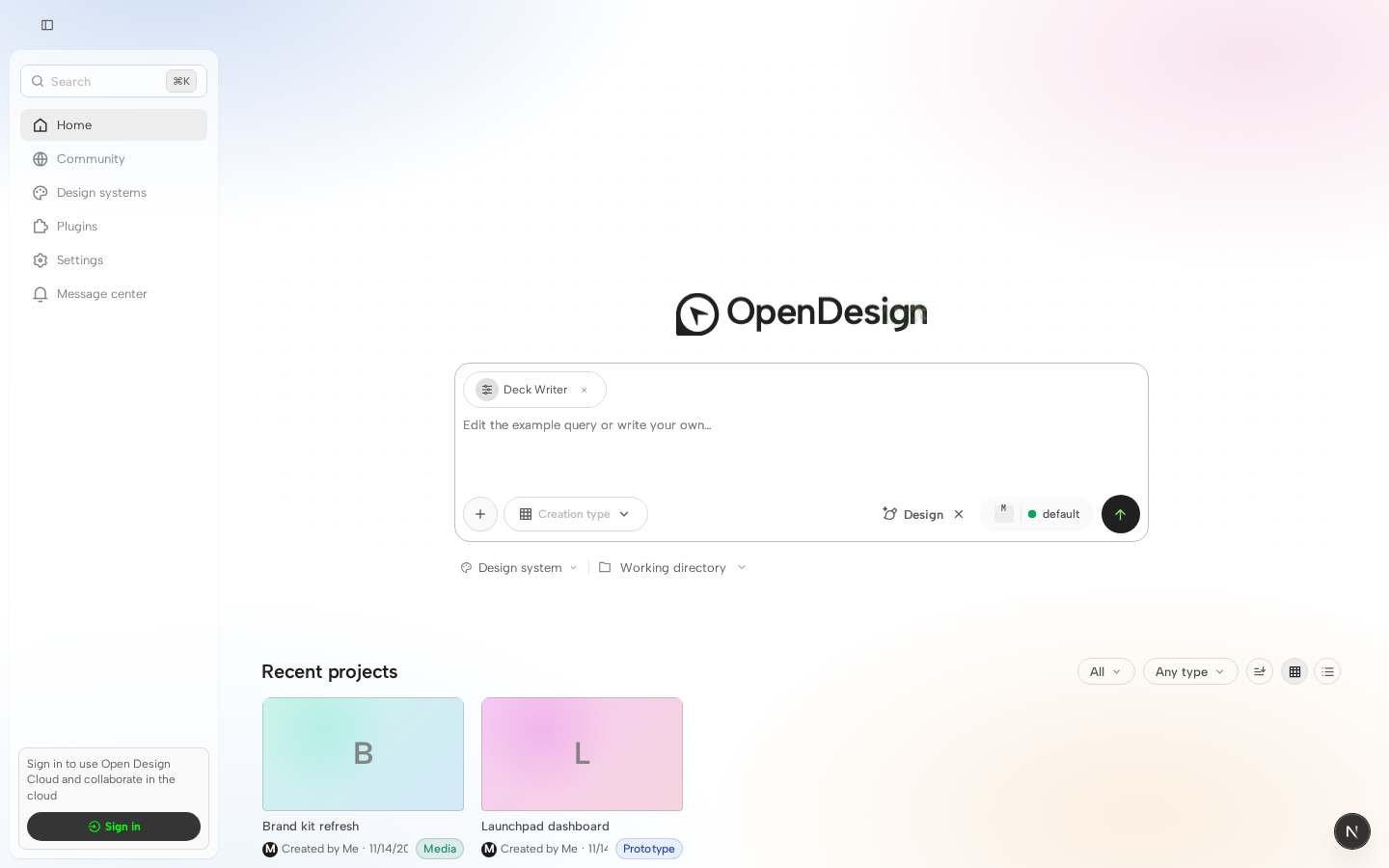
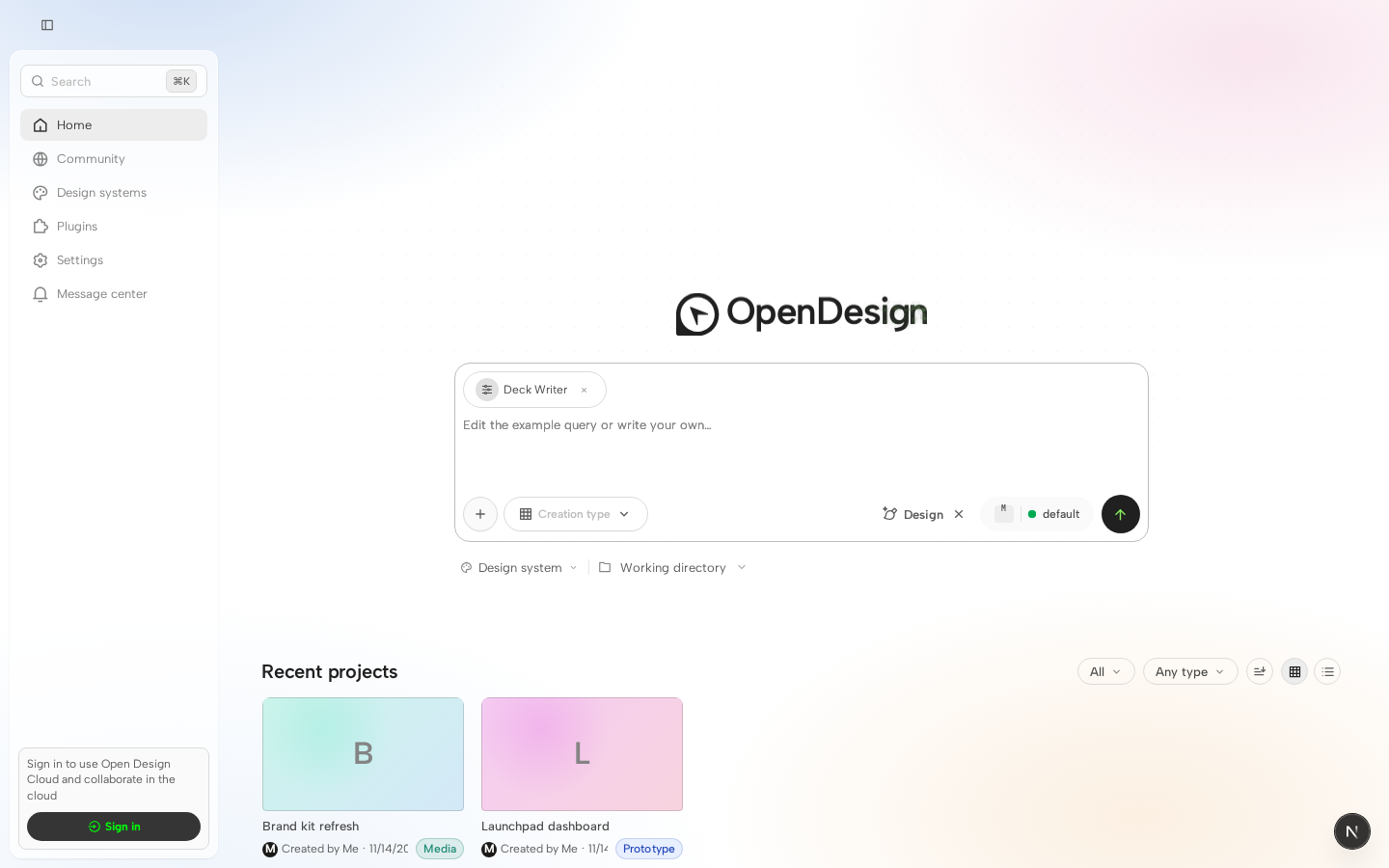
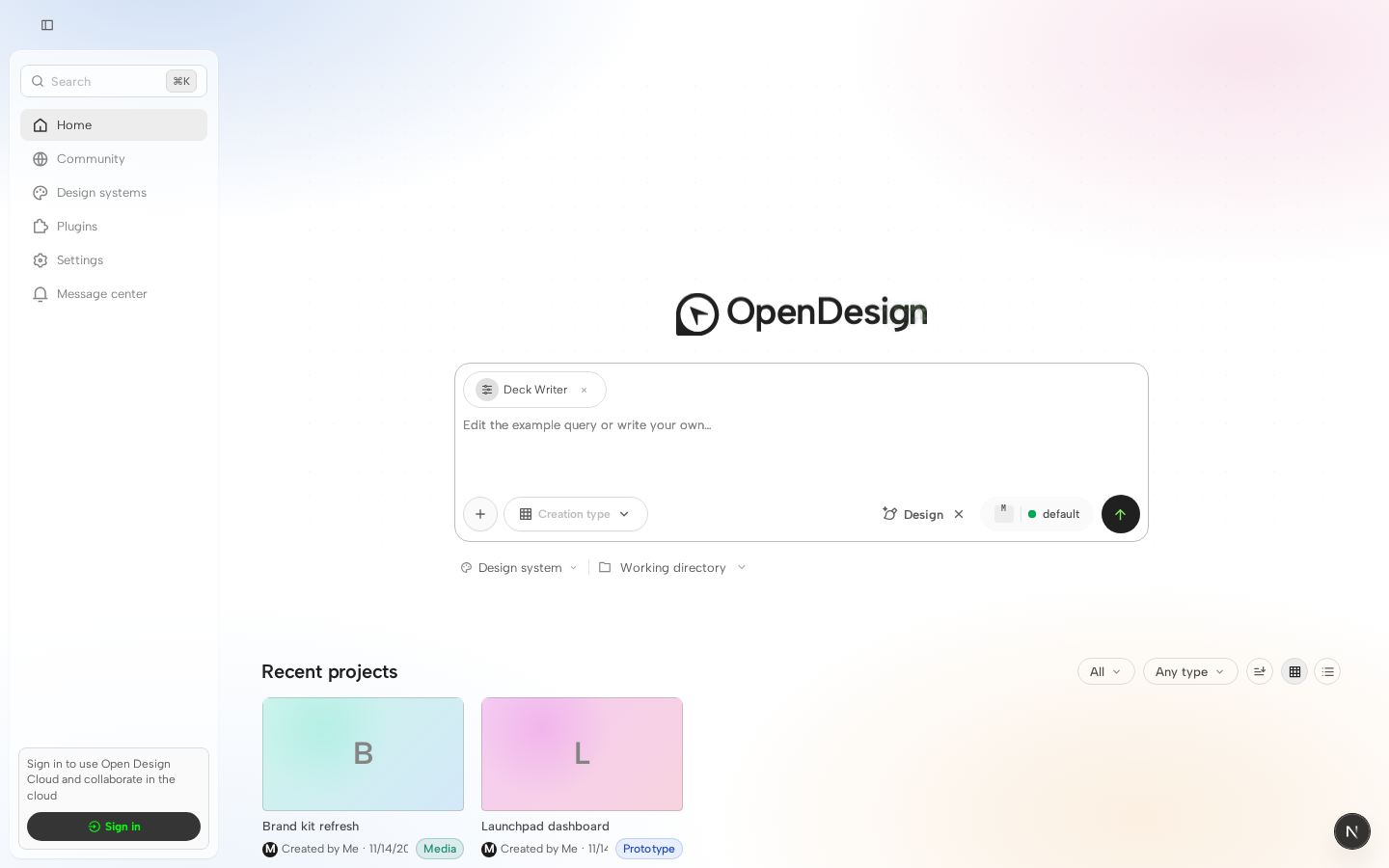
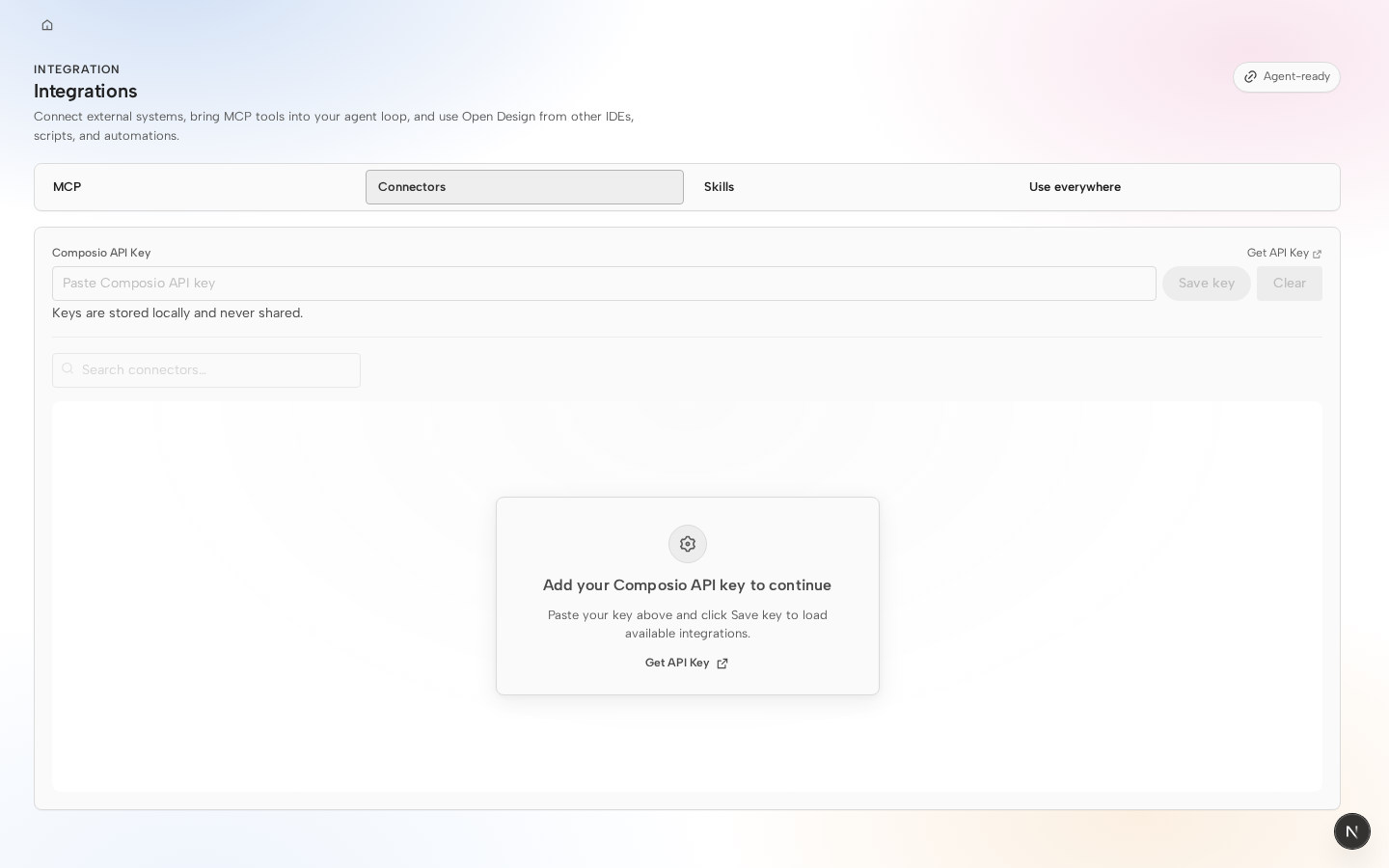
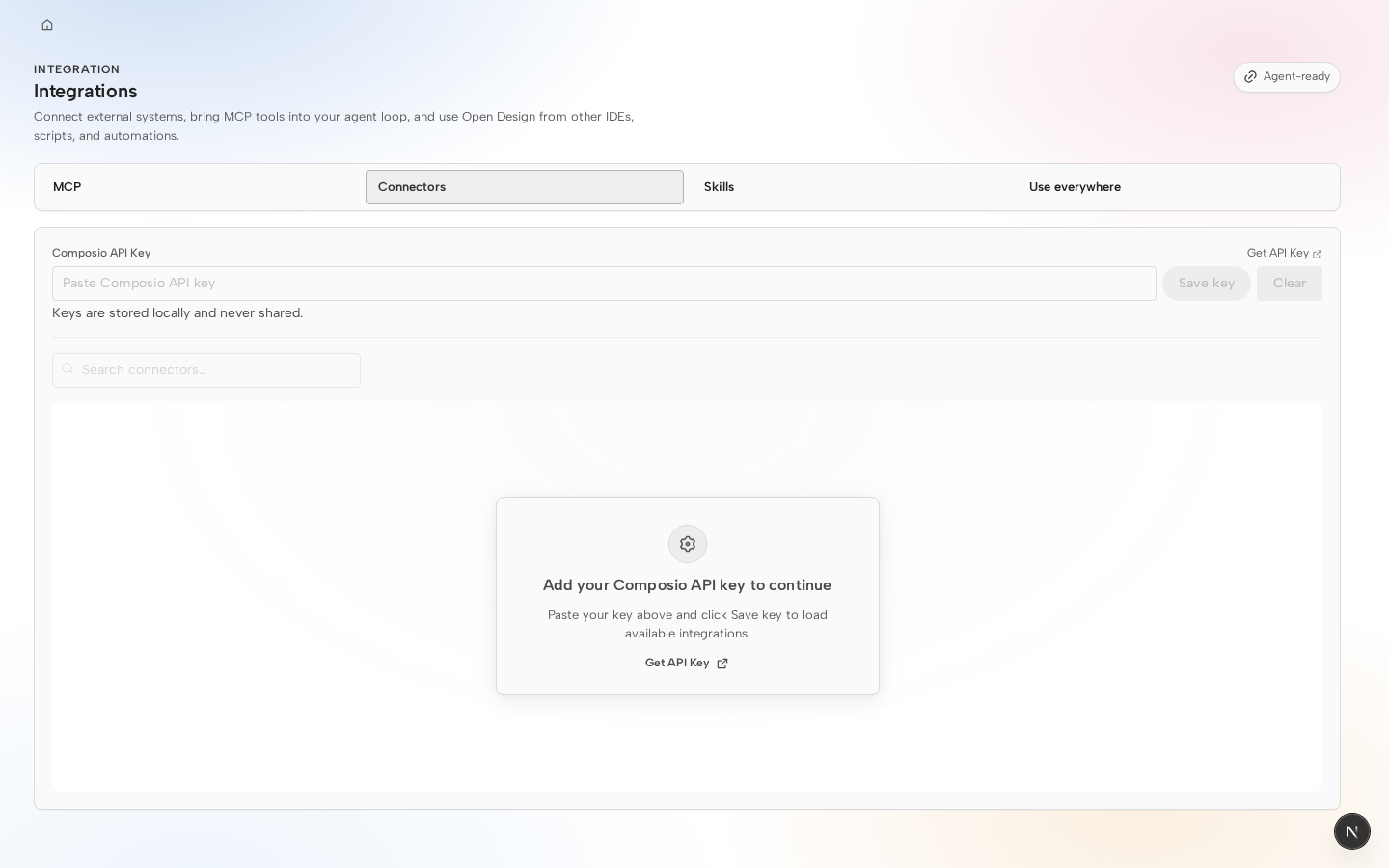
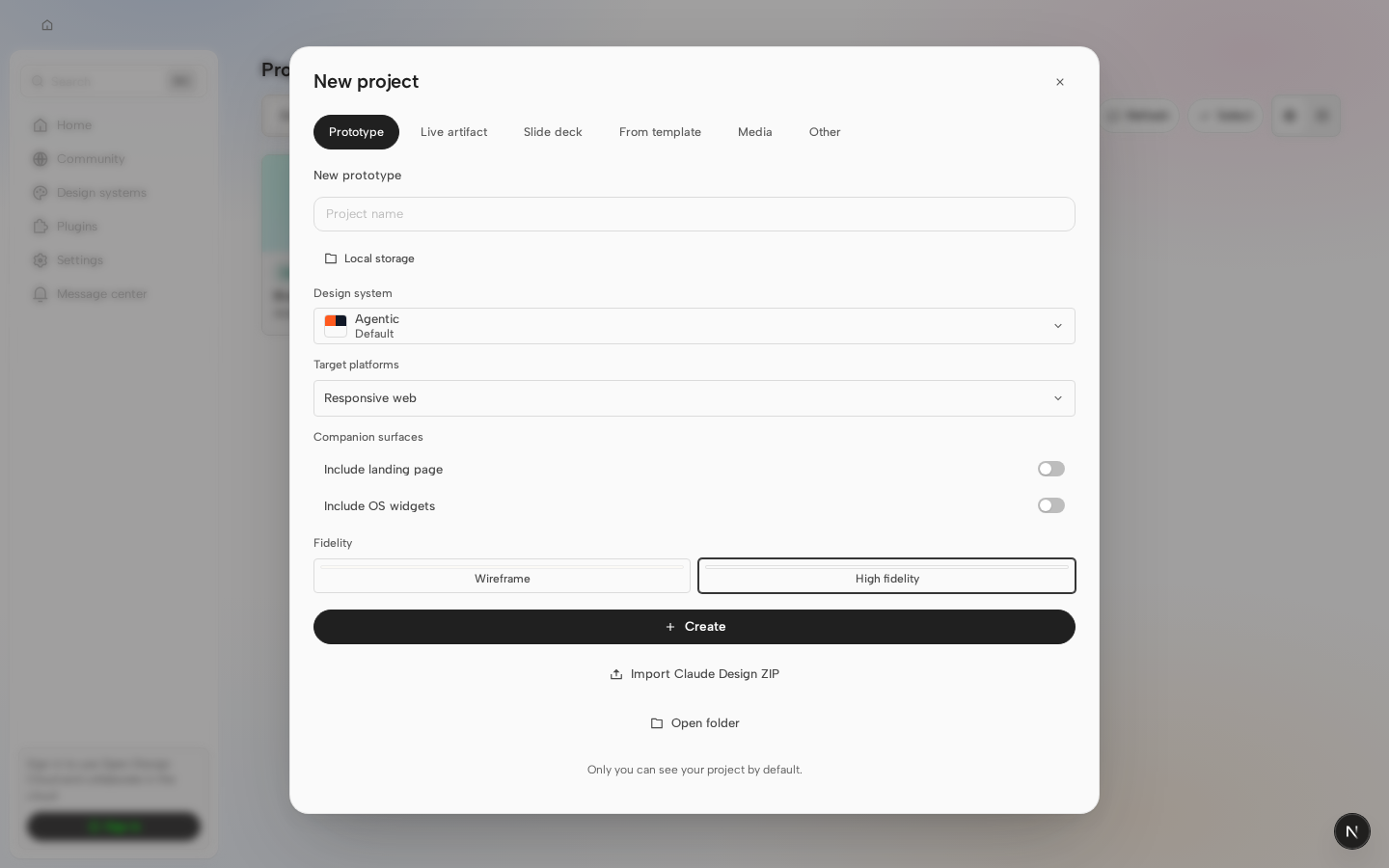
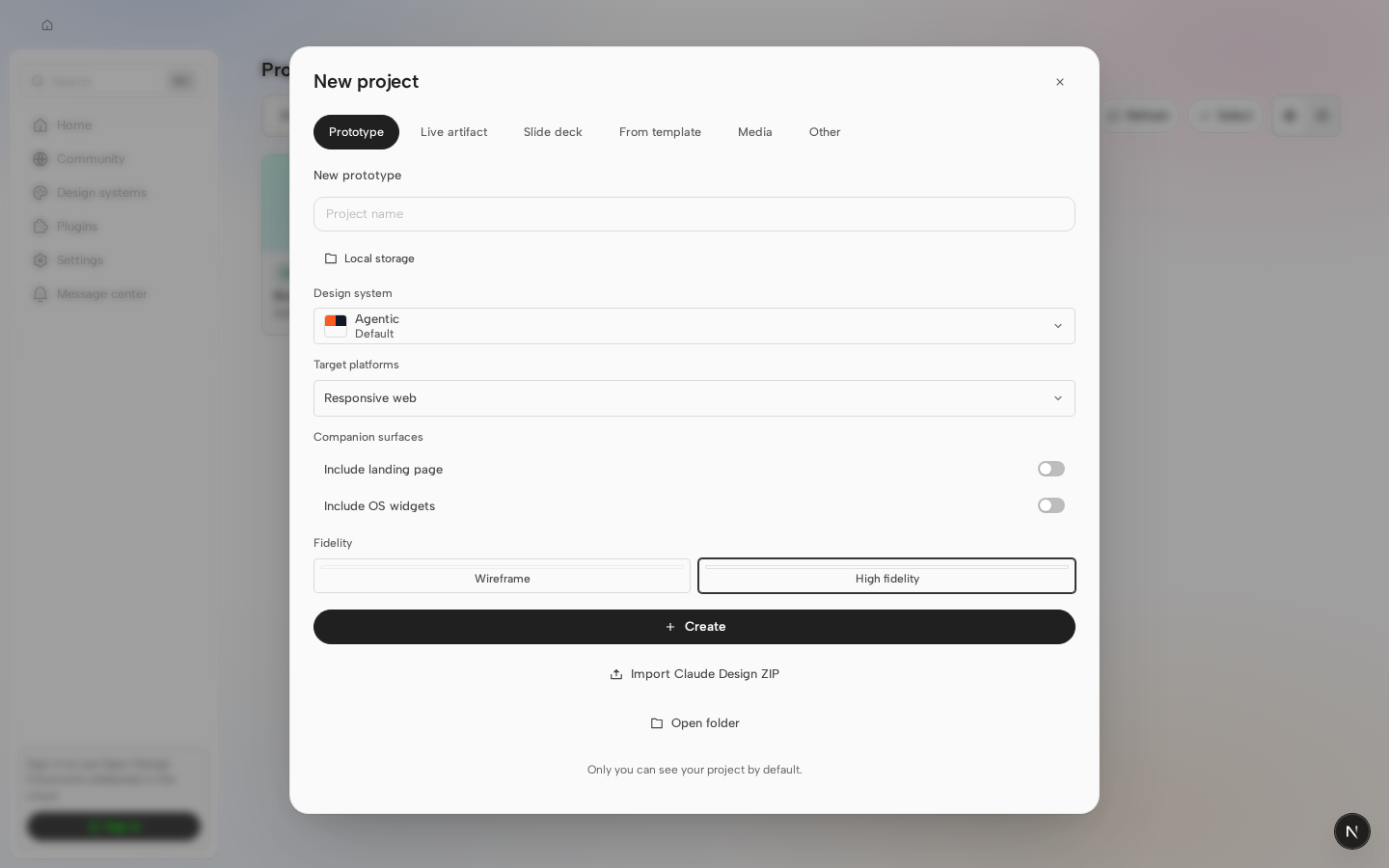

 lefarcen
left a comment
lefarcen
left a comment
lefarcen
left a comment
There was a problem hiding this comment.
Hey @SomSamantray — the PR body is already clear on the intent, and @nettee’s approval helps confirm the behavior. Before this moves further, could you add two small PR-body pieces: (1) a screenshot or before/after for the new clear affordance, and (2) a short bug-fix verification note that explicitly calls out the preserved selection path (for example: query entered → clear icon clicked → results reset while the selected design system stays unchanged).

4 participants


Fixes #2697
Why
While using the design-system picker, entering a search query and using the existing Clear action could also clear the selected design system. This made it difficult to reset search results without losing the current design-system choice.
What users will see
The picker now shows a query-only Clear search icon when text is entered. It resets the search query, restores the default results, preserves the selected design system, and returns focus to the search field. The existing row-level Clear action remains available for clearing the selected design system.
Surface area
apps/webScreenshots
The screenshots use the same project, selected design system, search query, viewport, and Chromium capture flow. The before image is from
origin/main(85d2e4893); the after image is from this PR (2ac0df63c).Difference: with
Aurora UIselected andaurentered, the PR adds the inline Clear search icon while leaving the selected design system unchanged.Bug fix verification
apps/web/tests/components/DesignSystemPicker.test.tsxcovers entering a query, showing Clear search, clearing only the query, preserving the selected design system, hiding the action when the query is empty, and not callingonChangefor query-only clearing.Aurora UI→ enteraur→ click Clear search → query resets and default results return →Aurora UIremains selected → focus returns to the search input.Preserved selection path: query entered → clear icon clicked → results reset while the selected design system stays unchanged.
Validation
corepack pnpm exec vitest run -c vitest.config.ts --maxWorkers=1 tests/components/DesignSystemPicker.test.tsx— passedcorepack pnpm --filter @open-design/web typecheck— passedcorepack pnpm guard— passed in PR review checksContributor: Som Samantray