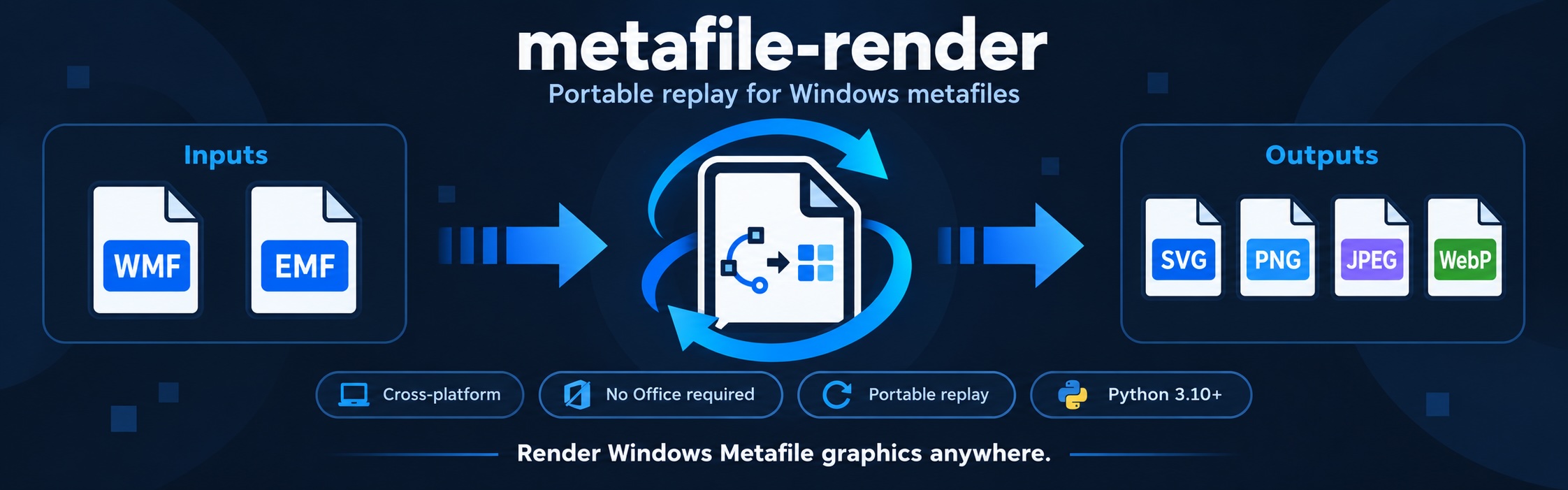




Metafile Render converts Windows Metafile (WMF) and Enhanced Metafile (EMF) graphics into SVG, PNG, JPEG, and WebP. Use it to display legacy graphics in a browser or process metafile images extracted from Office documents.
- Cross-platform — runs on Linux, macOS, and Windows.
- Simple setup — only Pillow and pyclipper; no Office or external converter required.
- Python and CLI — integrate a single function or convert files from your terminal.
- Visible diagnostics — inspect partial rendering, approximations, and skipped content.
Requires Python 3.10–3.14.
pip install metafile-renderConvert an existing EMF file to SVG:
metafile-render input.emf -o output.svgWMF files use the same command. The output extension selects the format.
from pathlib import Path
from metafile_render import render_metafile

result = render_metafile(
    Path("input.emf").read_bytes(),
    output_format="svg",
)
Path("output.svg").write_bytes(result.data)

print(result.width, result.height, result.media_type)
if result.partial:
    print("Partial rendering.")
for item in result.diagnostics:
    print(item.code, item.message)
render_metafile() takes bytes and returns image bytes, dimensions, format
information, and diagnostics. Its default output is PNG at 200 DPI.
| Python option | Default | Purpose |
|---|---|---|
output_format |
"png" |
svg, png, jpeg, or webp |
dpi |
None → 200 |
Resolution for all outputs, including SVG; integer from 1 to 1200 |
size_hint |
None |
Pixel dimensions (width, height); useful for WMF without physical dimensions |
backend |
"auto" |
Automatic backend selection; "replay" forces the portable engine |
Canvas limits may reduce the requested dimensions. See the API reference for result fields and error handling.
metafile-render input.emf -o output.png --dpi 300
metafile-render input.emf -o output.webp
metafile-render input.emf -o transparent.png --backend replay
metafile-render input.wmf -o sized.png --size 800 600
python -m metafile_render input.emf -o output.jpg --force
Supported extensions: .svg, .png, .jpg, .jpeg, and .webp.
The output directory must exist. Use --force to replace an existing output;
input and output must be different files. Diagnostics are printed to stderr.
| Topic | What to expect |
|---|---|
| Backends | SVG always uses portable replay. With auto, eligible raster outputs use Pillow's native GDI renderer on Windows and replay elsewhere; native capability/load failures fall back to replay. |
| Transparency | Replay preserves transparency in PNG and WebP. Native GDI and JPEG use a white background. |
| SVG | Output is self-contained, including embedded images. Some operations use a raster image inside SVG. |
| EMF+ | Common EMF+ Only content is supported. Dual files use their EMF fallback stream. Full GDI+ fidelity is not guaranteed. |
| Fonts | System fonts are used and may be substituted. Install the source document's fonts for closer text fidelity. |
Approximated or skipped content is reported through partial=True and
diagnostics. Font substitution or a backend fallback alone does not mark a
result as partial. Malformed, unsupported, or over-budget inputs can raise
MetafileError; the CLI reports conversion errors with a nonzero exit code.
A completed partial conversion exits with code 0.
- Agent skill — conversion workflows and diagnostic handling for agents. Copy the
skills/metafile-renderdirectory into your agent's supported skills directory to use it. - Technical reference — full API and CLI contracts, formats, fonts, and resource limits.
- Development guide — local checks, architecture, benchmarks, and publishing.
- Report an issue — include a sample file, conversion options, and diagnostics when possible.
MIT · Copyright © 2026 Xiaomeng Zhao (myhloli).