The Remove Hard and Easy Buttons add-on simplifies the Anki review interface by removing the Hard and Easy response buttons, leaving only Again and Good. This pass/fail-style workflow helps address well-known limitations of the legacy SM-2 algorithm and reduces cognitive load by allowing you to focus on recall instead of subjective difficulty ratings.
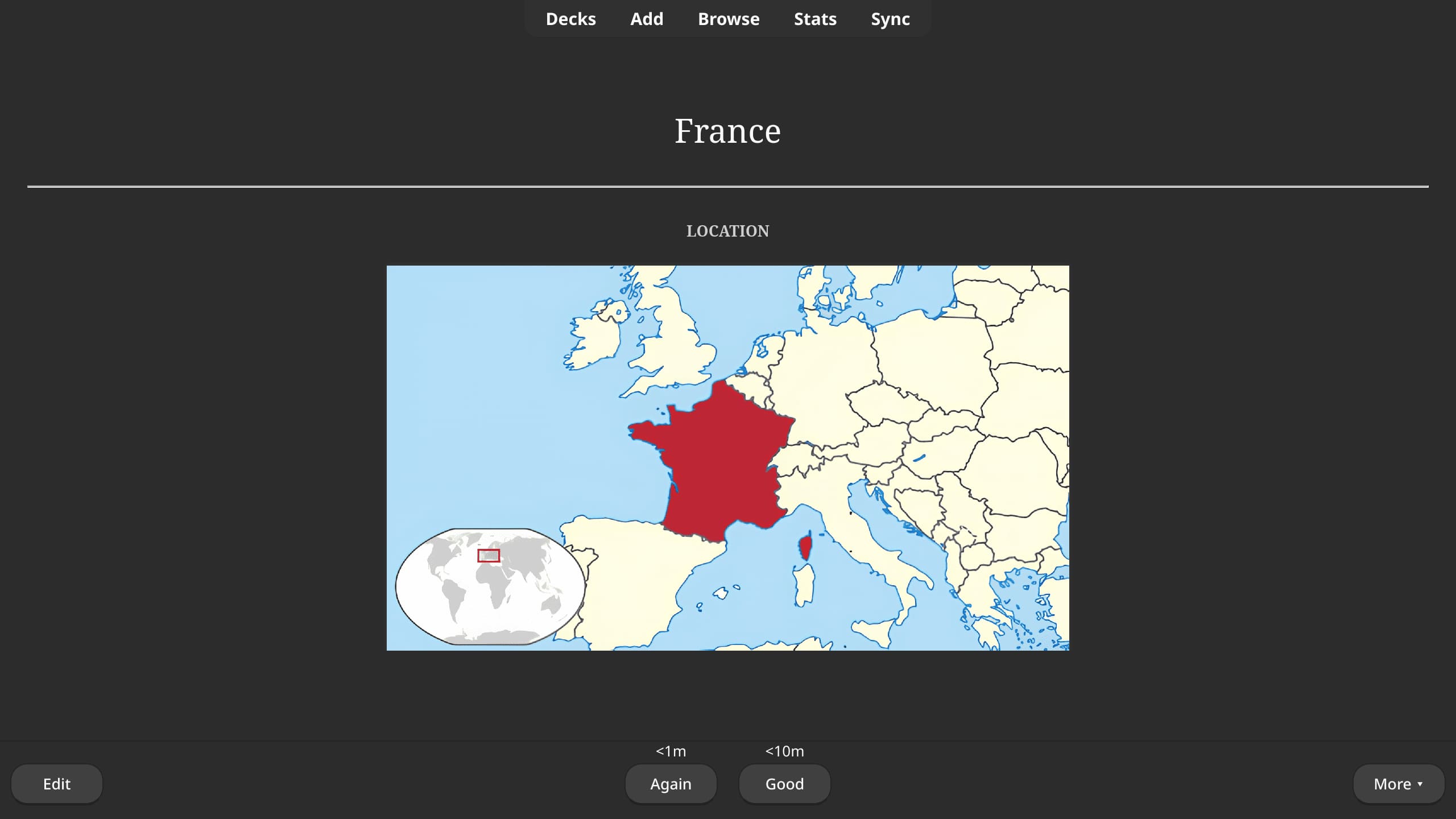
- Open Anki
- Go to Tools > Add-ons > Get Add-ons...
- Enter the add-on code
1236436346 - Restart Anki
- Download the latest release
- Extract the folder into your Anki add-ons directory:
- Linux:
~/.local/share/Anki2/addons21 - macOS:
~/Library/Application Support/Anki2/addons21 - Windows:
%APPDATA%\Anki2\addons21
- Linux:
- Restart Anki
Remove Hard and Easy Buttons is compatible with Anki 24.11+ on Linux/macOS/Windows.