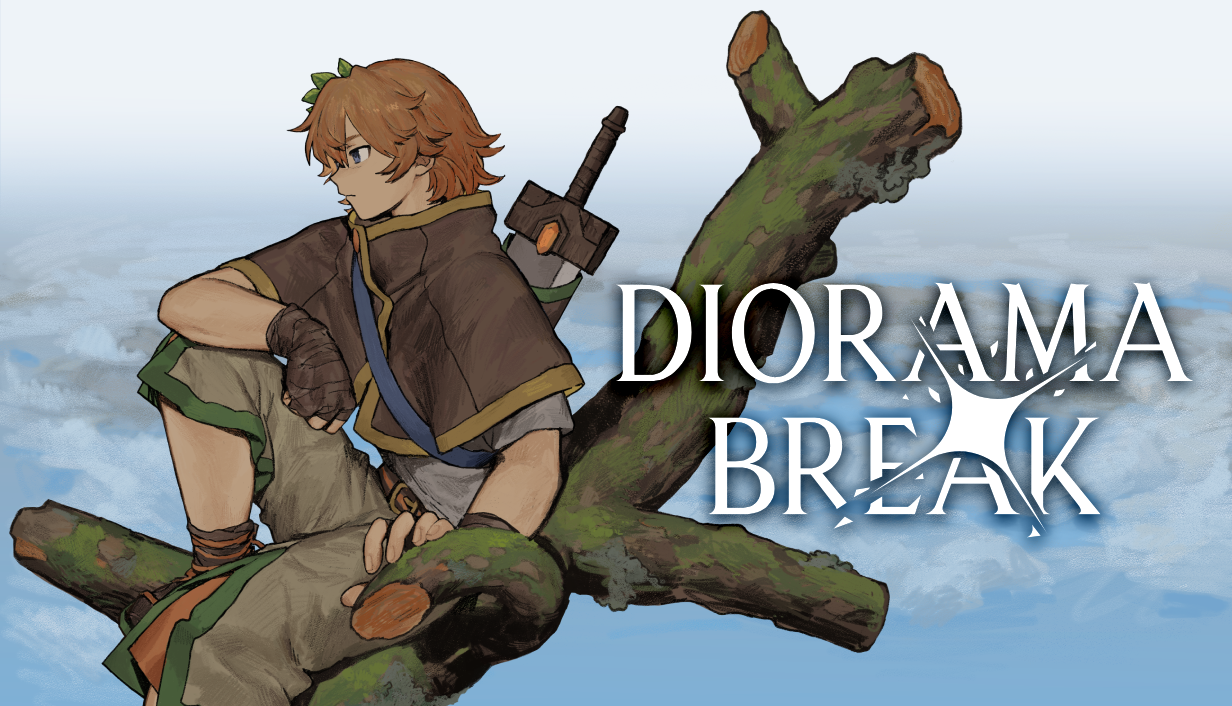
Diorama Break is a special tactics JRPG where you can talk directly to the Hero!
This repository contains the source code and assets for the game's free Chapter 1 Demo and the underlying custom engine, written primarily in ODIN.
Learn more about the game at these links:
- Website: https://www.dioramabreak.com
- Demo Steam Page: https://store.steampowered.com/app/4519970/Diorama_Break_Demo
- Official Discord: https://discord.gg/4gVZXqVHmA
You can read, study, build, and privately play with everything in this repository. You can reuse its first-party code and assets in your own free, substantially different projects, with credit, and you can make and share mods that require a build of the real game. You may not re-share the code or assets on their own, re-release Diorama Break or anything close to it, or use any of this in a commercial project without written permission. Please read LICENSE.md for more details, as well for information on third-party elements.
If you're interested in using any of the code and assets here in a commercial project, or want to contact us for any other reason, feel free to reach out to studio@massimogauthier.com.
Requires Windows 10/11.
This has mostly just been tested with VSCode, but this workflow should work with any IDE/Text Editor.
- Clone the repo.
- Run
src\_tools\install.ps1, which will install the required versions of FMOD and the ODIN compiler to the.deps/directory in the repo folder if necessary. You will be required to provide credentials to a valid FMOD account if the correct version of FMOD Studio is not already installed.
- Run
src\_tools\build_tools\relaunch_builder.ps1to recompile and launch the build daemon (which should appear in your system tray). - The build daemon will scan the repository files and construct a final build under the build/_win64 directory.
- After the initial build is complete, the build daemon will scan for file changes and automatically and incrementally update the build if a change is detected.
- This includes hot-reloading certain asset types if the game is running.
- The builder will run the game if you press F5 while a window whose title contains the string "DioramaBreak" is focused. Alternatively, you can just run the game yourself by running
build/_win64/DioramaBreak.exe. - To create a new build from scratch, simply call
relaunch_builder.ps1again, which will clear the contents of thebuild/directory when it starts. You'll need to run this whenever your PC restarts, so we recommend assigning it to a keyboard shortcut. - You can shut down the builder by right-clicking the icon in the system tray.
Creating a custom localization for the game does not require cloning the full repo or building the game from scratch! Simply retrieve the localization_kit.zip from the releases tab. This will contain:
- The full english dialogue files, which you can copy and modify/translate (we recommend using the Obsidian markdown editor for this, for full syntax highlighting).
- All the game's portraits as .pngs. Include this folder in your obsidian vault in order to preview portraits directly in the editor.
dialogue_builder.exe, running this will display a small gui you can use to export your translated dialogue files. Point it at a directory containing only your translated dialogue files, and it will build them into a localization package. Other users can then place this in thedialogues/folder wherever they have the game installed, and they'll be able to select it in-game as a language option.