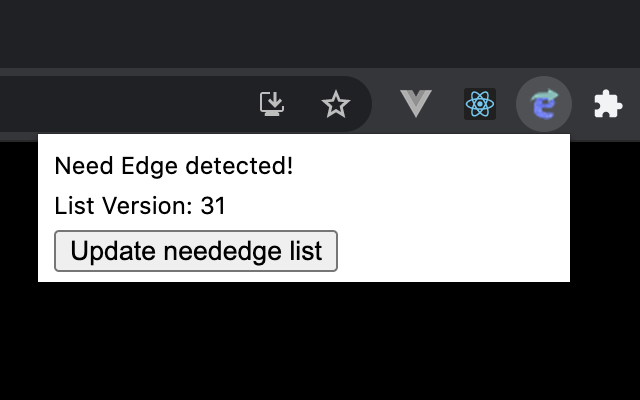
When you open a site with IE11 to Edge redirection enabled, the icon will become active.
- Clone this repo
- run
npm ci - then run
npm run watch - go to chrome://extensions page and switch on developer mode. This enables the ability to locally install a Chrome extension.
- click on the
LOAD UNPACKEDand browse to[PROJECT_HOME]/dist, This will install the app as a Chrome extension.
run npm run test
- The logo of this app came from Irasutoya.
- The code is available as open source under the terms of the MIT License.