
A quick way to start a mobile native map application with MapLibre GL JS using Flutter.
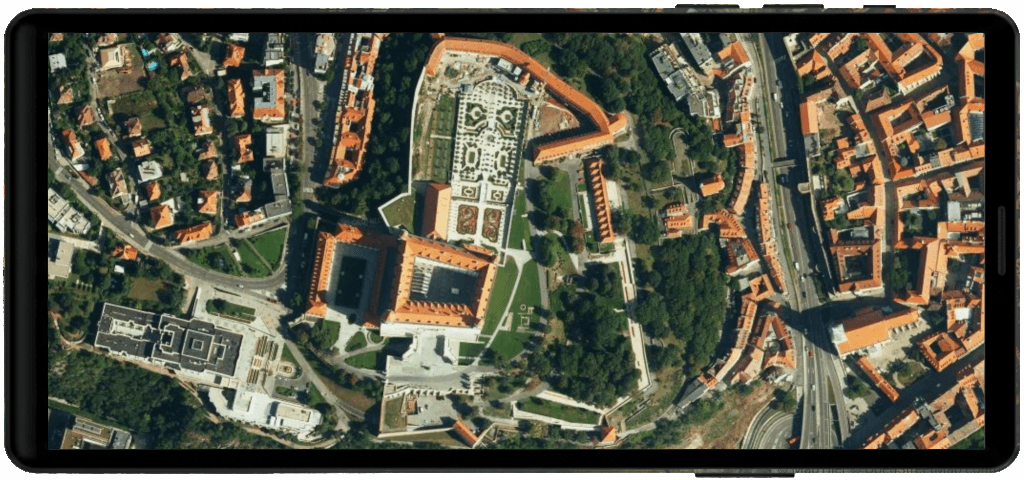
This simple mobile fullscreen map application is an example of how to use MapTiler maps together with Flutter and MapLibre GL JS for your native app.



📖 Documentation 🌐 Website 🔑 Get API Key
Table of Contents
-
Clone this repo
git clone https://github.com/maptiler/get-started-flutter-maplibre-gl-js.git my-flutter-map
-
Navigate to the newly created project folder my-flutter-map
cd my-flutter-map -
Install dependencies
flutter pub get
-
⚠️ Open the lib/map.dart file and replace YOUR_MAPTILER_API_KEY_HERE with your actual MapTiler API key.ℹ️ If you don't have an API KEY you can create it for FREE at https://www.maptiler.com/cloud/
-
Build your project
flutter run
-
You will find your app on your virtual device (Emulator) or physical device.
- 📚 Documentation - Comprehensive guides and API reference
- ✉️ Contact us - Get in touch or submit a request
- 🐦 Twitter/X - Follow us for updates
We love contributions from the community! Whether it's bug reports, feature requests, or pull requests, all contributions are welcome:
- Fork the repository and create your branch from
main - If you've added code, add tests that cover your changes
- Ensure your code follows our style guidelines
- Give your pull request a clear, descriptive summary
- Open a Pull Request with a comprehensive description
This project is licensed under the MIT License – see the LICENSE file for details.
This project is built on the shoulders of giants:
- MapTiler – Maps for developers
- MapLibre GL JS – Open-source TypeScript library for publishing maps on your website
- VS Code Flutter extension – Flutter support and debugger for Visual Studio Code
- flutter-maplibre-gl – Flutter plugin for MapLibre
💜 Made with love by the MapTiler team