


A professional Python browser-automation scraper that reliably pulls product data from Amazon's category results — despite Amazon's aggressive bot detection, which blocks plain HTTP scrapers almost immediately.
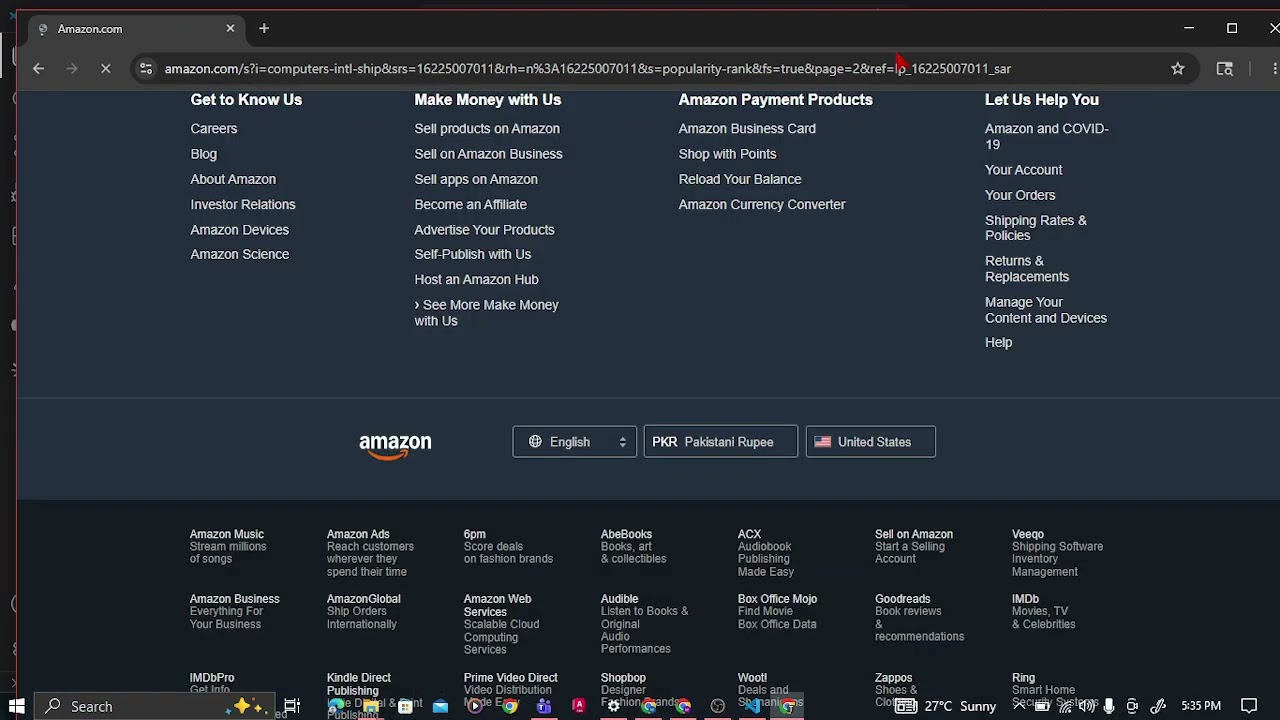
- Opens Amazon's category results using a real Chromium browser via Playwright
- Applies stealth evasions so the session doesn't get flagged as a bot
- Scrolls gradually like a human before extracting any data
- Detects CAPTCHA challenge pages and stops cleanly instead of saving garbage data
- Extracts complete product data across multiple result pages
- Falls back to secondary pricing when a listing has no primary offer
| Feature | Description |
|---|---|
| Stealth Browser Automation | Patches navigator.webdriver, plugins, languages, hardware fingerprint |
| Active CAPTCHA Detection | Recognizes challenge pages and stops instead of failing silently |
| Human-Like Scrolling | Gradual scroll behavior triggers lazy-loaded content naturally |
| Category-Only Targeting | Scrapes the "Top rated" grid, skips personalized "Recommended for you" |
| Price Fallback Logic | Handles "No featured offers available" listings correctly |
| Per-Card Error Isolation | One broken listing doesn't stop the whole run |
| Auto-Pagination | Handles multi-page category results automatically |
| Column | Description |
|---|---|
| Title | Full product name |
| Price | Primary listed price (PKR) |
| Price Note | Fallback note when no primary offer exists |
| Image URL | Direct link to the product thumbnail |
| ASIN | Amazon's unique product ID |
| Product URL | Direct link to the product page |
| Notes | Records an error message if that item failed to scrape |
- Python 3.14
- Playwright (sync API) — real browser automation
- Custom stealth init script — no third-party stealth library dependency
- Openpyxl — Excel file creation and formatting
- Random — human-like delay and scroll pacing
- Logging — clean progress reporting
Step 1 — Install libraries:
pip install playwright openpyxl
playwright install chromium
Step 2 — Set your target category:
Edit SEARCH_URL and PAGES_TO_SCRAPE at the top of the script.
Step 3 — Run the scraper:
python amazon_scraper.py
11:20:03  INFO  Warming up session ...
11:20:07  INFO  Loading page 1 ...
11:20:12  INFO  Page 1: found 24 result cards
11:20:34  INFO  Loading page 2 ...
11:20:40  INFO  Page 2: found 24 result cards
11:20:41  INFO  Saved 48 rows to amazon_results.xlsx
11:20:41  INFO  Done. 45/48 listings scraped cleanly.
| File | Description |
|---|---|
amazon_scraper.py |
Main scraper script |
amazon_results.xlsx |
Scraped output — 48 listings |
README.md |
Project documentation |
| Title | Price | Price Note | ASIN |
|---|---|---|---|
| SanDisk 32GB Ultra 100MB/s SDHC Memory Card | PKR 6,147.12 | — | B08KSY222G |
| AMD RYZEN 7 9800X3D 8-Core, 16-Thread Desktop Processor | PKR 123,773.97 | — | B0DKFMSMYK |
| Amazon Basics microSDXC Memory Card w/ Adapter, 128GB | PKR 8,611.52 | No featured offers available | B08TJRVWV1 |
- How Amazon's bot detection differs from eBay's, and why browser automation is required instead of plain HTTP requests
- How to build manual stealth evasions without relying on third-party stealth libraries
- How CAPTCHA detection prevents silently saving empty or broken data
- How human-like scrolling behavior reduces detection risk
- How to separate genuine category results from personalized recommendation carousels
- Competitor price monitoring for Amazon sellers
- Dropshippers tracking product availability and pricing shifts
- Market researchers benchmarking category pricing trends
- Deal-hunters automating price-drop alerts
Built by Aryan — BS Computer Engineering Student, COMSATS University Islamabad. Specializing in Python web scraping, automation, and data collection.