



Simple lightbox script without dependencies.
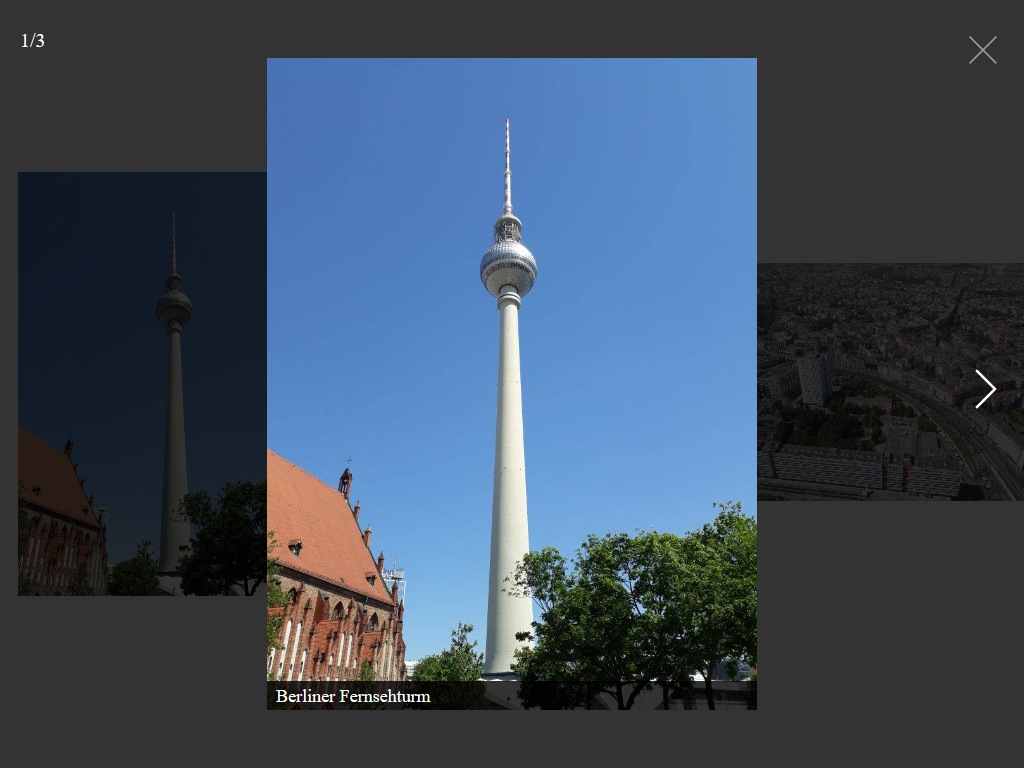
CSS: css/tobi.min.css minified, or css/tobi.css un-minified
JavaScript: js/tobi.min.js minified, or js/tobi.js un-minified
npm: npm install rqrauhvmra__tobi --save
Initialize the script by running:
var tobi = new Tobi()The HTML code may look like this:
<a href="path/to/image.jpg" class="lightbox">
  <img src="path/to/thumbnail.jpg" alt="I am a caption">
</a>You can pass an object with custom options as an argument.
var tobi = new Tobi({
  docClose: true
})
The following options are available:
| Property | Type | Default | Description |
|---|---|---|---|
| selector | string | ".lightbox" | All elements with this class triggers the lightbox. |
| captions | bool | true | Display captions, if available. |
| captionsSelector | "self", "img" | "img" | Set the element where the caption is. Set it to "self" for the a tag itself |
| captionAttribute | string | "alt" | Get the caption from given attribute. |
| nav | bool, "auto" | "auto" | Display navigation buttons. "auto" hides buttons on touch-enabled devices. |
| navText | string | ["‹", "›"] | Text or HTML for the navigation buttons. |
| close | bool | true | Display close button. |
| closeText | string | "×" | Text or HTML for the close button. |
| counter | bool | true | Display current image index |
| keyboard | bool | true | Allow keyboard navigation. |
| zoom | bool | true | Display zoom icon. |
| zoomText | string | "+" | Text or HTML for the zoom icon |
| docClose | bool | false | Closes the lightbox when clicking outside |
| swipeClose | bool | true | Swipe up to close lightbox |
| scroll | bool | false | Hide scrollbars if lightbox is displayed |
| draggable | bool | true | Use dragging and touch swiping |
| threshold | number | 20 | Touch and mouse dragging threshold (in px) |
var tobi = new Tobi({
  // Options
})

tobi.open(2)  // Opens the lightbox on image 3 (first is 0)
tobi.next()   // Shows the next image in the lightbox
tobi.prev()   // Shows the previous image in the lightbox
tobi.close()  // Close the lightbox

// Adds an element dynamically
var newElement = document.querySelector('.new-image')
tobi.add(newElement)- Possibility to group images
- Better dragging / swiping
- Report issues
- Open pull request with improvements
- Spread the word
If you do anything interesting with this code, please let me know. I'd love to see it.