


ng2-konva provides declarative Angular components for the Konva 2D canvas scene graph. Use it to build design editors, whiteboards, diagrams, annotations, and other interactive graphics.
ng2-konva is MIT licensed. Each component uses the name of its Konva node with a ko- prefix.
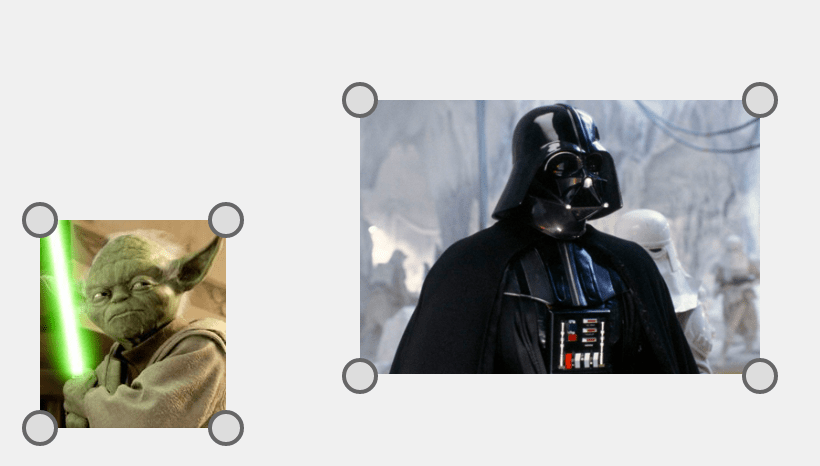
All ng2-konva components correspond to Konva components. Pass Konva properties through the component config input.
ng2-konva 12 requires Angular ^21.0.0 or ^22.0.0.
npm install ng2-konva konvang2-konva components are all standalone. There are two components you will need to import: CoreShapeComponent and StageComponent
import { Component } from '@angular/core';
import { StageConfig } from 'konva/lib/Stage';
import { CircleConfig } from 'konva/lib/shapes/Circle';
import {
  CoreShapeComponent,
  NgKonvaEventObject,
  StageComponent,
} from 'ng2-konva';

@Component({
  selector: 'app-circle-example',
  template: `
    <br />
    <section>
      <ko-stage [config]="configStage">
        <ko-layer>
          <ko-circle
            [config]="configCircle"
            (click)="handleClick($event)"
          ></ko-circle>
        </ko-layer>
      </ko-stage>
    </section>
  `,
  standalone: true,
  imports: [StageComponent, CoreShapeComponent],
})
export class CircleExampleComponent {
  public configStage: Partial<StageConfig> = {
    width: 200,
    height: 500,
  };
  public configCircle: CircleConfig = {
    x: 100,
    y: 100,
    radius: 70,
    fill: 'red',
    stroke: 'black',
    strokeWidth: 4,
  };

  public handleClick(event: NgKonvaEventObject<MouseEvent>): void {
    console.log('Hello Circle', event);
  }
}
Building a full design editor? Polotno is a commercial design editor SDK built on Konva by the Konva maintainers. It ships templates, text editing, and export, so you integrate an editor instead of building one:
npm install polotno. Polotno has an Angular integration guide.
You can find more examples in the demo project located in projects/demo.
- react-konva - React + Konva
- vue-konva - Vue + Konva
MIT © Rafael Escala