

TR: FPS oyunları için oyuncunun hareket hızına bağlı olarak dinamik Kamera Bakış Açısı (FOV) değiştiren, oyuna harika bir akıcılık ve hız hissi (game juice) katan hafif ve güvenli bir C# betiğidir.
EN: A lightweight and safe C# script for FPS games that dynamically changes the Camera Field of View (FOV) based on the player's movement velocity, adding a great sense of speed and fluid juice to the gameplay.
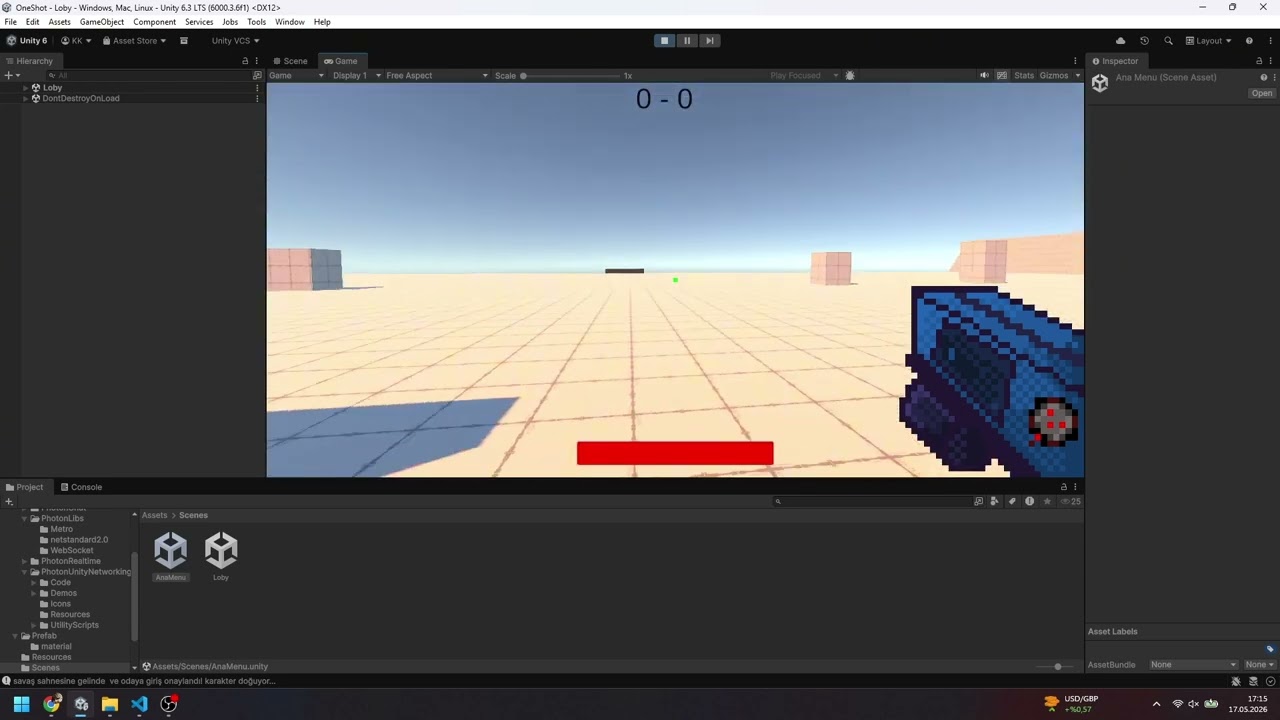
Görsele tıklayarak YouTube üzerinden videoyu izleyebilirsiniz. / Click on the image to watch the video on YouTube.
- Smart Hierarchy (Akıllı Hiyerarşi): Kamera, karakterin bir alt nesnesi (child) olduğunda üst nesnedeki (parent) Rigidbody bileşenini otomatik olarak bulur (
GetComponentInParent). - Modern Unity Support: Unity 2023.1 ve sonrası için güncel
Rigidbody.linearVelocityyapısını kullanır. - Crash Prevention (Güvenli Çalışma): Inspector'dan kamera veya Rigidbody atanmayı unutulsa bile
nullkontrolleri sayesinde oyunun çökmesini engeller. - Bilingual Comments: Kod içerisindeki tüm açıklamalar hem Türkçe hem İngilizce olarak dökümante edilmiştir.
FOV_Settings.csdosyasını projenize indirin.- Bu betiği (script), karakterinizin alt nesnesi olan Kamera (Main Camera) objesine sürükleyip bırakın.
- Betiğin Inspector panelindeki
Your Cameraalanına kameranızı sürükleyin (Boş bırakırsanız otomatik bulmaya çalışacaktır). - Karakterinizin hız limitine göre
Speed LimitveFast FOVdeğerlerini dilediğiniz gibi optimize edin.
- Download the
FOV_Settings.csfile into your project. - Attach this script to your Main Camera object (which should be a child of your player object).
- Assign your camera to the
Your Camerafield in the Inspector (If left blank, it will try to find it automatically). - Adjust the
Speed LimitandFast FOVvalues based on your player's movement configuration.
| Değişken / Variable | Varsayılan / Default | Açıklama / Description |
|---|---|---|
normalFOV |
60f |
Karakter dururken veya yürürken varsayılan FOV. / Default FOV when idle or walking. |
fastFOV |
85f |
Karakter hız limitini geçtiğinde ulaşılacak FOV. / Target FOV when player exceeds the speed limit. |
transformSpeedFOV |
8f |
FOV geçişinin yumuşaklık hızı (Lerp). / Transition smoothness speed (Lerp). |
speedLimit |
10f |
Hızlı FOV'u tetikleyecek yatay hız eşiği. / Horizontal speed threshold to trigger fast FOV. |
Bu proje MIT lisansı altında korunmaktadır. İstediğiniz gibi ticari veya kişisel projelerinizde kullanabilir, geliştirebilirsiniz. This project is licensed under the MIT License. Feel free to use and modify it in your commercial or personal projects.