Your will be creating a front end application using React.
This is exciting! It's a lot, but we have faith in you! You've learned the necessary tools over the past few weeks to be able build what you need, and you get to decide what you do with it. And you get to be creative in choosing what sort of application you want to build!
You will be working individually for this project, and you'll be designing the app yourself, but we'll be guiding you along the process and helping as you go. Show us what you've got! We hope you'll exercise creativity on this project, sketch some wireframes before you start, and write user stories to define what your users will want to do with the app. Make sure you have time to run these ideas by your instructors to get their feedback before you dive too deep into code!
Remember to keep things small and focus on mastering the fundamentals – scope creep/feature creep is the biggest pitfall for any project!
- Build a web application using create-react-app. Must be your own work.
- Use React framework to build your application with at least
- 3 components
- 4 props
- 2 state properties
- 2 setState
- 2 routes
- Use 3rd party API and/or Firestore
- API call with Axios and display the data for the user. You may use any API of your choosing.
- You may also opt to use Firebase/Firestore if you need to store data.
- Craft a
README.mdfile that explains your app to the world. - Create wireframes for your app and include it in your repo/readme.
A book searching platform designed to help readers find their next read. Browse by recommendations by other readers or by your favourite genre. Add the books to your bookshelf to shortlist the books you are intrigued by. Readers can check out further reviews on Good Reads or get the book on Amazon by clicking on the link provided.
The following technologies were used for this project:
- React
- Tailwind
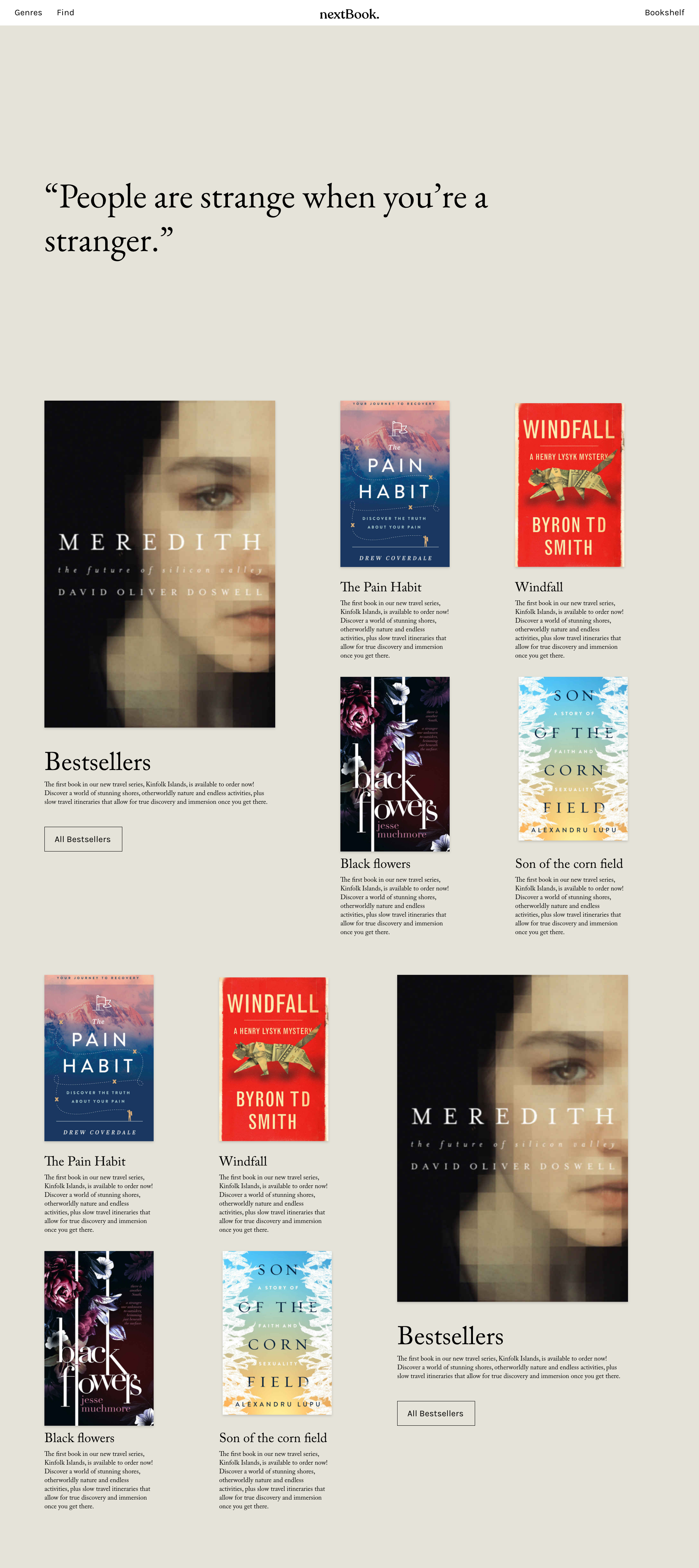
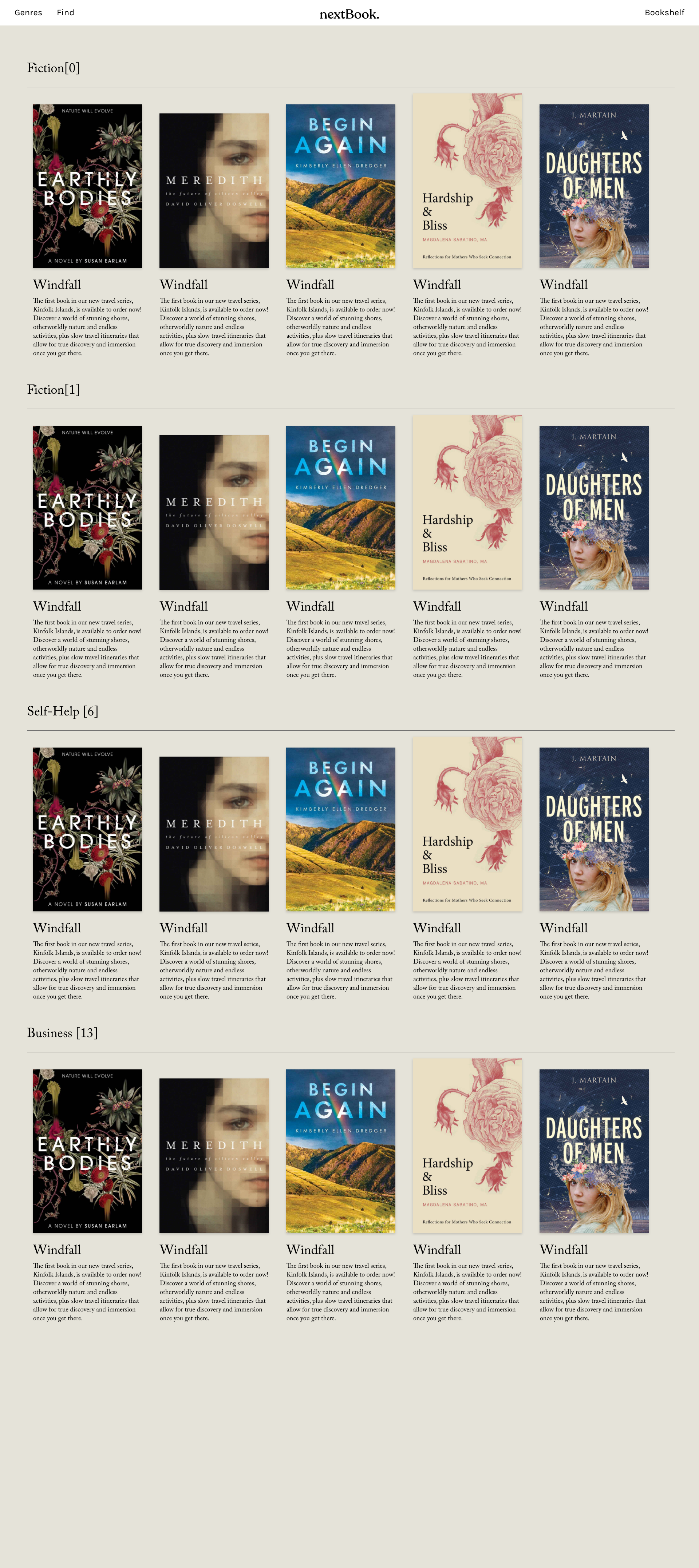
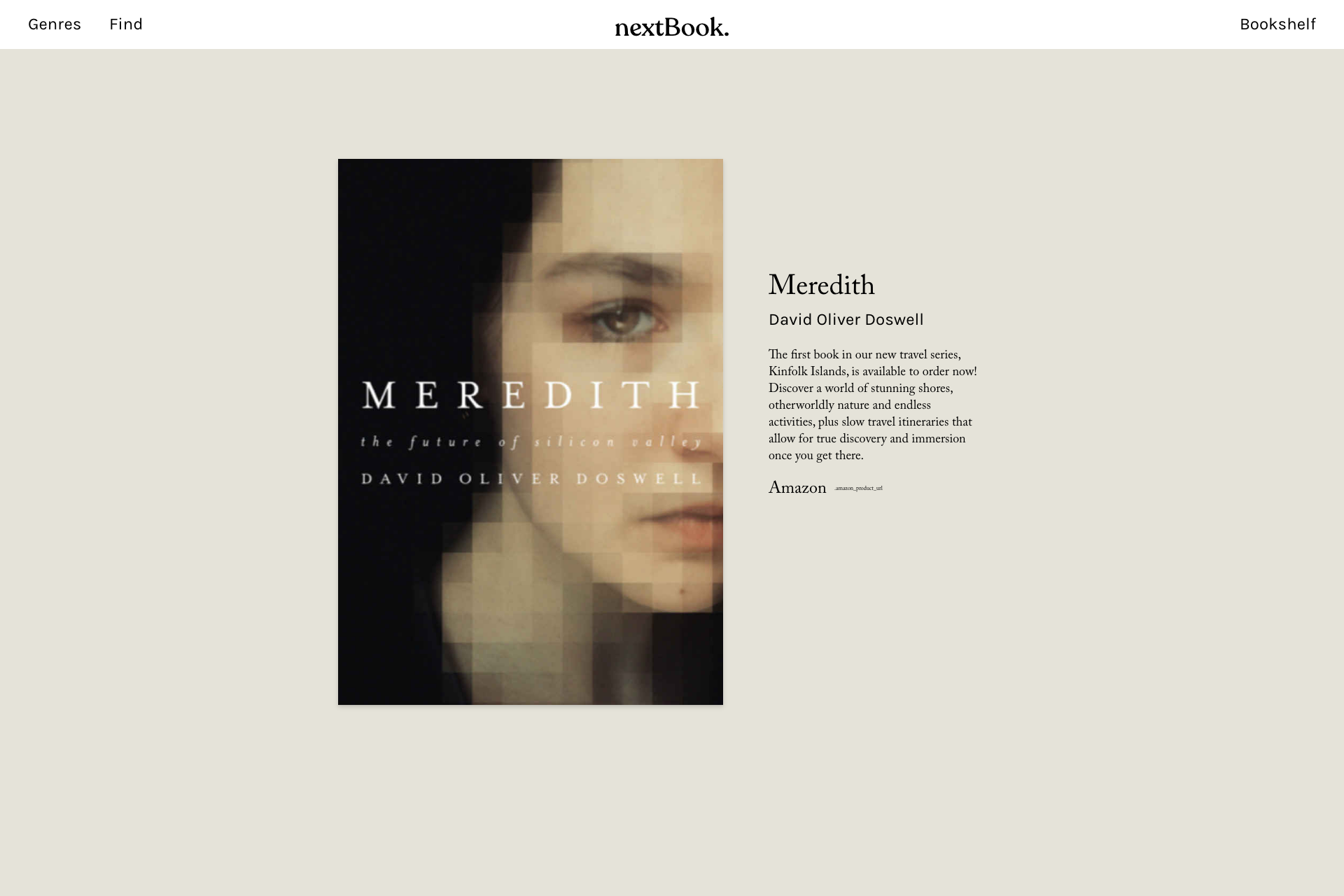
Adobe XD were used to quickly establish the look and feel of the website. Subsequently, other style adjustments were done in react.
"As a reader, I want to quickly find my next book that are to my liking so that I won't waste precious time browsing for days."
Website Requirement
- Browse through selected genres
- Book recommendations from other readers
- Book description is visible while browsing so readers does not have to click and break their browsing flow
- Readers can shortlist books that caught their attention and continue browsing
nextBook checks all the boxes to allow readers have a pleasant experience finding their next read.
The wireframe was used as a baseline to set the essential pages which are the utmost priority in fulfiling the readers' needs. More pages were added later to supplement and further improve the experience.
The codes for each pages were first written in a single component to simplify the workflow and get everything to work as it should. When a part of the component is needed in another page, it is then extracted and form its own component so as to avoid repetitive code. Further fragmentations were then made to organise and allow easy navigation for others.
- The website function as an aspiration to what it aims to achieve. Therefore, the content does not accurately portray what the header suggest, mostly due to the API limited options.
- This site best viewed in google chrome desktop browser.
- API - https://developer.nytimes.com/docs/books-product/1/overview
- Icons - https://heroicons.com
- Scrolling Animation - https://github.com/michalsnik/aos