MsgTruck is a text channel message moving Discord bot.
Truck of your favourite seasoning MSG, or A bot that moves messages to anywhere else, to other channel, to other thread, to your backyard, or to andromeda.
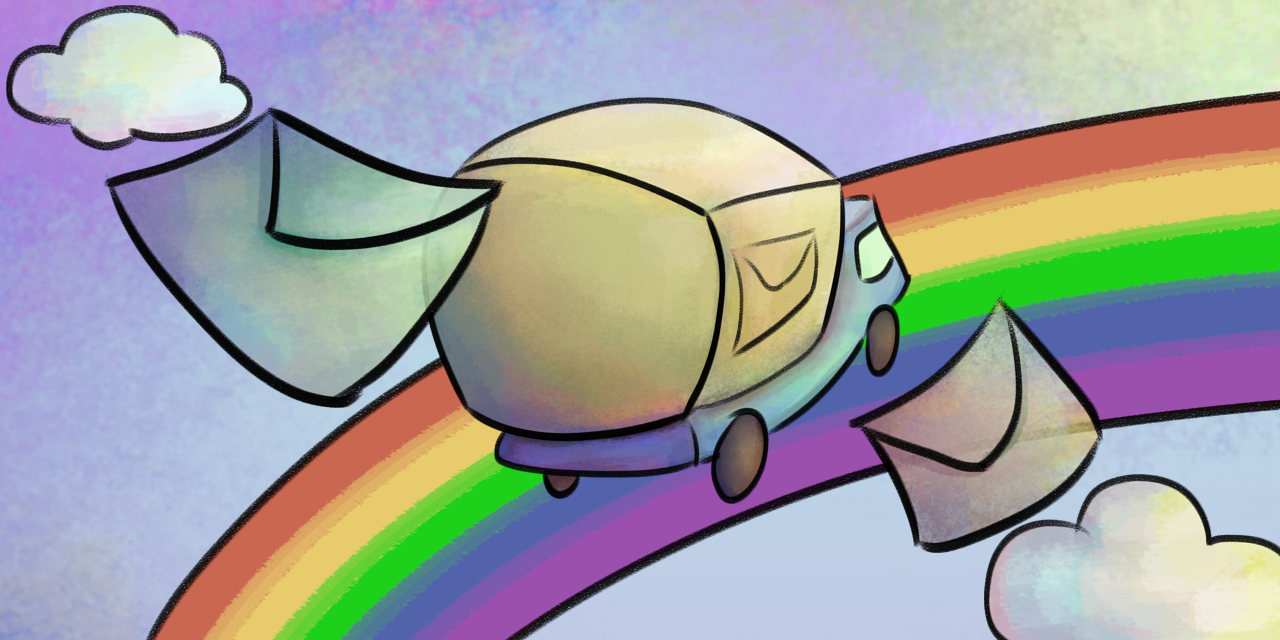
- Off-topic is often deleted or left as is, scrolling up the other chat.
- If certain subtopic is ongoing on a channel, you might want to move some chat to the new thread.
- Archiving.
- Whatever other reason, you feel like the message could be moved.
There are some bots like Interchannel Message Mover or even NQN does support it, but they have limited features.
- Always moves messages by first and last message. Of course, you can move only one message if you want.
- Moves normal messages, embeds, files, replies (reply is message link embed, as you see in e.g. NQN, this is technical limit).
- If you're moving both original message and reply of it, the reply will point the moved original message (not guaranteed to work 100% though).
- External emoji is not embedded.
- Poll will be summerised to the poll result, if the poll is moved.
- Stickers are changed to text, due to the technical limit.
- Can create public/private thread.
No invitation, only building ane execution!
You can just compile this and host the bot. You have to make a bot in developer portal, though.
And make token.txt to your binary file path, just add your token (Token ONLY), execute, and boom! You have the bot now!
Requirement is .NET, because this is C# program.
And then, invite with permission 534723819584. Then, Manage Webhook global permission to the MsgTruck bot role.
- Open context menu (PC right click menu, mobile long press menu) of the last message to move, copy URL or ID from there.
- Scroll up, open context menu for the first message. Go to Application > Move Messages.
- Past the last message URL or ID, and write the channel or thrad name* to move. If there are duplicated name, use Channel ID (for copying ID, you have to open the developer mode.)
- Sit and enjoy some coffee or tea while the messages are moving.
While opening context menu, always select message. Do not select the user, it has different context menu and doesn't work with this.
Do not send feature request. Bug report only.
- Reproduce the step and describe the steps.
- Think is it really bug or user mistake before reporting. Read the error messages.
- Do not report if you know it is Discord issue or internet connection issue.
Though I might be lazy enough to miss the issue tab.
This is made with Discord.NET.
If you don't like it, it's always free to change code for another language/platform.

Official profile and header images are in the imgs folder.
But since this is only source code, you choose your bot profile picture and header from developer portal. Enjoy!
Sorry I didn't make such program for many years and my code is messy again but I'm not gonna refactor aAaaAaAAA