add the current user to the dialout group. This will allow us to use the USB directly
sudo usermod -a -G dialout $USERWe also add ourselves to the group temporarily so we don't have to log in to the system again. If we do not, it will be necessary to restart for the changes to take effect.
newgrp dialoutclone the repository
git clone --branch dev-esp32 --depth=1 --shallow-submodules --recurse-submodules https://github.com/nodemcu/nodemcu-firmware.git firmwareESP32 Once cloned, download the skdconfig file from this link and save it in 'firmwareESP32' folder then it should be compiled with :
makeInstallation of ESPTool
sudo apt install esptoolPut the ESP32 in programming mode by holding the IO0 button and pressing the RST button at the same time.
from the 'build' folder run:
esptool --chip esp32 --port /dev/ttyUSB0 --baud 921600 --before default_reset --after hard_reset write_flash -z --flash_mode dio --flash_freq 80m --flash_size detect 0x1000 bootloader/bootloader.bin 0x10000 NodeMCU.bin 0x8000 partitions.bin
To load the scripts we have 3 options:
clone the repository:
git clone https://github.com/4refr0nt/ESPlorer.gitafter cloning it:
cd ESPlorer
./mvnw clean package
to execute ESPlorer:
java -jar target/ESPlorer.jarinstallation:
sudo pip install nodemcu-uploaderonce installed, we can upload files using:
nodemcu-uploader upload init.luato see the different commands that can be used:
nodemcu-uploader -hinstallation:
wget https://download.zerobrane.com/ZeroBraneStudioEduPack-1.90-linux.shAfter downloading, we give it execution permission with:
chmod +x ZeroBraneStudioEduPack-1.90-linux.shafter giving it permissions, run the installer:
./ZeroBraneStudioEduPack-1.90-linux.sh- Pad incubadora
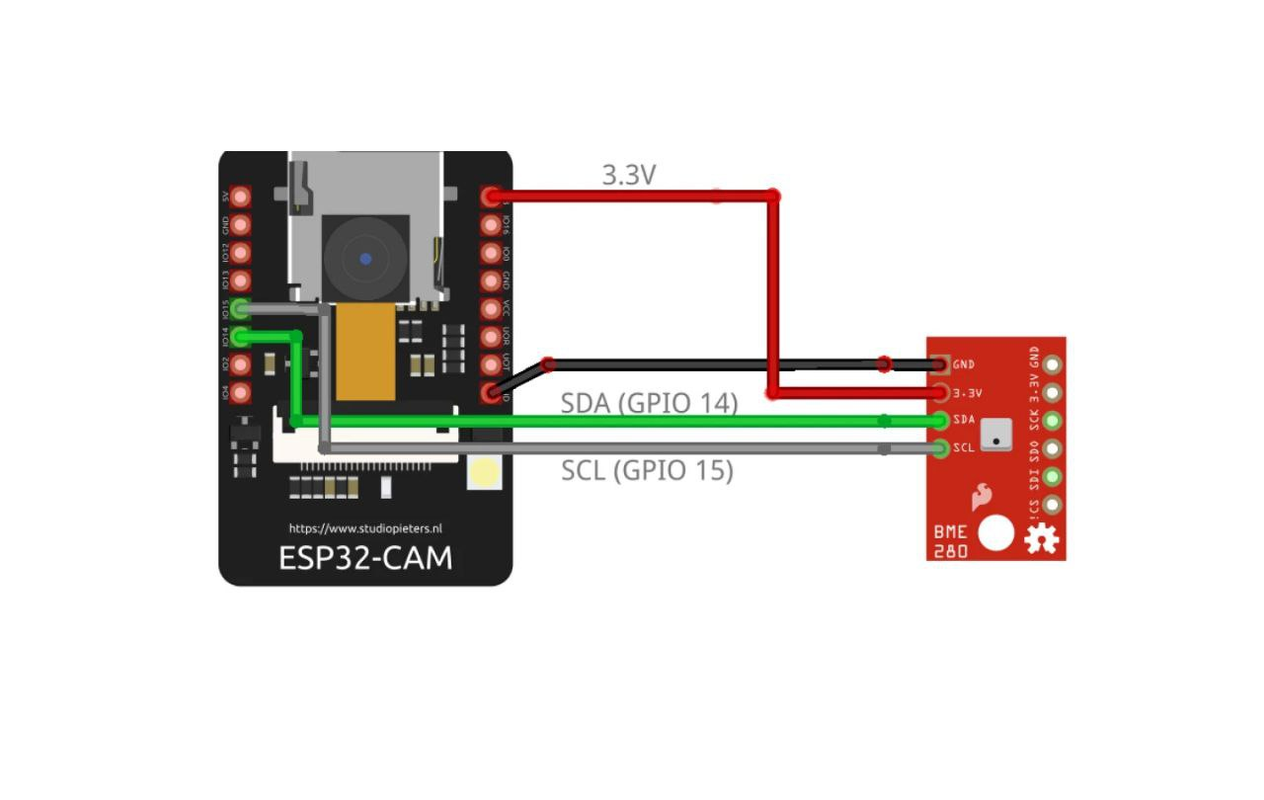
- Sensor information BME280
- Documentation nodemcu
- Repository with modules Lua
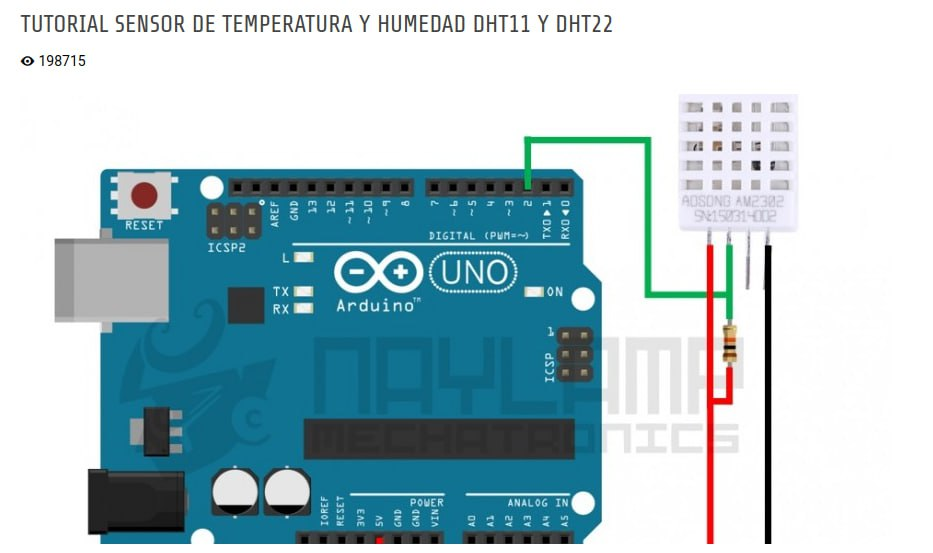
- Sensor information DHT22
- Git Tutorials
- Files and photos