It is a to-do web app. It can be open on the side window of your working browser. It can be create some task and after competion task can be deleted as well or just click on it to make it marked.
How to use on local machine:
First download this project for given image
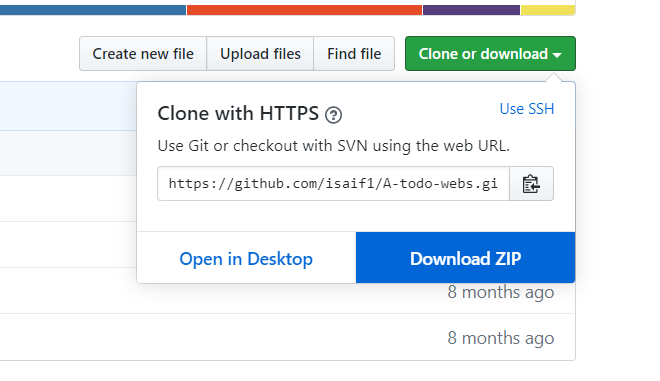
Now open your folder where this project is downloaded.
Open command prompt. Set the path to A-todo-web-master then type:
python manage.py runserver
Now open this url in your window:
It can be use now on yourlocal machine.
you have to install what are requirements Thankyou,