




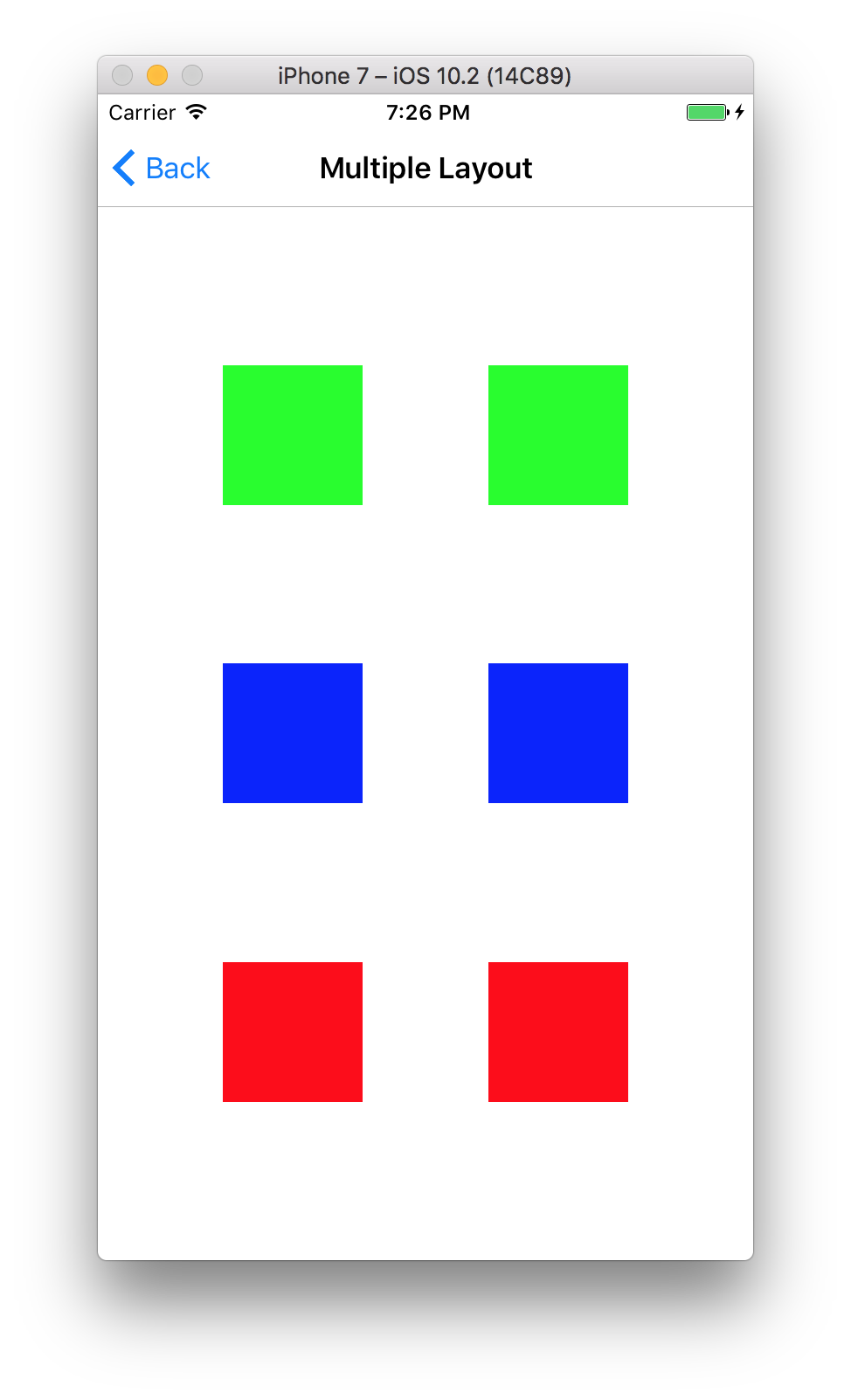
🏁 Grid layout, making views equidistantly. Base on SnapKit. (Waiting logo...)
In me the tiger sniffs the rose.

心有猛虎,细嗅蔷薇。
Welcome to visit my blog:https://LeoDev.me
- iOS 8.0+ / Mac OS X 10.11+ / tvOS 9.0+
- Xcode 8.0+
- Swift 3.0+
CocoaPods is a dependency manager for Cocoa projects. You can install it with the following command:
$ gem install cocoapodsCocoaPods 1.1.0+ is required to build Grid.
To integrate Grid into your Xcode project using CocoaPods, specify it in your Podfile:
use_frameworks!

target '<Your Target Name>' do
    pod 'Grids'
endIf you prefer not to use the aforementioned dependency manager, you can integrate Grid into your project manually.
-
Quick Start:
let viewX1 = UIView()
let viewX2 = UIView()

self.view.addSubview(viewX1)
self.view.addSubview(viewX2)

viewX1.snp.makeConstraints { (make) in
    make.centerY.equalToSuperview()
    make.size.equalTo(CGSize(width: 80.0, height: 80.0))

    make.centerY.equalTo(viewX2)
    make.size.equalTo(viewX2)
}

self.view.grid.horizontal(subviews: [viewX1, viewX2])
-
Resources:
- Hello World!
-
If you have any question, just commit a issue.
-
Mail:
echo ZGV2dGlwQDE2My5jb20K | base64 -D -
Blog: https://LeoDev.me
-
Friendly sponsorship with Alipay or Wechat Pay, thank you!

Grid is released under the MIT License.