
Xposed module that removes ads, sponsored apps, and promoted recommendations from the Google Play Store.



| Stock | Patched |
|---|---|
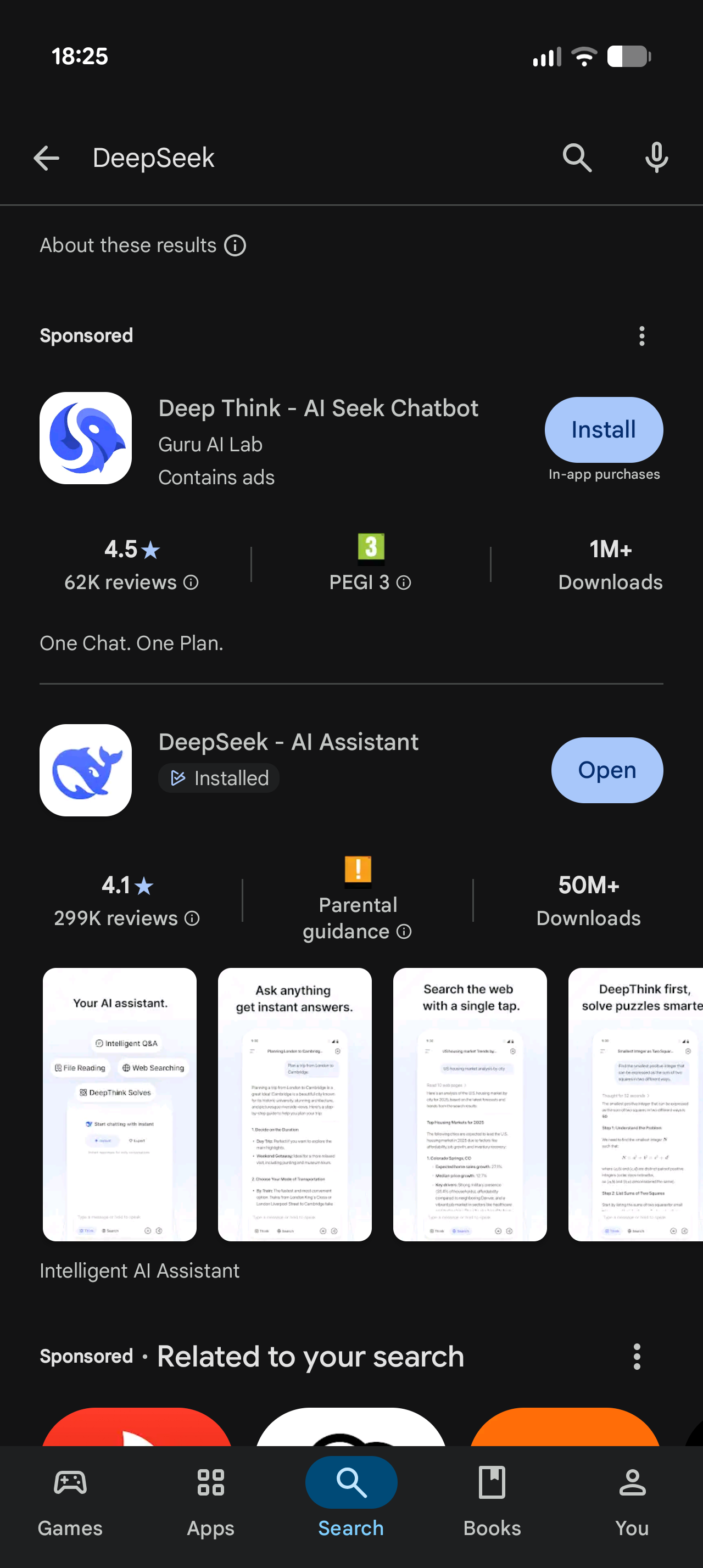 |
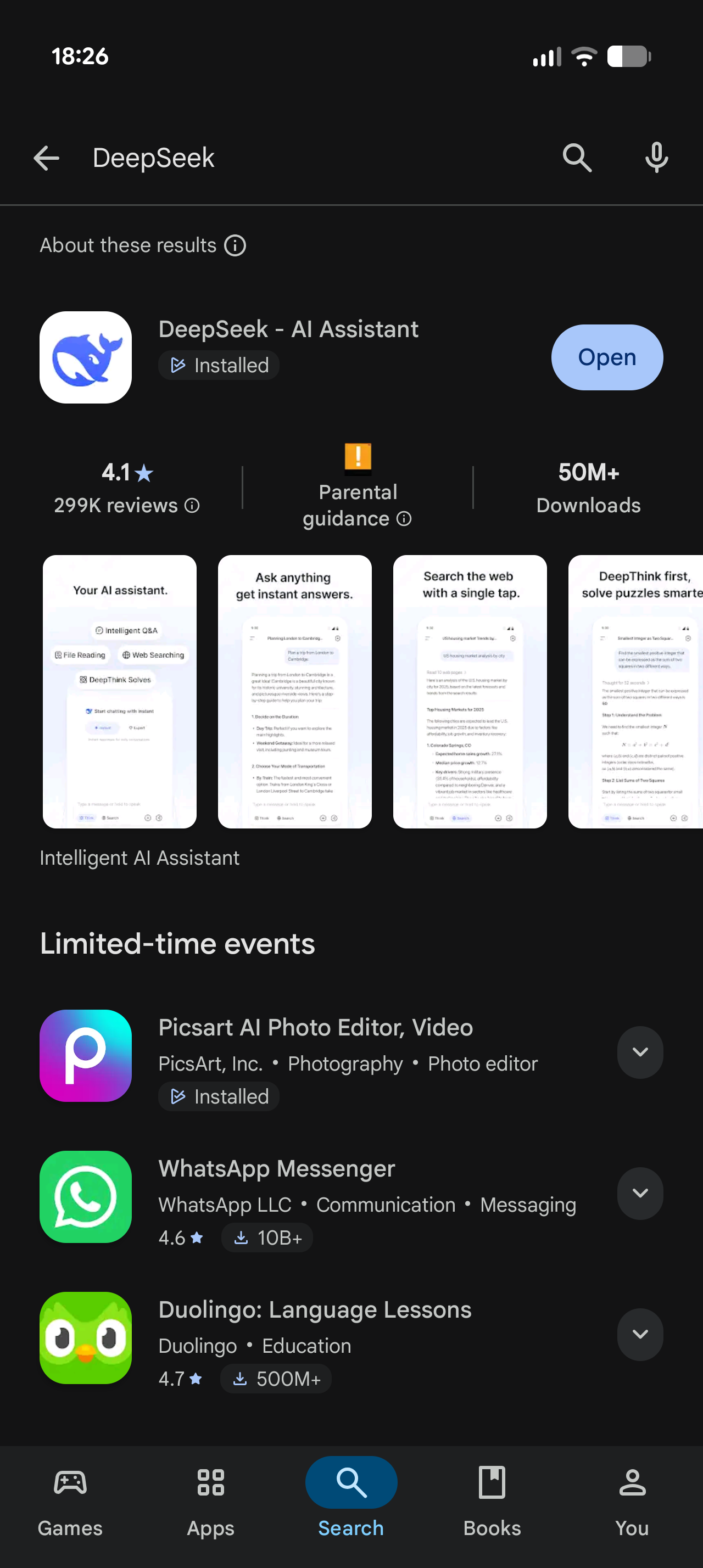 |
- Android 11+ with an arm64-v8a device
- Xposed manager with libxposed API 101+, such as LSPosed
Warning
Hooking the Play Store can trip Google's device-certification or billing checks on devices without a working Play Integrity setup. This is inherent to modifying the Play Store.
- Install APK from Releases
- Enable the module in your Xposed manager, scoped to Google Play Store (
com.android.vending) - Force-stop the Play Store so it restarts with the module active
Note
If you still see ads or an empty placeholder shelf, clear the Play Store cache, force-stop it, and relaunch. Play Store keeps serving cached ad responses until they refresh.
| Play Store release | Version code | Status |
|---|---|---|
| 41.9.18-XX | 841918XX | unsupported |
| 42.9.17-XX | 842917XX | unsupported |
| 43.9.18-XX | 843918XX | supported |
| 44.9.20-XX | 844920XX | supported |
| 45.9.19-XX | 845919XX | supported |
| 46.9.20-XX | 846920XX | supported |
| 47.0.13-XX | 847013XX | supported |
| 47.6.28-XX | 847628XX | supported |
| 48.5.23-XX | 848523XX | supported |
| 49.9.19-XX | 849919XX | supported |
| 49.9.21-XX | 849921XX | untested |
| 50.1.33-XX | 850133XX | supported |
| 50.7.37-XX | 850737XX | supported |
| 51.0.19-XX | 851019XX | supported |
| 51.9.18-XX | 851918XX | supported |
| 52.2.25-XX | 852225XX | supported |
| 52.3.32-XX | 852332XX | supported |
| 52.4.41-XX | 852441XX | supported |
| 52.5.22-XX | 852522XX | supported |
| 52.6.26-XX | 852626XX | supported |
| 52.7.34-XX | 852734XX | supported |
Find your build either in Play Store → Settings → About or with:
adb shell dumpsys package com.android.vending | grep -E 'versionName|versionCode'
Builds not listed here are usually still compatible, since the module adapts to changes between Play Store releases. If sponsored content appears, open an issue and include the version name and version code.
Also dislike ads in Google Discover, the launcher's -1 screen, or Google News? Try  discover-ads-filter, a sister module.
