Home
Nimf is a lightweight, fast and extensible multilingual input method framework.
# Install latest version with one command
curl -fsSL https://raw.githubusercontent.com/hamonikr/nimf/master/install | sudo bash

# Or using wget
wget -qO- https://raw.githubusercontent.com/hamonikr/nimf/master/install | sudo -E bash -# Build for specific distributions
./scripts/build-docker.sh ubuntu.2404
./scripts/build-docker.sh debian.bookworm
# Build for all platforms
./scripts/build-docker.sh --all- Installation Guide - Installation methods by distribution
- Build Instructions - Unified build system usage
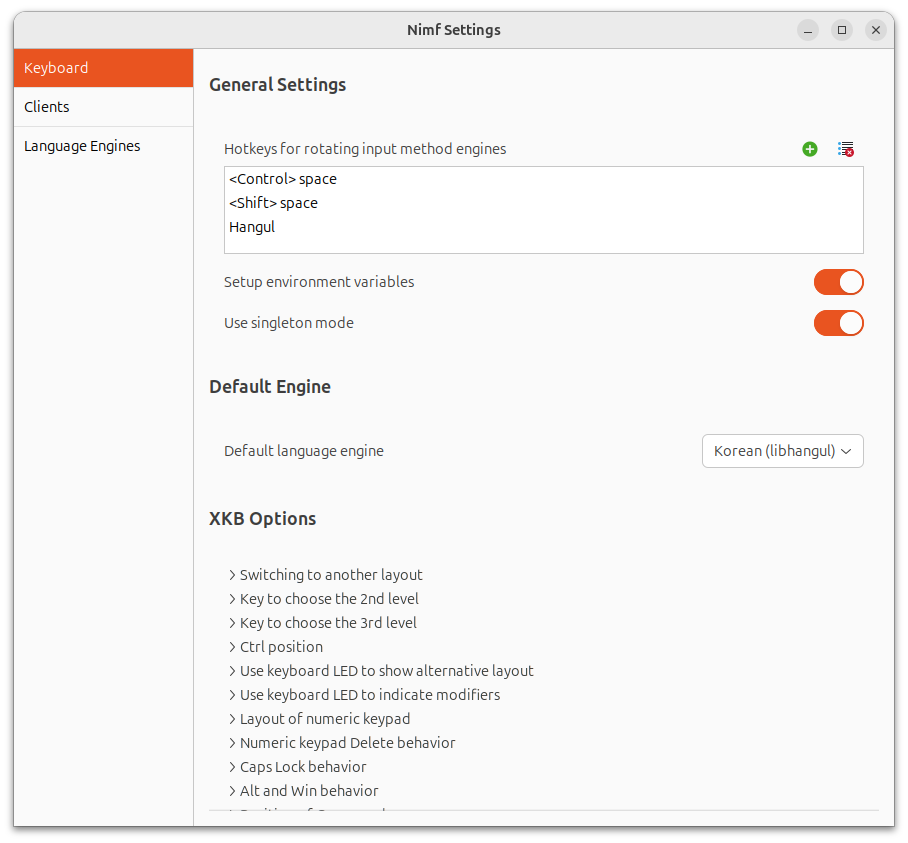
- Configuration - Nimf configuration and usage
- Troubleshooting - Problem solving guide
- ARM Platforms - ARM64/ARM32 support platforms (Raspberry Pi, Armbian, etc.)
- 🌍 Multilingual Input: Korean, Japanese, Chinese, 100+ languages (m17n) support
- 🖥️ Platform Support: GTK2/3/4, Qt5/6, Wayland, X11 full support
- ⚡ Lightweight & Fast: Minimal resource usage and fast startup
- 🔧 Modular Structure: Core package + optional multilingual extension (nimf-i18n)
- 📦 Unified Build: Support for all major distributions including ARM64
- 🚀 Automatic Installation: ibus conflict resolution and environment setup automation
- 🇺🇸 English Documentation - This page
- 🇰🇷 한국어 문서 - Korean documentation
- GitHub Issues - Bug reports and feature requests
- HamoniKR Community - Community support
- Troubleshooting - Common problem solutions
To contribute to the Nimf project:
- Fork the repository
- Create a feature branch (
git checkout -b feature/amazing-feature) - Commit your changes (
git commit -m 'Add amazing feature') - Push to the branch (
git push origin feature/amazing-feature) - Open a Pull Request
📋 License: LGPL-3.0