

Pythia is a browser based user interface for the Go source code guru, which is a tool for navigating Go code.
For more information on the Go guru, see Using Go Guru.
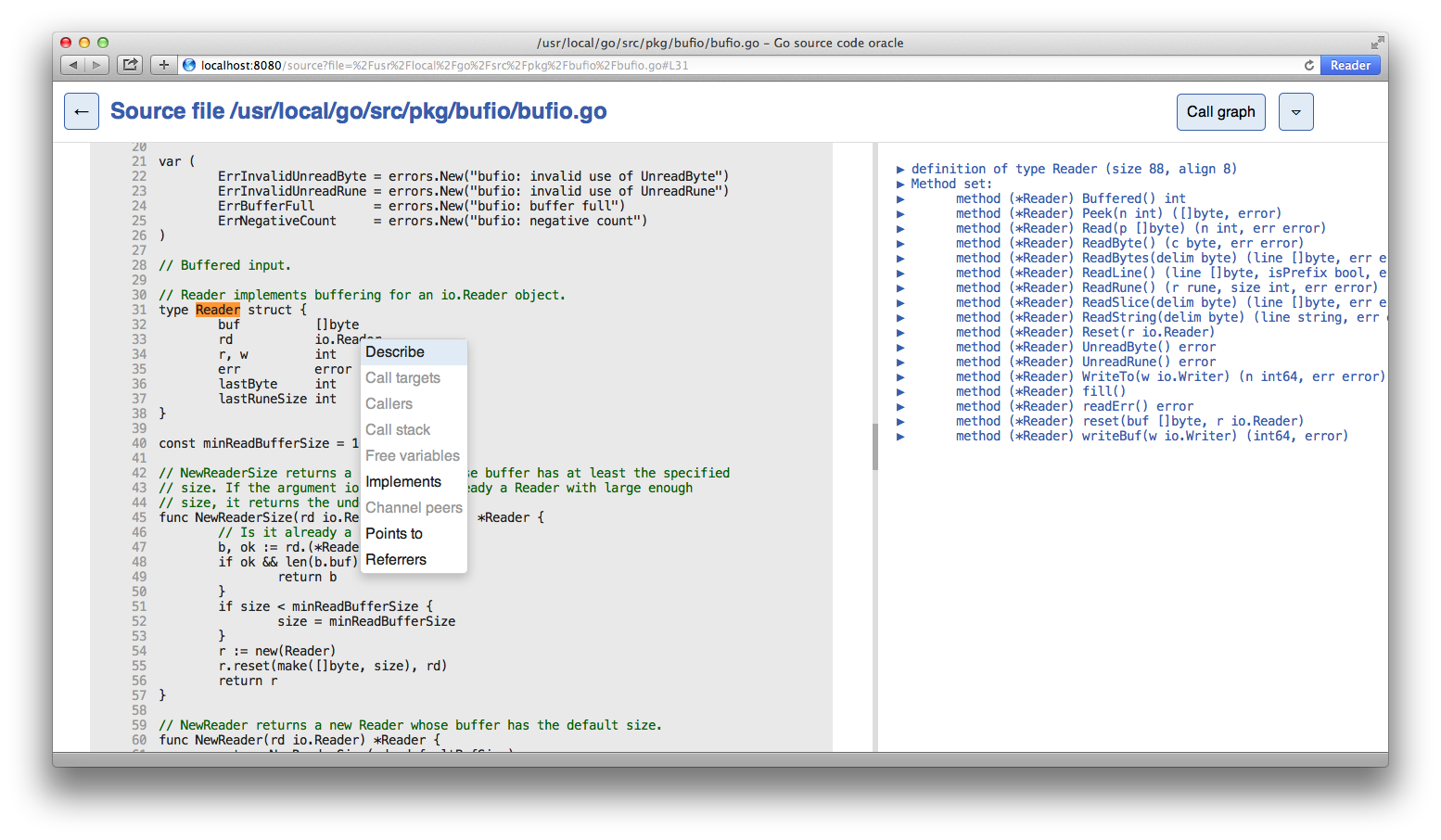
To install, run
$ go install github.com/fzipp/pythia@latest
You will now find a pythia binary in your $GOBIN or $GOPATH/bin directory.
Running Pythia also requires guru:
$ go install golang.org/x/tools/cmd/guru@latest
Start the web application with a package path, e.g.:
$ pythia net/http
By default it will listen on port :8080 and try to launch the application
in your browser. You can choose a different port via the -http flag, e.g.:
$ pythia -http :6060 fmt
Run pythia -help for more information.