PDUA is a simplistic CPU architecture made in the Xaverian University of Colombia.
This is a project that aims to provide a solution to not only translate assembly to binary but also emulate the architecture.
The Makefile in this directory is really basic as it was only meant for testing in Linux. To compile you only need to have Golang installed- Afterwards you may compile the program by doing the following:
- Install dependencies
go mod tidy- Building the project
make buildBeware that if you're in Windows, you may need to add the
.exeextension at the end of the binary.
The program is quite easy to use. It is a terminal based program which only takes to arguments, "compile" and "emulate". To compile a program in assembly, all you need to do is run the following command:
pdua compile -i *inputfile* -o *outputfile*If there are no errors, this should output a binary file from the assembly (the compiled code). Once you have the compiled binary you may emulate it as wel by using:
pdua emulate -i *inputfile*Where the input file is the binary file from the previous command.
In the case that you want to emulate directly (without compiling or outputing a file) you may do so as well by running the following command.
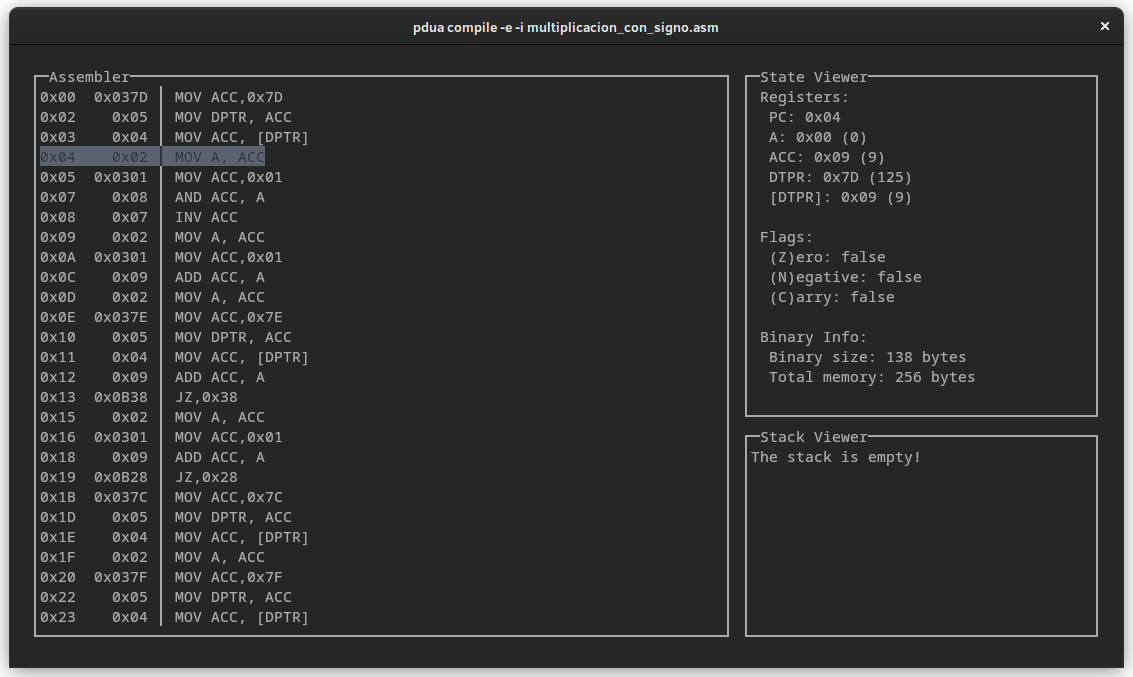
pdua compile -e -i *inputfile*This should start emulating the program directly as it is using the -e flag.
You may play around with the different flags by passing -h on each subcommand.
Once you're in the emulator, there are some different keybinds you may use to move around, these are:
CTRL + CorQto quitEnterorRight Arrowto step on executionRto reset to the initial state.Spaceto step directly into the next halt (might cause infinite loops).