Experiential Labs Platform is an OpenAI-compatible LLM gateway you run in your
own cloud account. It serves /v1/models, /v1/chat/completions,
/v1/responses, and /v1/messages, so existing OpenAI and Anthropic clients
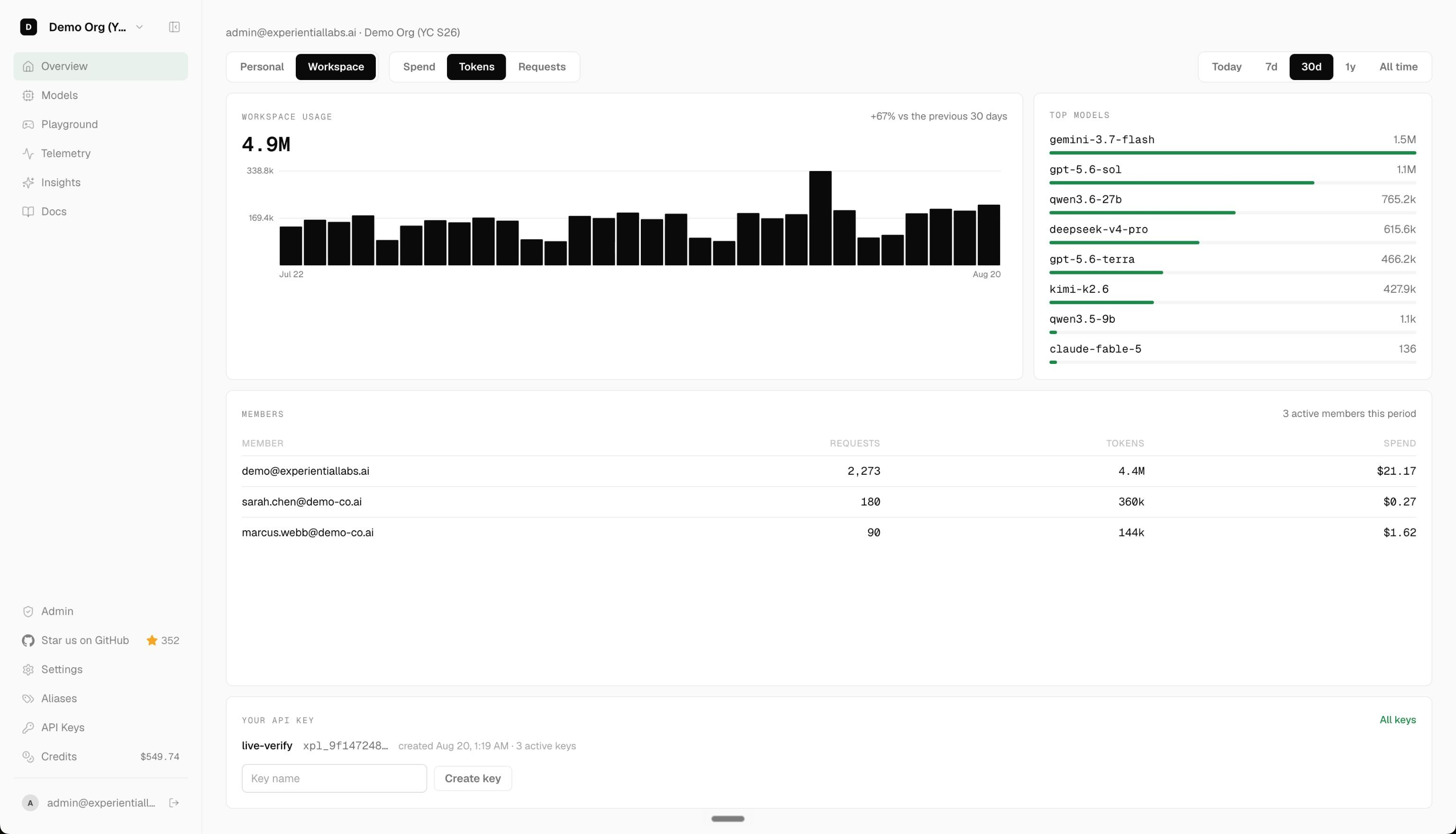
work unchanged. A web dashboard manages API keys, the model catalog, and
usage.
 Discord
This is an evaluation release under the Trial License. You may run, copy, and modify the software for your own internal evaluation for fourteen days. Production use requires a commercial license. To purchase one, or to extend your evaluation, contact founders@experientiallabs.ai.
- One
/v1endpoint for OpenAI Chat Completions, Responses, and Anthropic Messages traffic. - Organization API keys with per-key controls.
- A model catalog spanning the providers you connect.
- Usage and request telemetry in the dashboard.
- Bring your own keys: the gateway routes to providers with credentials you add in the dashboard.
Pick the path that matches what you already run.
If you already run a Kubernetes cluster, pull the chart and install a self-contained trial with its bundled preset:
helm pull oci://ghcr.io/experientiallabs/charts/experiential --version 0.1.0 --untar
helm install experiential ./experiential -f experiential/values-trial.yaml
Trial mode bundles Postgres, storage, and mail in-cluster for evaluation and
keeps the gateway worker cluster-private. For a real deployment, copy
experiential/values-enterprise.example.yaml, fill in your managed Postgres,
storage, SMTP, and existing Kubernetes Secret names, then install with
-f your-values.yaml. See experiential/README.md for every value.
If you do not run Kubernetes, one terraform apply creates a single VM in
your cloud account and installs the stack on first boot.
git clone https://github.com/experientiallabs/experiential-enterprise.git
cd experiential-enterprise/infra/trial/terraform/aws   # or azure, gcp
terraform init
terraform apply -var "trial_tag=$(git tag --list 'trial-*' | sort | tail -n1)"
terraform output trial_login
AWS reads your standard credentials; Azure needs -var subscription_id=<id>;
GCP needs -var project=<id>. The apply waits about 20 to 35 minutes while the
VM builds from source (ready_timeout_minutes, default 40) and fails rather
than print a login for a dead URL. trial_login prints the sign-in URL, admin
email, and password. Open it, choose Sign in with password, and use those
credentials. The ordinary form remains passwordless-first; trial VM email
stays inside the stack's mail catcher. terraform destroy removes everything;
see infra/trial/README.md for all inputs.
You need Docker, uv, and pnpm.
uv sync
pnpm install
./scripts/integration_stack.sh up
Open http://localhost:3300 and sign in as admin@xplabs.ai / 3XP321!. The
stack is local only and seeds deterministic demo data.
./scripts/integration_stack.sh reset rebuilds it, and smoke verifies a
running stack.
Questions, commercial licensing, and evaluation extensions: founders@experientiallabs.ai.