
I wanted to create a project to showcase my skills in working with APIs and building multi-page applications. Scene Struggle allows users to play mini-games based on their favorite YouTube channels. This project allowed me to explore and demonstrate my proficiency in using the YouTube API and integrating it into a web application.
- React: A popular JavaScript library for building user interfaces. It provides a flexible and efficient way to create dynamic web applications.
- react-router-dom: The react-router-dom library is utilized to handle routing and navigation within the application. It enables seamless navigation between different pages and facilitates passing URL parameters for channel selection.
- YouTube API: The YouTube API is employed to fetch video and channel data from YouTube. By leveraging this API, the application can access information about channels and videos, allowing users to engage with their preferred content creators.
- Working with APIs: Integrating the YouTube API allowed me to understand the process of fetching data from external sources and utilizing it within a web application.
- Multi-page application development: By using react-router-dom, I learned how to create a multi-page experience within a React application, enabling users to navigate between different sections and games.
- React component architecture: I honed my skills in structuring and organizing React components, ensuring reusability and maintainability throughout the project.
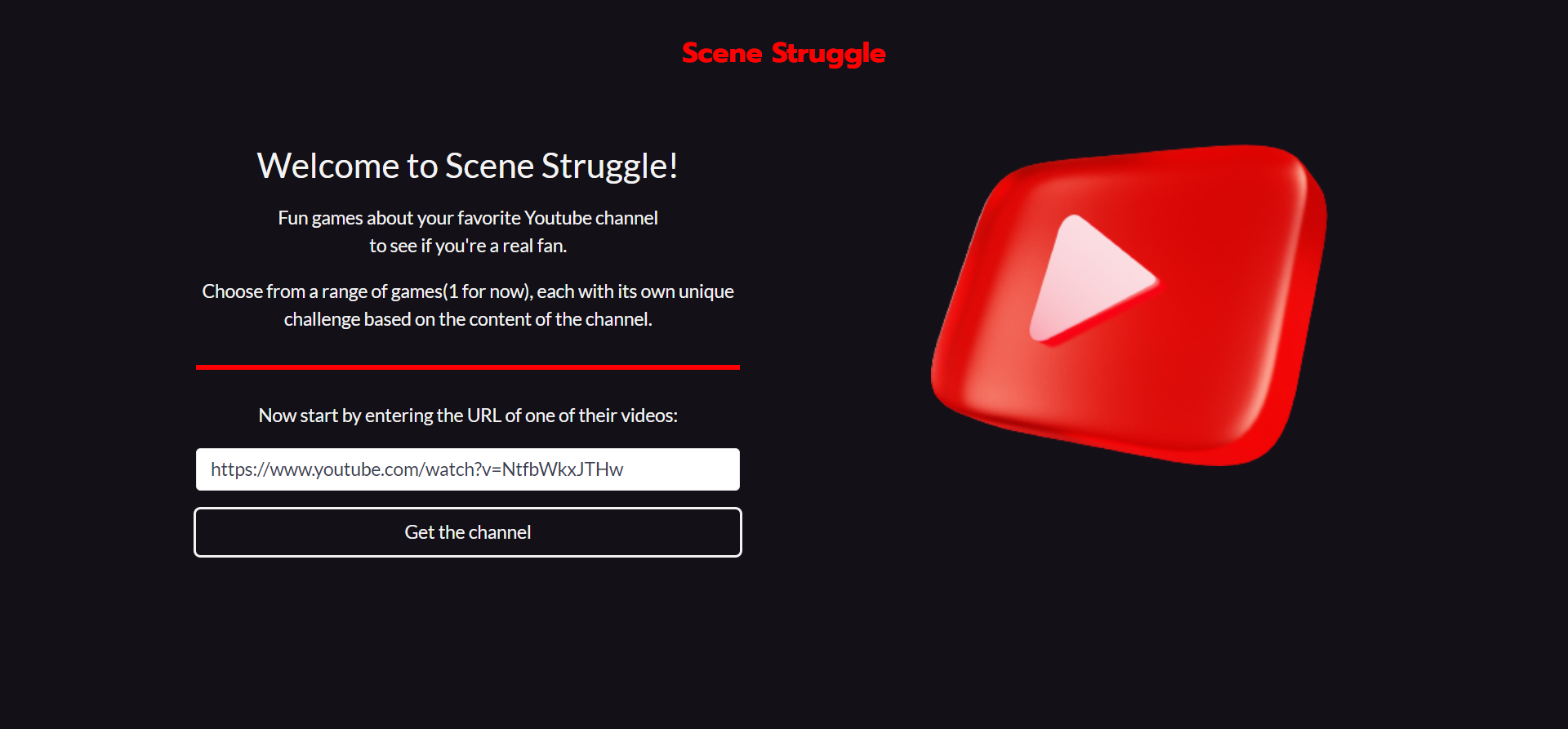
Start by entering the URL of one of their videos:
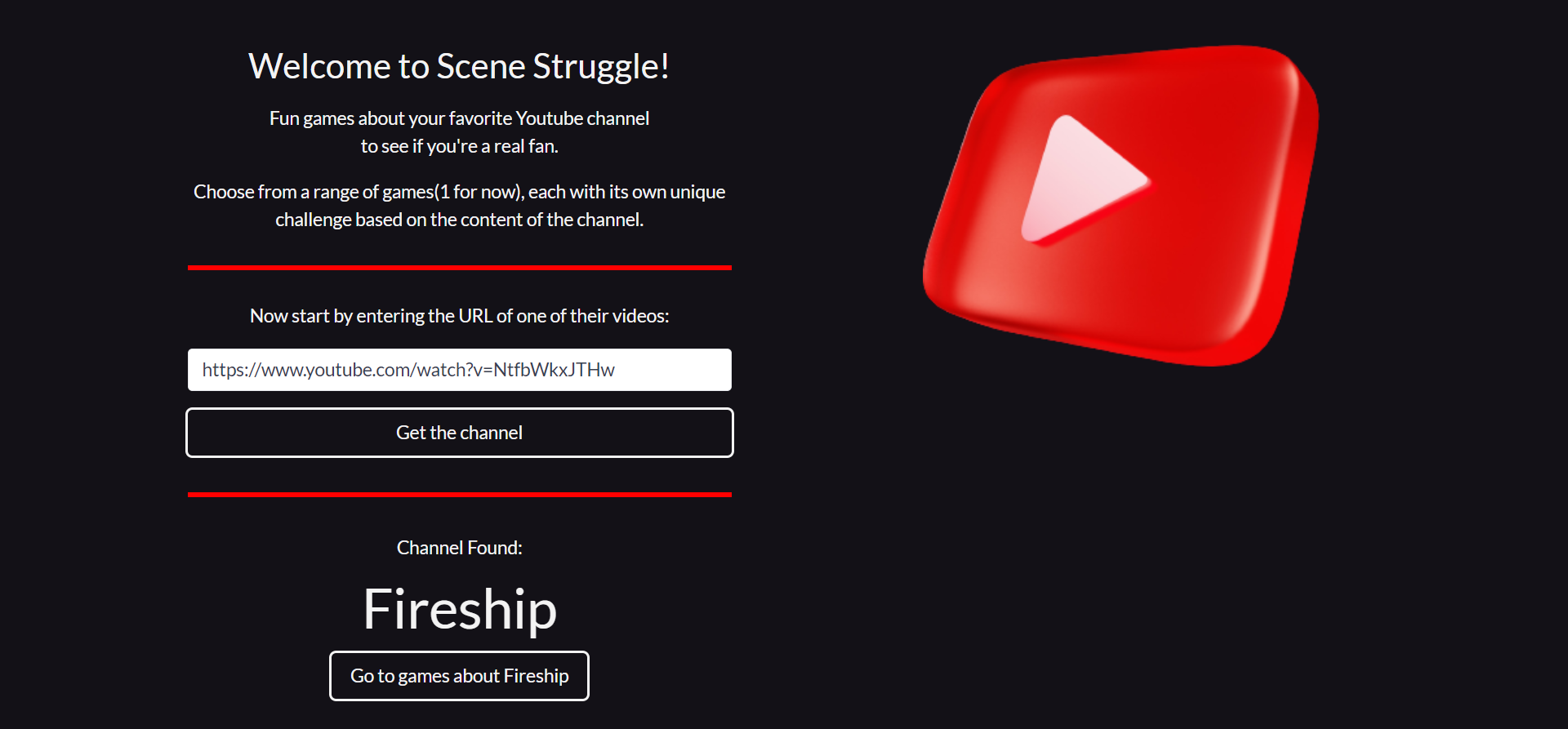
Check if the found channel is correct and proceed to games about that channel:
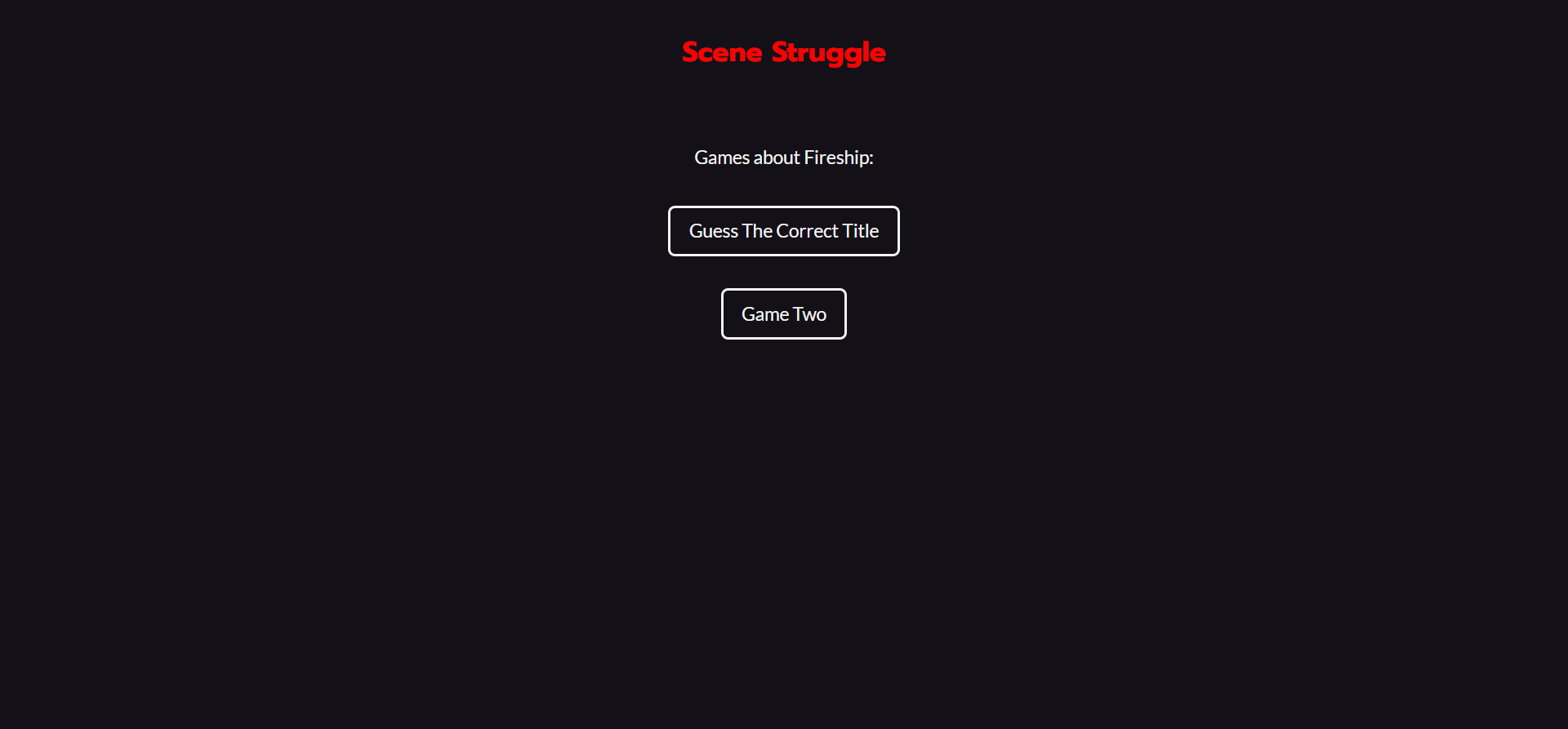
Choose the game you want to play
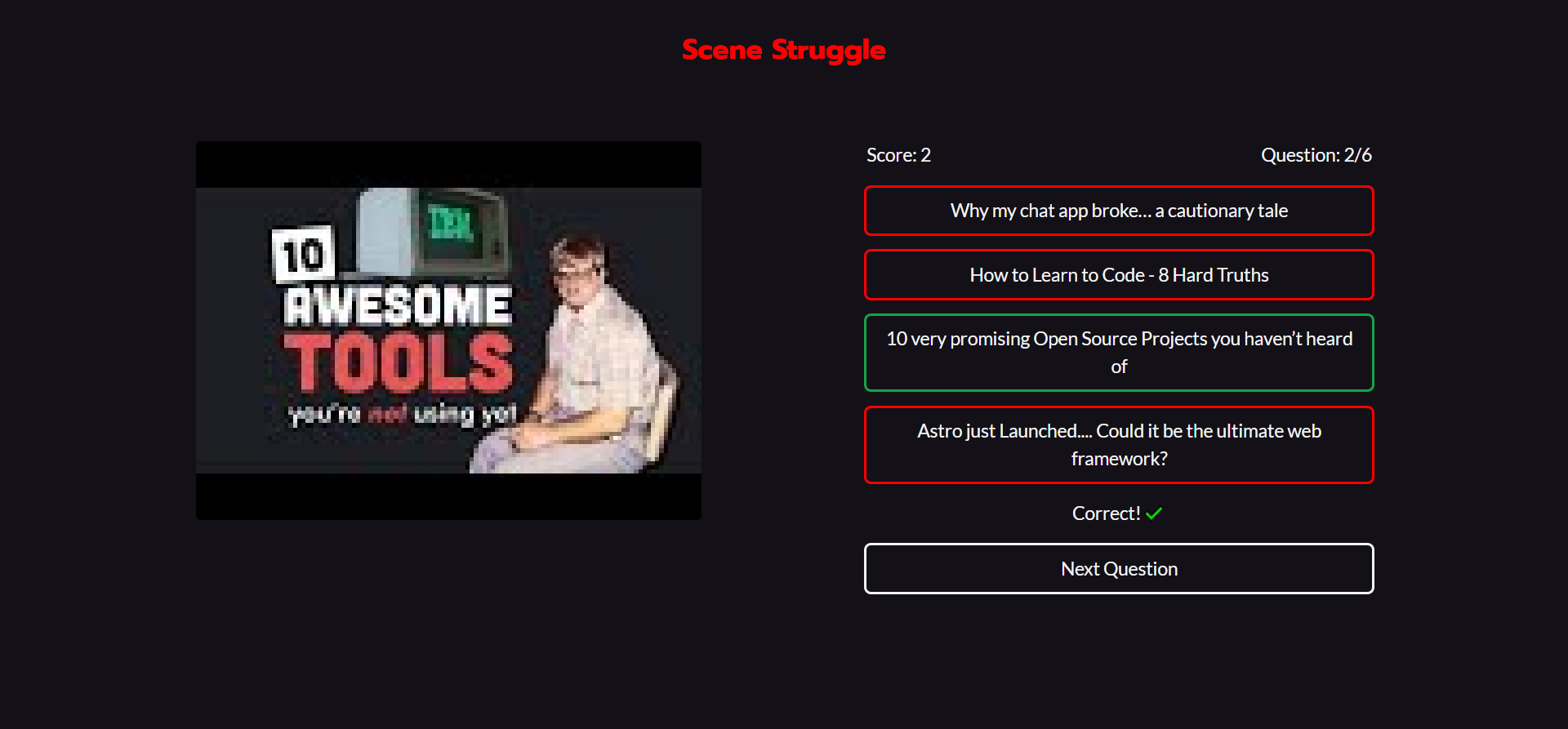
Play
git clone https://github.com/emredevsalot/scene-struggle.gitcd scene-strugglenpm installCreate a .env file in the project root directory and add your API key:
VITE_REACT_APP_RAPID_API_KEY = <your-api-key>You can get the API key from: https://rapidapi.com/ytdlfree/api/youtube-v31
npm run dev