You signed in with another tab or window. Reload to refresh your session.You signed out in another tab or window. Reload to refresh your session.You switched accounts on another tab or window. Reload to refresh your session.Dismiss alert
Atis Elsts edited this page Oct 1, 2020
·
1 revision
The TSCH-Sim web interface is started by running the script tsch-sim-web-interface.sh (tsch-sim-web-interface.bat on Windows).
It can also be started by passing a configuration file with WEB_ENABLED set to true as a command line argument.
The web interface consists of Express Node.js powered backend and a D3 and jQuery based frontend.
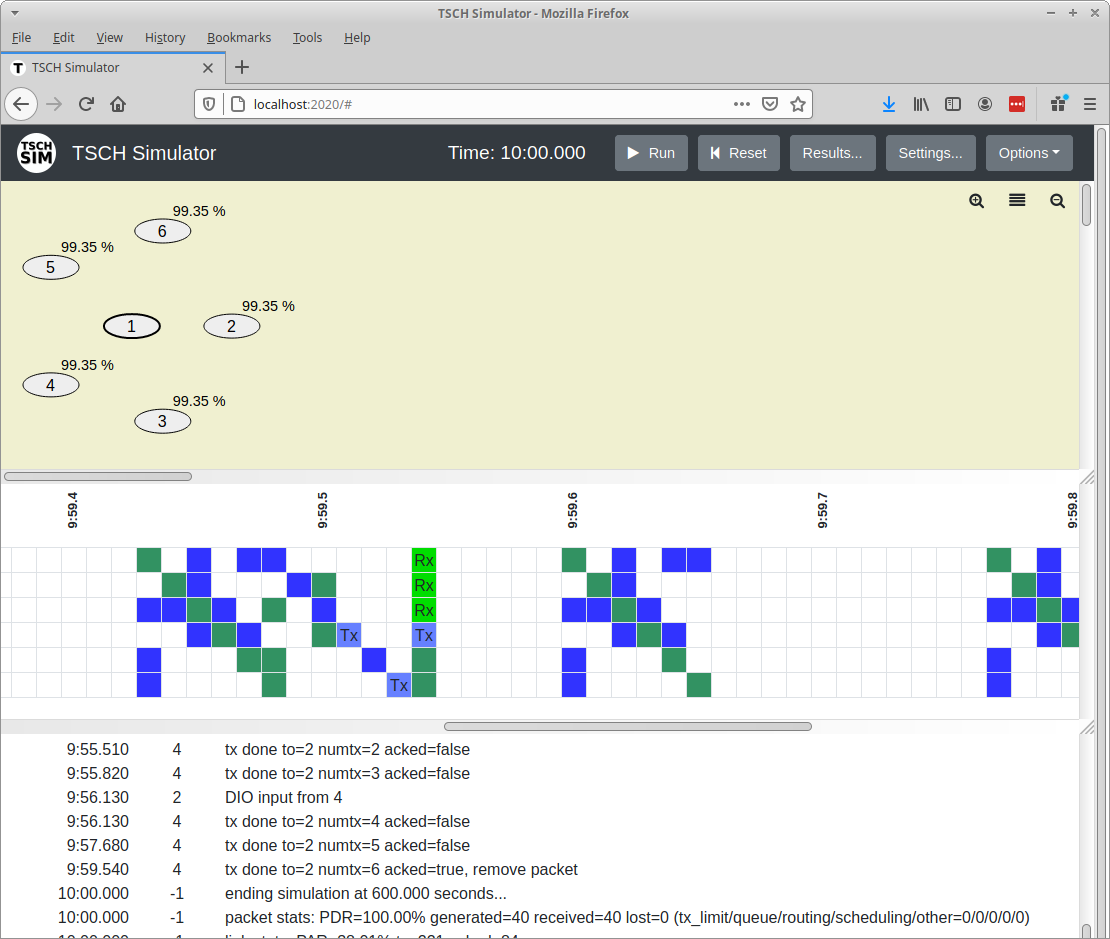
Visual interface of the TSCH-Sim simulator.
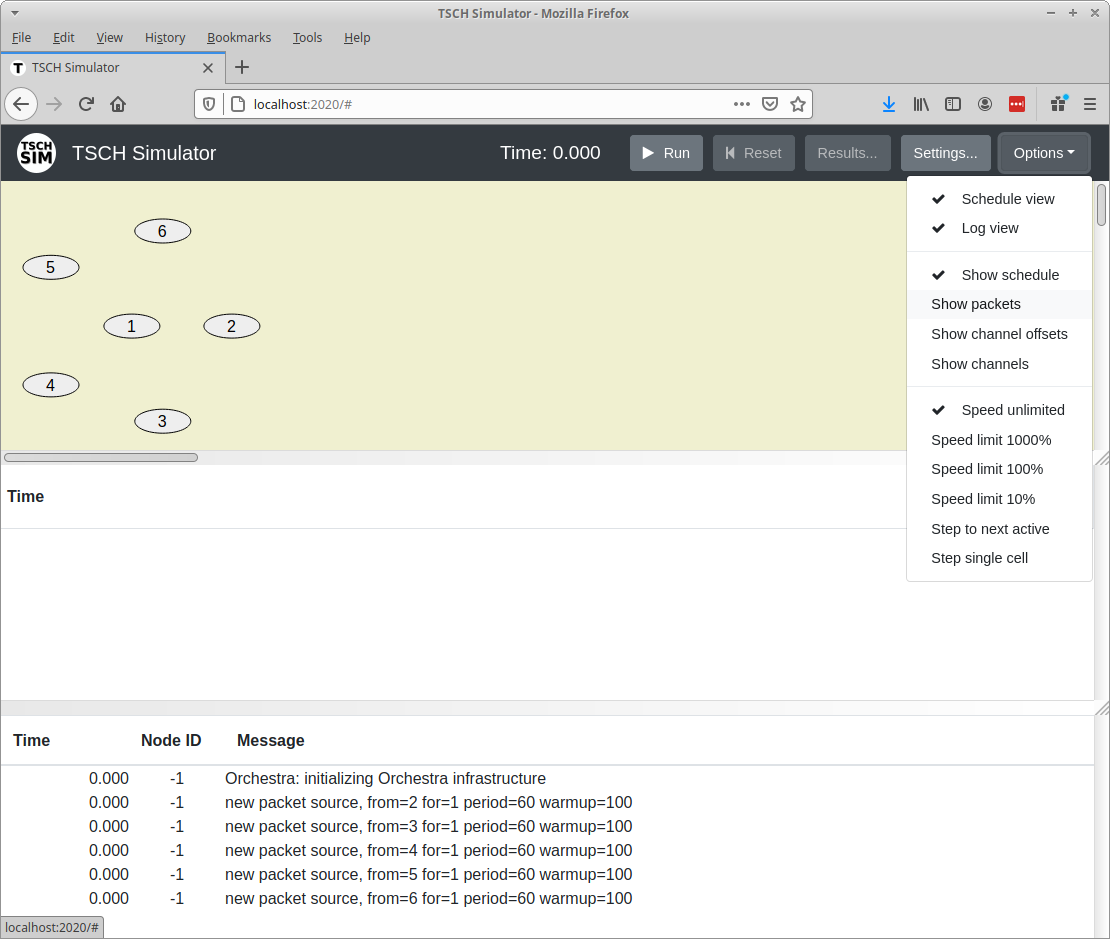
The "Options" dialog allows to configure the TSCH-Sim simulator web interface and execution speed.
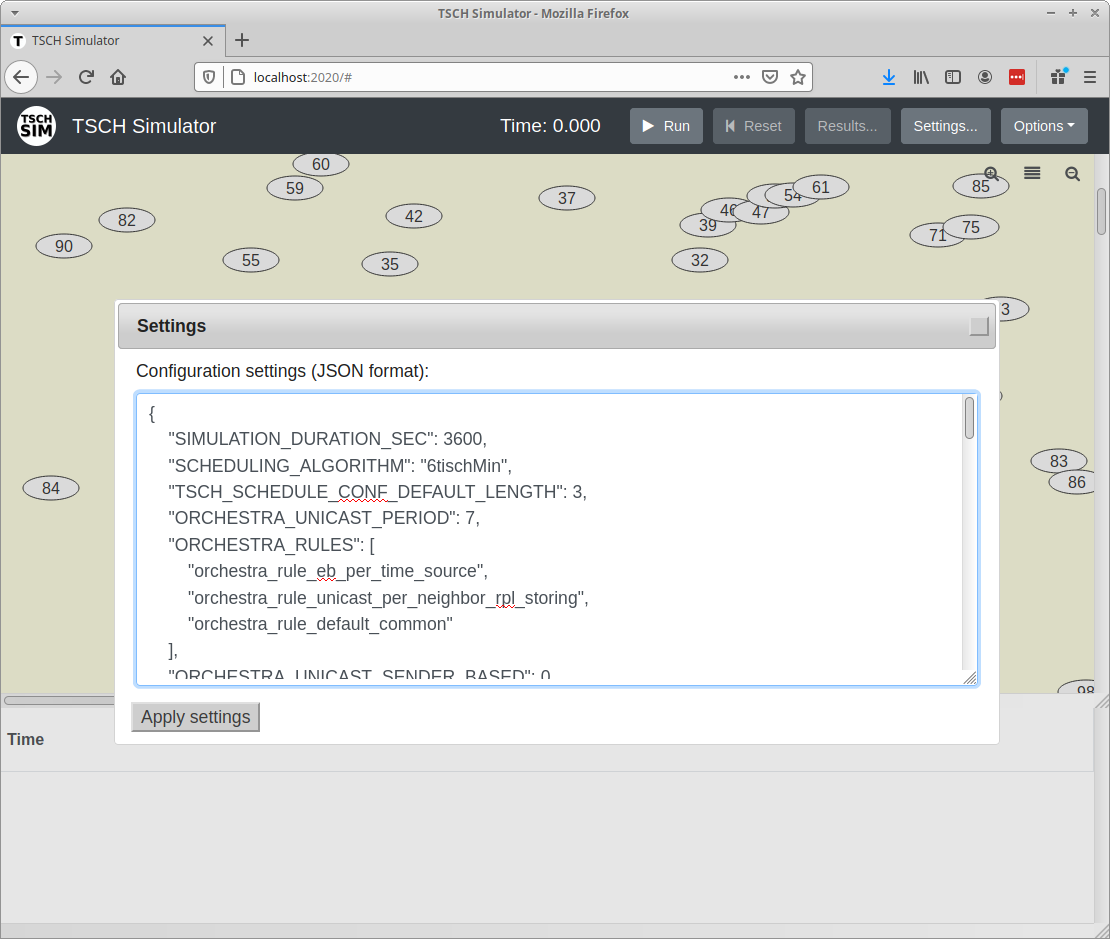
The "Settings" dialog allows to configure the TSCH-Sim simulator.
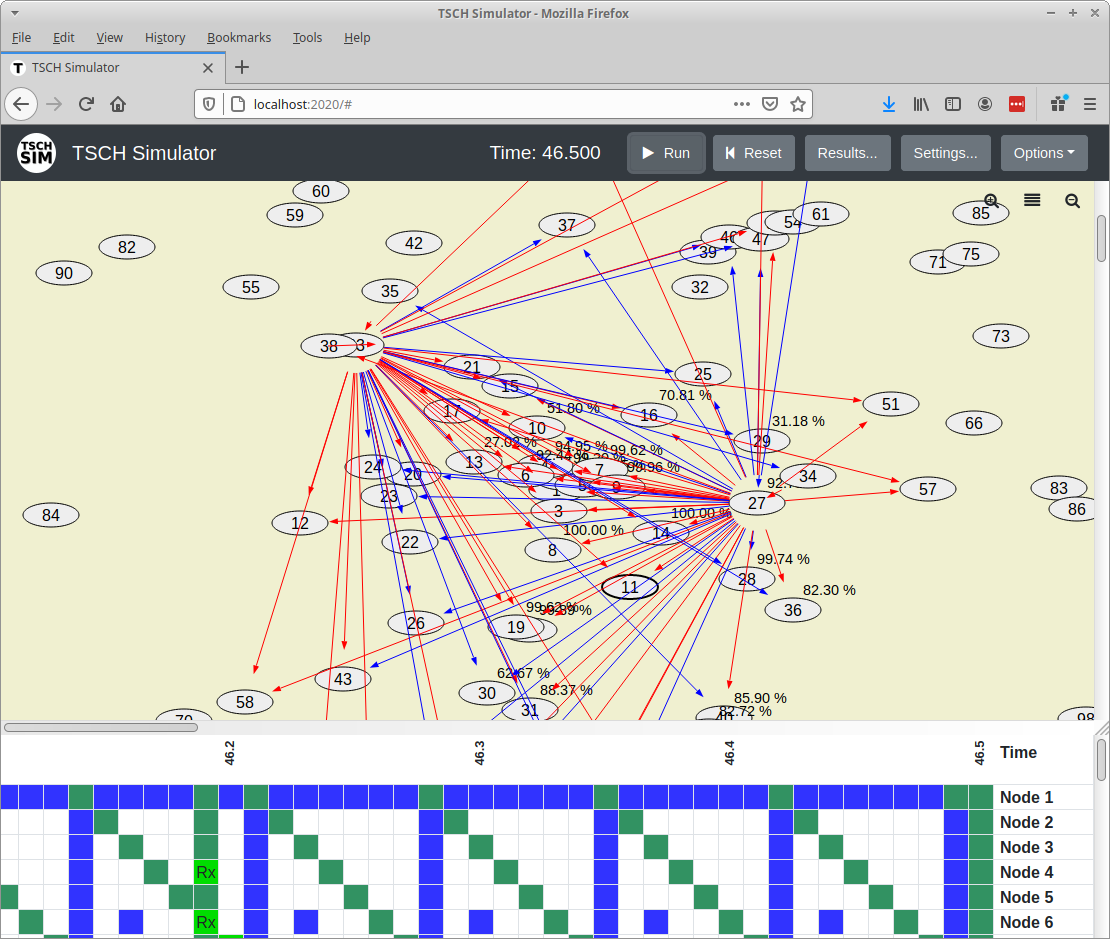
The main screen of the TSCH-Sim simulator shows link qualities (from the selected node) along with recent transmissions. Successful transmissions are shown in blue; failed ones in red.