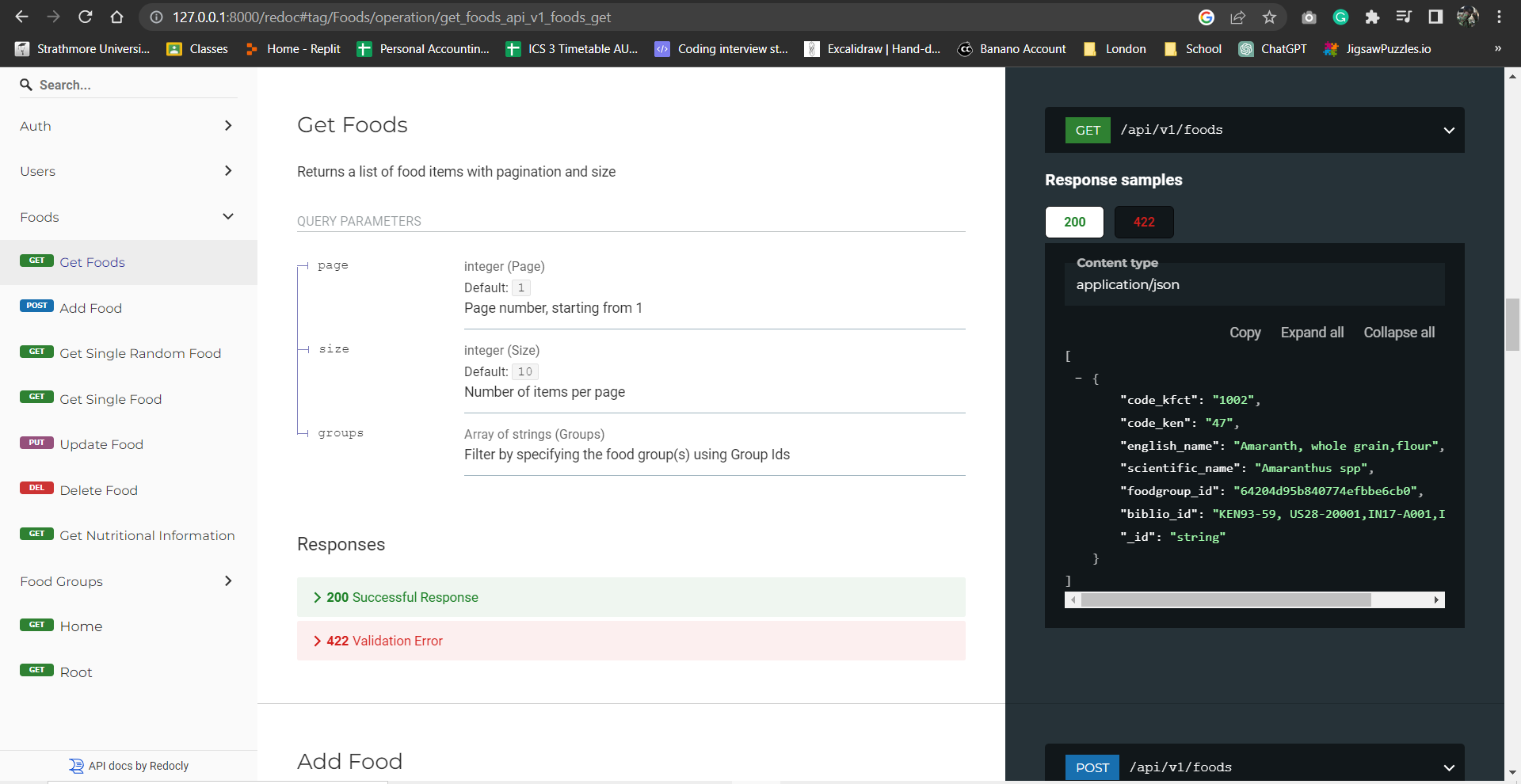
Nutrivore API made with FastAPI
- Dependencies are found in the
requirements.txtfile and should be installed into your environment. - venv will be used to demonstrate. Run the command
Python -m venv envto create the virtual environment. - Activate the virtual environment created and run the command
pip install -r requirements.txtto install the requirements
Note You need to create a copy of the
.env.exampleand rename it to.envthen add the mongoDB connection string to connect to the database
- Start the server by running the command
uvicorn app.main:app. This should start the api server at http://127.0.0.1:8000. You can change the port number with the flag--porte.g.uvicorn app.main:app --port 8080
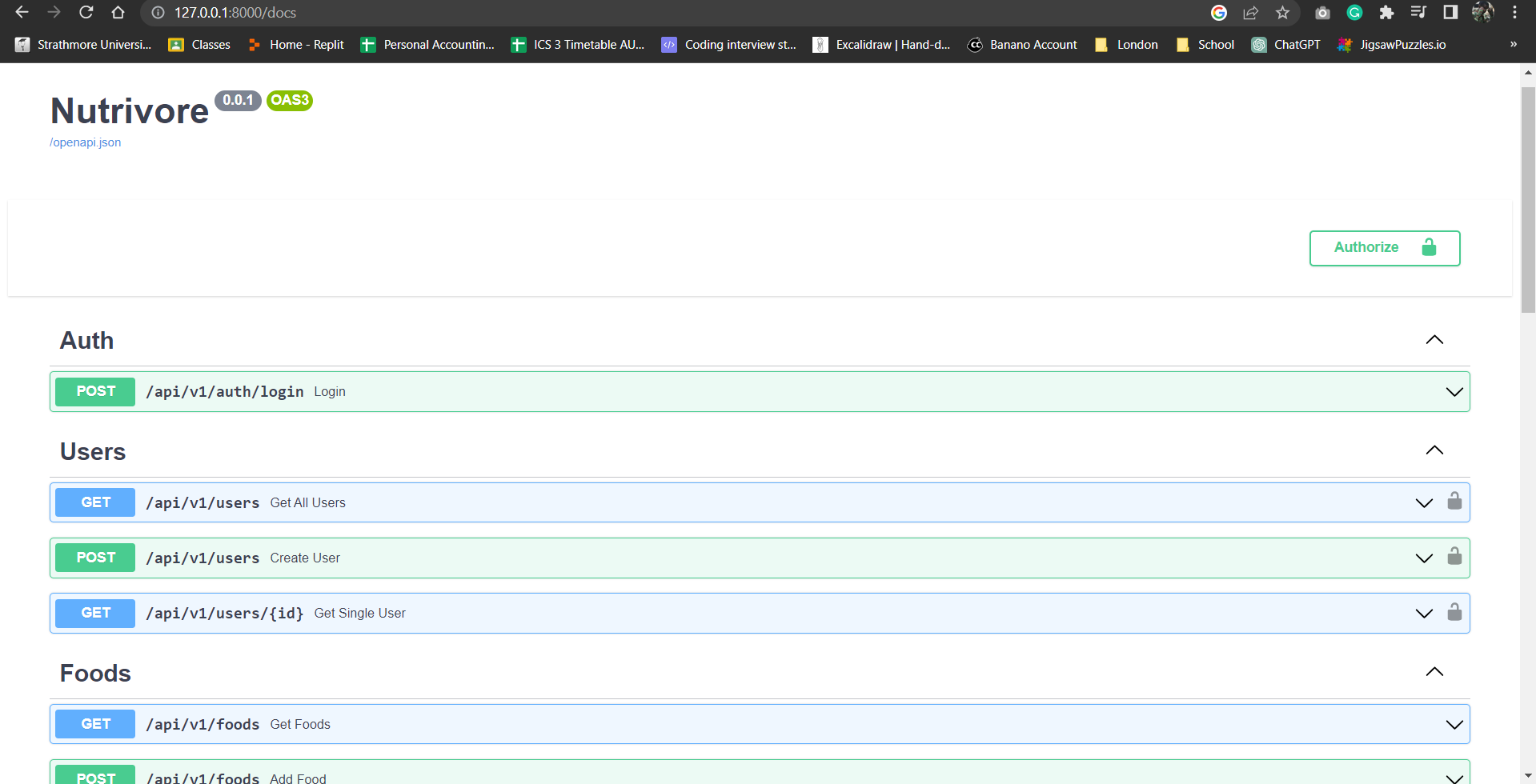
Once the server is running, you can view the api documentation by appending the following to the URL:
/docsto view Swagger UI documentation
/redocto view ReDoc UI documentation