






DJ Celery Panel brings Celery monitoring directly into the Django Admin.
Compatible with dj-control-room. Register this panel in the Control Room to manage it from a centralized dashboard.
- Official site: djangocontrolroom.com
- Project repo: dj-control-room
https://django-control-room.github.io/dj-celery-panel/
- Workers Monitoring: View active Celery workers, their status, pool type, and concurrency
- Task Management: Browse and inspect Celery tasks with detailed information
- Queue Overview: Monitor configured queues and their routing
- Periodic Tasks: View scheduled periodic tasks and their schedules
- Real-time Inspection: Live data from Celery's inspect API
- Django Admin Integration: Seamlessly integrated into your existing Django admin interface
- Swappable Backends: Pluggable architecture for custom data sources and monitoring integrations (see Configuration)
- Python 3.9+
- Django 4.2+
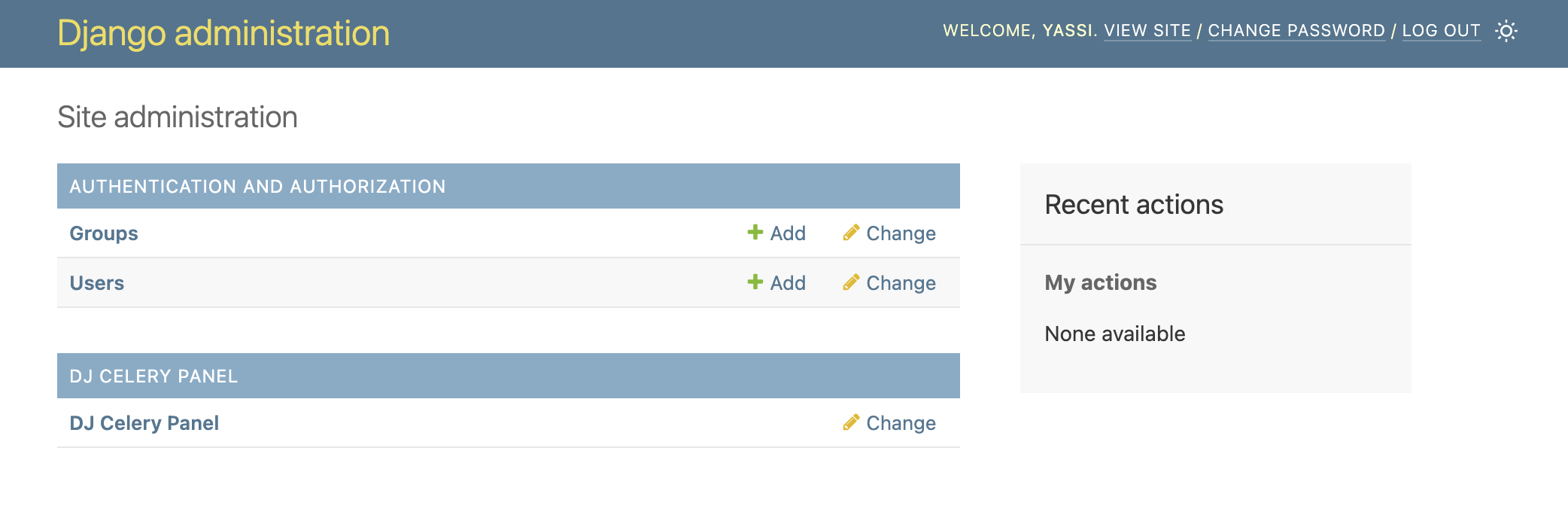
Seamlessly integrated into your Django admin interface. A new section for dj-celery-panel will appear in the same places where your models appear.
NOTE: This application does not actually introduce any model or migrations.
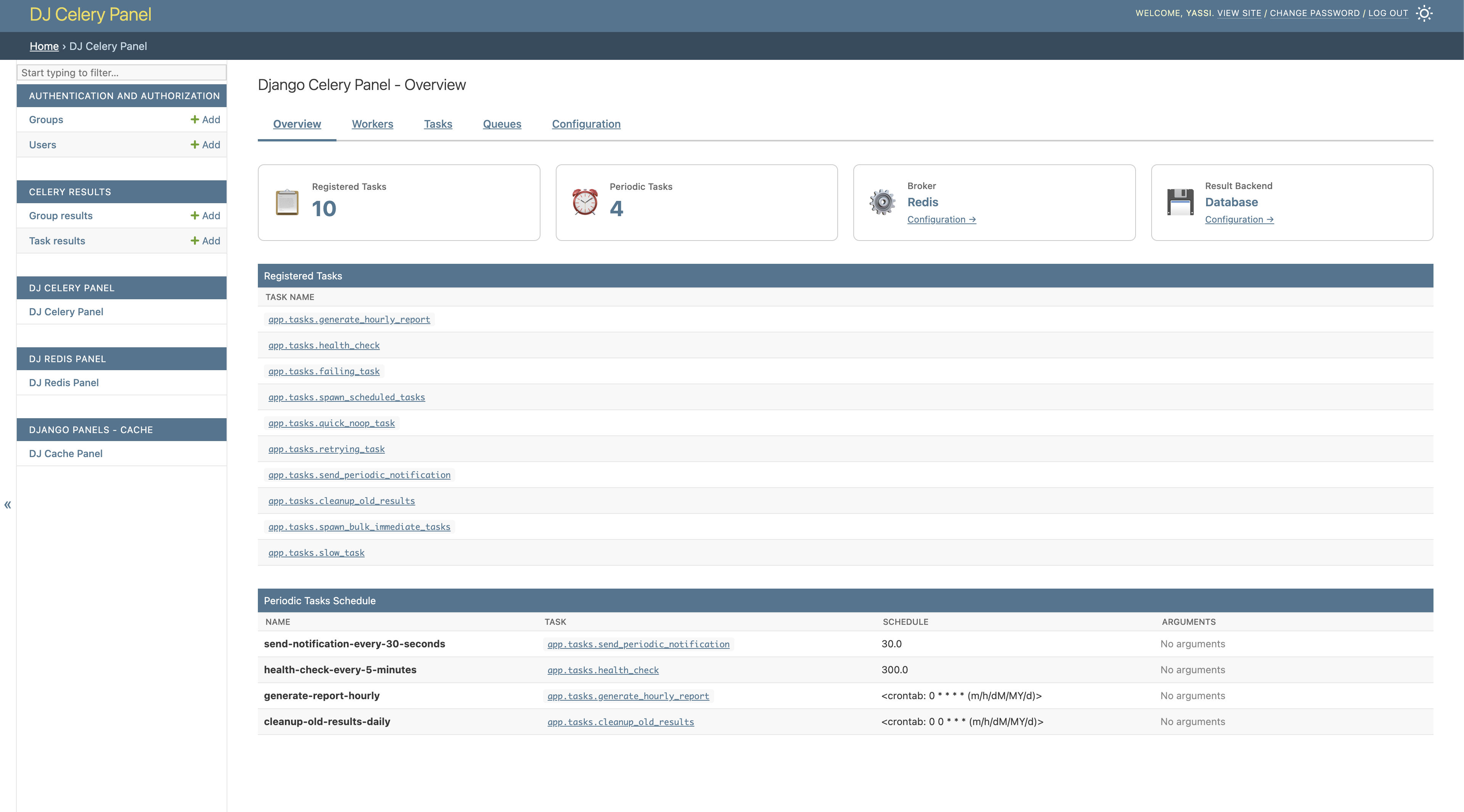
Get a quick overview of your Celery infrastructure including active workers, recent tasks, and queue status.
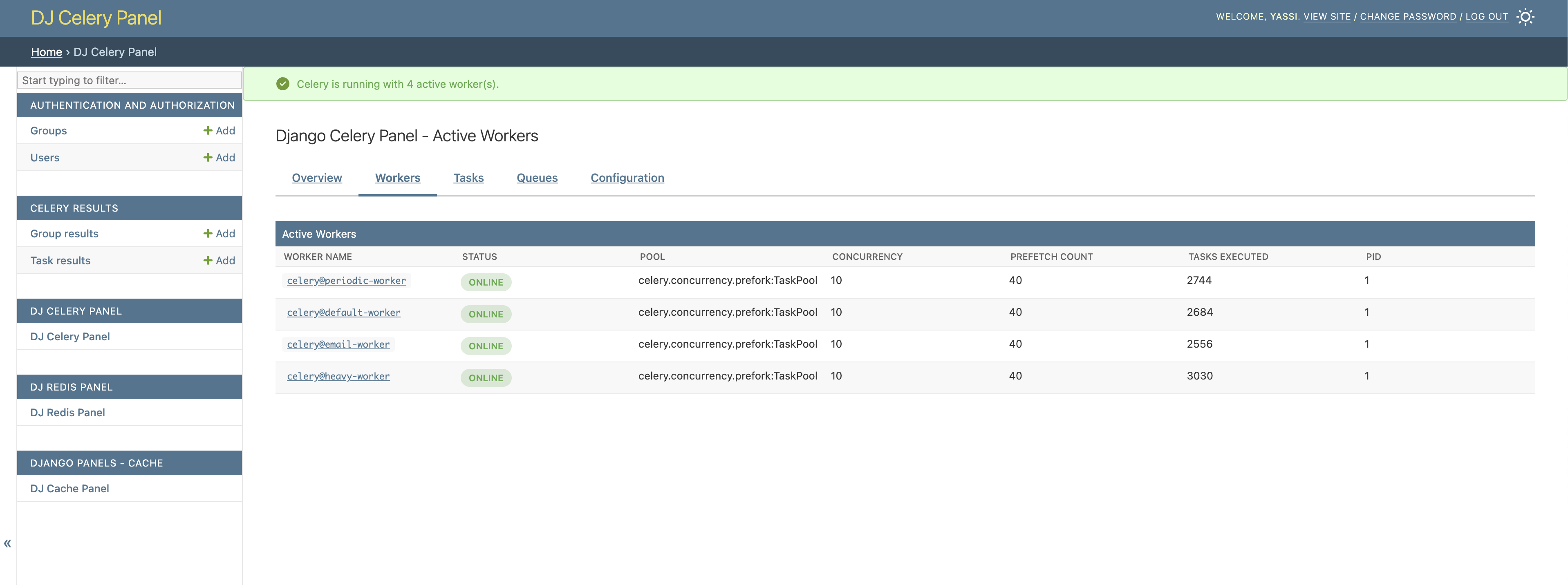
View all active Celery workers with detailed information about their status, pool type, concurrency, and processing capabilities.
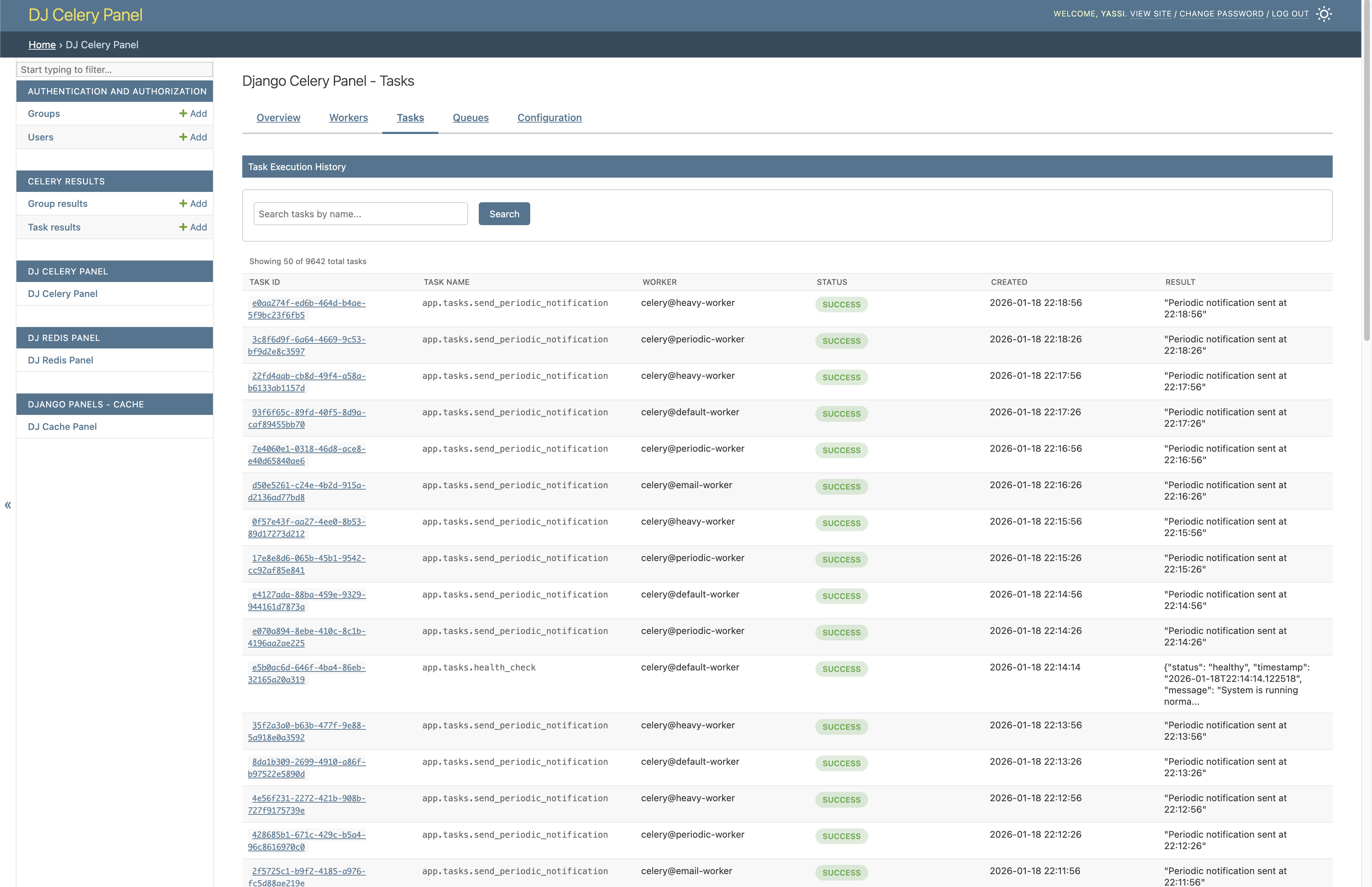
Browse and inspect your Celery tasks with complete details including status, arguments, results, and execution time.
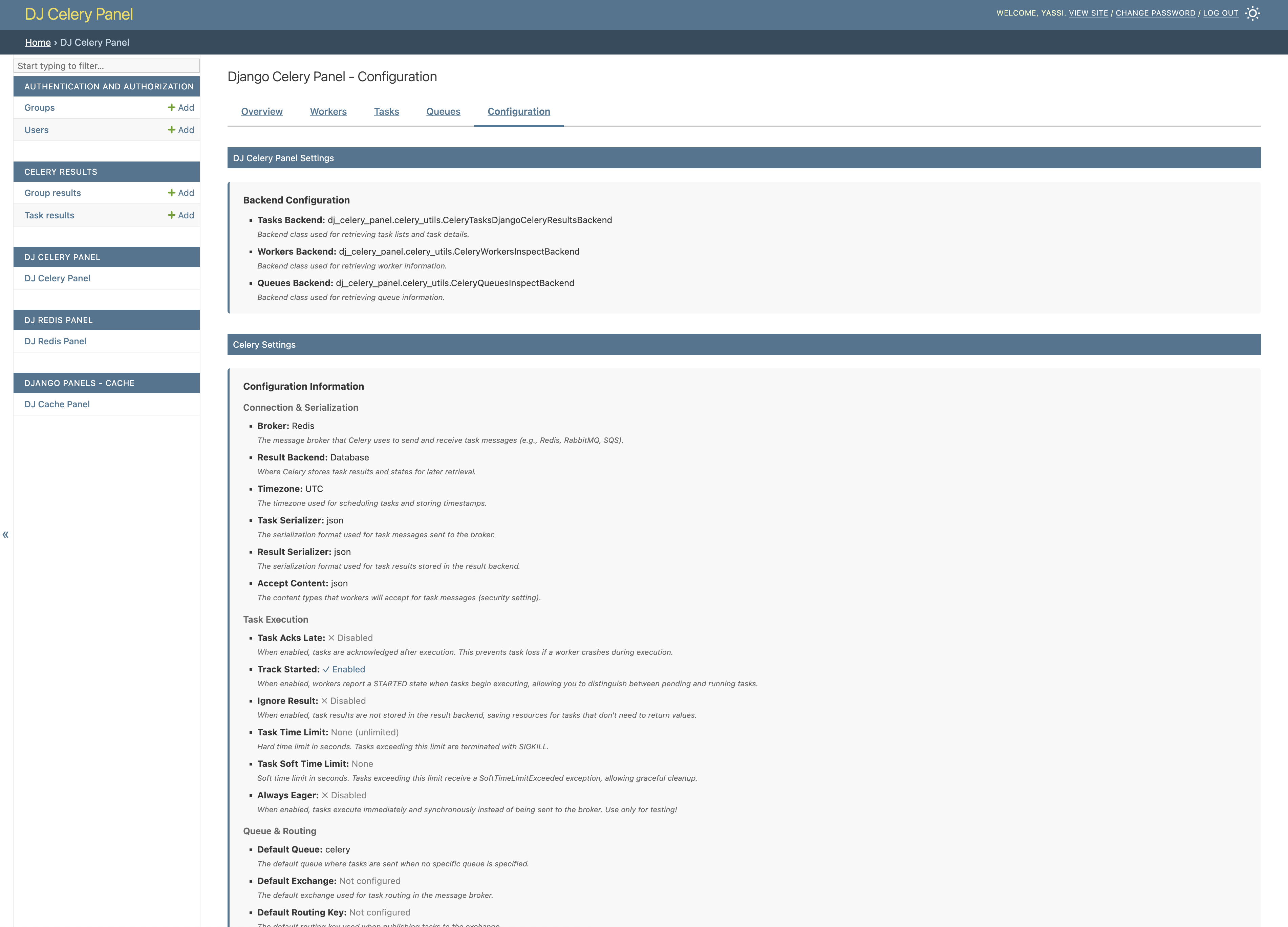
View your Celery configuration including broker settings, result backend, and other runtime parameters.
pip install dj-celery-panel dj-control-roomAdd it to INSTALLED_APPS, include its URLs, and migrate:
INSTALLED_APPS = [
    # ...
    "dj_control_room_base",
    "dj_celery_panel",
    "dj_control_room",
    # ...
]
urlpatterns = [
path("admin/dj-control-room-base/", include("dj_control_room_base.urls")),
path("admin/dj-celery-panel/", include("dj_celery_panel.urls")),
path("admin/dj-control-room/", include("dj_control_room.urls")),
path("admin/", admin.site.urls),
]python manage.py migrateThen visit /admin/ and look for the "DJ CELERY PANEL" section.
Note: The panel requires at least one Celery worker to be running to display worker and queue information.
For the full walkthrough, settings reference (swappable backends, periodic tasks, CSS), and production recommendations, see the Installation and Configuration docs. See Scopes for per-view permission scopes.
This project is licensed under the MIT License. See the LICENSE file for details.
Want to contribute or set up the project for local development? See Contributing for prerequisites, Docker/virtualenv setup, running the example project, and the test suite.