


Silverblue-Post-Installation is a quick, basic configuration script for Fedora Silverblue end-users. Tested on Silverblue 44, and compatible with older and newer versions as well.
-
Disables
NetworkManager-wait-online.service
Speeds up boot time by removing the network wait delay. -
Office fonts
Adds local Microsoft-compatible fonts for better document compatibility. -
Hatter icon theme
Downloads and applies the Hatter icon theme for a cleaner desktop look. -
Migrates Flatpaks to Flathub
Removes Fedora Flatpak remotes, adds Flathub, and installs a curated set of essential Flatpaks.
The script installs a curated set of Flatpaks Flathub, including:
- Brave
- OnlyOffice
- LocalSend
- GNOME apps
- System utilities
- GTK themes
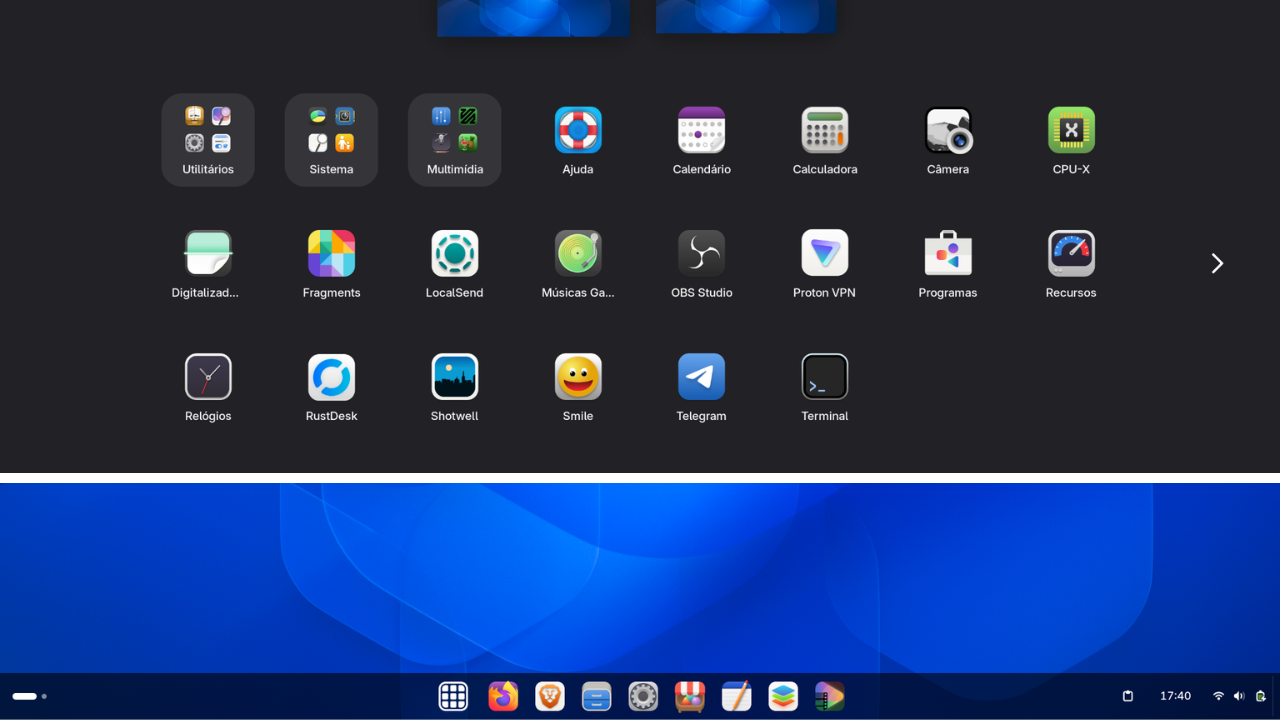
Download and run the script from the terminal:
curl -fsSL https://raw.githubusercontent.com/diogopessoa/silverblue-post-install/main/install.sh -o install.sh
chmod +x install.sh
./install.sh
The script will request sudo only when needed. Do not run it as root.
- Flatpak installations are performed system-wide using
--system. - Fedora and Fedora Testing Flatpak remotes are removed after migration.
- A system reboot is required to apply all changes.
systemctl reboot