

Perlite-Auth is an extended fork of Perlite. It started as "just add authentication", but has since grown well beyond that: on top of a hardened login system, it adds read-only support for Obsidian Bases, a much more reliable image/attachment embed resolver, an auto-refreshing file tree, per-vault welcome pages with a VAULT selector, and its own branding. It also fixes compatibility with PHP 8.2+.
See the Features section below for the full list of what this fork adds on top of upstream Perlite, and the Changelog for version-by-version detail.
A web based markdown viewer optimized for Obsidian Notes
Just put your whole Obsidian vault or markdown folder/file structure in your web directory. The page builds itself.
Its an open source alternative to obsidian publish.
Read more about Perlite and staging tips on my blog post: Perlite on Secure77. If you want to discuss Perlite you can join the Perlite Discord Server
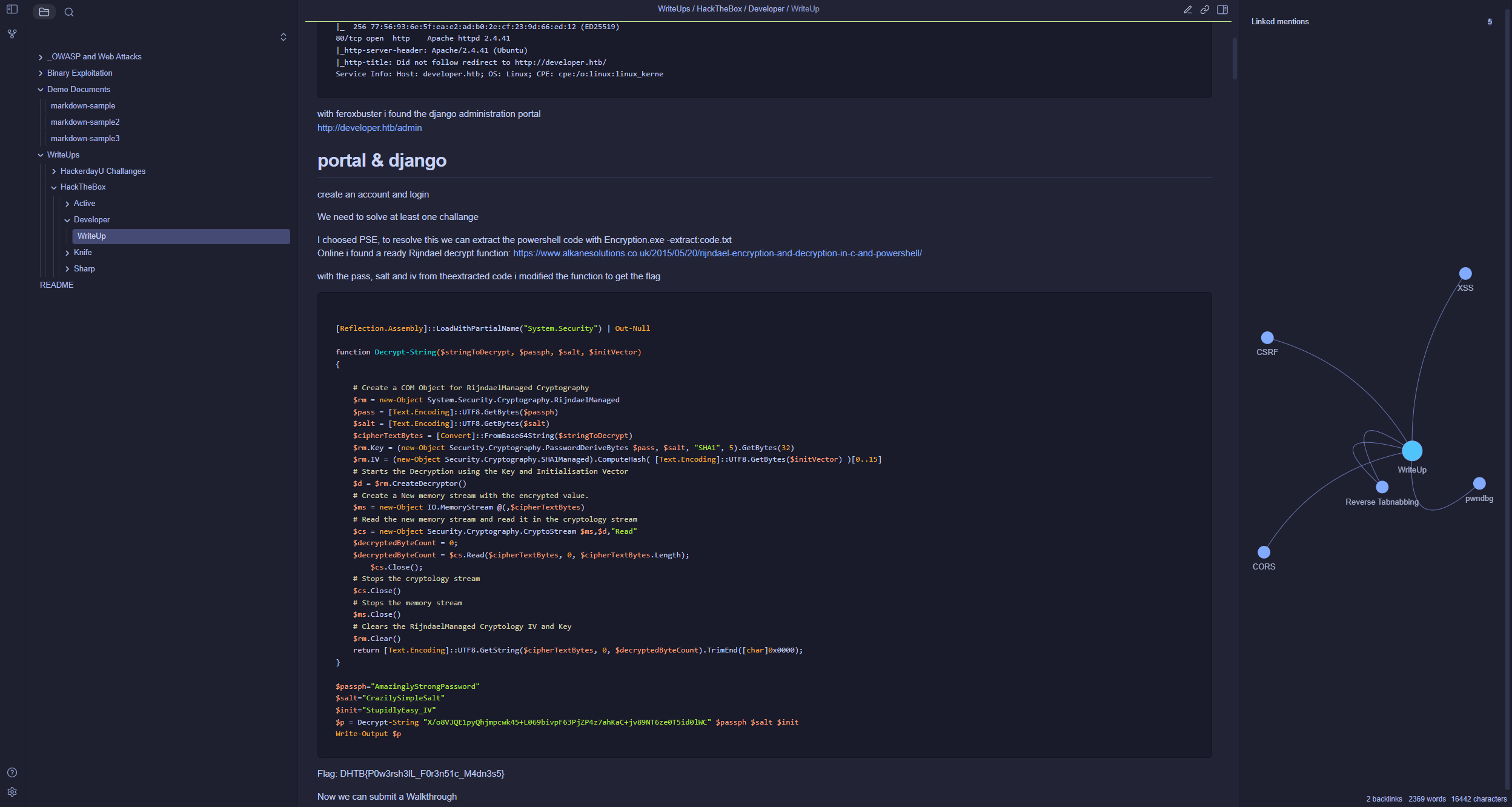
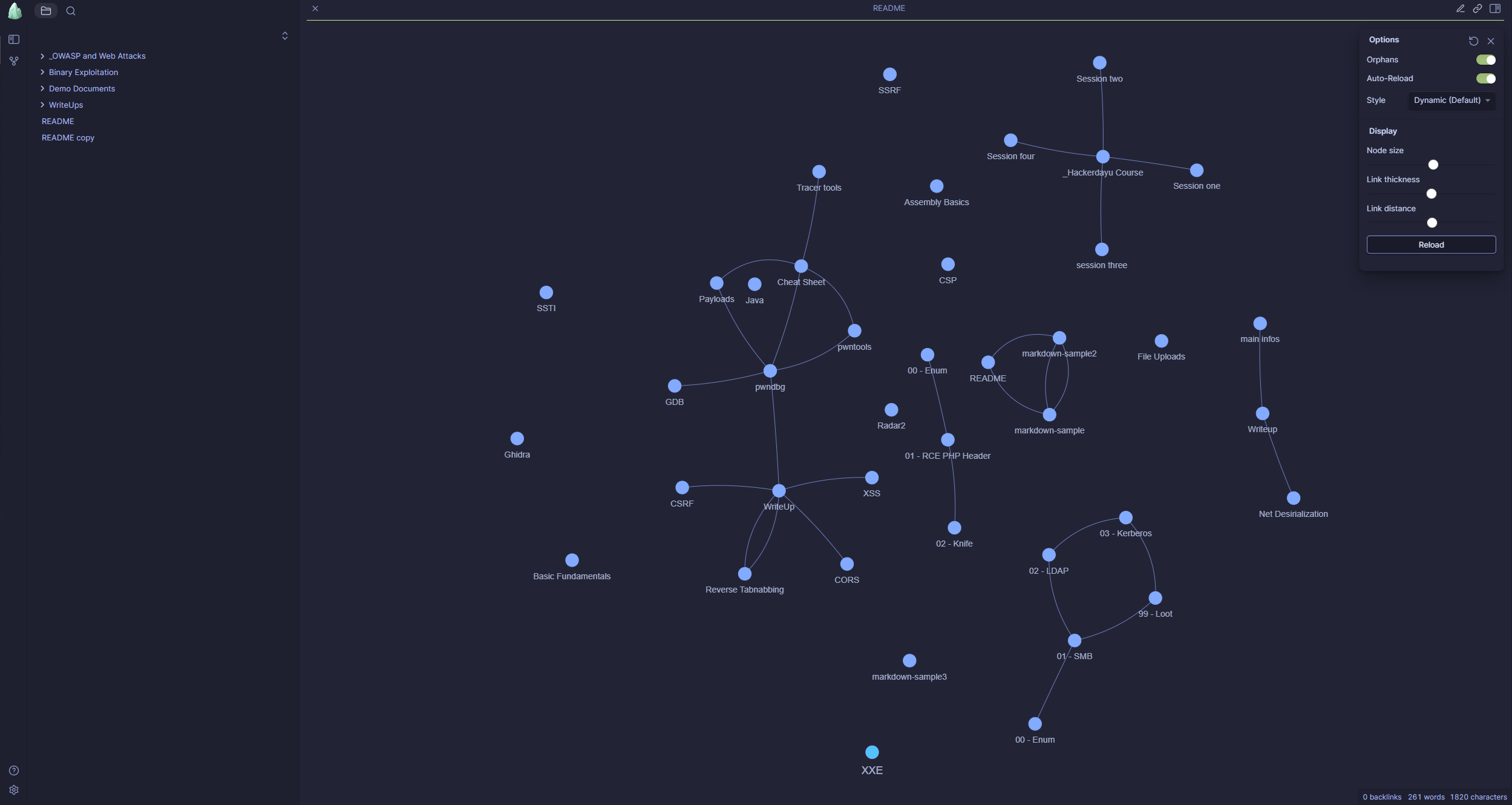
Inherited from upstream Perlite:
- Auto build up, based on your folder (vault) structure
- No Database required
- Obsidian Themes Support
- Fully Responsive
- No manual parsing or converting necessary
- Full interactive Graph
- LaTeX and Mermaid Support
- Link to Obsidian Vault
- Search
- Obsidian tags, links, images and preview Support
- Dark and Light Mode
Added by this fork:
- Authentication, hardened for real-world exposure: bcrypt password hashing,
hash_equals()username comparison, HttpOnly/SameSite (and Secure over HTTPS) cookies, nginxauth_requestgating that also covers direct.phprequests, and rate-limited login attempts - Read-only support for Obsidian Bases (
.basefiles): a YAML-subset config parser, a filter/formula expression evaluator, and a tabbed-table renderer — including clickable wikilinks and markdown links inside table cells - Much more reliable image and attachment embeds: correct resolution of
../-relative paths from Obsidian's "Insert attachment", width-only (![[img|400]]) and spaced (![[img | 400]]) syntax, and images/links embedded inside table cells with escaped pipes - Auto-refreshing file tree and open note, no page reload needed — the frontend polls for on-disk vault changes (e.g. from an
rsyncsync) and silently re-fetches the tree or the open note while preserving scroll position and folder state - Per-vault welcome page and
VAULTselector — pick which vault folder gets served via.env, with aHOME.mdwelcome page template and asetup.shscript that scaffolds it - HOME_FILE fallback for deleted notes or directly-opened stale URLs, instead of a blank or stale reading pane
- Perlite-Auth branding, with its own About page, login screen and logo
This fork adds authentication and the features above on top of Perlite, and is intended for Docker deployment only. Non-Docker setups are not tested.
-
Clone this repository:
git clone https://github.com/dewillepl/Perlite-auth.git
-
Build the Docker image:
docker build -t perlite-auth-app . -
Configure
.env(copy.env.exampleto.env, which is gitignored so real credentials never get committed):cp .env.example .env
PERLITE_USERNAME=admin
PERLITE_PASSWORD_HASH=<bcrypt hash>
VAULT=NameOfYourVaultFolder
Generate the bcrypt hash for your password and paste the output straight into
.envasPERLITE_PASSWORD_HASH:docker run --rm perlite-auth-app php -r "echo password_hash('yourpassword', PASSWORD_BCRYPT), PHP_EOL;" | sed 's/\$/$$/g'
The
seddoubles every$in the hash (e.g.$2y$10$...becomes$$2y$$10$$...) — required because docker-compose treats a single$in.envas variable interpolation and will silently corrupt the hash otherwise. Quoting the value does not prevent this; the$$escaping is the only fix.VAULTpicks which folder under./perlitegets mounted into the container as your vault (defaults toDemo, the bundled demo vault, if left unset). Set it to your own vault's folder name once you're ready to use your real notes.For the rest of the configuration, please refer to the original Docker Setup documentation.
-
Run the setup script — it creates the
./perlite/<VAULT>folder from.envif it doesn't exist yet:./setup.sh
-
Start the container:
docker compose up -d